
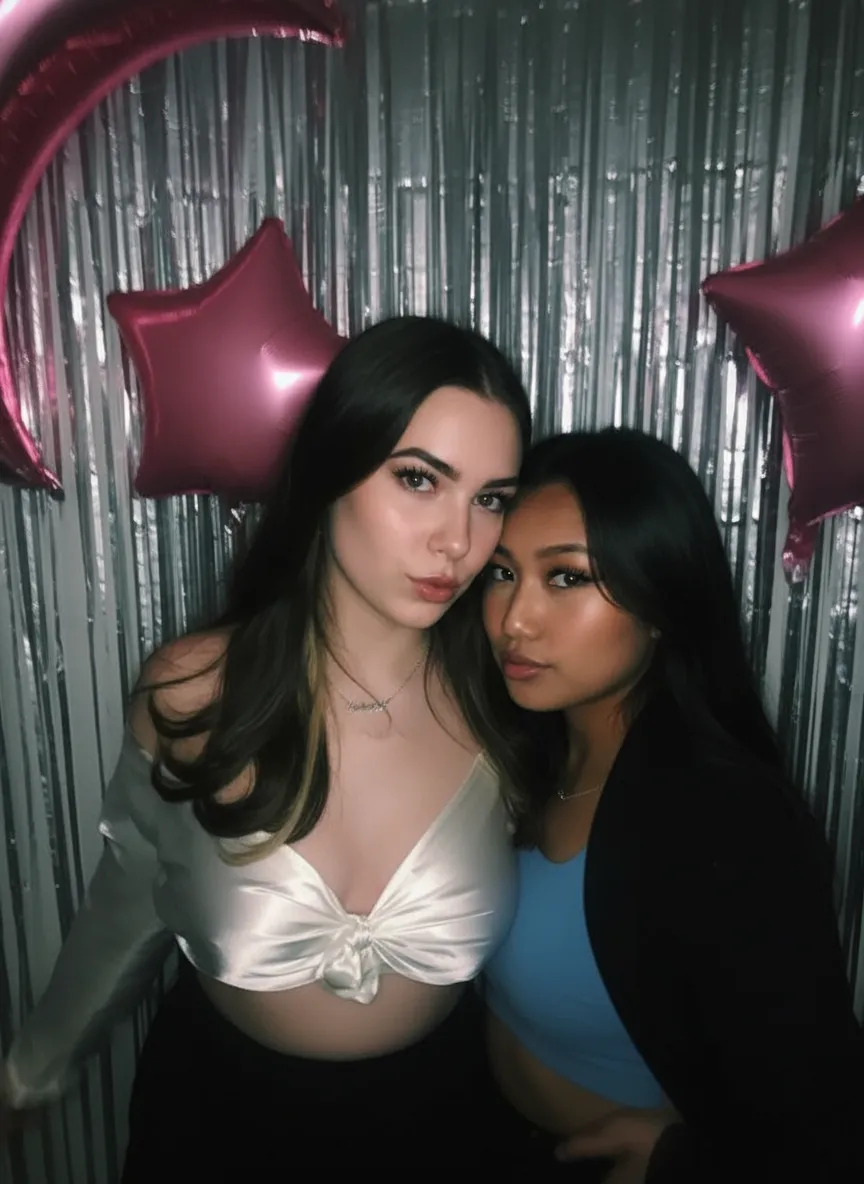
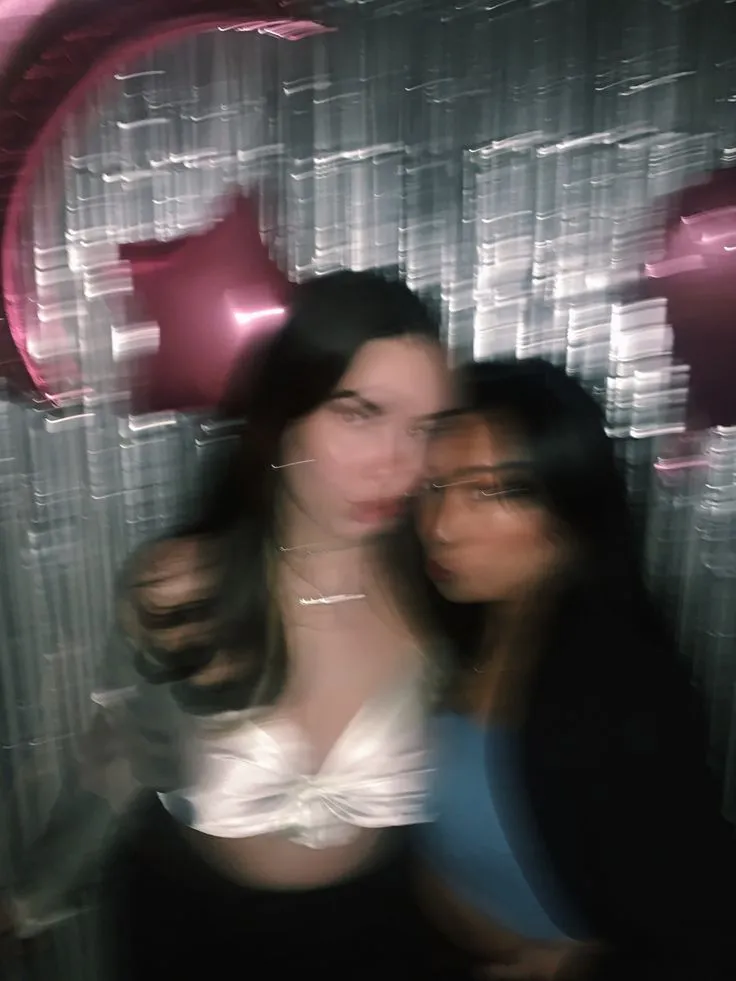
Why fix blurry photos with AI?
Blurry photos happen to everyone. You snap a picture of your toddler running across the room and the result is a smear. You try to grab a candid of your grandfather laughing and he moves just as you press the shutter. You photograph a family moment in low light and the whole shot is soft. These blurry photos often capture the most meaningful, spontaneous moments, which is exactly why they matter. Traditional sharpening filters cannot save them because the detail is genuinely gone, not just hidden. AI sharpening is fundamentally different: the model has learned what sharp photos look like, so it can reconstruct realistic detail where there was blur. It is the only way to genuinely fix a blurry photo instead of just faking sharpness with contrast tricks. (Need a quick one-off fix for a digital image, screenshot, or document? Our unblur image tool page covers that workflow.)
- Rescue once-in-a-lifetime moments ruined by camera shake or motion
- Sharpen faces in photos you thought were too soft to keep
- Get natural-looking results with no harsh sharpening artifacts
- Fix blurry photos online without Photoshop, Lightroom, or any editing skill
- Save blurry photos you were about to delete, many can be fully recovered
What to expect
What kinds of blur can AI actually fix?
Not all blur is the same, and knowing the type of blur in your photo helps you understand what the AI can recover. There are three main categories: motion blur (the subject moved during the exposure), camera shake (your hands moved during the exposure), and defocus blur (the camera focused on the wrong thing). Each leaves a slightly different signature in the image, and our AI is trained to handle all three.
Motion blur tends to streak in a specific direction. You can often tell which way the subject was moving by looking at the smear. Camera shake is similar but usually affects the whole frame equally. Defocus blur is more even, soft, and circular. The AI detects which type of blur it is looking at and applies the right kind of correction. For mild or moderate cases of any of these three types, results are often indistinguishable from a photo that was sharp to begin with.
Where AI sharpening has limits: if a photo is so severely blurred that no structural detail remains (for example, a long-exposure shot where a face is just a smeared oval), the AI has nothing to work with. It cannot invent eyes, nose, and mouth from pure smudge. Results are best when you can still faintly see the shapes of features, even if they are very soft. The worse the blur, the more the AI has to extrapolate, and the more "AI-ish" the result can look. For mild to moderate blur, results are excellent. For extreme cases, results can be dramatic but may not be 100% faithful to the original person.

“My grandma cried when she saw her wedding photo restored. Absolutely incredible.”
Maria K.

“Uploaded a blurry photo from the 70s and got back a crystal clear image. Like magic.”
James T.

“Finally recovered old family photos I thought were lost forever. So easy to use.”
Sarah M.
How it works
3 simple steps.
AI Sharpening
Reconstructs lost detail. Not just contrast.
Traditional sharpening filters (like Photoshop's Unsharp Mask) only increase edge contrast. They cannot create detail that was lost when the photo was blurred. Our AI is different: it has been trained on millions of sharp/blurry image pairs, so it has learned what sharp eyes, hair, skin texture, and fabric actually look like. When it sees a blurry face, it does not guess. It reconstructs realistic detail based on what it has learned. The result is a naturally sharp photo, not a crunchy over-processed one.
- ✦Fixes motion blur, camera shake, and out-of-focus blur
- ✦Reconstructs eyes, skin texture, hair, and facial features
- ✦No harsh sharpening artifacts or halos around edges
- ✦Trained on millions of sharp/blurry photo pairs
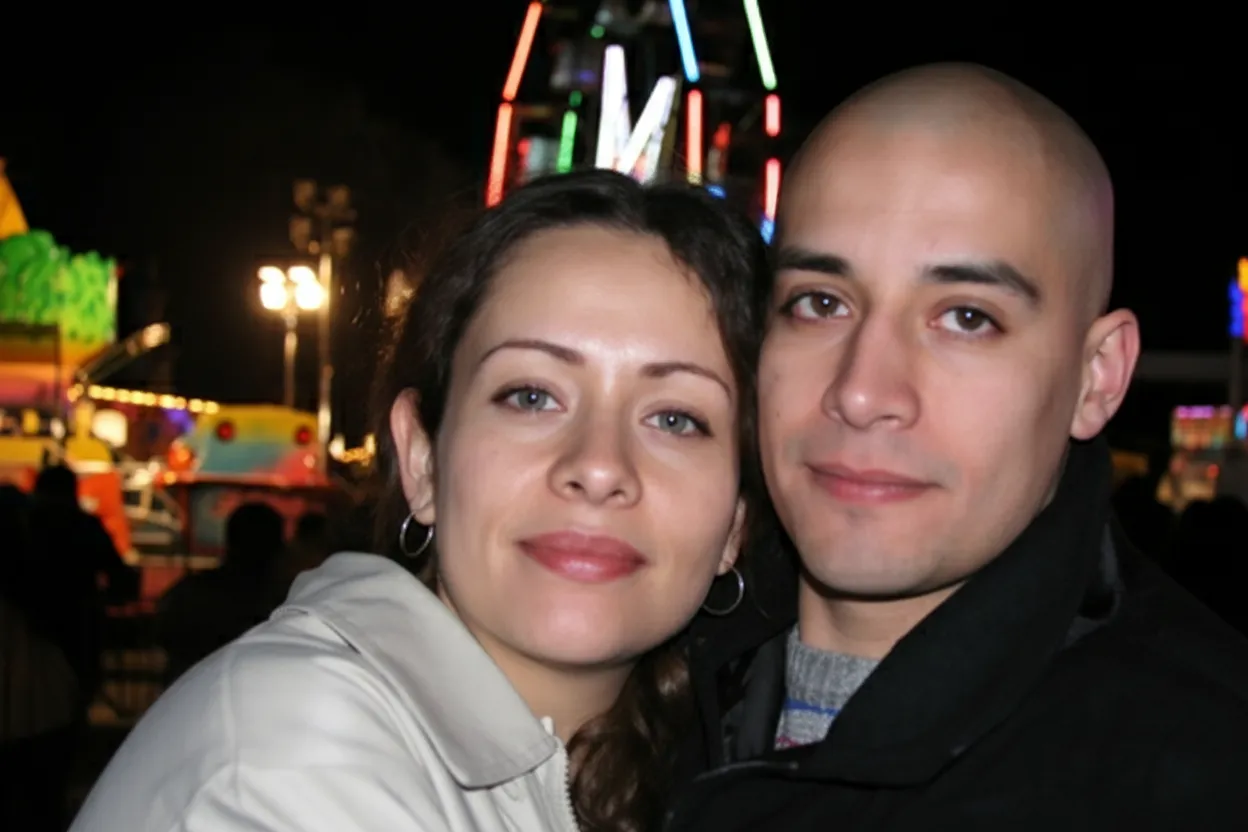
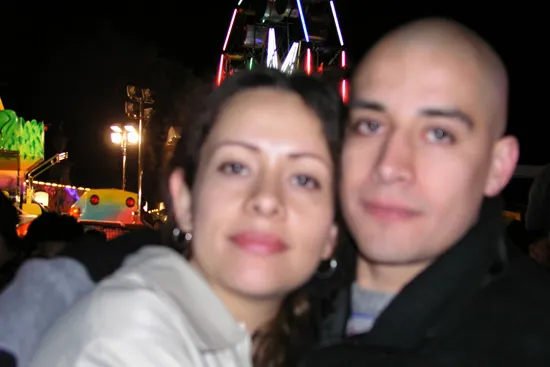
Easy to Use
Upload, fix, download. No sliders, no Photoshop.
Every sharpening tool in Photoshop, Lightroom, or a phone editor asks you to tweak sliders. Radius, amount, threshold, masking, noise reduction. Most people have no idea what those do. Our AI removes all of that. Drop in your blurry photo and the model automatically detects the type and amount of blur and fixes it. You see the sharpened result in about 30 seconds, side-by-side with the original. If you want to try again with different parameters, just re-upload.
- ✦Works in any browser on desktop, iPhone, or Android
- ✦Fully automatic. No sliders, no manual adjustments.
- ✦Full-resolution download ready in under 30 seconds
- ✦No software to install and no signup required to try
Trusted
Save photos you thought were ruined forever.
Before you delete that blurry photo of your baby's first steps, your wedding kiss, or your grandfather's last birthday, try our AI first. Over 470,000 people have used RestorePhotos to rescue blurry memories that felt unsalvageable. Every new account gets 2 free photo fixes, so you can try it on your most important blurry photo before spending anything. If you have a whole camera roll of soft or shaky shots, our Family plan covers 50 fixes for $29.99 ($0.60 per photo).
- ✦Works with severe blur, soft focus, and heavy camera shake
- ✦2 free photo fixes on every account, no credit card required
- ✦One-time pricing. No subscription. Credits never expire.
- ✦30-day money-back guarantee on all credit packs
In-depth guide
How to fix blurry photos: a step-by-step guide
First, find the blurry photos you want to fix. Look through your phone camera roll, old photo exports, social media archives, and family albums. Common sources of blurry photos: low-light shots, action shots of kids or pets, photos taken from a moving car or train, zoomed-in phone photos, and quickly-snapped candid moments. Any of these can be improved by AI sharpening. If a photo seems a little soft or slightly out-of-focus, try fixing it. You will often be surprised by how much detail the AI recovers.
Upload your blurry photo to restorephotosapp.com/restore and select "Sharpen" mode. You can drag the photo onto the page or click to browse. The AI starts analyzing the blur immediately. Within about 30 seconds you will see the before and after side-by-side with a draggable slider. Zoom in on faces and fine details to see exactly what the AI recovered. If you are happy, download the full-resolution file.
For low-light or noisy photos that are also blurry, the AI handles both problems at once. The sharpening model also reduces noise as a side effect, so a blurry, grainy phone shot often comes back looking dramatically cleaner. You do not need to run separate noise reduction. It is built in.
If the blur is very severe, you can try running two passes. Fix the photo once, download the result, then upload that result for a second pass. The second run refines details the first could not reach through the original blur. Each pass costs one credit. This technique sometimes works well on heavily blurred old photos where one pass is not enough.
For very old, blurry photos from film cameras, try combining "Restore Old Photo" mode with "Sharpen" mode. First run "Restore Old Photo" to fix fading, yellowing, and scratches. Download that result, then run it through "Sharpen" mode for the final focus correction. This two-step flow produces the best results for vintage photos that are both damaged and soft.
For blurry phone photos of important documents (boarding passes, receipts, handwritten notes), sharpening is often good enough to make them readable again. Upload the blurry document photo, run "Sharpen" mode, and the AI reconstructs enough text and edge detail to read the information.
Once you have your sharpened photo, save a backup. Sharpened photos of important moments (a child's birthday, a family reunion, a wedding) deserve redundant storage. Save copies to both cloud storage (iCloud, Google Photos, Dropbox) and a local drive. If you plan to print a sharpened photo for a frame, use a good photo print lab for the cleanest result.
Want to go further? After sharpening a portrait, try our Animate feature. It turns a still photo into a short video where the person blinks, smiles gently, or the camera slowly pushes in. Each animation costs 3 credits. A sharpened-then-animated photo of a grandparent or parent makes a deeply personal gift for anniversaries, birthdays, and memorial tributes.
Expert tips
Tips for fixing blurry photos
Do not pre-sharpen before uploading
If you already ran a sharpening filter in Photoshop, Lightroom, or a phone editor, the AI has less clean data to work with. Upload the original blurry version and let the AI do everything in one pass. Double-sharpening creates ugly artifacts.
Upload the full photo, not a crop
The AI uses context from the whole image to understand what is blurred. Cropping to just a face removes helpful context. Upload the full image and crop after sharpening if you want to zoom in on a specific person.
Try your free fixes on your most important blurry photo
Every account gets 2 free photo fixes. Use them on the blurry photos that matter most to you, like a baby's first steps, a wedding kiss, or a rare candid moment. See the quality firsthand before buying credits.
For very severe blur, run two passes
If one pass is not enough, download the result and upload it again for a second pass. The second run refines details the first could not reach through the original blur. Each pass costs one credit.
For low-light blurry shots, AI handles noise too
Blurry photos from low-light situations are often noisy and grainy as well. Our sharpening model reduces noise at the same time as fixing blur, so you get a cleaner, sharper result without running separate noise reduction.
Sharpen phone photos of documents for readability
Blurry phone photos of receipts, notes, or boarding passes can be made readable by AI sharpening. Upload the blurry document shot, run Sharpen mode, and the AI usually recovers enough text clarity to read it.
For vintage blurry photos, restore first then sharpen
Old film photos often have both damage and soft focus. Run "Restore Old Photo" first to fix fading and scratches, download the result, then run "Sharpen" on that result. The two-step flow gives the best outcome on vintage blurry photos.
Share the before/after to show friends
The side-by-side result with the slider is impressive. Screenshot the comparison and share it on social media or with family. A lot of people do not realize blurry photos can actually be fixed, and they have their own blurry memories they would love to rescue.
Pricing
One-time pricing. No subscription. Credits never expire.
Starter
Perfect for trying it out on a few precious photos.
$0.70 / credit · 10 restorations
Start Restoring Photos- 10 AI credits included
- High-Resolution Output
- Credits Never Expire
- Animate Photos with Credits
30-Day Satisfaction Guarantee
Pro
For restoring a small album of memories.
$0.68 / credit · 25 restorations
Get Pro Access- 25 AI credits included
- High-Resolution 1080P Output
- Credits Never Expire
- Animate Photos with Credits
30-Day Satisfaction Guarantee
Family
Restore your entire family photo collection.
$0.60 / credit · 50 restorations
Get Family Plan- 50 AI credits included
- High-Resolution 1080P Output
- Credits Never Expire
- Animate Photos with Credits
30-Day Satisfaction Guarantee
Studio
For entire archives, professionals, and power users.
$0.55 / credit · 100 restorations
Get Studio Plan- 100 AI credits included
- High-Resolution 1080P Output
- Credits Never Expire
- Animate Photos with Credits
30-Day Satisfaction Guarantee
Prices don't include VAT.
FAQ
Frequently asked questions
Can AI really fix blurry photos?
Yes. Modern AI sharpening does not just increase edge contrast (like Photoshop's Unsharp Mask filter); it actually reconstructs missing detail based on what sharp photos look like. The AI has been trained on millions of sharp/blurry image pairs, so it has learned what sharp faces, eyes, hair, and skin textures look like. For mild to moderate blur, results are often indistinguishable from a photo that was sharp to begin with.
How do I fix a blurry photo online for free?
Go to restorephotosapp.com/restore and create a free account. No credit card required. Every account gets 2 free photo fixes. Upload your blurry photo, select "Sharpen" mode, and download the unblurred result in about 30 seconds. Use these free credits on whichever blurry photos matter most to you.
What types of blur can AI fix?
Our AI fixes motion blur (subject moved during the exposure), camera shake (hands shook during the exposure), and defocus blur (camera focused on the wrong thing). It also handles general softness from low-light phone shots, zoomed-in photos, and slightly missed focus. Faces and portraits produce the most dramatic results.
How do I fix a blurry photo without Photoshop?
You do not need Photoshop, Lightroom, or any editing software. Our tool works entirely in your browser. Upload the blurry photo, select "Sharpen" mode, and the AI handles everything automatically in about 30 seconds. No sliders, no layers, no masks, no manual adjustments.
Can I fix blurry photos on my iPhone or Android?
Yes. Our tool works in any mobile browser. No app to install. On your phone, open restorephotosapp.com, upload a blurry photo from your camera roll, and the AI sharpens it right there. Save the fixed version to your phone, share it, or print it from Photos.
Will my photo look natural after AI sharpening?
Yes. Because the AI reconstructs realistic detail instead of just boosting contrast, the result looks natural. Not crunchy or over-sharpened. You will not see the harsh halos, edge artifacts, or noise amplification that traditional sharpening filters produce. Most people cannot tell a photo was sharpened by AI.
How long does it take to fix a blurry photo?
Under 30 seconds per photo. Upload your image, the AI analyzes the blur type, reconstructs missing detail, and returns a sharpened version. The full workflow, from opening the site to downloading the fixed photo, takes about a minute.
How much does it cost to fix blurry photos?
Your first 2 photo fixes are free. No credit card required. After that, credits start at $6.99 for 10 fixes ($0.70 each). The Family plan is the best value at $29.99 for 50 fixes ($0.60 each), and our Studio plan covers 100 fixes for $54.99 ($0.55 each). Every plan includes a 30-day money-back guarantee.
Can AI fix severe motion blur?
It depends on severity. Mild to moderate motion blur is handled extremely well. Results are often excellent. Very severe motion blur, where the subject is a complete streak, is harder because there is less structural detail for the AI to work with. Try your free credits first to see how your specific photo comes out. Many "severe" cases are actually recoverable.
Can AI fix blurry faces in old photos?
Yes. Faces are what the AI was most heavily trained on. Blurry portraits, soft family photos, and out-of-focus candids typically produce excellent results. The AI reconstructs eyes, skin texture, hair, and facial expressions naturally.
Can I fix blurry photos in bulk?
Yes. Upload multiple blurry photos at once and the AI processes each one individually. When done, download everything as a ZIP file. Bulk sharpening is useful for camera rolls from a specific event (wedding, vacation, kids' party) where many shots are soft. Our Family plan makes bulk sharpening affordable at $0.60 per photo.
Will AI sharpening work on low-light or noisy photos?
Yes, and it handles both problems at once. Our sharpening model reduces image noise as part of its processing, so a blurry, grainy low-light photo comes back both sharper and cleaner. You do not need to run separate denoising.
Can I fix blurry photos for printing?
Yes. The AI outputs full-resolution sharpened photos that print beautifully. Pro, Family, and Studio plans include high-resolution 1080P output, ideal for 8x10 and larger prints. A blurry photo that was unprintable before can often be sharpened enough to frame after AI processing.
Is AI photo sharpening better than Photoshop?
For most people, yes. Photoshop's Unsharp Mask and Smart Sharpen filters only increase edge contrast. They cannot create detail that was lost. AI sharpening actually reconstructs missing detail based on learned patterns. It also requires no skill or manual tweaking. Experienced Photoshop users may still prefer manual control for specific edits, but for general blur fixing, AI produces better results faster.
Can I fix blurry photos from old film cameras?
Yes, and you will get even better results if you also restore the photo. For vintage blurry photos, run "Restore Old Photo" first to fix fading, scratches, and color issues. Then run "Sharpen" on the restored result. This two-step flow handles the damage and the blur separately for the cleanest final image.
Is my blurry photo safe and private when I upload it?
Yes. Photos are transferred securely over HTTPS and stored privately on Cloudflare R2. Originals and processed versions are kept for 30 days so you can re-download them, then permanently and automatically deleted. We never share your photos with third parties and never use them to train AI models.
Will AI sharpening change how people look in my photo?
No. The AI is trained to preserve identity. It reconstructs blurred facial features based on what it can see in the original blur. It does not replace the person's face with a different one. The result looks like the same person, just in focus. If the blur is extreme, the AI may have to extrapolate some details, but it stays faithful to the visible structure.
Can I animate a sharpened photo?
Yes. After fixing a blurry portrait, you can use our Animate feature to turn it into a short video where the person blinks, smiles gently, or the camera slowly pushes in. Each animation costs 3 credits. A sharpened-then-animated photo of a family member makes a memorable gift for birthdays, anniversaries, or memorials.























