
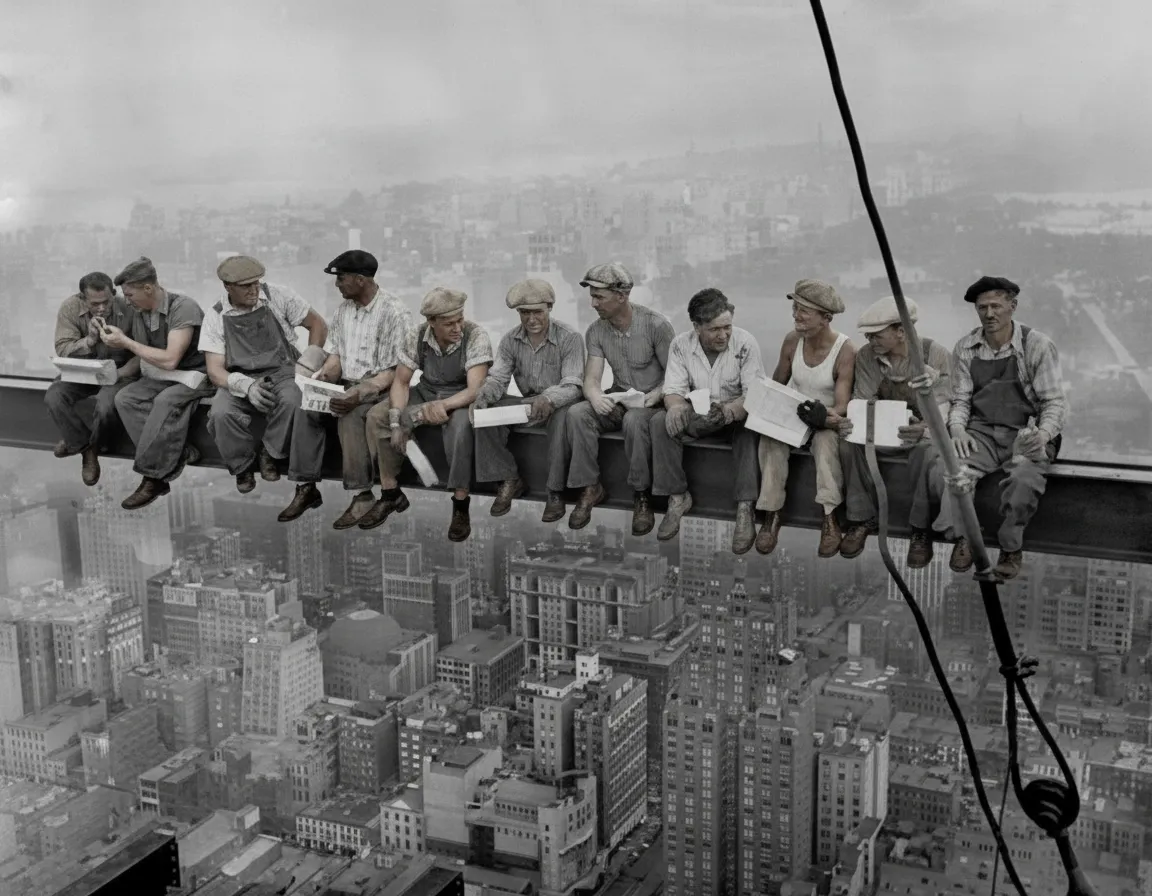
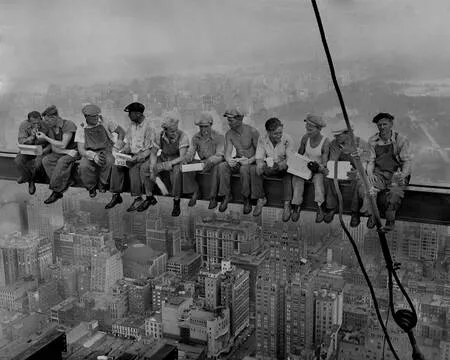
Why use an AI photo colorizer?
Colorizing a photo by hand in Photoshop means masking every region — each face, each garment, each patch of sky — and painting color onto separate layers. Done well, a single portrait takes hours, and most tutorials assume you already know your way around layer masks and blend modes. An AI photo colorizer collapses all of that into one automatic step. The model has already learned what the world looks like in color, so it makes the thousands of small color decisions for you, in seconds, with no editing skills required. For a single precious photo or a shoebox of two hundred, it is the difference between a weekend project and a coffee break.
- Colorize an image in 30 seconds instead of hours in Photoshop
- No editing skills, software installs, or plugins needed
- Consistent quality across 1 photo or a batch of 100
- From $0.55 per photo on the Family plan — no subscription

“My grandma cried when she saw her wedding photo restored. Absolutely incredible.”
Maria K.

“Uploaded a blurry photo from the 70s and got back a crystal clear image. Like magic.”
James T.

“Finally recovered old family photos I thought were lost forever. So easy to use.”
Sarah M.
How it works
3 simple steps.
AI Colorization
An image colorizer that understands what it sees.
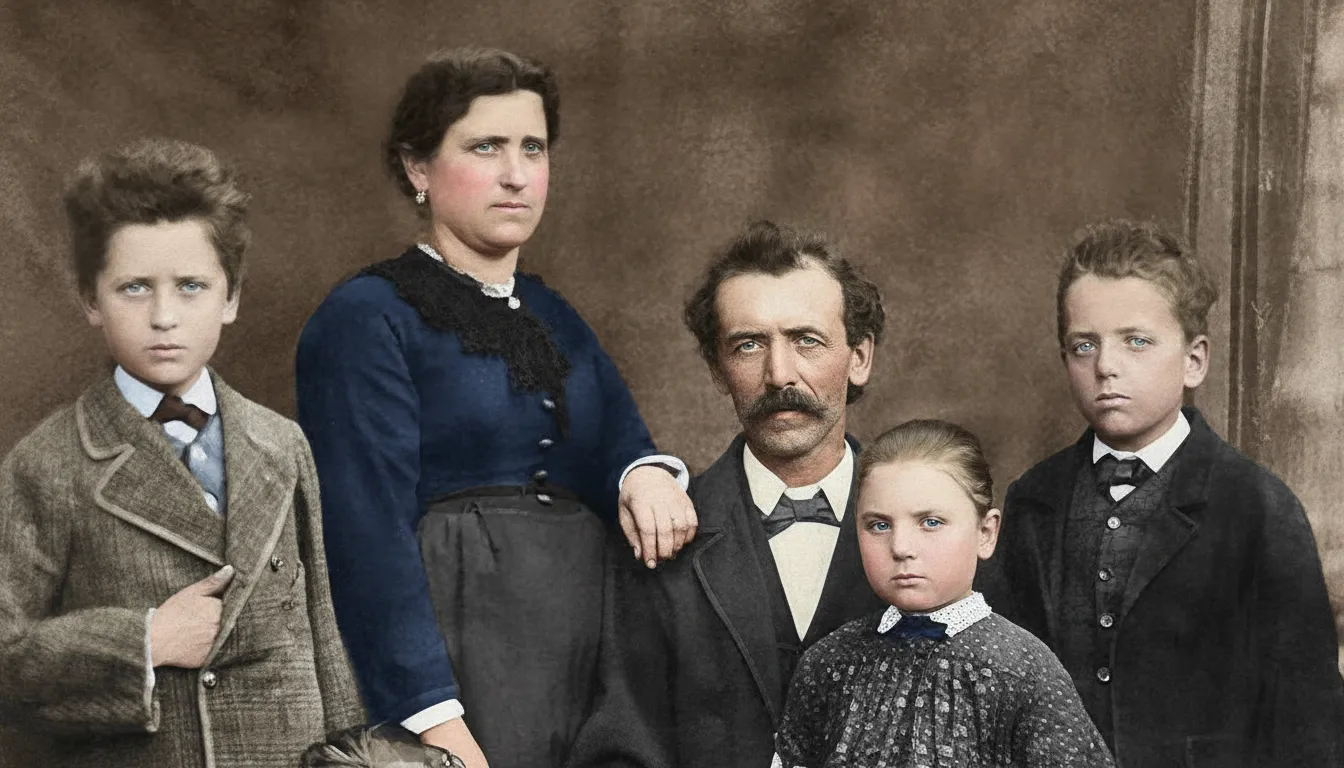
Generic filters tint the whole picture one color. A real AI colorizer works differently: it identifies every element in your image — faces, hair, clothing, sky, foliage, buildings — and colors each one based on patterns learned from millions of real color photographs. Skin gets natural undertones. Uniforms, dresses, and landscapes get believable, era-appropriate color. The result looks like the photo was shot in color, not painted over.
- ✦Recognizes people, objects, and scenery before coloring them
- ✦Natural skin tones and hair color on every face
- ✦Realistic, era-appropriate colors for clothing and backgrounds
- ✦No flat, washed-out tinting like one-click filters
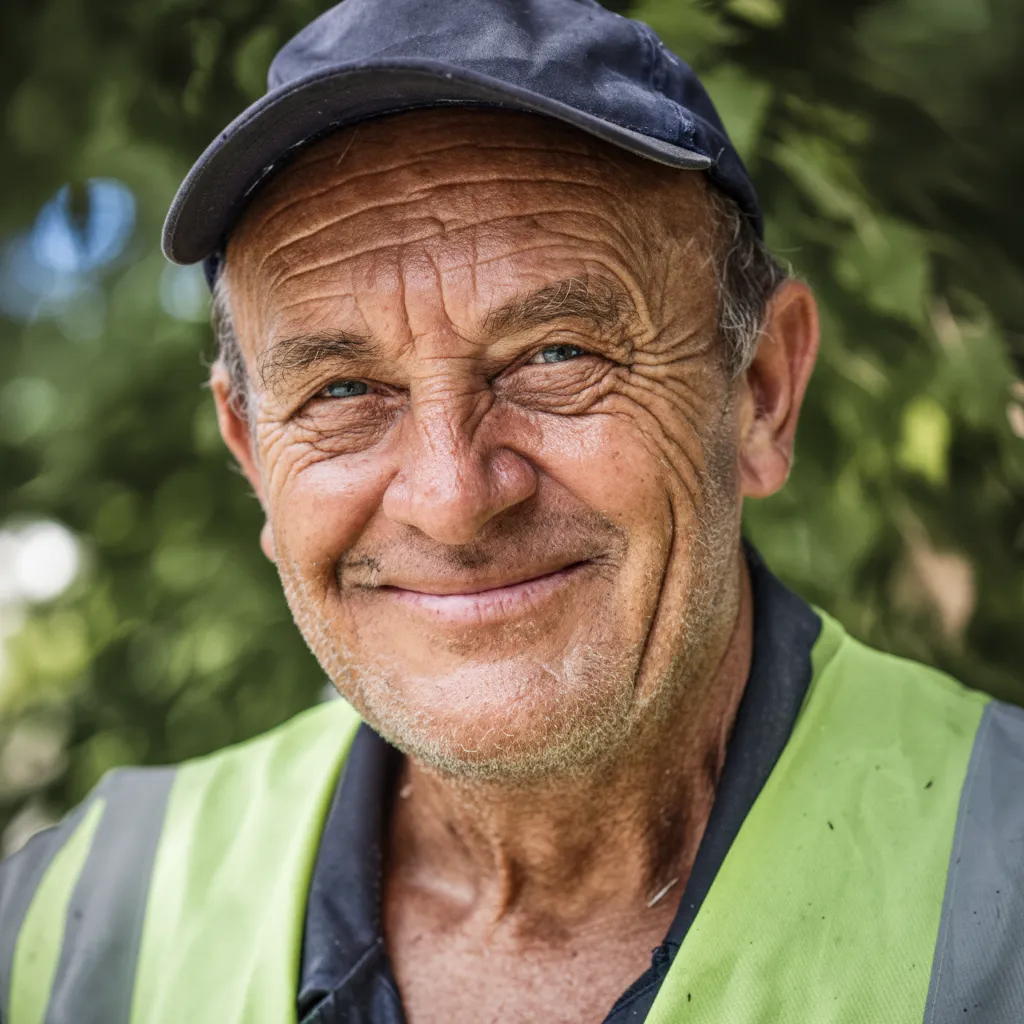
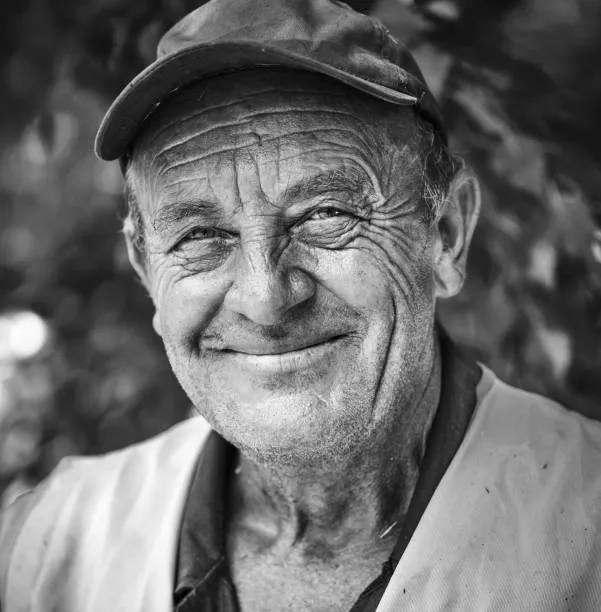
Any Photo
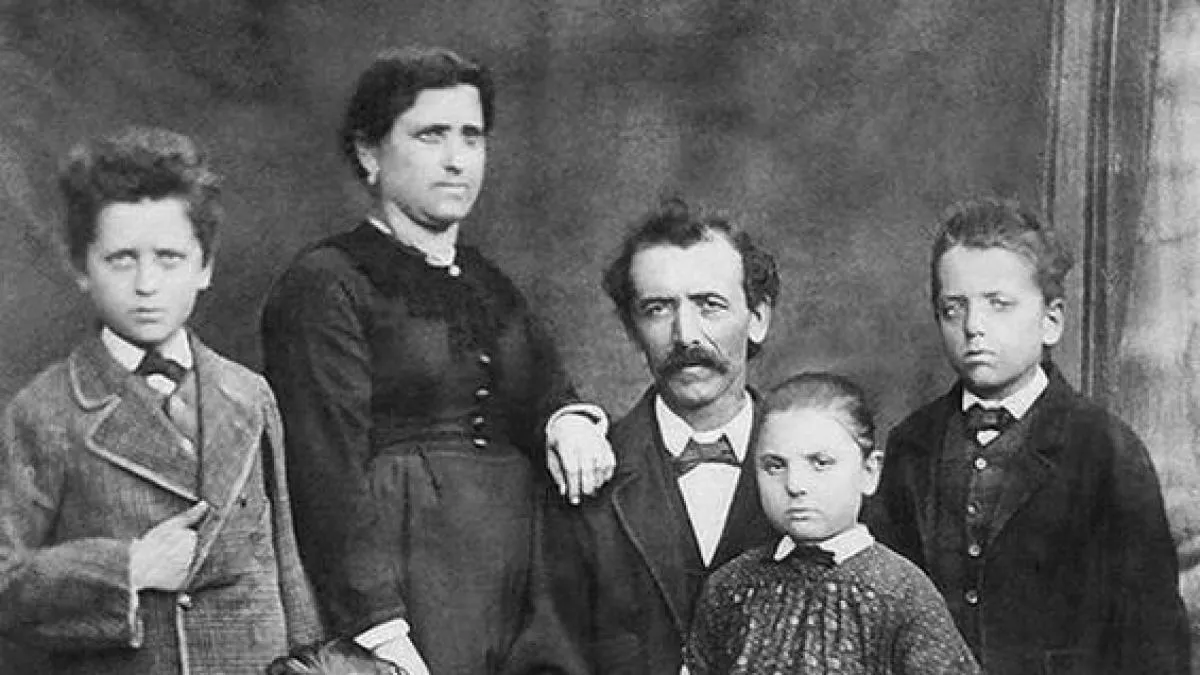
Colorize black and white, sepia, or faded color photos.
Most colorizer tools only handle black and white input. Ours goes further. True black and white photos get full colorization. Sepia and brown-toned prints are read through their tint and rebuilt in natural color. Even old color photos that have faded to orange or washed out over the decades can be revived — the AI restores the color that time removed. One tool covers your whole photo collection.
- ✦Black and white photos: complete AI colorization
- ✦Sepia and toned prints: converted to natural full color
- ✦Faded color photos: original vibrancy restored
- ✦Works with scans, phone photos of prints, and digital files
Free to Try
A free photo colorizer with no watermark catch.
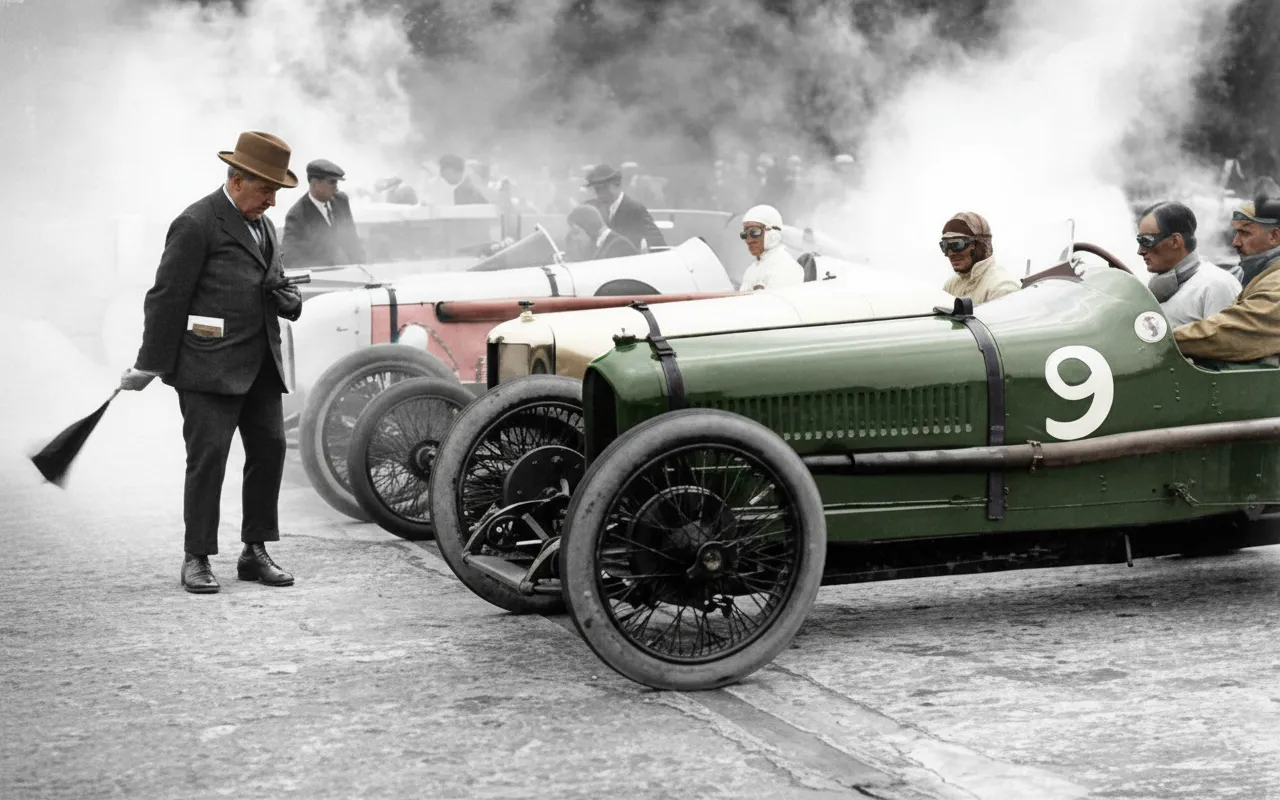
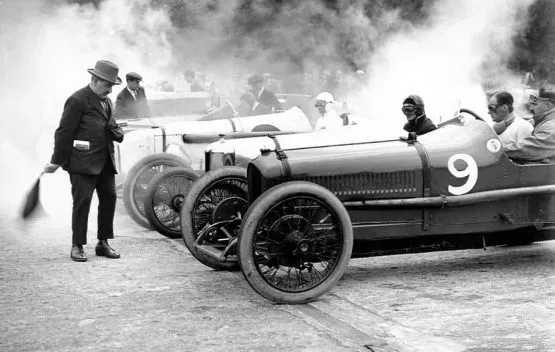
Search for a free photo colorizer and you will find tools that stamp a watermark on the result, cap you at postage-stamp resolution, or demand a credit card for a "free" trial. RestorePhotos gives every new account 2 free colorizations with full-resolution, watermark-free downloads. After that, credits are one-time purchases — 10 photos for $6.99, or 150 for $29.99 — and they never expire. No subscription, ever.
- ✦2 free colorizations on every account, no credit card
- ✦Full-resolution downloads with no watermark
- ✦One-time credits from $6.99 — no subscription
- ✦Batch mode: colorize a whole album and download as ZIP
In-depth guide
How to colorize a photo online
Get a digital copy of your photo. A scan is ideal, but a phone picture of a print works well too: lay the photo flat in good indirect light, hold your phone directly above it, and shoot without flash.
Go to restorephotosapp.com/restore, upload the image, and choose "Colorize B&W" mode. Click "Restore Photo" and the AI handles everything — there are no settings to configure. In about 30 seconds you will see the colorized result next to your original.
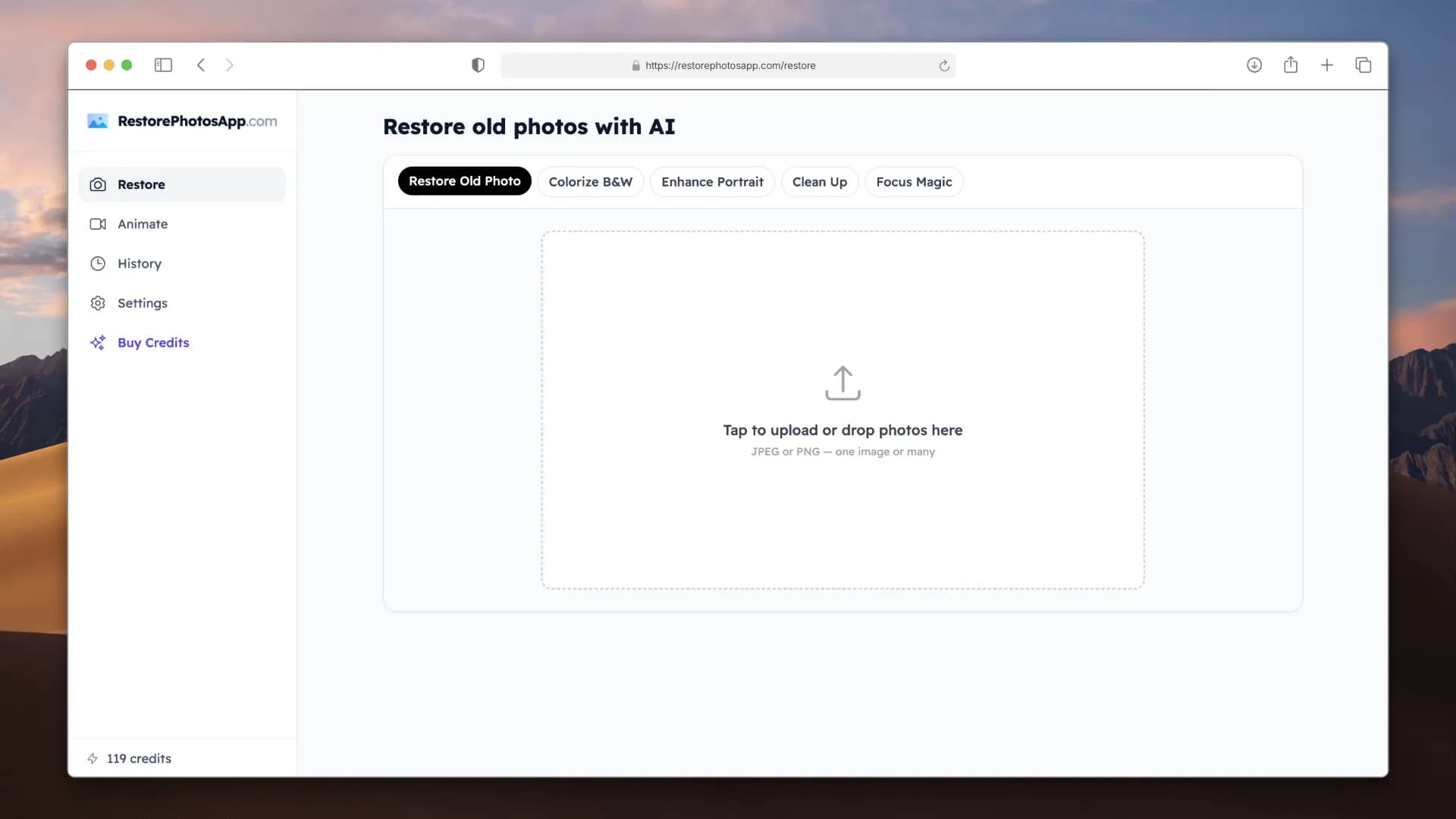
If the photo is damaged as well as colorless — scratches, creases, or heavy fading — run it through "Restore Old Photo" mode first, then colorize the cleaned-up version. The AI produces noticeably better color when it works from a clean image.
Working with black and white family photos specifically? Our in-depth guide to colorizing black and white photos covers scanning tips, accuracy, and what the AI can and cannot know about historical colors. For a look at how our colorizer stacks up against other tools, see the best AI photo colorizers comparison, or our Palette.fm colorize review for a head-to-head with the best-known colorize-only tool.
Pricing
One-time pricing. No subscription. Credits never expire.
Starter
Perfect for trying it out on a few precious photos.
$0.70 / credit · 10 restorations
Start Restoring Photos- 10 AI credits included
- High-Resolution Output
- Credits Never Expire
- Animate Photos with Credits
30-Day Satisfaction Guarantee
Pro
For restoring a small album of memories.
$0.68 / credit · 25 restorations
Get Pro Access- 25 AI credits included
- High-Resolution 1080P Output
- Credits Never Expire
- Animate Photos with Credits
30-Day Satisfaction Guarantee
Family
Restore your entire family photo collection.
$0.60 / credit · 50 restorations
Get Family Plan- 50 AI credits included
- High-Resolution 1080P Output
- Credits Never Expire
- Animate Photos with Credits
30-Day Satisfaction Guarantee
Studio
For entire archives, professionals, and power users.
$0.55 / credit · 100 restorations
Get Studio Plan- 100 AI credits included
- High-Resolution 1080P Output
- Credits Never Expire
- Animate Photos with Credits
30-Day Satisfaction Guarantee
Prices don't include VAT.
FAQ
Frequently asked questions
What is a photo colorizer?
A photo colorizer is a tool that adds color to black and white, sepia, or faded images. AI photo colorizers do this automatically: the model recognizes the people and objects in the picture and applies realistic colors learned from millions of real photographs, instead of requiring you to paint color by hand.
How do I colorize a photo online?
Upload your image at restorephotosapp.com/restore, select "Colorize B&W" mode, and click "Restore Photo." The AI colorizes the image automatically and you download the full-color result in about 30 seconds. It works in any browser on your phone or computer.
Is there a free AI photo colorizer?
Yes. Every new RestorePhotos account includes 2 free colorizations with full-resolution, watermark-free downloads and no credit card required. That is enough to colorize your most important photo and judge the quality before buying credits.
Can the colorizer fix faded color photos, not just black and white?
Yes. Old color prints that have shifted orange, yellowed, or washed out can be revived. The AI rebuilds the natural color balance the photo had when it was printed. For prints with physical damage, run "Restore Old Photo" mode first.
Does the colorized image have a watermark?
No. Every download — including your 2 free ones — is full resolution with no watermark. The colorized image is yours to print, share, or archive.
How accurate are the colors?
The AI chooses realistic, statistically likely colors: natural skin tones, green foliage, blue sky, era-appropriate clothing. A black and white photo contains no color information, so the AI cannot know that a specific dress was red rather than blue — but the overall result looks natural enough that most people cannot tell the photo was ever colorless.
Is an AI colorizer better than colorizing in Photoshop?
For speed and consistency, yes. Manual Photoshop colorization gives an expert full control but takes hours per photo. The AI produces a natural-looking result in 30 seconds with no skill required. Many professionals now use AI colorization as their base layer and only touch up specific details by hand. See our Photoshop vs AI comparison for details.
Can I colorize multiple images at once?
Yes. Upload a batch, set the mode to "Colorize B&W," and the AI processes each image in a queue. Download everything as a ZIP when it finishes. The Family plan covers 50 photos for $29.99 — about $0.60 per image.
What image formats does the colorizer support?
JPEG, PNG, and HEIC uploads all work. The colorized output matches the resolution of your upload, and Pro and Family plans include 1080P output for the best print quality.
Can I animate a photo after colorizing it?
Yes. The Animate feature turns a colorized portrait into a short video where the person blinks, smiles, or gently moves — styles include "Come to Life" and "Cinematic." Each animation costs 3 credits and makes a memorable gift.























