
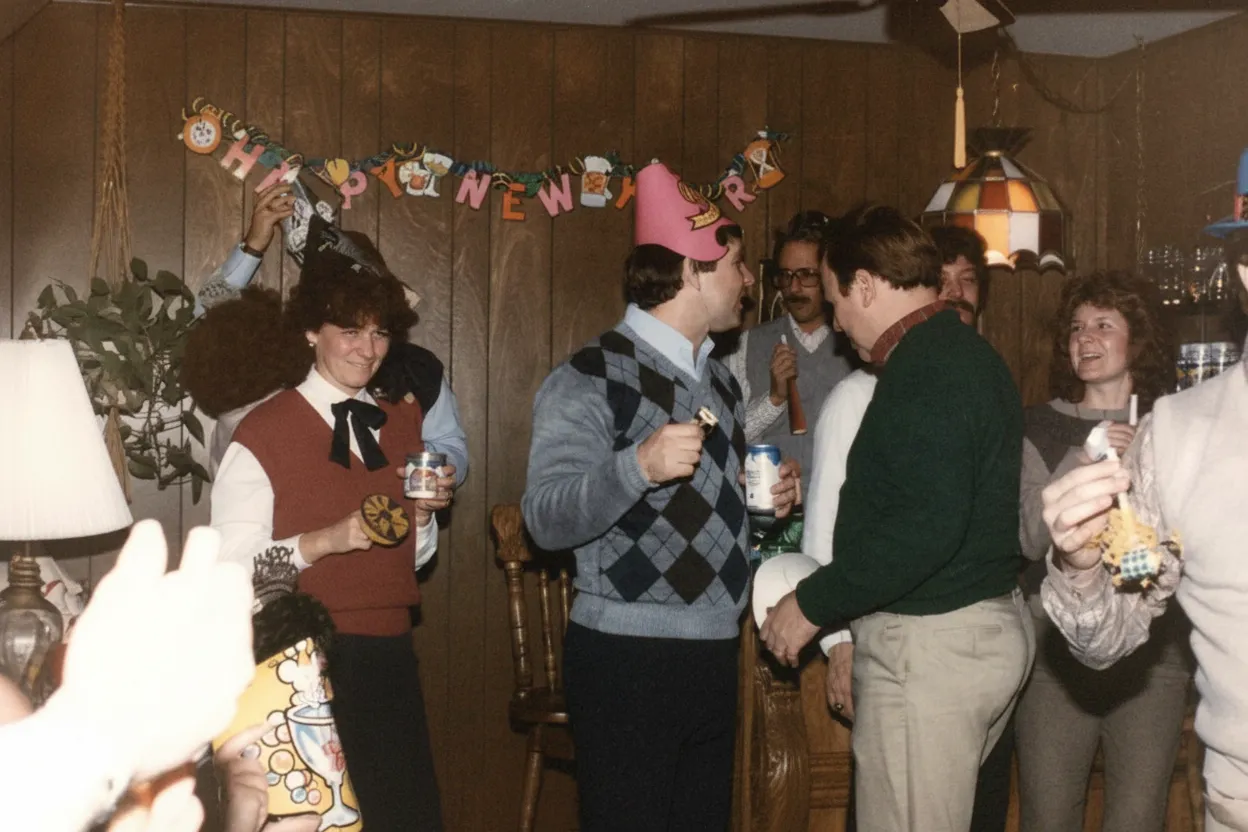
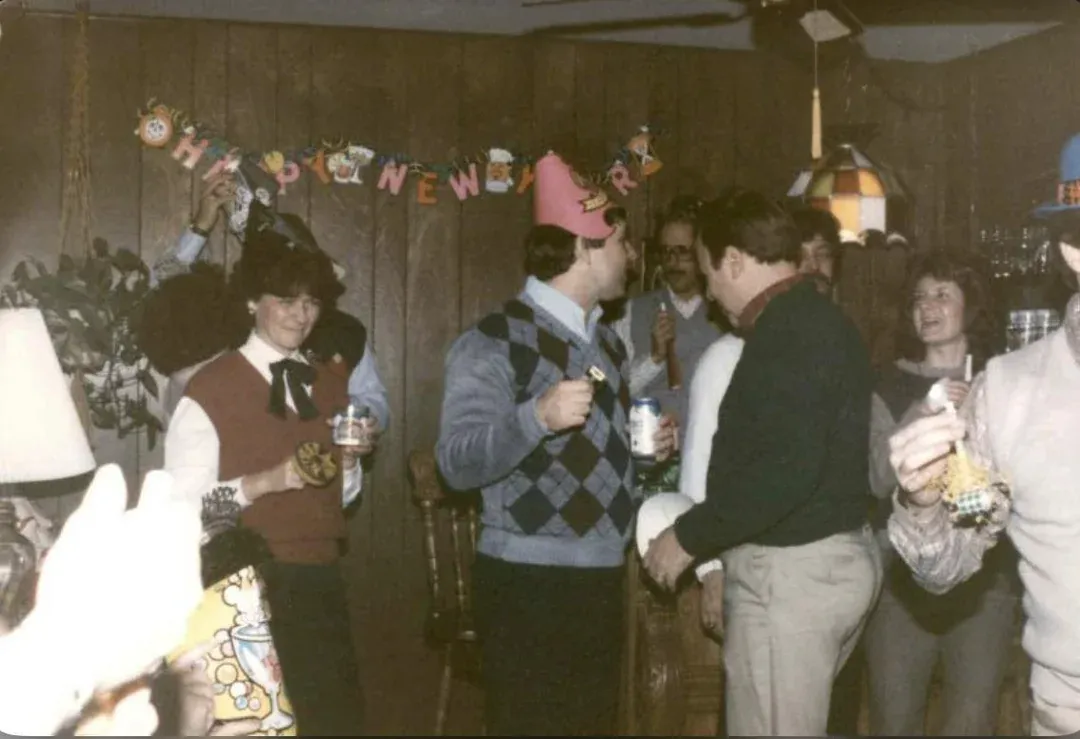
Why photo restoration is cheaper in 2026 than ever before
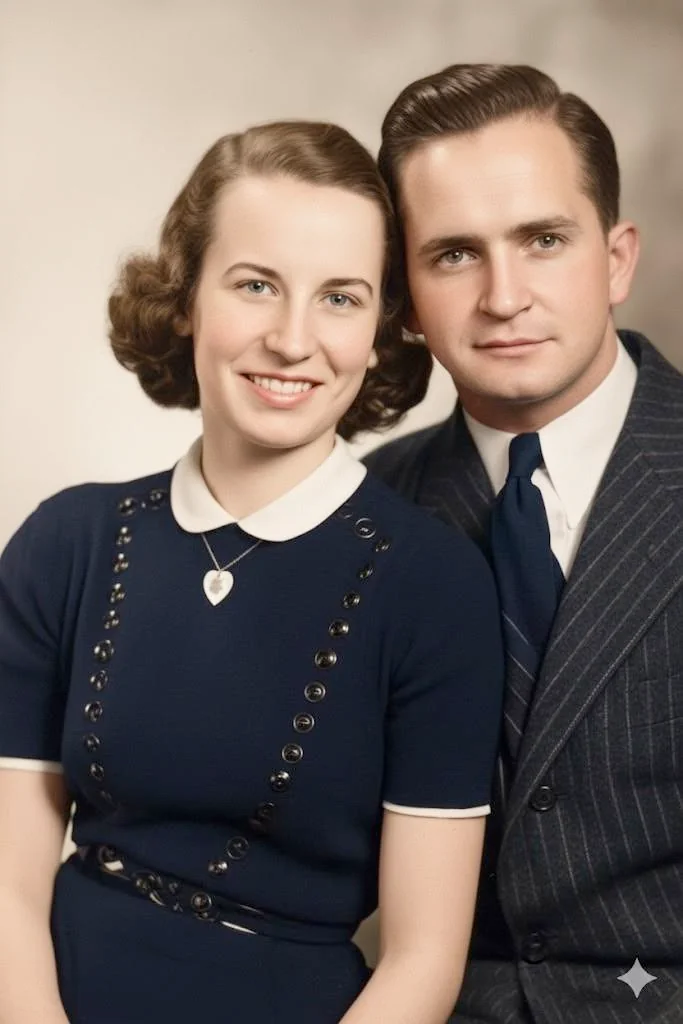
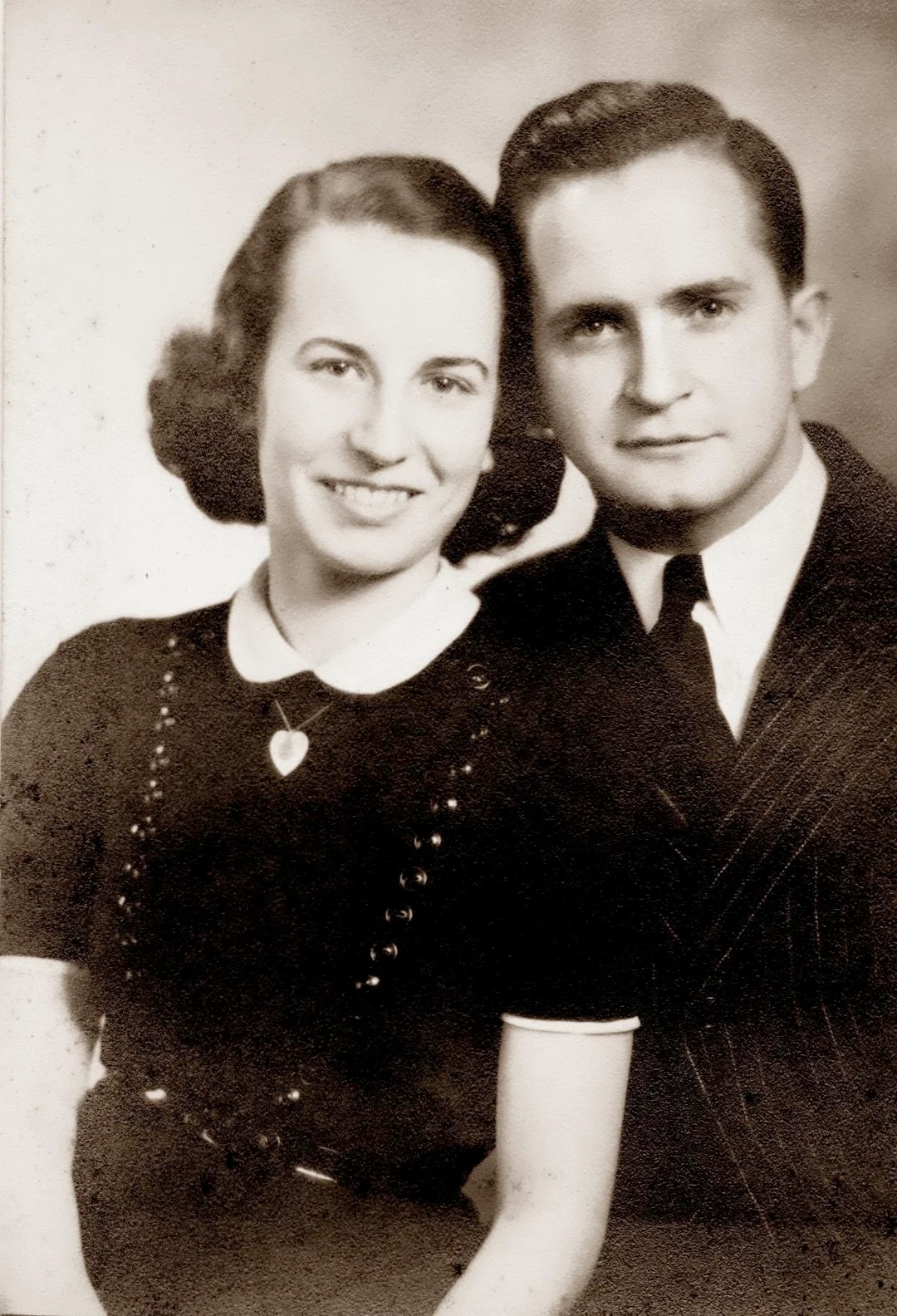
For decades, restoring an old photo meant hiring a specialist who would spend hours hand-editing in Photoshop. AI changed that. Modern face-restoration models do in 30 seconds what used to take a human retoucher 3 hours, which means the cost has dropped by roughly 99%. A 100-photo family album that would have cost $3,000+ at a studio now costs $54.99 with the Studio plan.
- Same quality as a moderate-cost professional restoration
- Roughly 99% cheaper than human studio work
- No subscriptions, no recurring charges
- 30-day money-back guarantee on every plan

“My grandma cried when she saw her wedding photo restored. Absolutely incredible.”
Maria K.

“Uploaded a blurry photo from the 70s and got back a crystal clear image. Like magic.”
James T.

“Finally recovered old family photos I thought were lost forever. So easy to use.”
Sarah M.
How it works
3 simple steps.
AI Restoration
AI: $0.60 to $0.70 per photo.
AI photo restoration is dramatically cheaper than human restoration because the AI model handles damage repair, sharpening, color correction, and face restoration in seconds with no human labor. The Family plan works out to about 60 cents per photo.
- ✦Starter pack: $6.99 for 10 photos ($0.70 each)
- ✦Pro pack: $16.99 for 25 photos ($0.70 each)
- ✦Family plan: $29.99 for 50 photos ($0.60 each)
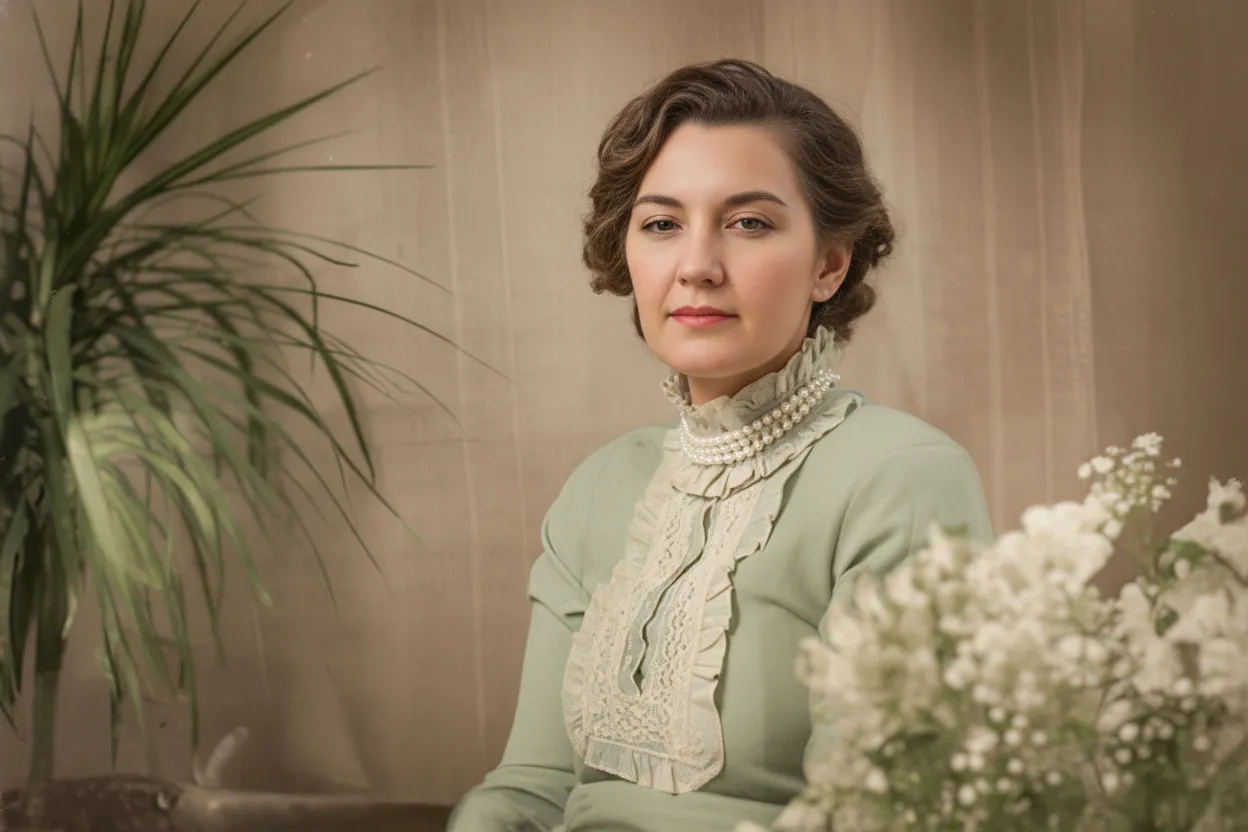
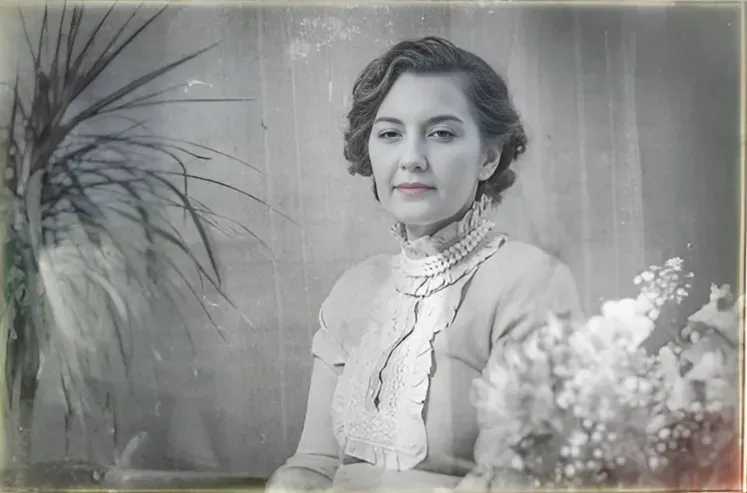
Pro Studios
Studios: $30 to $300+ per photo.
Traditional photo restoration studios charge by hand-editing time. Light touch-ups start around $30 per photo, moderate damage runs $50–$150, and severely damaged or torn photos can cost $200–$500 or more. Turnaround is typically 3–14 days. Thumbtack puts the average at $78 per photograph; our photo restoration near me pages show what local businesses in individual cities actually offer at that price.
- ✦Light damage: $30–$60 per photo
- ✦Moderate damage: $50–$150 per photo
- ✦Severe damage: $200–$500+ per photo
DIY Software
Photoshop: $20.99/month + your time.
Doing it yourself in Photoshop is "free" if you already pay for Adobe Creative Cloud, but a single restoration can take 1–4 hours of skilled work, and the learning curve is steep if you have never used the clone stamp or healing brush. The other subscription route is Topaz Photo AI at $199 per year; we looked at whether that subscription is worth it for old photos.
- ✦Adobe Creative Cloud: $20.99 per month
- ✦1–4 hours per photo for a beginner
- ✦Steep learning curve, no AI face repair
In-depth guide
Photo restoration cost: full breakdown
The cost of restoring an old photo depends on three things: who is doing the work, how damaged the photo is, and how quickly you need it back. A simple touch-up by a freelance retoucher on Fiverr might run $15–$30. A reputable studio handling moderate scratches and fading typically charges $50–$150. Severe damage (torn photos, water damage, missing sections) can cost $200–$500 or more, and rush jobs add 25–50% on top. We compare all the options in our where to restore old photos guide.
AI photo restoration changes this math entirely. Because there is no human labor cost, prices are driven only by compute. RestorePhotosApp credits start at $6.99 for 10 photos (70 cents each) and scale down to about 60 cents per photo on the Family plan. There are no rush fees because every restoration takes about 30 seconds, and no extra charge for severely damaged photos because the AI handles all damage levels equally.
For a typical family who wants to restore 50–150 old photos, the math is clear: a studio would cost $1,500–$15,000, Photoshop DIY would cost 50–600 hours of skilled work, and AI costs $20 and takes an evening. The only reason to still use a studio is for museum-grade restoration of a single irreplaceable historical photo, and even then, many studios now use AI as their first pass.
Expert tips
How to save money on photo restoration
Buy the Family plan if you have more than 30 photos
At $0.60 per photo, the Family plan pays for itself versus the Starter pack as soon as you restore your 31st photo. Credits never expire, so there is no rush to use them.
Try the free tier first
Every account gets 2 free restorations. Use them on your hardest photos to confirm the AI quality before spending anything.
Skip studios for typical family photos
Studio restoration is worth it for a single museum piece. For everyday family album restoration, AI delivers comparable quality at 1% of the price.
Avoid subscription tools
Many restoration apps lock features behind monthly subscriptions you forget to cancel. RestorePhotosApp credits are one-time purchases that never expire.
Pricing
One-time pricing. No subscription. Credits never expire.
Starter
Perfect for trying it out on a few precious photos.
$0.70 / credit · 10 restorations
Start Restoring Photos- 10 AI credits included
- High-Resolution Output
- Credits Never Expire
- Animate Photos with Credits
30-Day Satisfaction Guarantee
Pro
For restoring a small album of memories.
$0.68 / credit · 25 restorations
Get Pro Access- 25 AI credits included
- High-Resolution 1080P Output
- Credits Never Expire
- Animate Photos with Credits
30-Day Satisfaction Guarantee
Family
Restore your entire family photo collection.
$0.60 / credit · 50 restorations
Get Family Plan- 50 AI credits included
- High-Resolution 1080P Output
- Credits Never Expire
- Animate Photos with Credits
30-Day Satisfaction Guarantee
Studio
For entire archives, professionals, and power users.
$0.55 / credit · 100 restorations
Get Studio Plan- 100 AI credits included
- High-Resolution 1080P Output
- Credits Never Expire
- Animate Photos with Credits
30-Day Satisfaction Guarantee
Prices don't include VAT.
FAQ
Frequently asked questions
How much does it cost to restore an old photo?
Costs vary by method. AI photo restoration costs $0.60–$0.70 per photo, freelance retouchers on Fiverr typically charge $15–$30 per photo, and professional studios charge from around $30 for light damage up to $300+ for severely damaged prints. As a concrete example, RestorePhotosApp's Family plan is a one-time $29.99 for 50 credits — about 60 cents per restored photo — while the small Starter pack is $6.99 for 10. The main caveat with human services is that pricing scales with damage severity: moderate scratches and fading usually land in the $50–$150 range, and rush turnaround can add 25–50% on top. AI pricing stays flat no matter how rough the photo is, because the model does the same work either way and finishes in seconds. If you are unsure which route fits your photo, start with the 2 free AI restorations every account gets and judge the result before spending anything.
Is AI photo restoration as good as a professional?
For typical family photo damage (fading, blur, scratches, color loss, and face degradation), modern AI matches or exceeds the quality of a moderate-cost professional restoration. The economics reflect that gap: a studio charges $50–$150 for a moderately damaged photo and takes days to return it, while an AI restoration costs as little as $0.55 on the Family plan and finishes in seconds, delivered at 1080p resolution. RestorePhotosApp's pipeline is powered by Google Gemini AI and handles scratch repair, unblurring, colorization, and general enhancement in a single pass. The honest limitation: for museum-grade restoration of one irreplaceable historical photo with severe physical damage — large missing sections, deep tears — a specialist studio is still the gold standard, and many studios now run AI as their own first pass anyway. A practical approach is to push your whole batch through AI first, then send only the rare stubborn photos to a professional.
How much does RestorePhotosApp charge?
RestorePhotosApp uses one-time credit packs with no subscriptions of any kind. Starter is $6.99 for 10 credits, Pro is $16.99 for 25, the Family plan is $29.99 for 50 (about 60 cents per photo, the best value for most households), and the Studio pack is $54.99 for 100 credits — roughly $0.55 each, 21% cheaper per credit than Starter, with priority support included. One credit restores one photo at 1080p, and the same credits also cover colorization, unblurring, and photo animation. Two details worth knowing before you buy: credits never expire, so an unused pack keeps its full value indefinitely, and every plan includes a 30-day money-back guarantee if the results do not work for your photos. Each new account also starts with 2 free restorations, so you can check the quality on your own images before choosing a pack size.
Is there a free way to restore old photos?
Yes. Every RestorePhotosApp account gets 2 free restorations with no credit card required and no watermark — the same full-quality 1080p output paid users receive. Two credits is enough to test the AI on a couple of genuinely difficult photos, which is the most reliable way to decide whether the quality meets your standard. Everything runs in the browser with nothing to install, and each restoration takes seconds. The caveat is that two photos is the entire free allowance; beyond that, one-time packs start at $6.99 for 10 credits and drop to about $0.60 per photo on the $29.99 Family plan, with credits that never expire. Compare that to DIY Photoshop, which is only free if you already pay $20.99 a month for Adobe and can still take a beginner 1–4 hours per photo. For most families, the free tier plus one small pack covers an entire shoebox.
Are there hidden fees or subscriptions?
No. RestorePhotosApp has no subscriptions, no auto-renewals, no per-month charges, and no fees beyond the one-time credit pack price. The number you see at checkout is the whole cost: $6.99, $16.99, $29.99, or $54.99 depending on pack size, and each credit equals one restored photo. Because credits never expire, there is no pressure to use them inside a billing window — a common trap with subscription editing apps, where months you forget to cancel quietly cost money. There are also no upcharges for difficult photos: a badly scratched print costs the same single credit as a lightly faded one, unlike studio pricing where severe damage can push one photo to $200–$500. If a purchase does not work out, every plan carries a 30-day money-back guarantee. And the trial really is free: 2 restorations on signup, no card required, no watermark on the result.
Why is studio photo restoration so expensive?
Studios charge by hand-editing time. A skilled retoucher can spend 1–6 hours per photo cleaning up damage in Photoshop, and the studio price has to cover that labor plus software licenses, equipment, and overhead — which is why moderate damage typically runs $50–$150, severe damage can reach $200–$500 or more, and rush jobs add another 25–50%. None of that is gouging; hand restoration is genuinely slow, meticulous craft work. AI removes the labor from the equation entirely: the same categories of repair — scratch removal, unblurring, color recovery, face enhancement — happen in seconds of computing time, which is how an AI restoration can cost about $0.60 on a $29.99 Family plan instead of $150. The fair caveat is that a top studio still wins on a single museum-grade piece with missing sections. For a shoebox of ordinary family photos, paying studio rates per photo rarely makes sense anymore.
How much does Photoshop photo restoration cost?
Adobe Photoshop is $20.99 per month, and a single restoration takes 1–4 hours for a beginner using the clone stamp, healing brush, and color correction tools. That makes the real cost of DIY your time: a 50-photo album at even two hours per photo is a hundred hours of work, on top of the subscription fee and a steep learning curve if you have never retouched before. By comparison, AI restoration on RestorePhotosApp runs entirely in the browser with nothing to install, finishes each photo in seconds, and costs $6.99 for 10 photos or about $0.60 each on the $29.99 Family plan — with credits that never expire. Photoshop still earns its keep if you want pixel-level creative control or simply enjoy the craft. If you just want the photo fixed, try the 2 free restorations first; the result may save you an afternoon of tutorials.























