
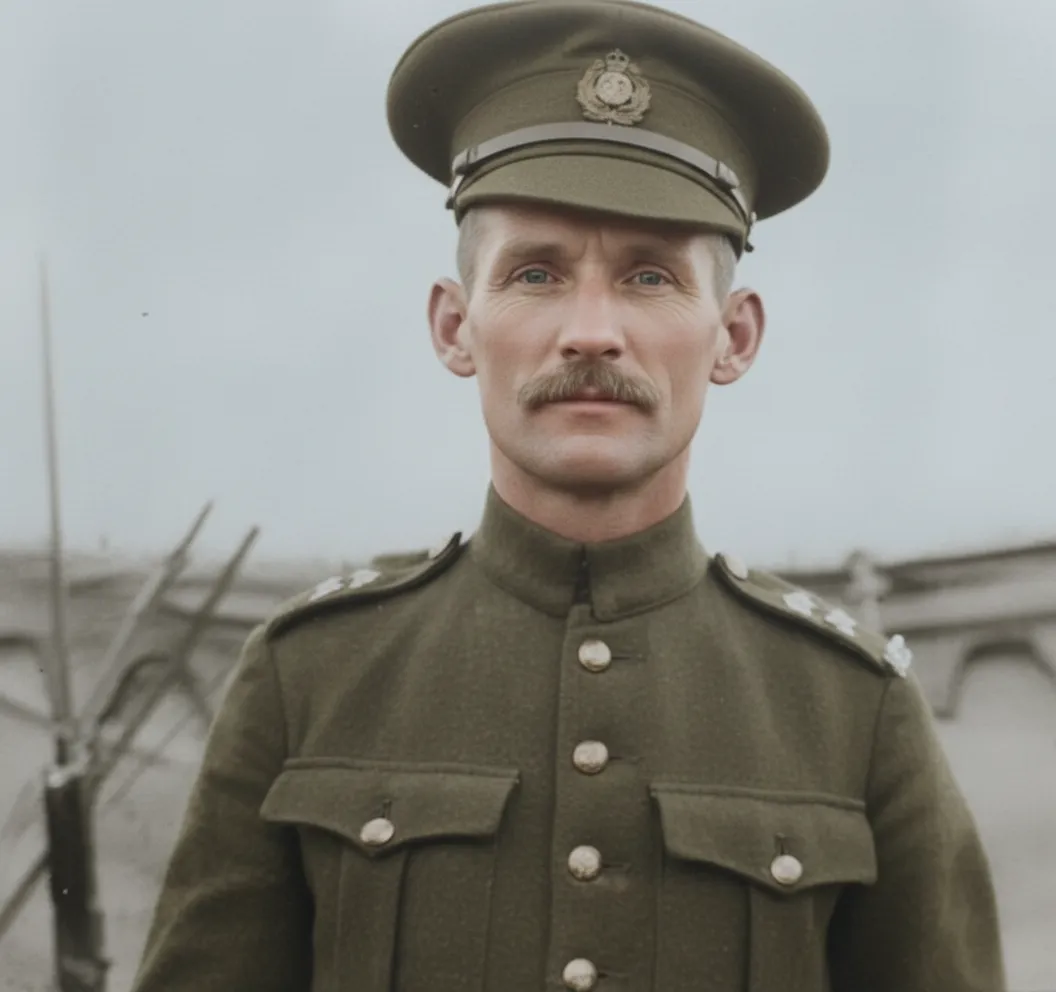
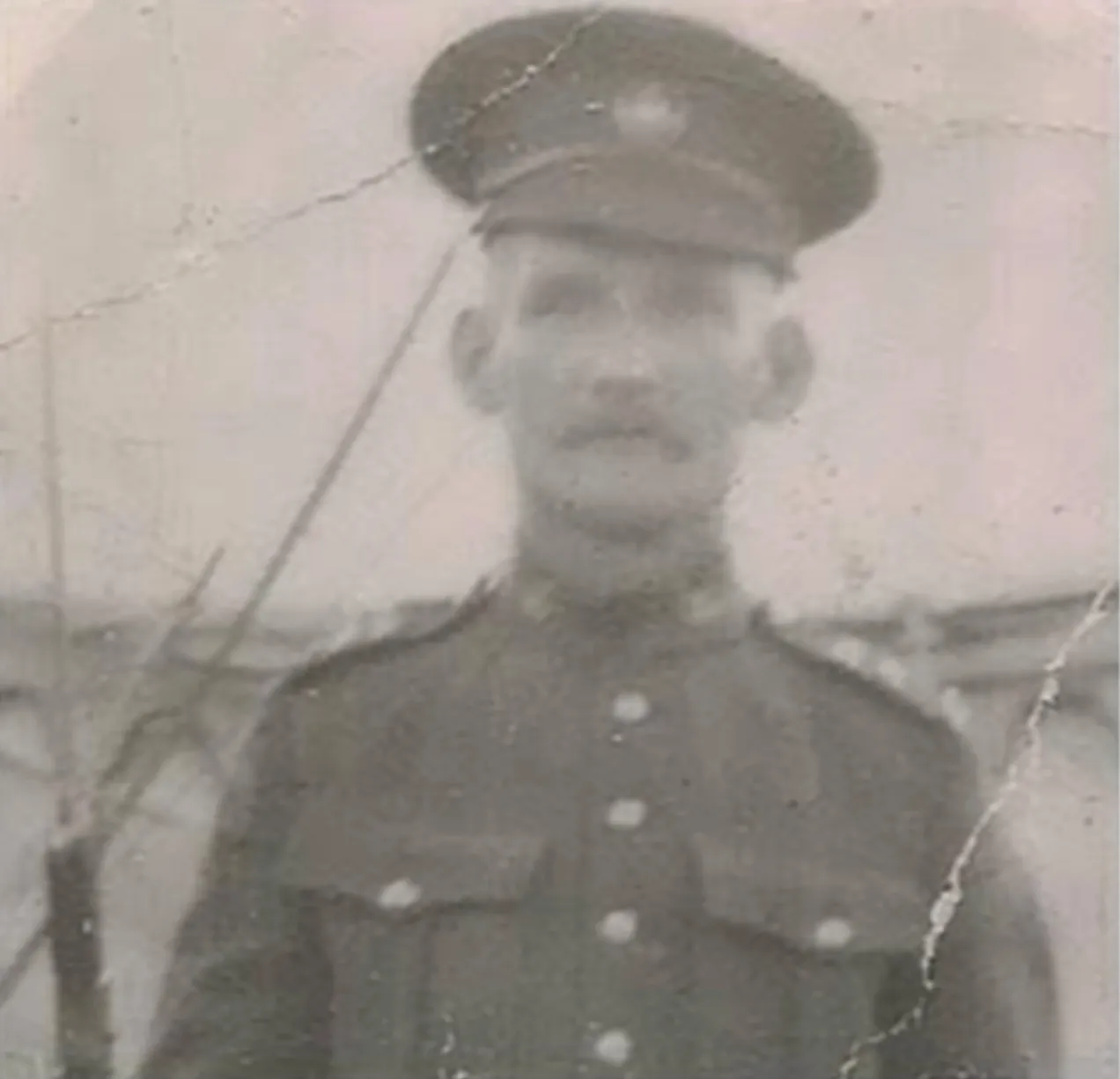
Why restore old military photos?
Military photos are often the only visual record of a family member's service. These photos endure decades of handling, storage, and environmental damage. AI restoration preserves these important historical documents before they deteriorate beyond recognition.
- Preserve service portraits of veterans and active-duty family members
- Restore wartime photos that document important historical moments
- Create high-quality prints for memorial displays and shadow boxes
- Build a digital military history archive for your family

“My grandma cried when she saw her wedding photo restored. Absolutely incredible.”
Maria K.

“Uploaded a blurry photo from the 70s and got back a crystal clear image. Like magic.”
James T.

“Finally recovered old family photos I thought were lost forever. So easy to use.”
Sarah M.
How it works
3 simple steps.
AI Restoration
Honor their service by preserving their photos.
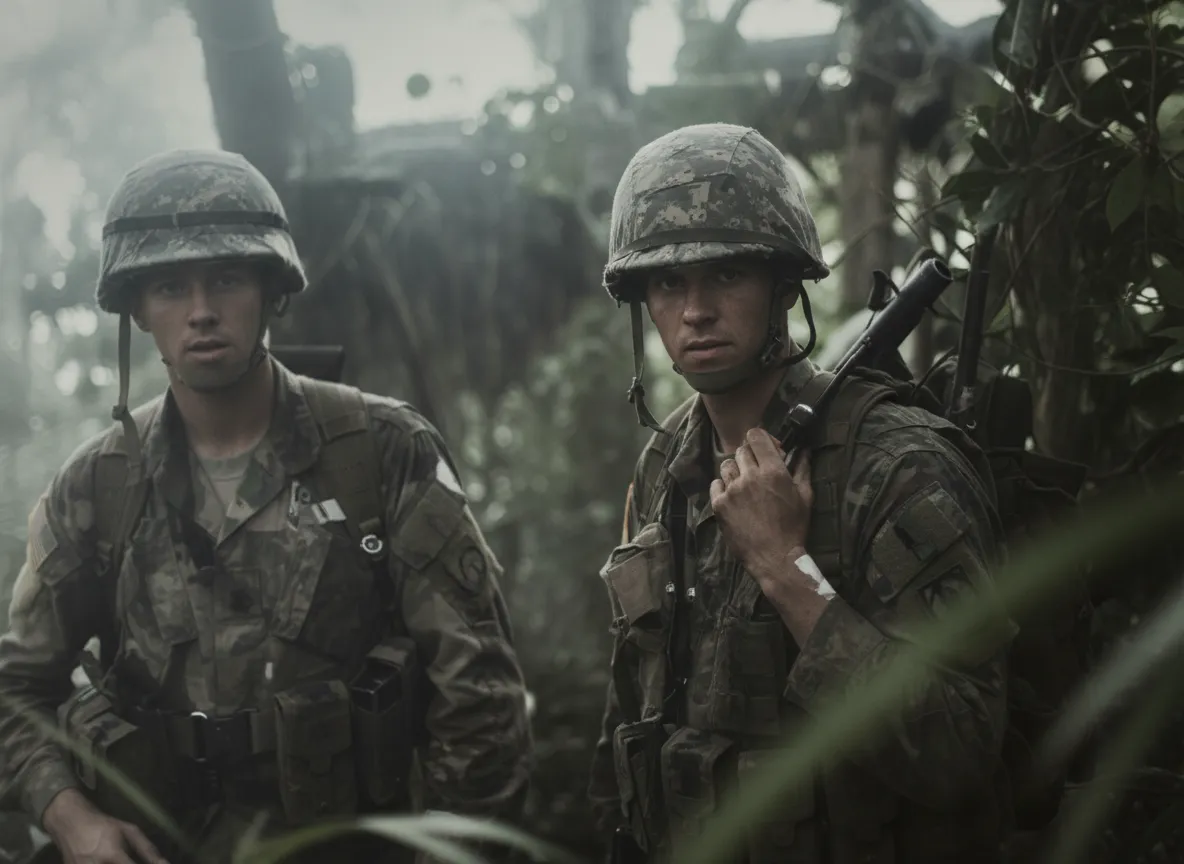
Our AI restores the sharp details that military photos deserve: crisp uniforms, clear facial features, and proud expressions recovered from decades of fading and damage.
- ✦Restores uniform details and insignia clarity
- ✦Recovers facial features from faded portraits
- ✦Fixes damage from age, humidity, and handling
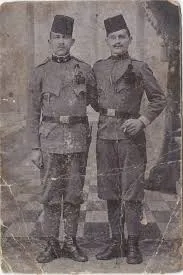
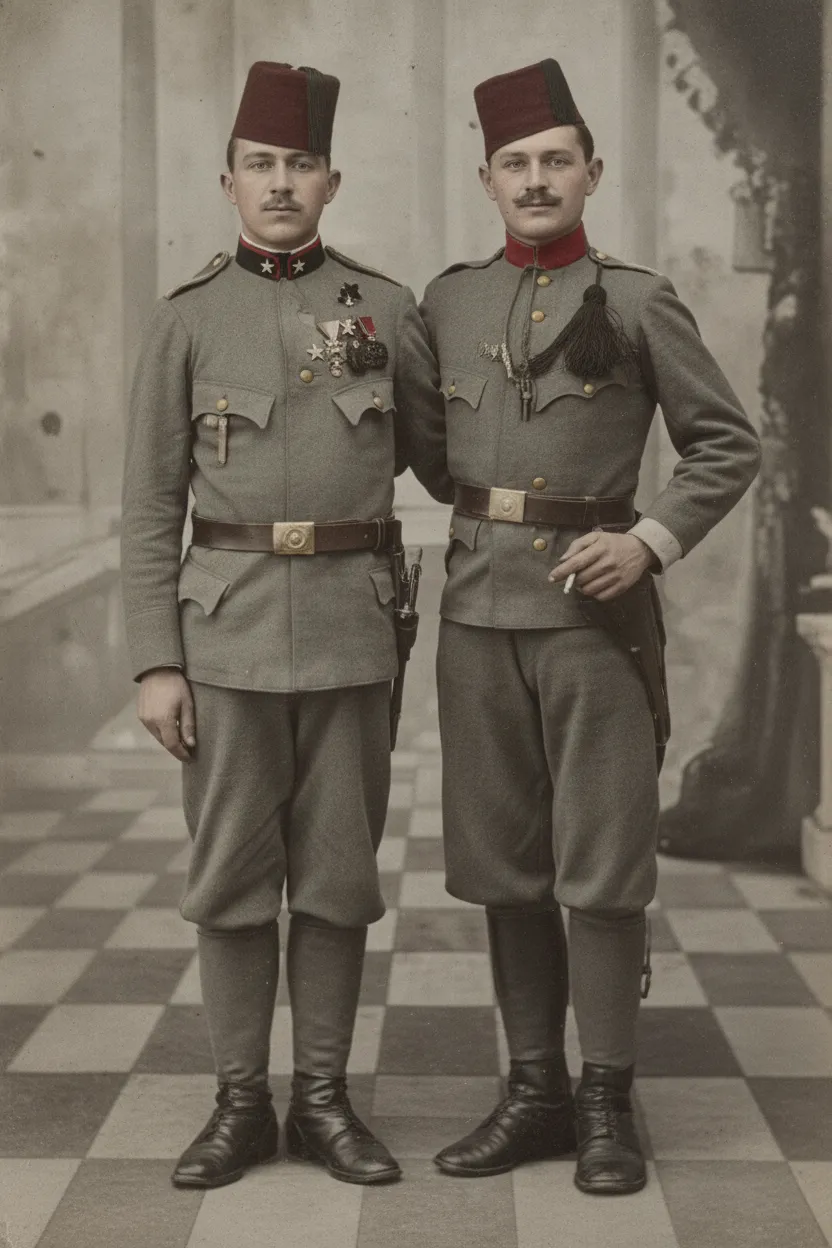
Easy to Use
Upload. Restore. Remember.
Go to restorephotosapp.com, click "Restore a photo," and upload your image. The AI analyzes the damage and restores the photo automatically in under 30 seconds. It fixes fading, removes scratches and stains, recovers facial features, and sharpens uniform details. No manual editing or Photoshop skills needed.
- ✦Works with old prints, scans, and phone photos
- ✦Results in seconds, not hours
- ✦Download in full resolution for printing
For Families
Preserve military history for future generations.
Restored military photos make powerful displays for memorial walls, shadow boxes, and family history projects. Give future generations a clear window into their family's service.
- ✦Perfect for memorial displays and shadow boxes
- ✦Great for Veterans Day and Memorial Day tributes
- ✦2 free restorations per account
In-depth guide
How to restore military photos: step by step
First, digitize your military photo. You can photograph it with your smartphone in bright, even lighting (near a window works best). Hold the phone directly above the print and make sure there are no shadows or glare. If you have a flatbed scanner, scan at 600 to 1200 DPI for the best detail. Military photos are often small (3x5 inches or less), so higher resolution helps capture uniform details and insignia. You can also take the photo to a local copy shop and ask them to scan it for a dollar or two.
Military photos often have heavy damage from years in footlockers, wallets, attics, and basements. Common problems include yellowing, water stains, mold spots, creases from folding, and overall fading. The AI handles all of these in a single pass. Even severely damaged prints that look nearly blank can reveal clear faces and sharp details after restoration.
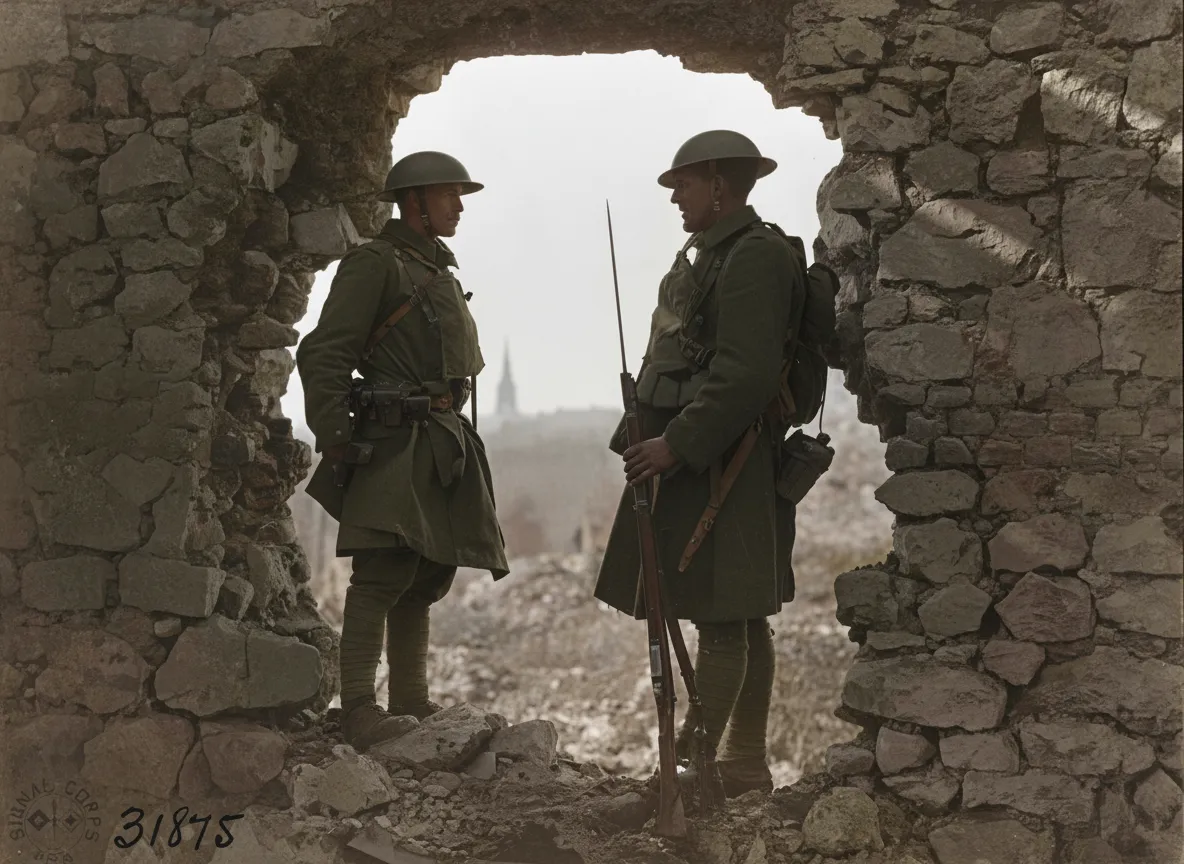
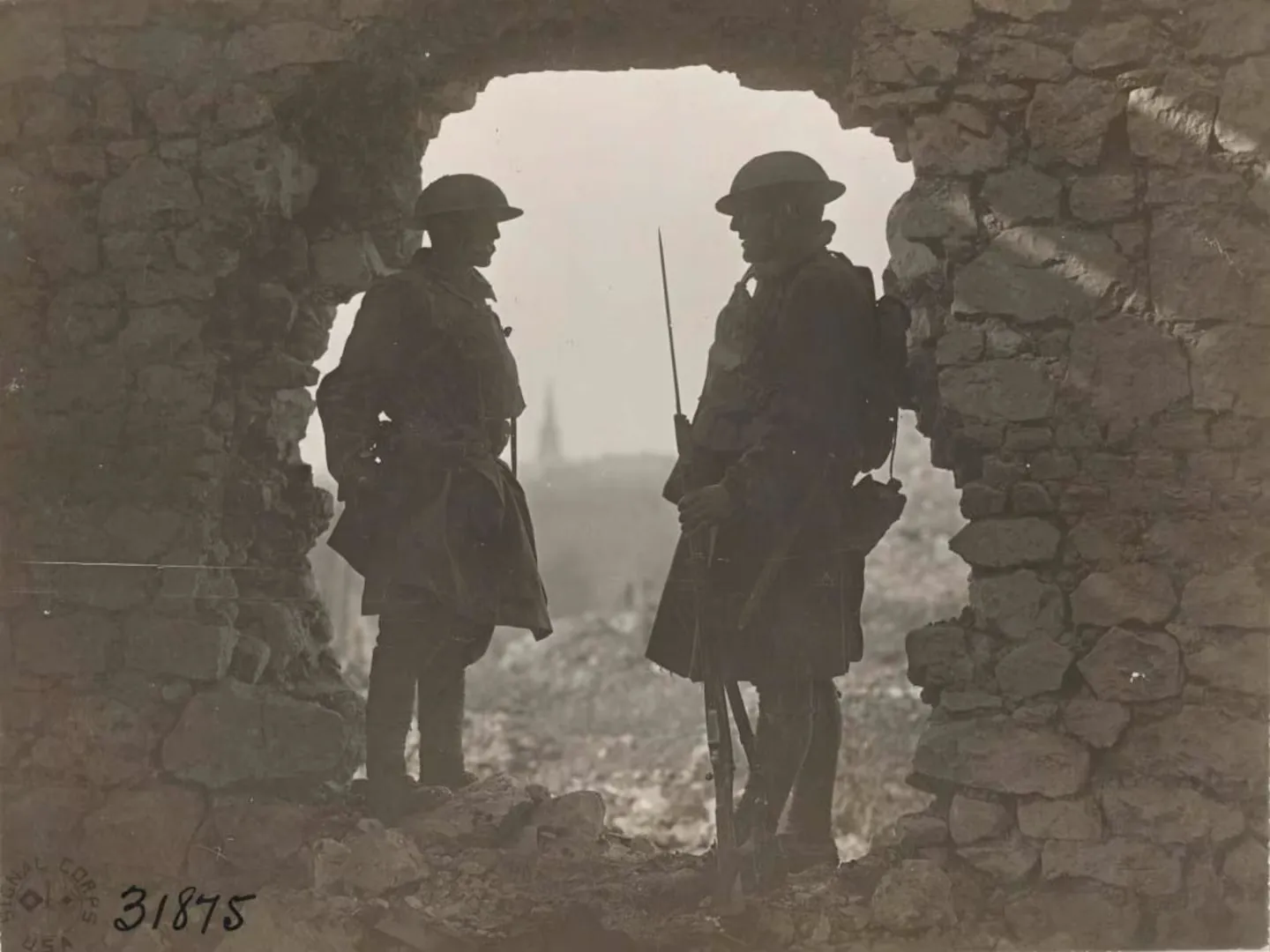
For black-and-white military photos, try our Colorize feature as a second step after restoration. Upload the restored image again and select "Colorize" to see your service member in realistic full color for the first time. Many families find this especially meaningful for memorial displays, shadow boxes, and Veterans Day tributes.
Not sure where to find military photos? Check with older relatives first. Many families keep service portraits in albums, shoeboxes, or old frames in storage. Look inside footlockers, letter envelopes, and behind other photos in frames. You can also request official service photos from the National Personnel Records Center (NPRC) or search military unit reunion groups online. Even a single recovered photo can be restored and shared with the whole family.
After restoration, download the full-resolution image. Print it for a shadow box alongside medals and insignia, frame it for a memorial wall, or share it with family members. Upload it to genealogy sites like Ancestry or FamilySearch to help other researchers identify shared ancestors who served.
Expert tips
Tips for restoring military photos
Scan both the front and back of military photos
The back often contains handwritten names, dates, unit information, and locations that provide historical context. Scan the back for your records even though only the front needs restoration.
Try colorization after restoration
For B&W military photos, first restore the image to fix damage and fading, then use our Colorize feature for a realistic full-color version. This two-step process produces the best results.
Scan at the highest resolution possible
Military portrait photos are often small (3x5 or smaller). Scanning at 1200 DPI captures uniform insignia details and rank markings that lower resolutions miss.
Check old footlockers and storage boxes thoroughly
Military photos are often found in unexpected places like inside books, behind other photos in frames, in old letter envelopes, or stuck to the lining of storage trunks.
Pricing
One-time pricing. No subscription. Credits never expire.
Starter
Perfect for trying it out on a few precious photos.
$0.70 / credit · 10 restorations
Start Restoring Photos- 10 AI credits included
- High-Resolution Output
- Credits Never Expire
- Animate Photos with Credits
30-Day Satisfaction Guarantee
Pro
For restoring a small album of memories.
$0.68 / credit · 25 restorations
Get Pro Access- 25 AI credits included
- High-Resolution 1080P Output
- Credits Never Expire
- Animate Photos with Credits
30-Day Satisfaction Guarantee
Family
Restore your entire family photo collection.
$0.60 / credit · 50 restorations
Get Family Plan- 50 AI credits included
- High-Resolution 1080P Output
- Credits Never Expire
- Animate Photos with Credits
30-Day Satisfaction Guarantee
Studio
For entire archives, professionals, and power users.
$0.55 / credit · 100 restorations
Get Studio Plan- 100 AI credits included
- High-Resolution 1080P Output
- Credits Never Expire
- Animate Photos with Credits
30-Day Satisfaction Guarantee
Prices don't include VAT.
FAQ
Frequently asked questions
Can AI restore old military portraits?
Yes! Our AI handles all types of military photos including formal service portraits, group photos, field photos, and ceremony shots. It restores uniform details, insignia, and facial features effectively.
Can I restore black and white military photos?
Absolutely. Our AI restores B&W military photos to sharp clarity. You can also use our Colorize feature to add realistic color to black and white service photos, and many families find this deeply moving.
Is military photo restoration free?
Every account gets 2 free restorations. After that, credits start at $6.99 for 10 photos, and the Family plan offers 50 credits for just $29.99.
Can I print the restored military photo?
Yes. Restored photos are downloaded in high resolution, perfect for framing, shadow boxes, and memorial displays at any print size.
What if the military photo is severely damaged?
Our AI handles severe damage including scratches, tears, water stains, mold spots, and heavy fading. Military photos from footlockers and basements often have extensive damage, and our AI is trained to handle exactly these conditions.
Can I restore photos from World War I or World War II?
Yes! Our AI works with photos from any era. WWI and WWII photos are often small and heavily aged, but the AI can recover remarkable detail from even the most faded prints.
Can I use restored military photos for a memorial or shadow box?
Absolutely. The restored photo is high resolution and can be printed at any size. Many users restore service portraits specifically for shadow boxes, memorial displays, and Veterans Day tributes.
Can the AI restore uniform details and insignia?
Yes. Our AI sharpens fabric textures, uniform details, and insignia markings. For formal service portraits, these details are typically well-recovered in the restoration.
How do I restore old military photos?
Photograph or scan the print, then upload it to restorephotosapp.com. The AI fixes fading, scratches, stains, and other damage automatically in under 30 seconds. No editing skills needed. You can also colorize black-and-white photos as a second step.
How long does military photo restoration take?
Under 30 seconds per photo. Upload your scan or phone photo and the AI delivers a restored version almost instantly. The whole process from photographing the print to downloading the result takes just a few minutes.
Can I restore a photo of my grandfather who served?
Yes. Whether it is a WWII service portrait, a Vietnam-era field photo, or a Korean War group shot, our AI restores military photos from any era. Many families restore their grandfather's or great-grandfather's service photo for memorial displays or family history projects.























