
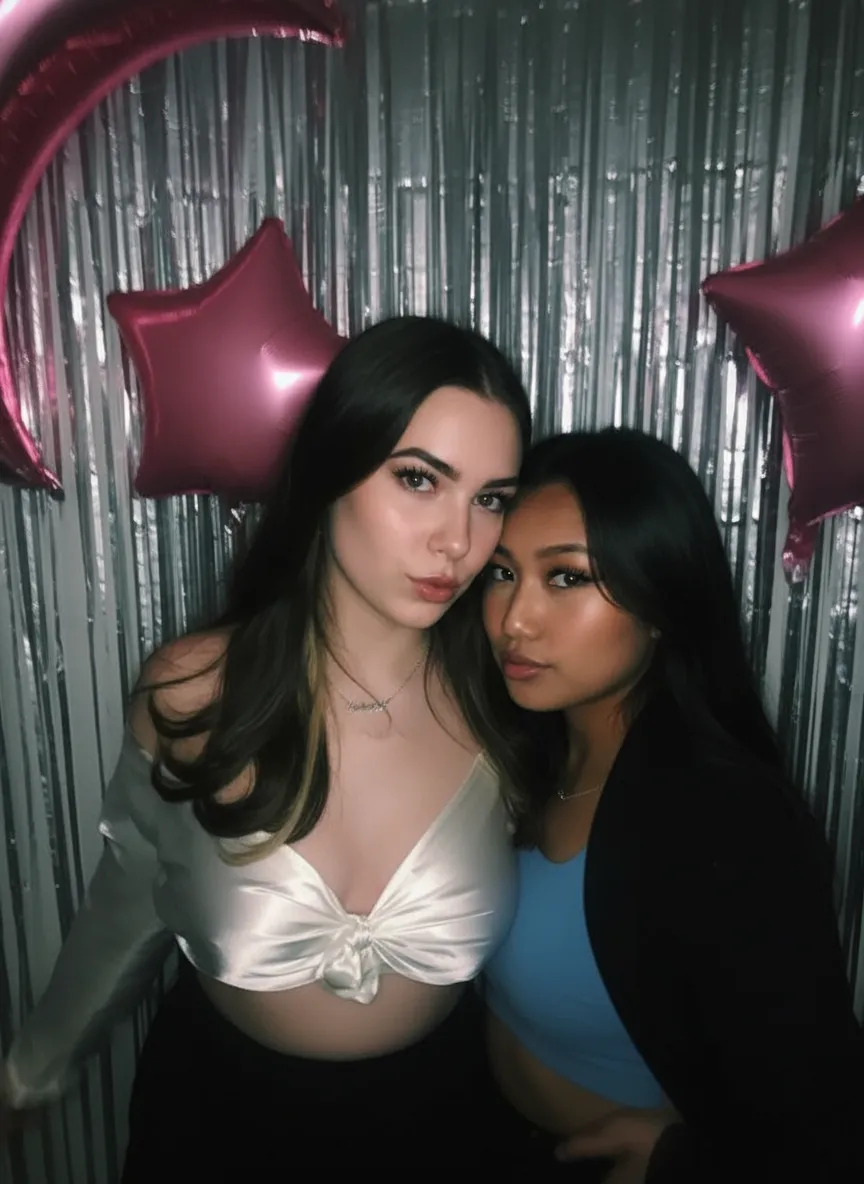
Why use AI to unblur text?
When text in an image is blurry, the information is technically still there | it is just smeared across neighboring pixels. Traditional sharpening cannot recover it because it has no idea what the original characters were; it only amplifies existing edges. AI text deblurring works differently. Because the model has learned the shapes of letters, digits, and common fonts from millions of examples, it can infer the most likely characters behind the blur and rebuild them cleanly. That is the difference between a receipt total you can finally read and a smear you have to guess at. It matters for expense reports, insurance claims, legal documents, genealogy records, and any time the words in a picture are the whole point.
- Read receipts, invoices, and totals for expense reports
- Recover text from soft or low-quality document scans
- Make license plates and serial numbers legible again
- Read whiteboard photos and lecture-slide screenshots
- Rescue captions and details from compressed screenshots

“My grandma cried when she saw her wedding photo restored. Absolutely incredible.”
Maria K.

“Uploaded a blurry photo from the 70s and got back a crystal clear image. Like magic.”
James T.

“Finally recovered old family photos I thought were lost forever. So easy to use.”
Sarah M.
How it works
3 simple steps.
Text Reconstruction
Make blurred text legible, not just larger.
Simple sharpening filters raise edge contrast, which makes blurry text look crunchy without making it any more readable. Our AI is different: it was trained on how letters, numbers, and characters actually look, so it reconstructs the shapes behind the blur. Motion-blurred, out-of-focus, and compression-softened text is rebuilt into clean, legible characters | so you can finally read that receipt total, serial number, or handwritten note.
- ✦Reconstructs the actual shapes of letters and numbers
- ✦Handles motion blur, defocus, and compression softness
- ✦Works on printed text, handwriting, and on-screen fonts
- ✦Recovers small text that filters only make crunchier
Any Document
Screenshots, scans, receipts, signs, and IDs.
Blurry text shows up everywhere: a compressed screenshot where the caption is unreadable, a scanned contract that came out soft, a receipt you need for an expense report, a whiteboard photo from a meeting, or a street sign shot from across the road. The AI handles all of them. Upload the image and it sharpens the text regardless of the document type or where the blur came from.
- ✦Compressed screenshots and social-media captions
- ✦Soft scans of documents, contracts, and forms
- ✦Receipts, labels, serial numbers, and license plates
- ✦Whiteboard photos, signs, and handwritten notes
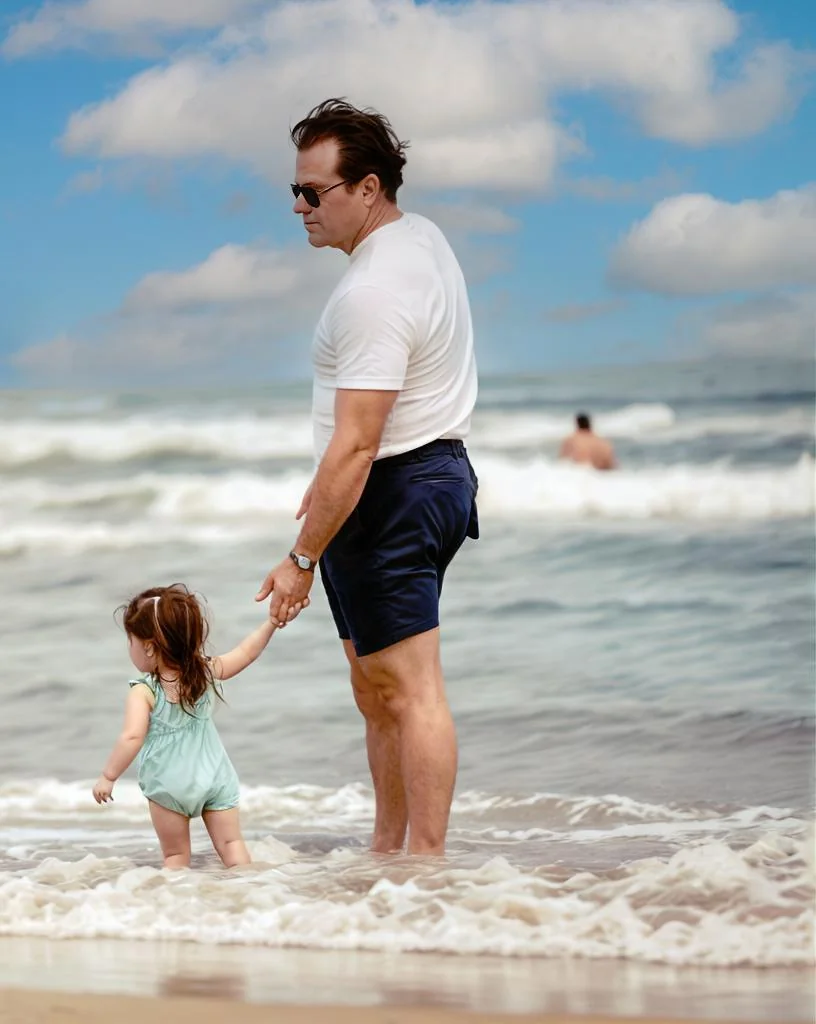
Free to Try
Sharpen blurry text online with no watermark.
You do not need Photoshop or any OCR software to make blurry text readable. This tool runs in your browser: upload the image, the AI sharpens the text, and you download the full-resolution result with no watermark. Every new account gets 2 free uses, so you can check whether the text in your image becomes legible before spending anything.
- ✦2 free text-deblur uses on every account, no credit card
- ✦Full-resolution, watermark-free downloads
- ✦Runs in any browser on phone or computer
- ✦No OCR setup, plugins, or editing skills required
In-depth guide
How to make blurred text readable
Start with the best version of the image you have. If the blurry text is in a screenshot, use the original screenshot rather than a re-saved or re-compressed copy | every extra compression pass smears the characters further. If it is a photographed document, retake it flat and well-lit if you still can; more starting detail always means more readable output.
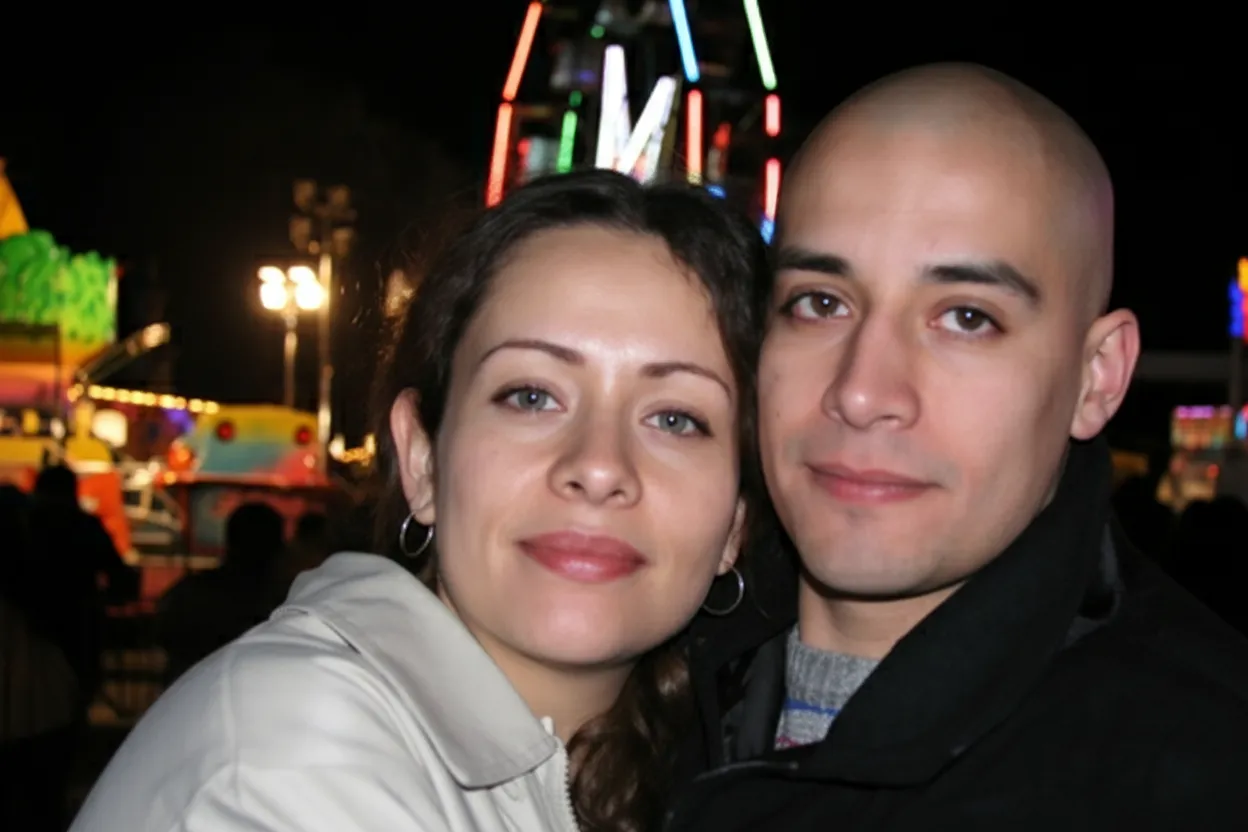
Upload the image at restorephotosapp.com/restore and choose "Sharpen" mode. Click the button and the AI analyzes the blur and reconstructs the text. In about 30 seconds you will see the sharpened version next to your original, with the characters rebuilt into legible shapes.
For badly blurred text, try a second pass: download the first result and run it through again. The first pass recovers the overall letter structure; the second refines edges that were still soft. This double-pass technique is especially effective on small text and heavy motion blur.
Keep in mind what the AI can and cannot do. It reconstructs the most statistically likely characters, so clearly-formed blurry text becomes reliably readable, but text that is completely destroyed | reduced to a featureless gray smear with no structure left | cannot be invented from nothing. If your image is also generally blurry beyond the text, sharpen the whole image first, then focus on the text. For faint or faded printed documents rather than blurry ones, our enhance and sharpen tools may be a better fit.
Expert tips
Tips for the sharpest text results
Use the original, uncompressed file
Screenshots and images lose text detail each time they are re-saved or shared through messaging apps. Upload the original capture whenever possible for the most legible result.
Crop close to the text
If only one region has the text you need, crop to it before uploading. This lets the AI dedicate its reconstruction to the characters that matter instead of the whole scene.
Run a second pass on heavy blur
For text that is still slightly soft after the first result, download it and sharpen again. Two passes noticeably improve small or heavily motion-blurred text.
Photograph documents flat and lit
When you can still retake the photo, lay the document flat in even light and hold the camera parallel to it. Reducing blur at capture time gives the AI far more to work with.
Combine with full-image unblur
If the entire photo is soft, not just the text, run it through the unblur image tool first, then sharpen the text region for the cleanest reading.
Pricing
One-time pricing. No subscription. Credits never expire.
Starter
Perfect for trying it out on a few precious photos.
$0.70 / credit · 10 restorations
Start Restoring Photos- 10 AI credits included
- High-Resolution Output
- Credits Never Expire
- Animate Photos with Credits
30-Day Satisfaction Guarantee
Pro
For restoring a small album of memories.
$0.68 / credit · 25 restorations
Get Pro Access- 25 AI credits included
- High-Resolution 1080P Output
- Credits Never Expire
- Animate Photos with Credits
30-Day Satisfaction Guarantee
Family
Restore your entire family photo collection.
$0.60 / credit · 50 restorations
Get Family Plan- 50 AI credits included
- High-Resolution 1080P Output
- Credits Never Expire
- Animate Photos with Credits
30-Day Satisfaction Guarantee
Studio
For entire archives, professionals, and power users.
$0.55 / credit · 100 restorations
Get Studio Plan- 100 AI credits included
- High-Resolution 1080P Output
- Credits Never Expire
- Animate Photos with Credits
30-Day Satisfaction Guarantee
Prices don't include VAT.
FAQ
Frequently asked questions
How do I unblur text in an image?
Upload the image at restorephotosapp.com/restore, select "Sharpen" mode, and click the button. The AI reconstructs the blurred characters and makes the text legible in about 30 seconds. It works on screenshots, scanned documents, receipts, and photos of signs, and your first 2 uses are free with no credit card.
Can AI make blurred text readable?
Yes, in most cases. Because the AI has learned the shapes of letters, numbers, and common fonts, it can rebuild blurry or smeared text into legible characters rather than just sharpening edges. The clearer the underlying structure of the text, the more reliable the result. Text that has been completely destroyed into a featureless smear cannot be fully recovered.
Is there a free way to unblur text?
Yes. Every new account gets 2 free uses at full resolution with no watermark and no credit card required. That is enough to check whether the text in your image becomes readable before buying any credits, which start at $6.99 for 10.
What kinds of blurry text can it fix?
It handles motion-blurred text, out-of-focus text, and text softened by compression or low resolution. Common inputs include compressed screenshots, soft document scans, receipts, invoices, whiteboard photos, license plates, serial numbers, and photographed signs. Both printed text and handwriting can be sharpened.
Can I unblur text in a screenshot?
Yes. Screenshots often lose text clarity through compression when shared or re-saved. Upload the screenshot, select "Sharpen" mode, and the AI rebuilds the characters so captions, chat messages, or on-screen details become readable again. For best results, use the original screenshot rather than a re-shared copy.
Does it work on scanned documents and receipts?
Yes. Soft or low-quality scans of contracts, forms, and receipts are a common use case. The AI sharpens the printed text so totals, dates, terms, and reference numbers become legible. This is especially useful for expense reports, insurance claims, and record-keeping.
Is this an OCR tool?
No. This tool makes the blurred text in your image visually sharp and readable | it does not extract the text into editable characters the way OCR does. Once the image is sharpened, though, the clearer text is much easier to read yourself or to run through a separate OCR app if you need a digital transcript.
Can I unblur text on my phone?
Yes. The tool runs in any mobile browser on iPhone or Android with nothing to install. Upload the image from your camera roll, sharpen the text, and download the readable result directly to your phone.
Will the rest of the image be affected?
The AI sharpens the whole image, with particular benefit to text regions. Photos, backgrounds, and other elements around the text are sharpened too and generally look better, not worse. If only the text matters to you, cropping to it before uploading focuses the reconstruction where you need it.
How much does it cost to unblur text?
Your first 2 uses are free. After that, credits start at $6.99 for 10 ($0.70 each), and the Family plan is $29.99 for 50 ($0.60 each). Credits are one-time purchases that never expire, with no subscription.























