Contents
Takes about 30 seconds
What animating a photo really does
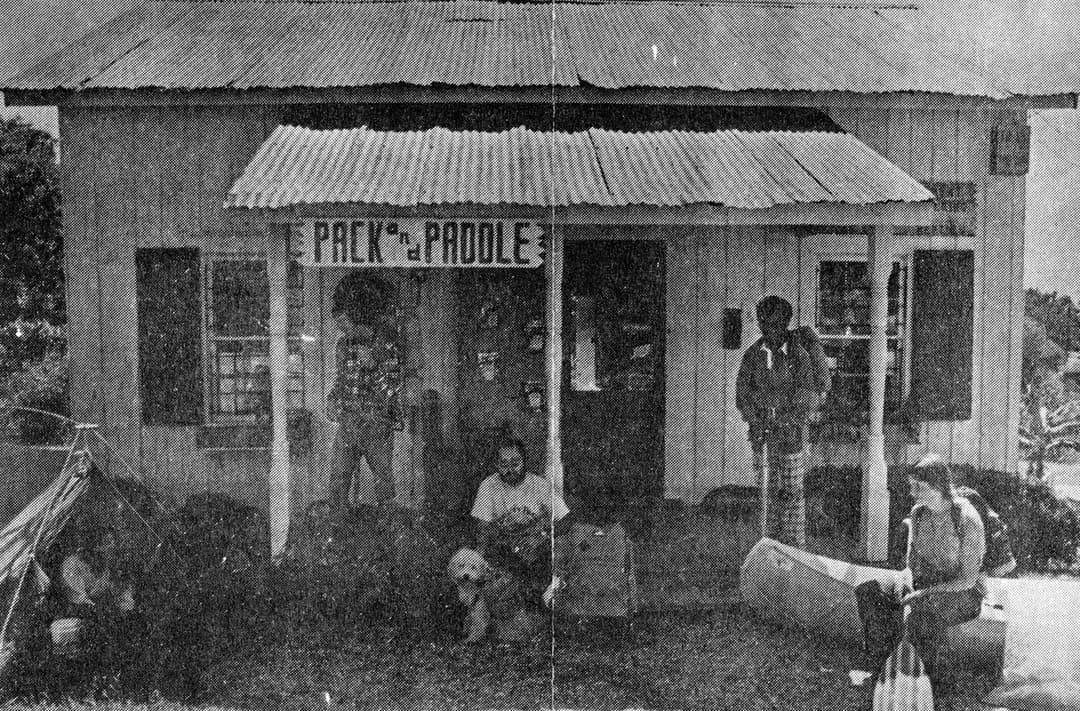
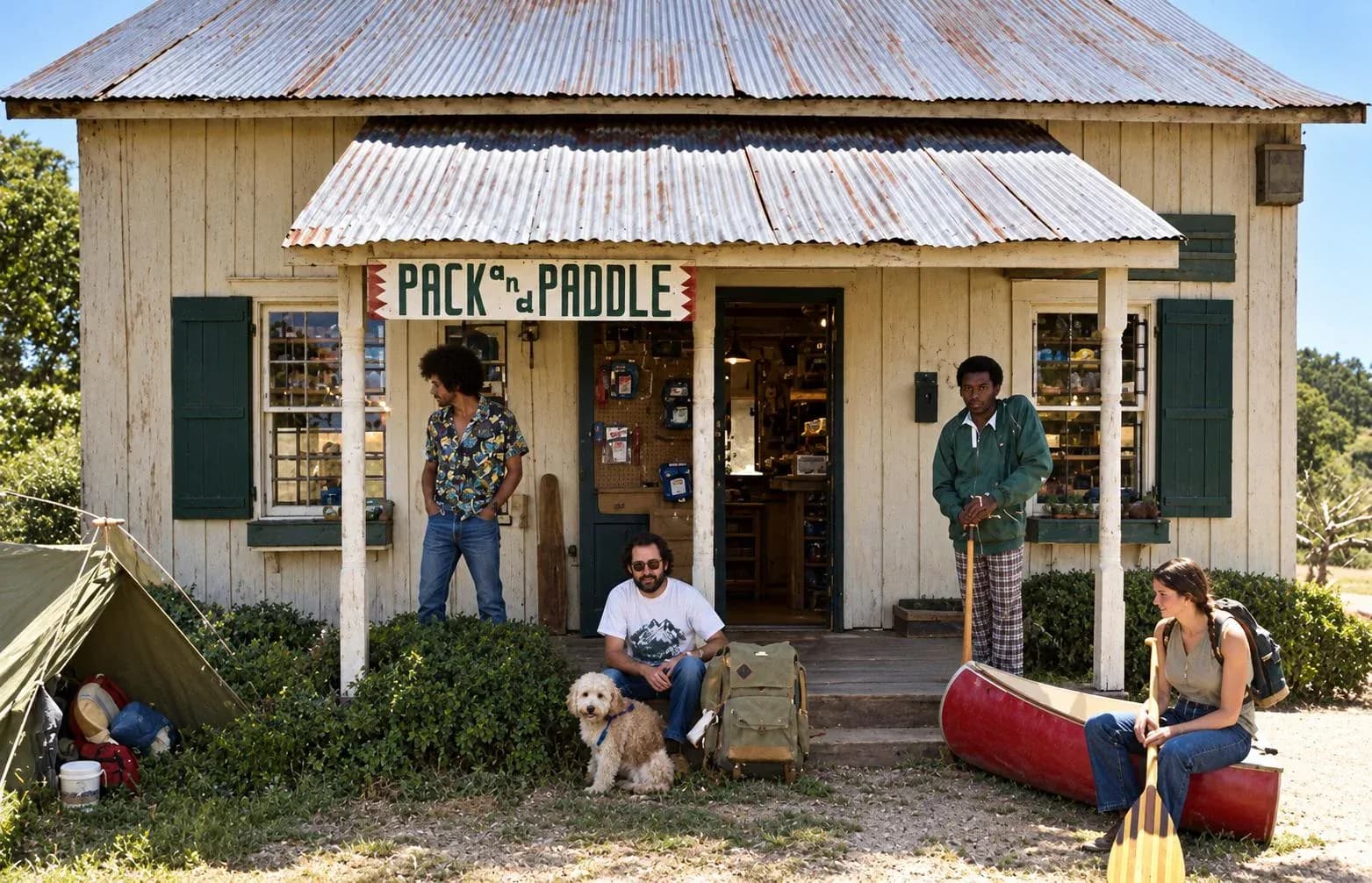
It generates a short video in which your photograph appears to move. That sentence is doing a lot of work, so here is the part that matters: nothing is uncovered. A still photograph holds one instant. Every frame of motion added to it is invented by a model that has learned how faces breathe, how hair moves in wind and how cloth falls.
This is a different kind of claim from the rest of what we do. Repairing a tear fills a gap using information from the pixels around it, which is close to reconstruction. Animating a face produces an expression that nobody ever wore in front of a camera. Both are useful. Only one of them is in any sense a recovery of something that existed.
None of that is an argument against doing it. It is an argument for knowing what you are showing people, which is the whole subject of should you further down.
Deep Nostalgia, and what came after
More people search for Deep Nostalgia than for photo animation in general, so it is worth starting there. MyHeritage launched it in February 2021. It animated the face in a family photograph with blinks, small head movements and a shift of expression, it went viral within days, and the company reported 50 million animations created in about a month. It is the reason this category exists in the public mind at all.
| Deep Nostalgia | Free user | Complete subscriber |
|---|---|---|
| Animations | Several | Unlimited |
| MyHeritage logo on the video | Yes, in the corner | No |
| Price | $0 | $149 a year, whole platform |
From MyHeritage's own blog and help centre, read on 3 November 2026.
Two things are worth knowing if you last looked in 2021. The watermark is the catch on the free tier: your animation arrives with a MyHeritage logo in the corner until you take the Complete plan. And MyHeritage has moved on, adding LiveMemory in November 2024, which generates a longer video rather than a looping face. If you are already paying for the family tree, the photo tools are included and there is little reason to look elsewhere.
Five kinds of motion
“Animate” covers at least five different things, and picking the wrong one is the usual reason a result feels wrong. These are the five we offer, described by what each actually asks the model to do rather than by what sounds good.
- Come to life
- Gentle breathing, an occasional soft blink and a very slight head turn. The closest thing here to Deep Nostalgia, and the one people mean when they say they want a photograph to move.Best on: A portrait where the face fills a good part of the frame
- Cinematic
- A slow dolly push or soft pan with shallow depth of field, plus ambient motion in the background. The subject stays still; the camera does the work.Best on: Group shots and scenes where you do not want faces altered
- Ken Burns
- The documentary effect: a very slow zoom combined with a gentle pan, and no subject movement at all. Nothing in the photograph is changed, which makes it the honest option.Best on: Historical photographs, and anything going into a slideshow
- Gentle breeze
- Wind in hair, leaves, fabric or grass, with drifting cloud and swaying branches. Atmosphere rather than performance.Best on: Outdoor photographs with something that could plausibly move
- Celebration
- Smiles widen slightly, eyes brighten, a hint of laughter and a warm glow. The most interpretive of the five, and the one to be most careful with.Best on: Weddings, parties and photographs that were already joyful
If you are unsure, start with Ken Burns. It moves the camera and changes nothing in the photograph, so it cannot produce an expression the person never had. It is the option that makes a slideshow feel alive without making anybody uncomfortable, and it is what documentary makers have used on archive stills for fifty years.
Doing it here
Animation is one of six styles in the same browser tool as the restoration work, so the usual order is: repair the photograph, check it, then animate the cleaned version. It costs 3 credits against one for a still, because video models are considerably more expensive to run, and the result is a four-second MP4 you can download and send.
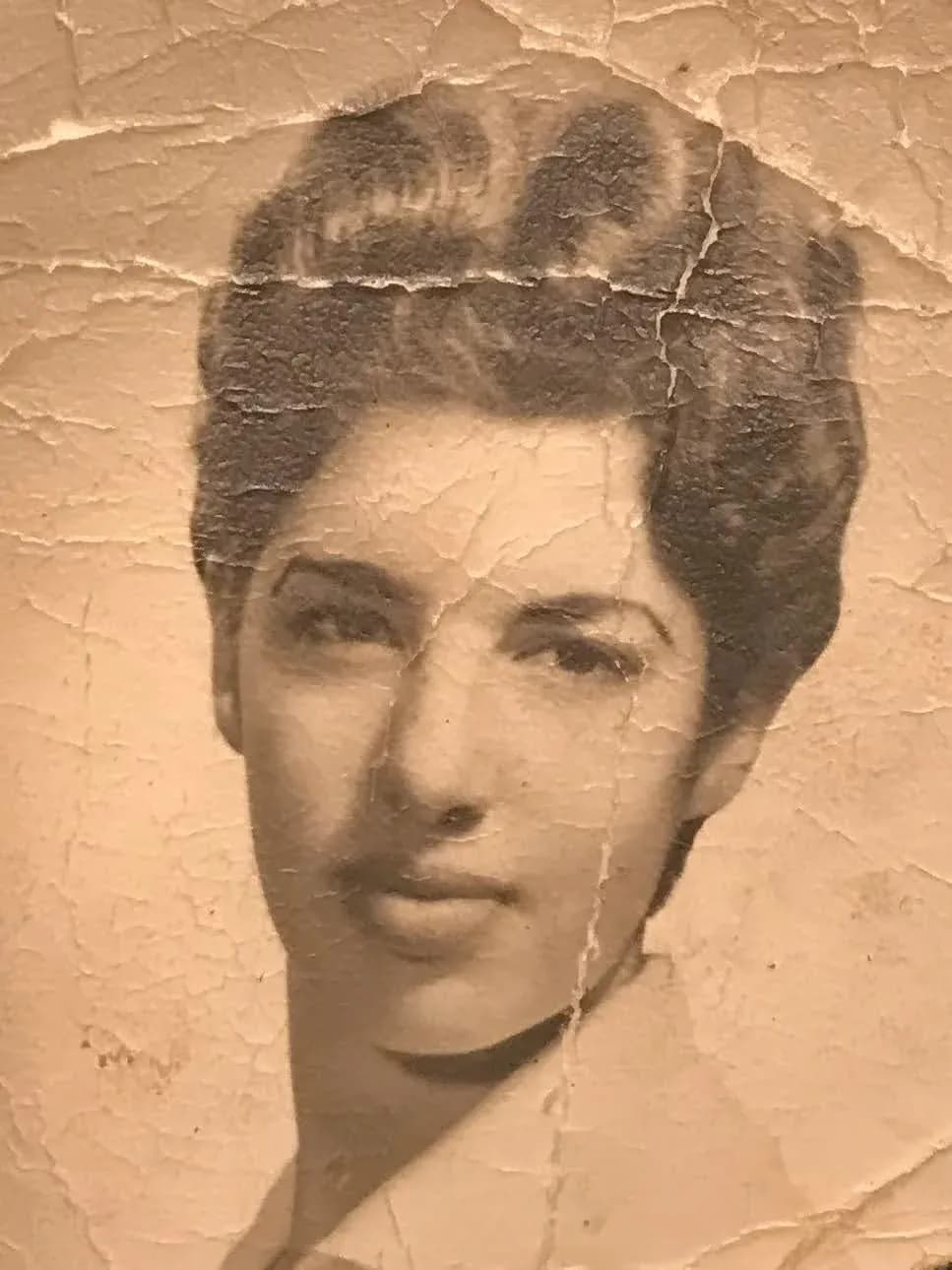
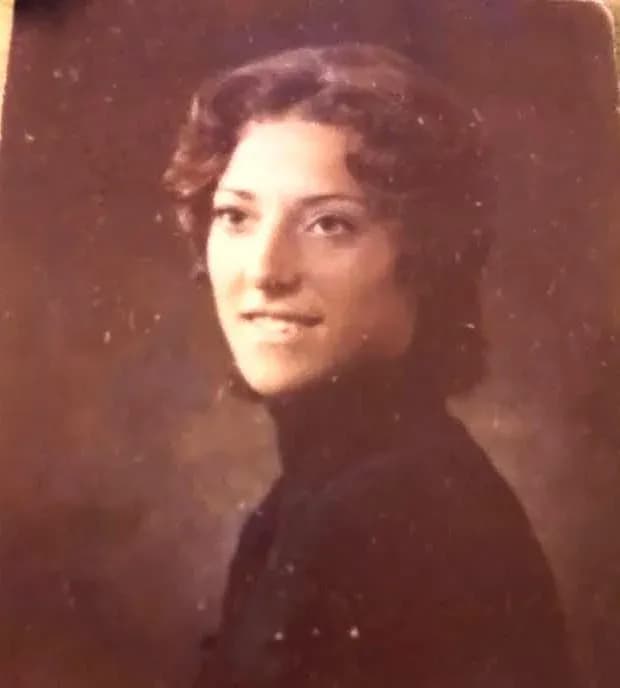
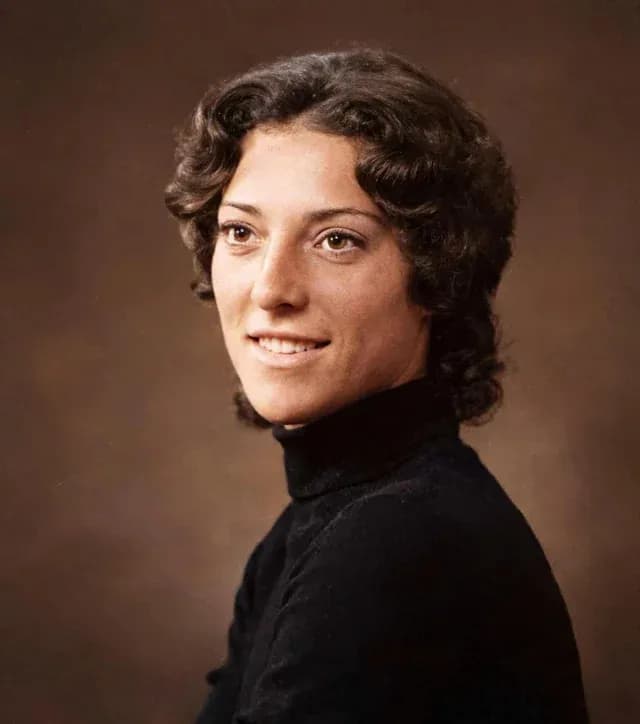
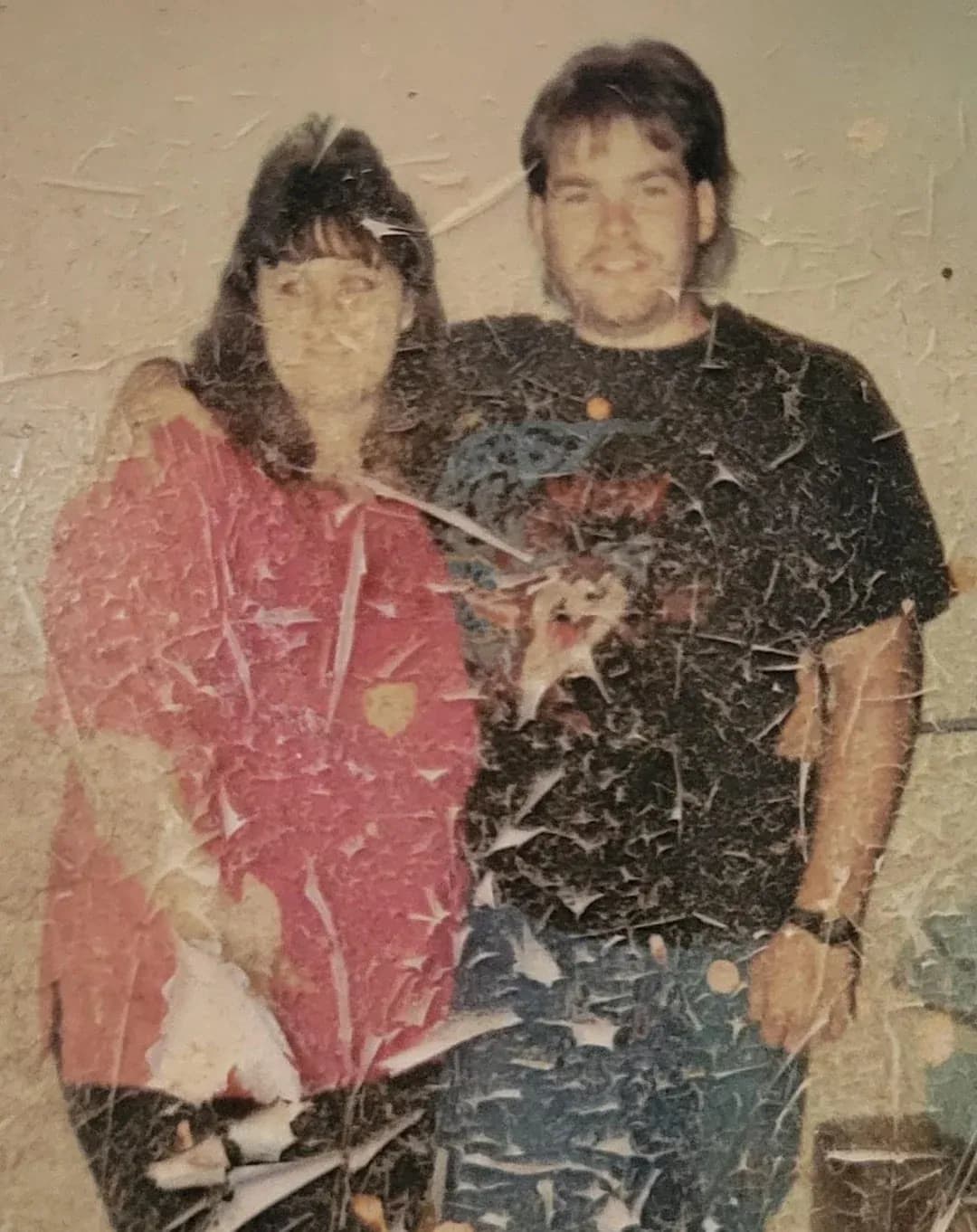
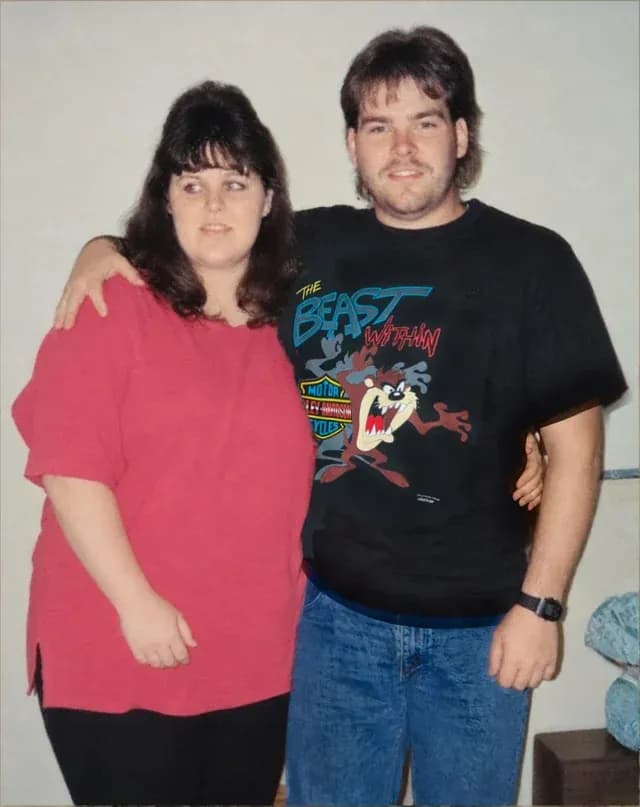
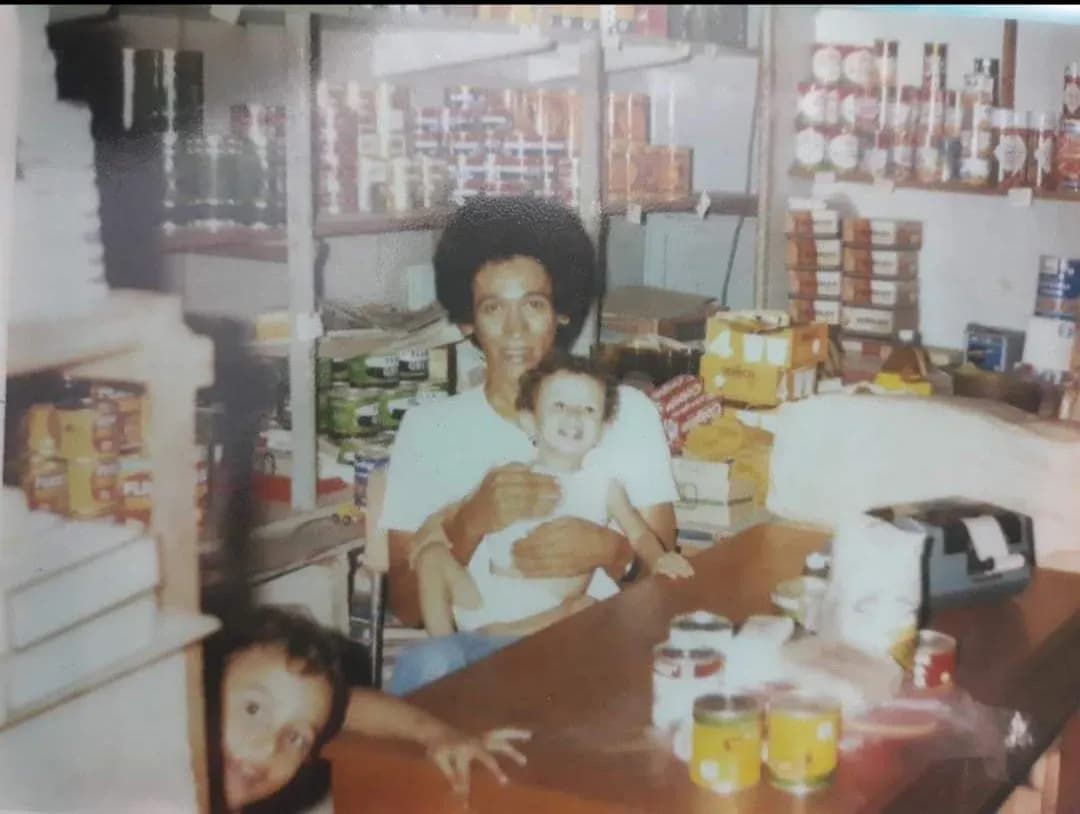
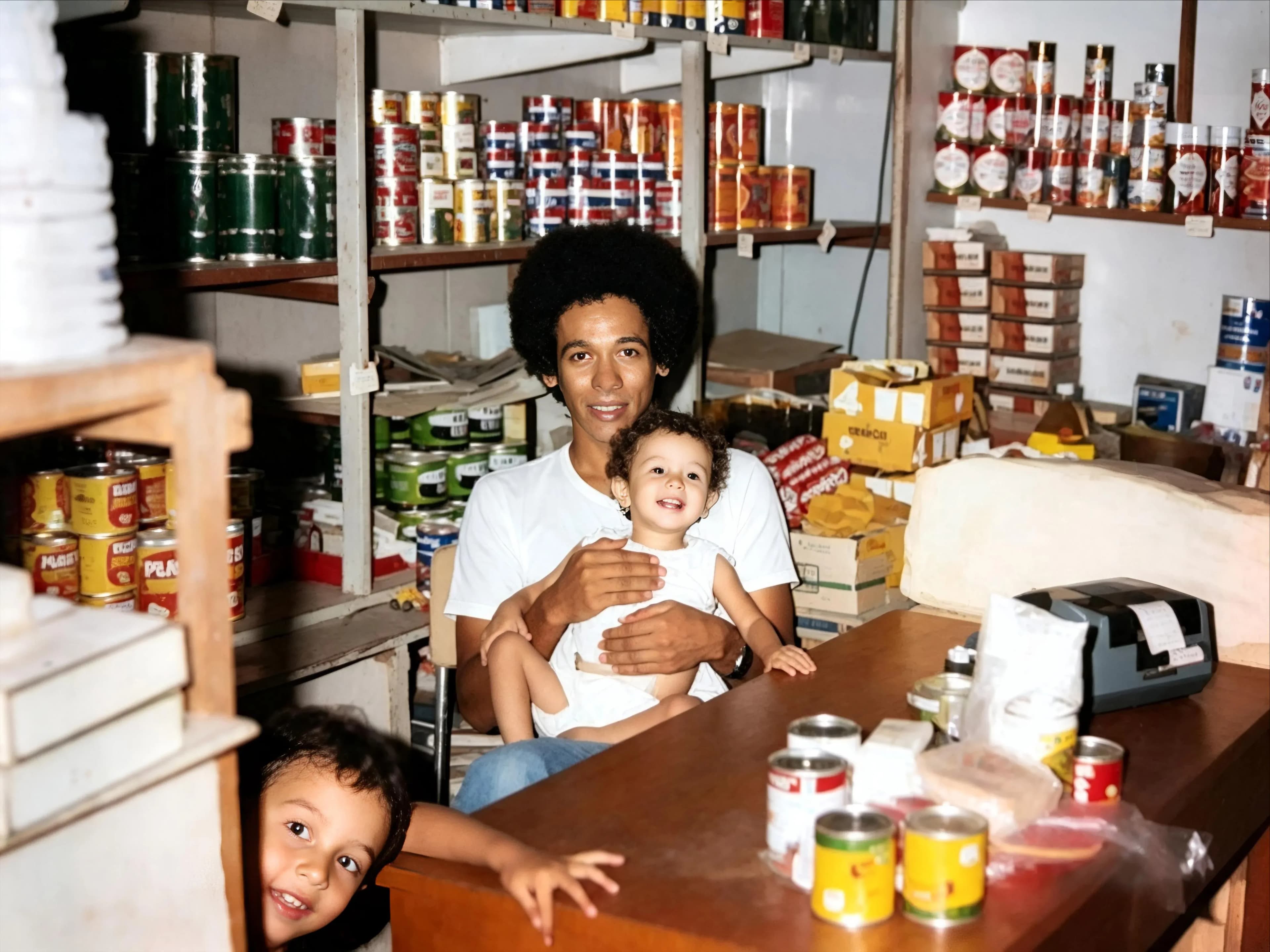
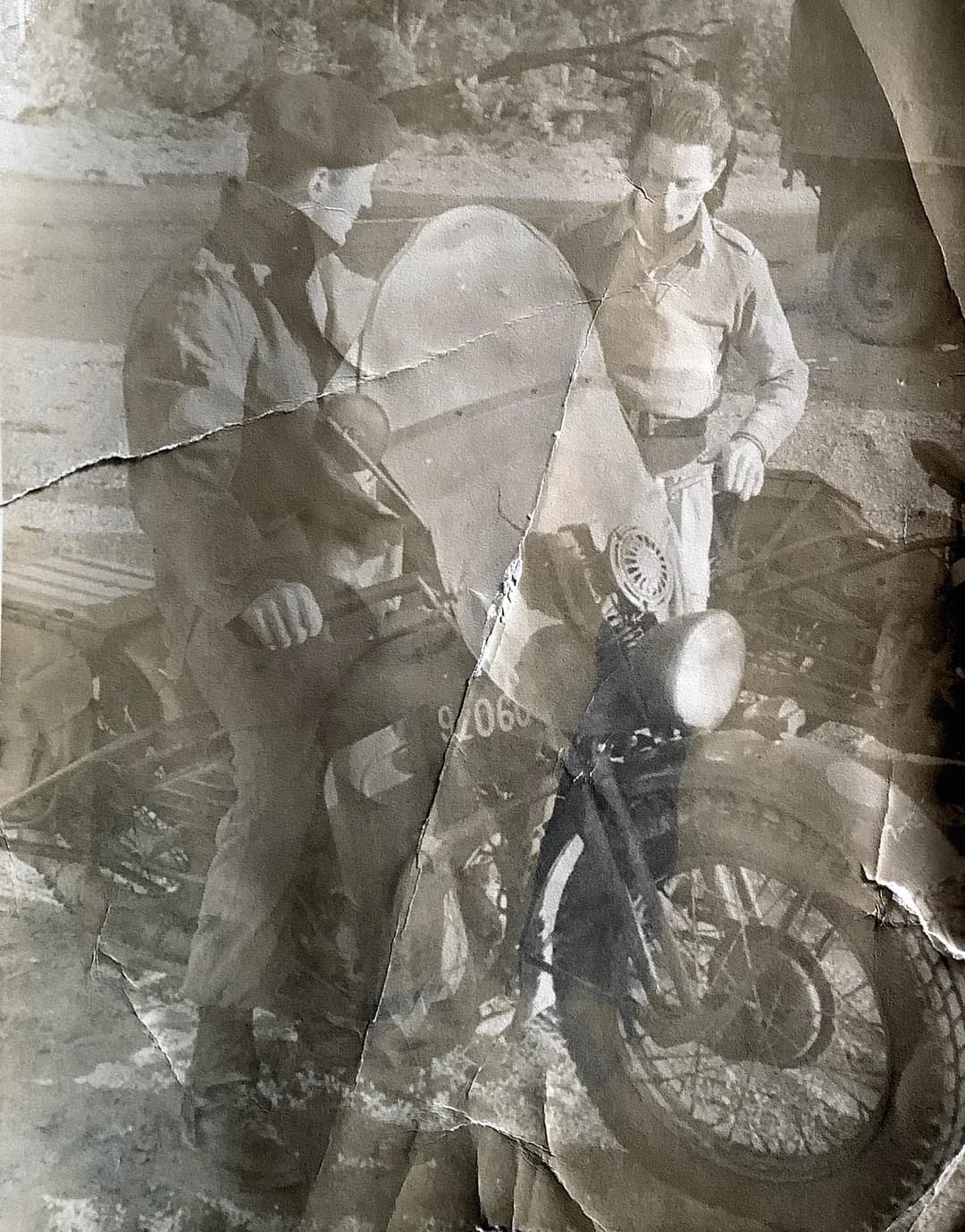
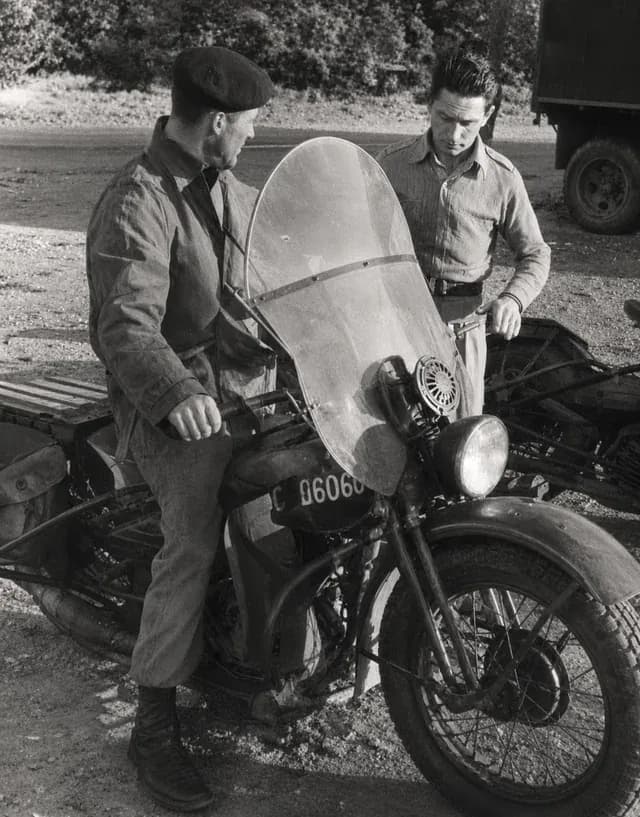
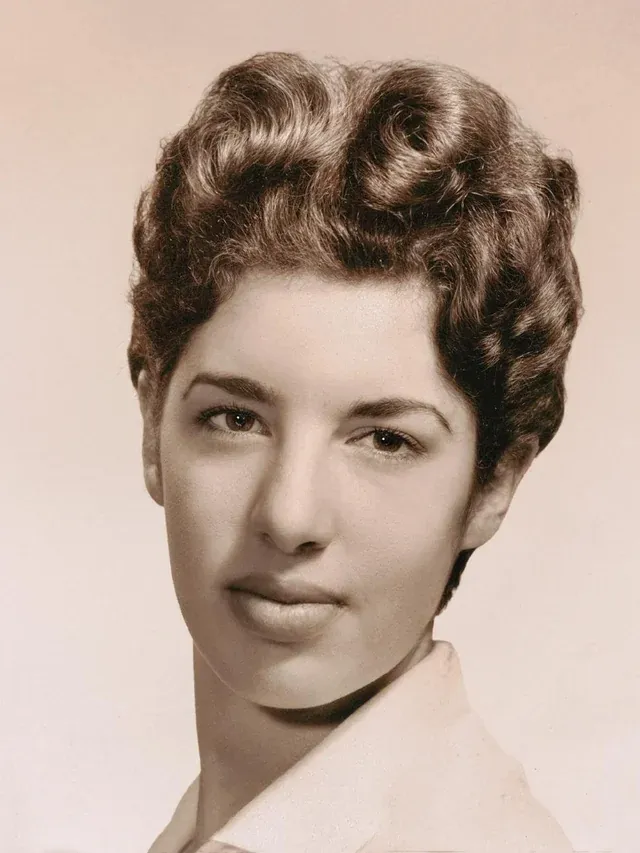
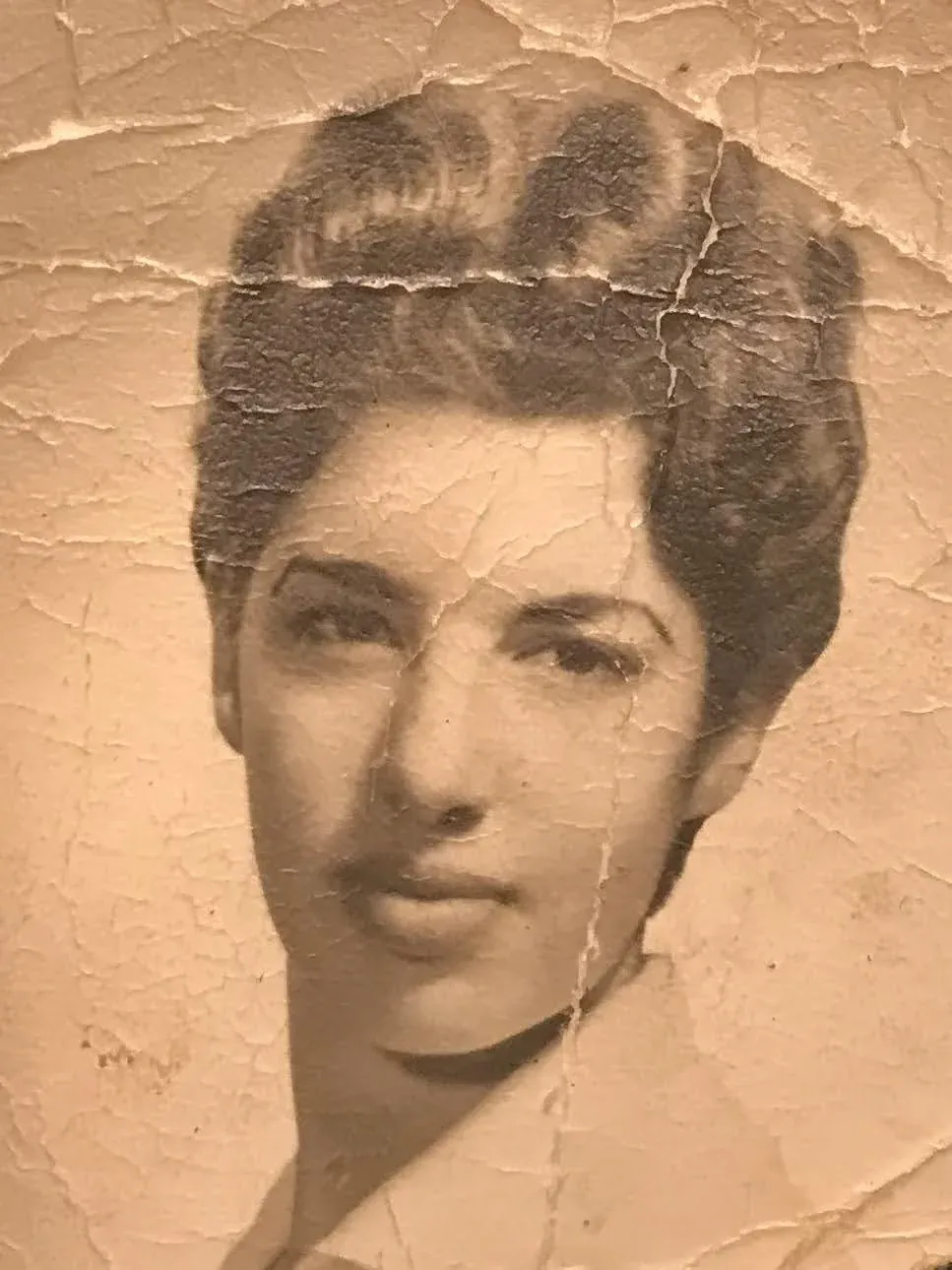
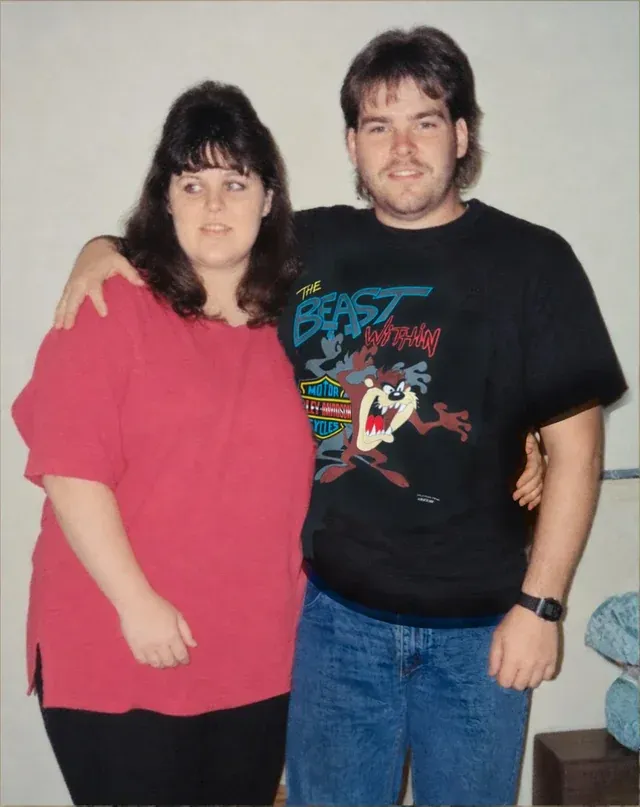
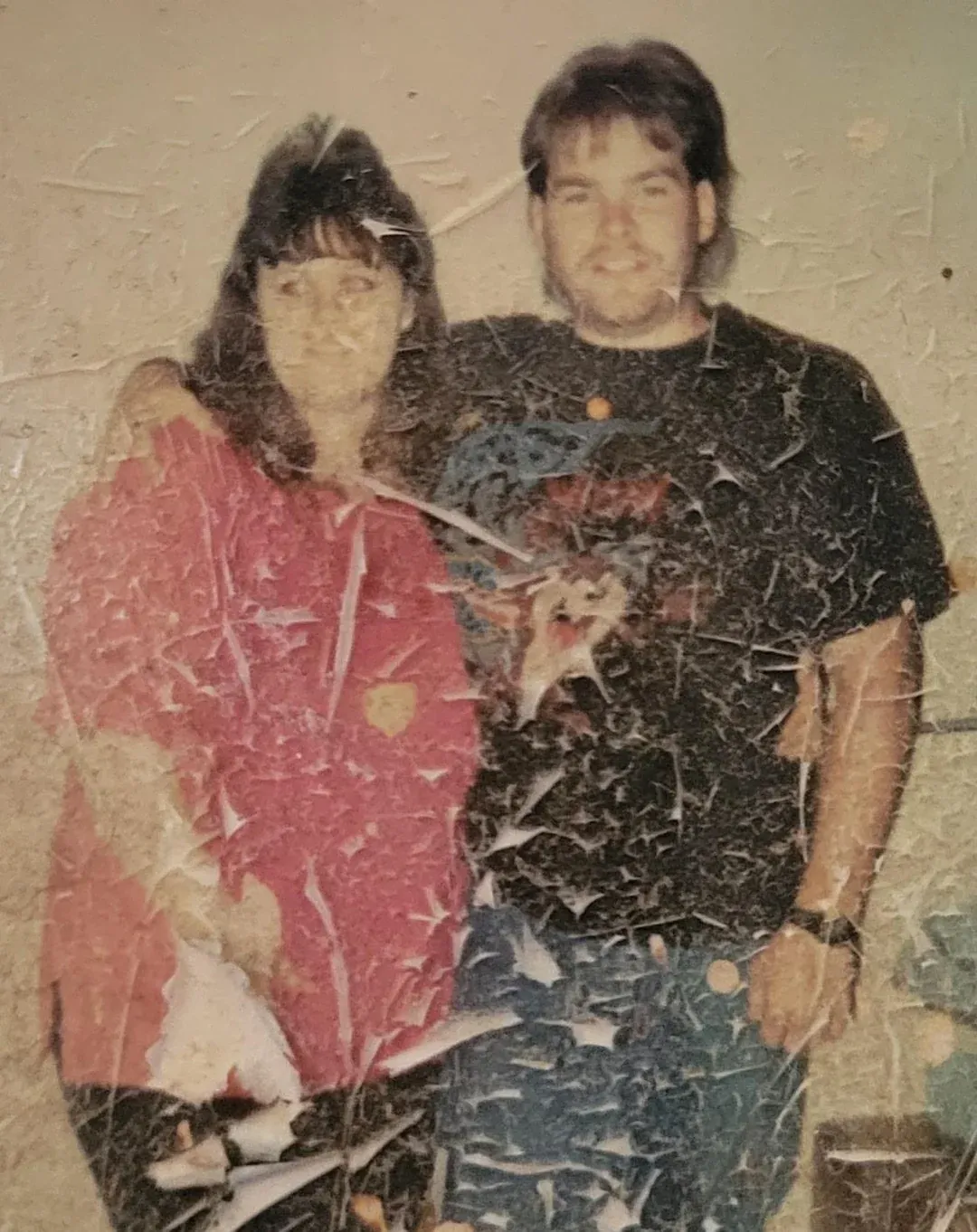
The repair-first order is not a sales pitch, it is the thing that changes the result most. A scratch across a cheek is not understood by a video model as damage: it is treated as part of the face and animated along with it, which produces exactly the rubbery, uncanny output people complain about. Fix the still first. There is more on that in how to restore old photos.
Should you animate someone who has died?
This is the question people actually have and almost no page selling the feature will touch it. There is no universal answer, and anybody offering one is overreaching. What helps is separating the two things that get muddled together.
The first is seeing a late parent or grandparent blink and turn toward the camera. For a great many families that is simply moving, and there is nothing disrespectful about it. People keep voices on answering machines for the same reason.
The second is narrower and is where the discomfort usually comes from: a generated expression the person never wore, shown to relatives who were not told it was generated. A grandmother who was reserved in every photograph suddenly beaming is not a memory of her, and if nobody says so, it quietly becomes one.
- Use the least interpretive style you can live with
- Ken Burns changes nothing about the person. Come to life changes the least of the styles that move a face. Celebration changes the most, and is the one to think twice about on somebody who has died.
- Say that it is AI when you share it
- One sentence. Nobody has ever minded being told, and it stops an invented smile turning into family history two generations from now.
- Keep the photograph as the real thing
- The still is the record. The animation is something you made from it. Share the photograph and show the clip, rather than replacing one with the other.
And if it makes you uncomfortable, that is a sufficient reason not to do it. A restored, colorized still of the same photograph carries most of the emotional weight and invents far less.
Which photos animate well
The gap between a result that moves people and one that makes them wince is mostly decided before you press the button.
| Works well | Works badly |
|---|---|
| A face filling a good part of the frame | Groups where every face is tiny |
| Sharp, well-lit, looking near the camera | Out of focus, or in deep shadow |
| Clear separation from the background | Hair blending into a dark backdrop |
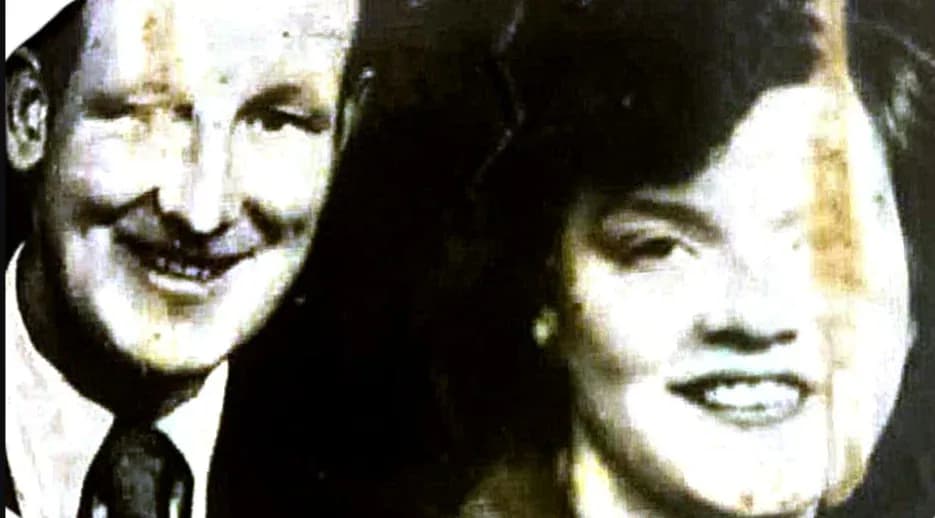
| Repaired first, damage already gone | Scratches or creases across the face |
| A reasonable file size from a real scan | A 300-pixel image from a 2009 email |
A profile view is the one people are most often surprised by: a model has much less to work with when it cannot see both eyes.
What it costs
An animation is 3 credits where a still restoration is one, so a credit at between $0.44 and $0.70 puts an animation at roughly three times that. No subscription, nothing renews, and the credits do not expire.
| Pack | Photos | Price | Full 1080p | No watermark | Never expires | |
|---|---|---|---|---|---|---|
| Basic | 10 | $6.99$0.70 each | Full 1080p: included | No watermark: included | Never expires: included | Buy |
| Plus | 25 | $16.99$0.68 each | Full 1080p: included | No watermark: included | Never expires: included | Buy |
| Probest value | 50 | $29.99$0.60 each | Full 1080p: included | No watermark: included | Never expires: included | Buy |
| Studio | 100 | $54.99$0.55 each | Full 1080p: included | No watermark: included | Never expires: included | Buy |
| Max | 250 | $109.99$0.44 each | Full 1080p: included | No watermark: included | Never expires: included | Buy |
One credit restores one photo. Every pack includes the same everything: nothing is held back for the larger ones, and the only difference is how many photos you get.
The comparison worth making is with the subscription route. If you already pay MyHeritage $149 a year, animations are included and you should use them. If you do not, a year of that subscription buys a long way past 250 credits here, which is 83 animations or a mixture of animations and restorations, with no renewal and a 30-day money-back guarantee. There is no free tier here, so MyHeritage is the better route if you want exactly one animation and nothing else.
Questions people ask
What does animating an old photo actually do?
It generates a short video in which the photograph appears to move. Nothing in the original is uncovered or recovered: a still photograph contains one instant, and every frame of motion added to it is invented by a model that has learned how faces and fabric and clouds behave. The good versions of this are extremely convincing, which is the reason to be clear with yourself and with relatives about what you are looking at. It is a plausible performance based on a photograph, not a recording of something that happened.
What is MyHeritage Deep Nostalgia?
The feature that made this category famous. MyHeritage launched Deep Nostalgia in February 2021, it went viral almost immediately, and the company reported 50 million animations created within about a month. It animates the face in a photograph, adding blinks, small head movements and a shift of expression. Free MyHeritage users get several animations with a MyHeritage logo watermark in the corner; unlimited and logo-free animation comes with the Complete subscription at $149 a year. MyHeritage has since added LiveMemory, a newer feature that generates a longer video rather than a face loop.
Is there a free way to animate an old photo?
Partly, and it is worth knowing the catch. MyHeritage gives free users several Deep Nostalgia animations, but the output carries a MyHeritage logo in the corner until you take the Complete subscription at $149 a year. Several apps offer one or two free animations and then ask for a weekly subscription. Ours is a paid one-time credit system with no free tier, where an animation costs three credits against one for a still restoration.
Is it wrong to animate a photo of someone who has died?
There is no universal answer and anyone who gives you one is overreaching. What is worth separating is the two different things people react to. Seeing a late parent blink is genuinely moving for many families and there is nothing disrespectful in it. The discomfort usually comes from something narrower: a generated expression that the person never wore, shown to relatives who were not told it was generated. The practical approach that upsets nobody is to use the least interpretive style you can live with, tell people it is AI, and keep the original photograph as the thing you actually share.
Which photos animate best?
A sharp, well-lit portrait with the face reasonably large in the frame, looking somewhere near the camera, with clear separation between the head and the background. Repair the photograph before animating it, because damage across a face gets interpreted as part of the face and then moves with it. Photographs that animate badly: very small or heavily compressed files, faces in profile or partly hidden, groups where every face is tiny, and anything where the original was out of focus.
How long is the video, and what format is it?
A four-second MP4, which is long enough for a loop or a slideshow clip and short enough that the generated motion does not start to drift. It downloads as a normal video file you can send, post or drop into an editor. An animation costs 3 credits against one credit for a still restoration, because video models cost considerably more to run.
Should I restore the photo before animating it?
Yes, and it makes a visible difference. A scratch across a cheek or a crease through a mouth is not understood as damage by a video model: it is treated as part of the face and animated along with it, which produces exactly the uncanny result people complain about. Run the repair first, check the still at full size, and animate the cleaned version. Our own tool does restoration and animation separately for that reason rather than doing both at once.