
On this page
Why colorize black and white photos with AI?
Hiring an artist to hand-colorize a single photo costs $50 to $200 and takes days. The results depend on the artist's skill and their interpretation of colors you cannot verify. A dedicated AI photo colorizer app like RestorePhotos does the same work in 30 seconds for a fraction of the cost. You upload a photo, the AI adds color, and you download the result. No subscriptions, no waiting, no back-and-forth with a freelancer. For family collections with dozens of B&W photos, manual colorization is impractical. AI makes it possible to colorize all of them.
- AI colorizes a photo in 30 seconds instead of hours of manual painting
- Family plan: 50 photos for $29.99 (about $0.60 per photo vs $50+ for an artist)
- Consistent quality across every photo, whether you colorize 1 or 100
- One-time pricing, no monthly subscription. Buy credits and use them anytime.
What to expect
How AI colorization actually works (and what it can and cannot know)
Colorizing photographs is older than color film. From the earliest days of photography, studios employed artists to hand-tint portraits with paints and dyes, one brushstroke at a time. A single hand-colored portrait could take days and its accuracy depended entirely on the artist's memory or notes about the subject. AI colorization automates that same judgment, but it draws on something no single artist has: patterns learned from millions of color photographs.
When the AI looks at a black and white photo, it first identifies what is in the frame: faces, hair, clothing, foliage, sky, wood, brick, skin. For each region it predicts the most plausible color based on everything it has learned about how those things look in real life. Skin gets natural undertones rather than a flat beige. Foliage varies between shades of green instead of being painted uniformly. This is also why a clean input matters so much: on a scratched or faded photo the AI has to work through the damage, which is why we recommend restoring the photo first and colorizing the restored version.
It is worth being honest about the limits. A black and white photo contains no color information, only brightness. The AI cannot know that your grandmother's dress was red rather than blue; it chooses a realistic color, not a documented one. For most family photos this distinction does not matter, because the goal is a natural, believable image rather than a forensic record. If a specific color is important to you, keep notes with the photo, since the colorized file and your original scan both stay in your account untouched. And if your photo is sepia-toned rather than true black and white, the AI handles that too: it reads through the brown cast the same way it reads through gray.

“My grandma cried when she saw her wedding photo restored. Absolutely incredible.”
Maria K.

“Uploaded a blurry photo from the 70s and got back a crystal clear image. Like magic.”
James T.

“Finally recovered old family photos I thought were lost forever. So easy to use.”
Sarah M.
How it works
3 simple steps.
AI Colorization
Realistic colors, not guesswork.
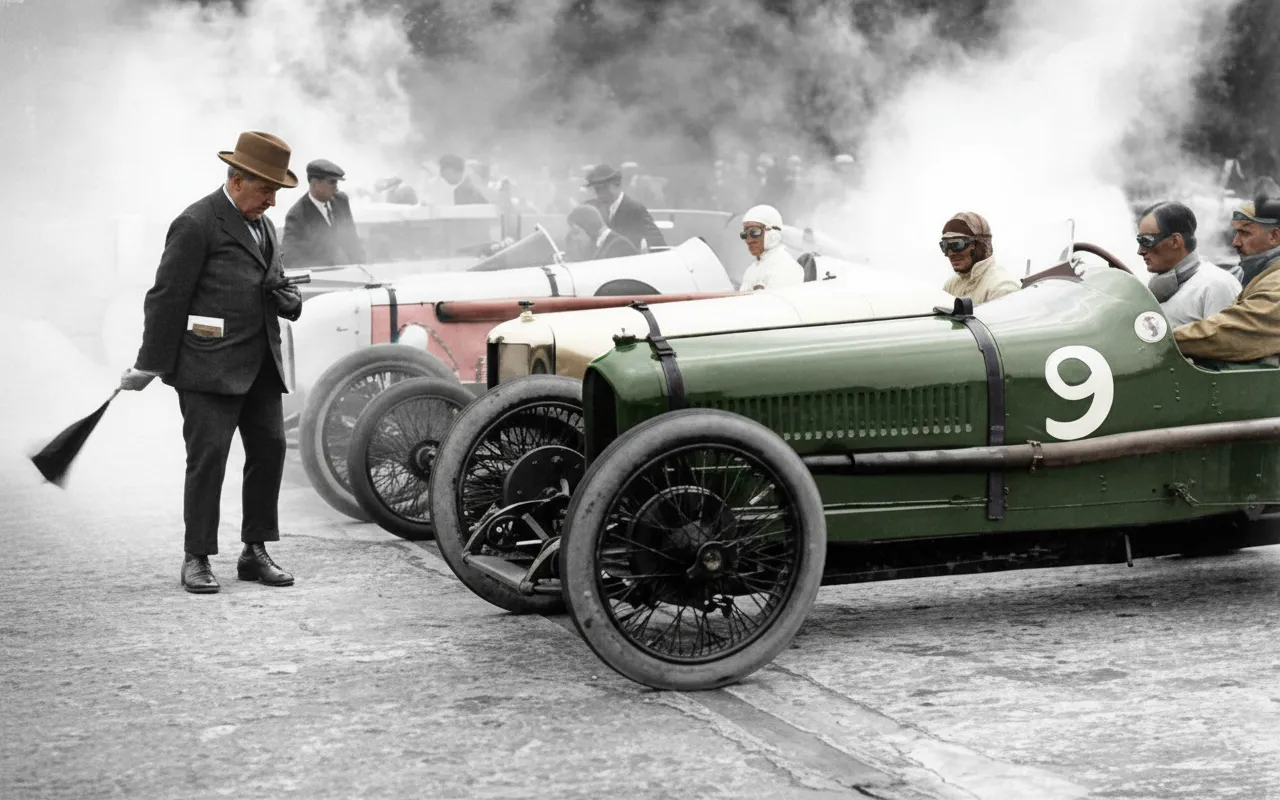
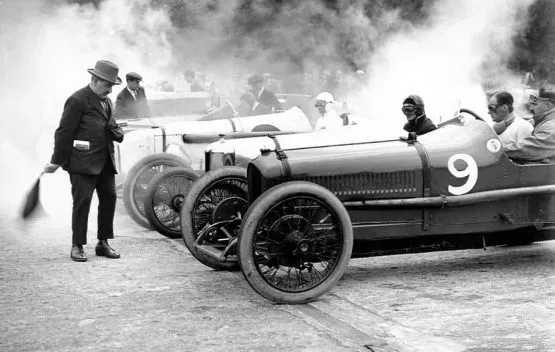
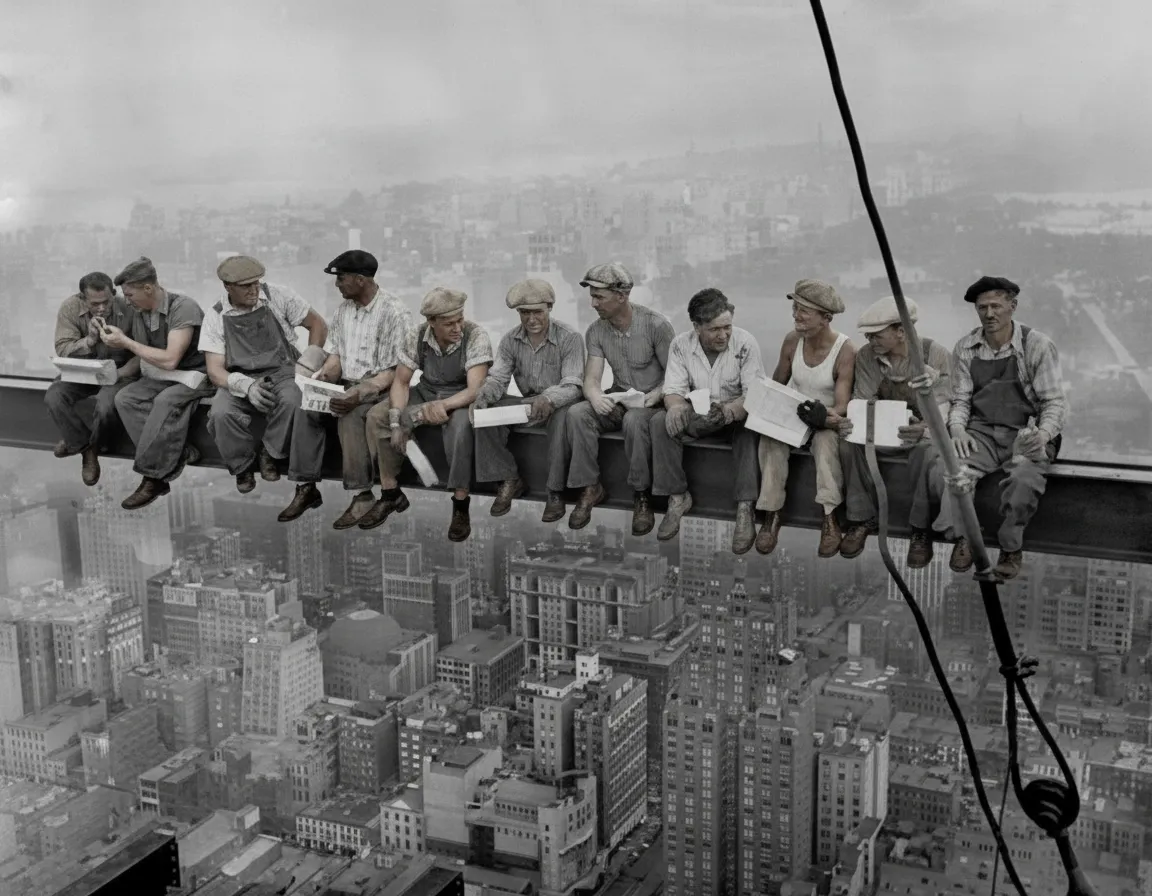
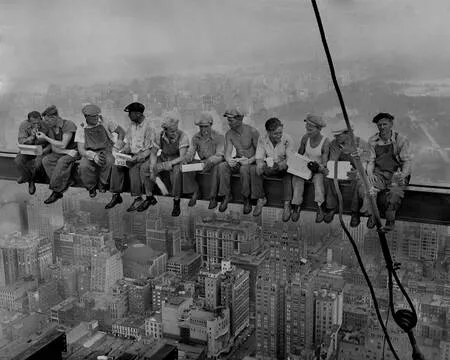
The AI analyzes each photo to understand context. It recognizes faces, clothing, trees, sky, furniture, and other objects and applies appropriate colors based on what it sees. Skin tones look natural. Grass is green. Sky is blue. The results are consistent and believable.
- ✦Natural skin tones and hair colors on every face
- ✦Recognizes scenery, clothing, and objects in context
- ✦Consistent results across a batch of photos
Easy to Use
A photo colorizer app anyone can use.
There are no sliders, layers, or color wheels. Upload your black and white photo, select "Colorize B&W" as the mode, and the AI does everything. The colored version is ready to download in about 30 seconds. Works in any browser on your computer or phone.
- ✦Fully automatic. No manual color picking.
- ✦Results in 30 seconds, not hours
- ✦Download in full resolution, ready to print
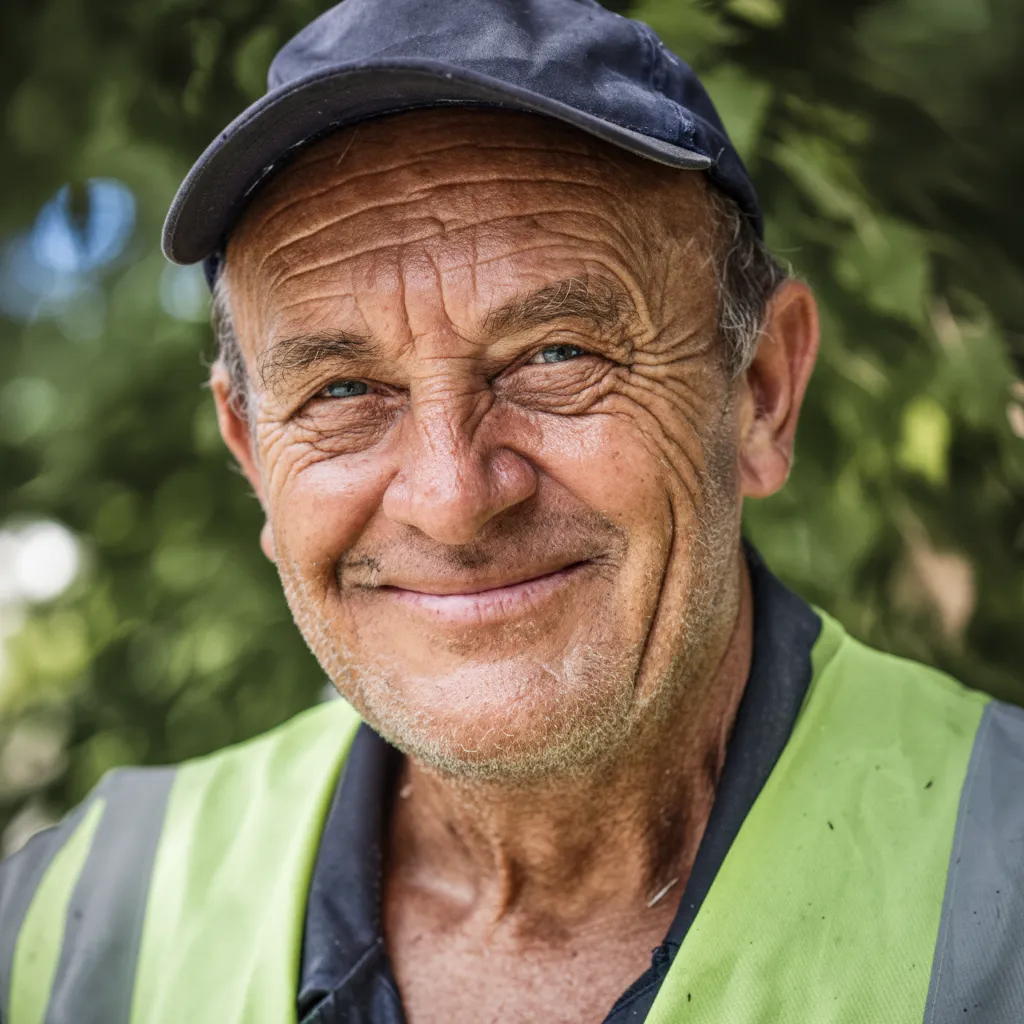
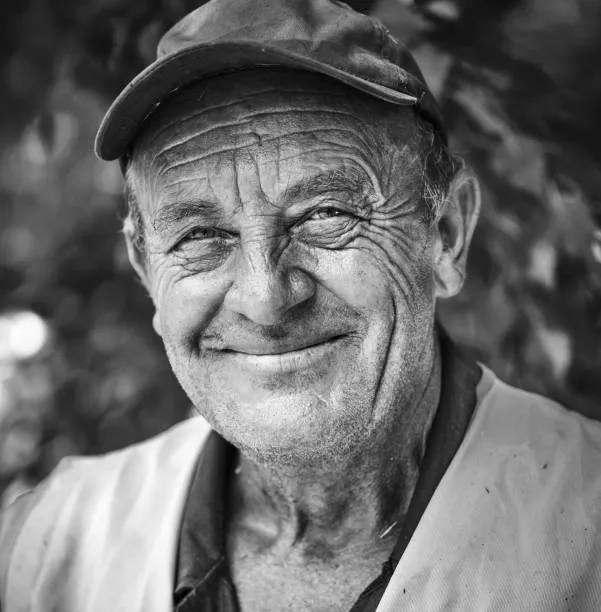
For Everyone
See your family history in color.
Most people have black and white photos of parents, grandparents, or great-grandparents that they have never seen in color. AI colorization lets you see what they actually looked like. It turns flat, distant images into vivid, emotional portraits. Every account starts with 2 free colorizations so you can try it before buying anything.
- ✦Perfect for family history and genealogy projects
- ✦Works with portraits, group photos, and landscapes
- ✦2 free colorizations to try before buying
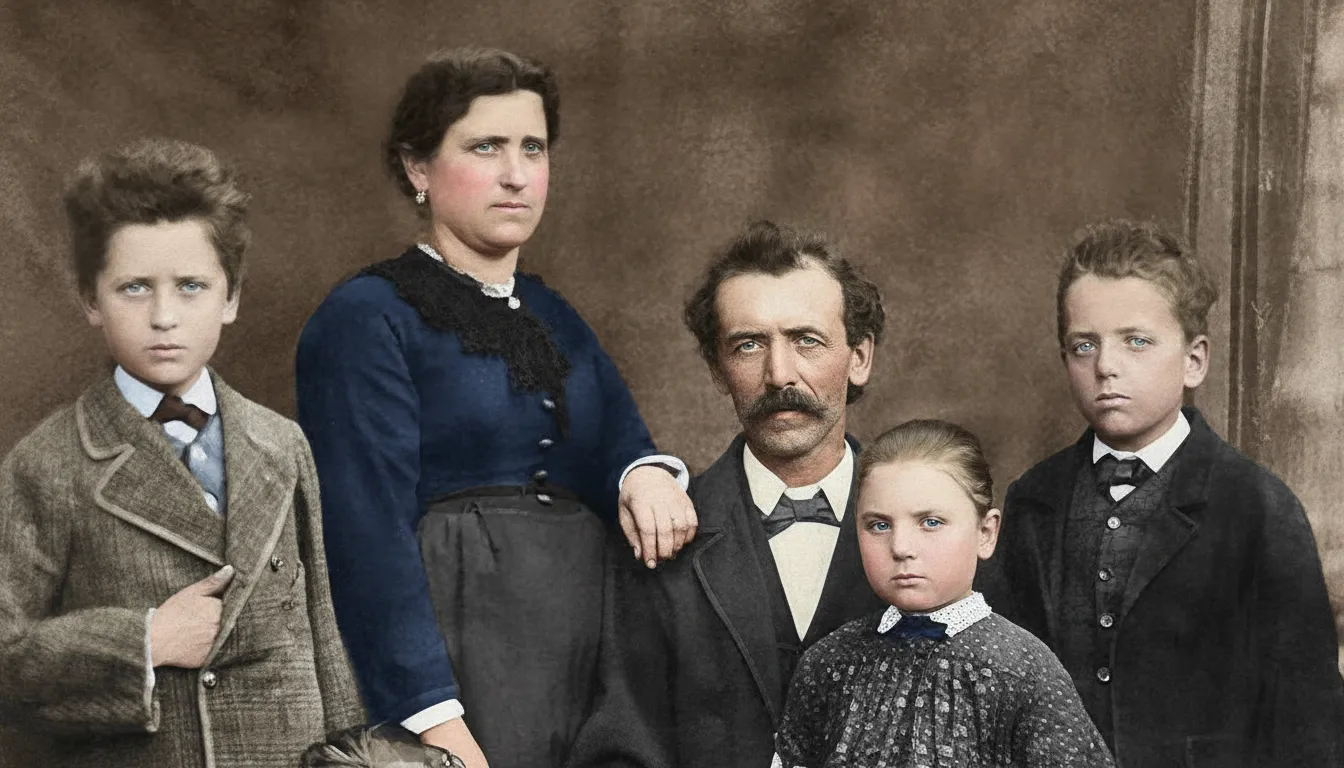
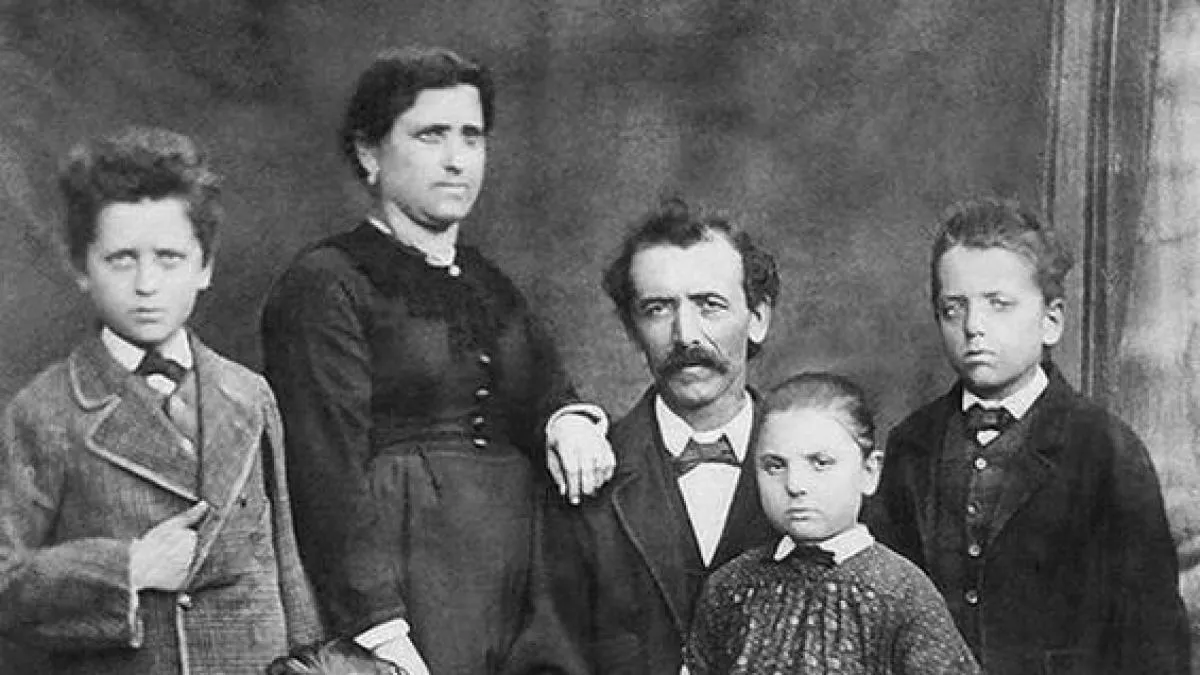
In-depth guide
How to colorize black and white photos online: step by step
Start with a digital version of your black and white photo. If you already have a scan or digital file, you are ready. If you have a physical print, you can photograph it with your phone. Lay the photo flat on a table near a window for good natural light. Hold your phone above it and take a picture. No flash. It does not need to be perfectly straight or cropped.
Open restorephotosapp.com/restore in your browser. Click the upload area or drag your photo onto the page. Select "Colorize B&W" from the mode dropdown. This tells the AI to add color rather than repair damage.
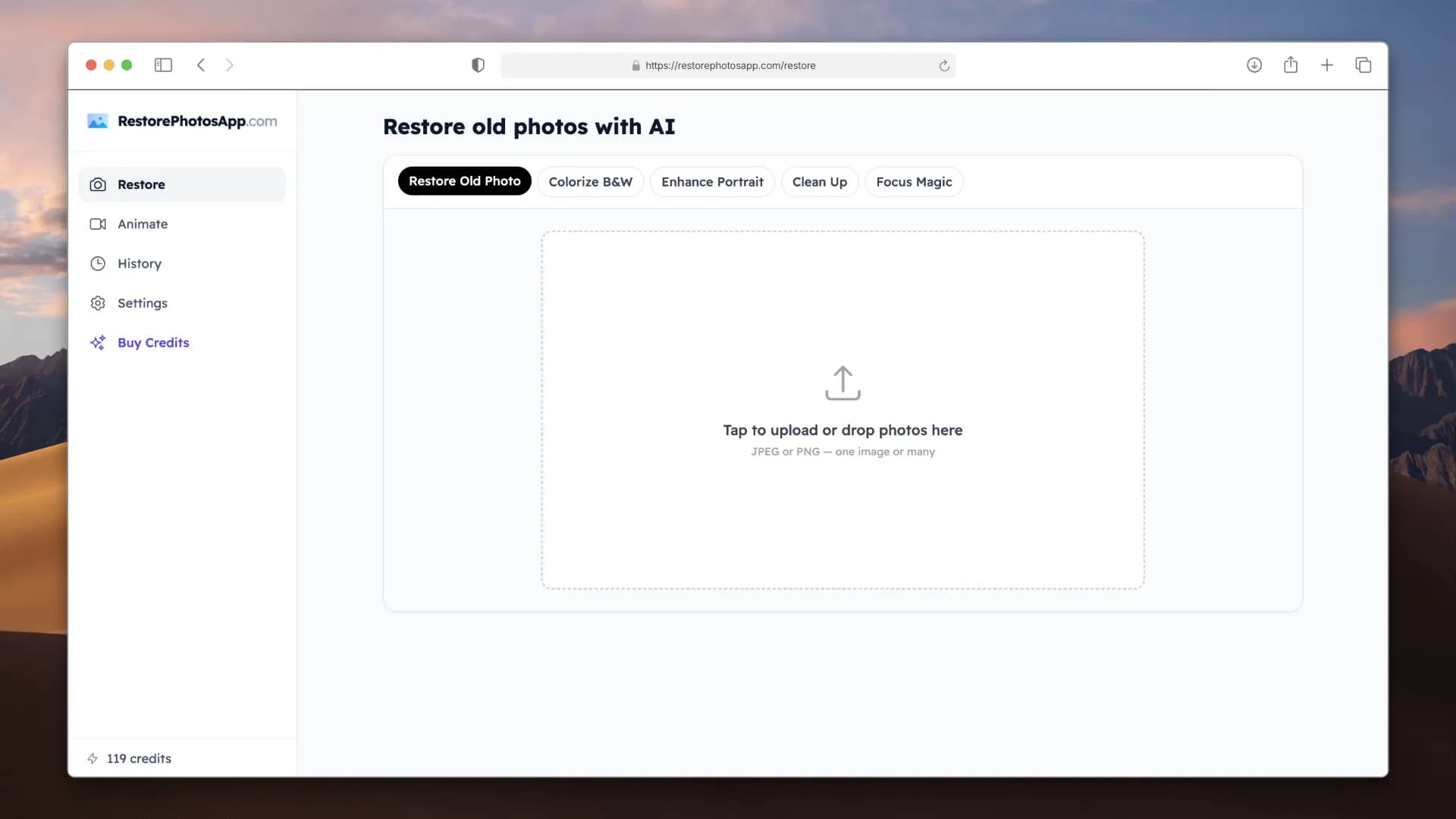
Click "Restore Photo" and wait about 30 seconds. The AI will analyze the image and produce a full-color version. You will see the result side by side with the original so you can compare.
If your B&W photo is also damaged (scratched, faded, torn, water-stained), you will get better results if you restore it first. Upload the photo with "Restore Old Photo" mode to fix the damage. Download the restored version. Then upload that restored version again with "Colorize B&W" mode. This two-step process gives the AI a clean image to work with, which means more accurate and vibrant colors.
You can colorize multiple photos at once. Upload a batch, set the mode to "Colorize B&W," and the AI processes each one in a queue. When the batch is done, click "Download All" to get a ZIP file with all your colorized photos.
After colorizing, you can print the photos at home, at a pharmacy print kiosk, or through an online print service. The AI outputs full-resolution images that look great printed at any size up to 8x10 or larger.
For your favorite colorized photos, try the Animate feature. It turns a still portrait into a short video where the person blinks, smiles, or gently moves. Choose styles like "Come to Life" for subtle natural movement or "Cinematic" for a slow camera push. Each animation costs 3 credits. These make memorable gifts for parents and grandparents.
Expert tips
Tips for better AI colorization results
Restore damaged photos before colorizing
If your B&W photo has scratches, fading, or water damage, run it through "Restore Old Photo" mode first. The AI produces much better color from a clean, sharp image than from a damaged one.
Higher quality scans produce better color
Phone photos of prints work fine, but if you have access to a scanner (or a copy shop), a clean scan gives the AI more detail to work with. More detail means more accurate and vibrant colors.
Portraits colorize better than distant shots
The AI produces the most realistic results on photos where faces are clearly visible. Distant group shots or tiny figures in a landscape have less detail, so the colors may be less precise.
Try your most important photo first
Use one of your 2 free colorizations on the photo that matters most to you. See the result before buying credits. This way you know exactly what to expect.
Colorize a whole album at once
Upload all your B&W photos in a batch and select "Colorize B&W." The AI processes them in a queue and you can download all results as a ZIP file. The Family plan covers 50 photos for $29.99.
Print your colorized photos
Colorized photos look great printed. Order prints at a pharmacy kiosk or online service. A framed colorized portrait of a grandparent makes a meaningful gift for family reunions or holidays.
Pricing
One-time pricing. No subscription. Credits never expire.
Starter
Perfect for trying it out on a few precious photos.
$0.70 / credit · 10 restorations
Start Restoring Photos- 10 AI credits included
- High-Resolution Output
- Credits Never Expire
- Animate Photos with Credits
30-Day Satisfaction Guarantee
Pro
For restoring a small album of memories.
$0.68 / credit · 25 restorations
Get Pro Access- 25 AI credits included
- High-Resolution 1080P Output
- Credits Never Expire
- Animate Photos with Credits
30-Day Satisfaction Guarantee
Family
Restore your entire family photo collection.
$0.60 / credit · 50 restorations
Get Family Plan- 50 AI credits included
- High-Resolution 1080P Output
- Credits Never Expire
- Animate Photos with Credits
30-Day Satisfaction Guarantee
Studio
For entire archives, professionals, and power users.
$0.55 / credit · 100 restorations
Get Studio Plan- 100 AI credits included
- High-Resolution 1080P Output
- Credits Never Expire
- Animate Photos with Credits
30-Day Satisfaction Guarantee
Prices don't include VAT.
FAQ
Frequently asked questions
How do I colorize a black and white photo online?
Go to restorephotosapp.com/restore and upload your black and white photo. Select "Colorize B&W" from the mode dropdown and click "Restore Photo." The AI adds realistic color automatically and you can download the result in about 30 seconds.
Is AI photo colorization accurate?
AI colorization produces natural, realistic colors for skin, hair, sky, grass, and most common objects. The colors are based on statistical patterns from millions of photos. The AI cannot know the exact color of a specific item (like the color of a dress), but the overall result looks natural and believable. Most people cannot tell the photo was originally black and white.
Can I colorize old family photos?
Yes. Family portraits, wedding photos, baby photos, and group shots all work well. The AI is especially good at faces. If the photos are also damaged, restore them first with "Restore Old Photo" mode, then colorize the restored versions for the best results.
Is photo colorization free?
Every account gets 2 free colorizations. After that, 10 photos cost $6.99. The Family plan gives you 50 photos for $29.99, which is the best value for colorizing a whole album or collection.
Can I colorize black and white photos for free?
Yes. Every new account gets 2 free colorizations with no credit card required. Sign up, upload a B&W photo, select "Colorize B&W," and download the full-color result. You can use these free credits on any photo to see the quality before buying more.
What is the best AI photo colorizer app?
RestorePhotos is a dedicated AI photo colorizer built specifically for old family photos. Unlike generic image editors, it is designed for colorization and photo restoration. It offers one-time pricing (no subscription), batch processing for multiple photos, and a restore-then-colorize workflow that produces better results than colorizing damaged photos directly.
Should I restore a photo before colorizing it?
Yes, if the photo is damaged. Scratches, fading, and water damage all interfere with colorization. Restore the photo first to get a clean image, then colorize the restored version. If the B&W photo is already in good condition, you can colorize it directly.
Can I colorize multiple photos at once?
Yes. Upload a batch of B&W photos, set the mode to "Colorize B&W," and the AI processes them one by one in a queue. When done, click "Download All" to get a ZIP file with every colorized photo inside.
What types of B&W photos work best for colorization?
Portraits and close-up photos with visible faces produce the best results. The AI also handles outdoor scenes, wedding photos, and indoor settings well. Very dark, overexposed, or heavily damaged photos may produce weaker colors. Restore or enhance these photos first for better results.
How is AI colorization different from manual colorization?
Manual colorization by an artist takes hours per photo and costs $50 to $200. The quality depends on the artist's skill. AI colorization takes 30 seconds, costs a fraction of the price, and produces consistent results. For single important photos where you want exact color choices, an artist gives you more control. For colorizing a collection of 20 or more photos, AI is the practical option.
Can I colorize a photo that was taken in sepia?
Yes. Sepia-toned photos work just like black and white photos. The AI recognizes the sepia tone and replaces it with realistic full color. You can also use "Restore Old Photo" first if the sepia photo is faded or damaged.
What resolution will my colorized photo be?
The colorized photo is output in high resolution, the same size as your original upload. Pro and Family plans include 1080P output for the best print quality.
Can I animate a colorized photo?
Yes. After colorizing a portrait, you can use the Animate feature to turn it into a short video where the person blinks, smiles, or gently moves. Choose from styles like "Come to Life" or "Cinematic." Each animation costs 3 credits.
Does the colorized photo have a watermark?
No. Colorized photos download in full resolution with no watermark, including the 2 free colorizations on every new account. What you download is yours to print, share, or archive.
Will colorizing change or damage my original photo?
No. The AI creates a new, colorized copy of your upload. Your original file is never modified, and your physical print never leaves your home since you only upload a scan or phone photo of it. You keep both versions.
Can I colorize newspaper, yearbook, or tintype photos?
Yes. Halftone newspaper prints, yearbook portraits, and even tintypes can be colorized. These older formats often benefit from a restoration pass first: run "Restore Old Photo" to clean up grain, dot patterns, and damage, then colorize the restored version.
Can AI colorize very dark or underexposed photos?
Dark photos can be colorized, but the AI has less detail to work with, so colors may look muted. For the best result, run the photo through "Restore Old Photo" mode first to recover brightness and detail, then colorize the corrected version.























