
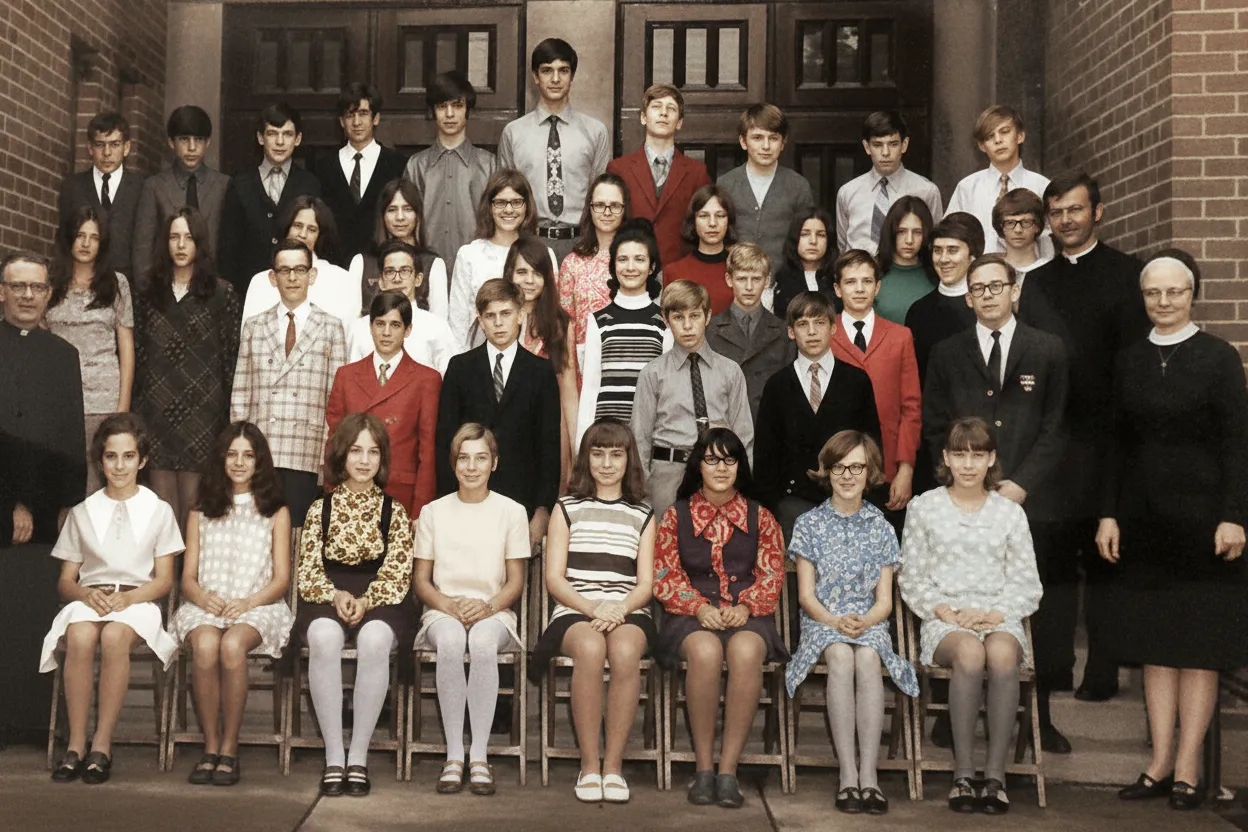
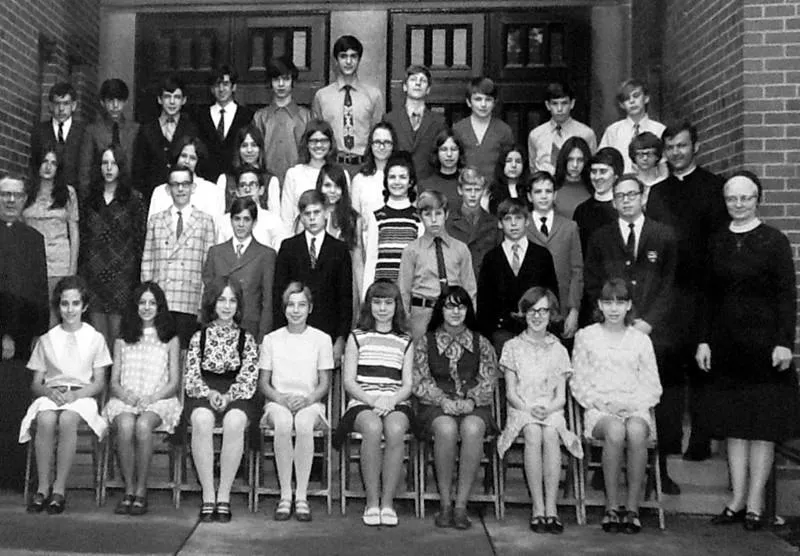
Why we offer free photo restoration
Old family photos are irreplaceable, and we believe you should be able to see what AI restoration looks like on your own memories before paying anything. The free tier is our honest way of letting you test the quality on your most important photos. If it works for your photo, it will work for the rest of your album.
- Try the AI on your own photos before you spend a cent
- See full-resolution output, not a watermarked preview
- No subscription trap: credits are one-time and never expire
- Used by over 470,000 people to restore family memories

“My grandma cried when she saw her wedding photo restored. Absolutely incredible.”
Maria K.

“Uploaded a blurry photo from the 70s and got back a crystal clear image. Like magic.”
James T.

“Finally recovered old family photos I thought were lost forever. So easy to use.”
Sarah M.
How it works
3 simple steps.
Free Forever
Genuinely free, not a free trial.
Most "free" photo restoration tools either watermark your output, downscale the resolution, or ask for a credit card. RestorePhotosApp gives every account 2 free, full-quality restorations, and after that, credits are one-time purchases that never expire.
- ✦No credit card required to start
- ✦No watermark on restored photos
- ✦Full-resolution downloads on every plan

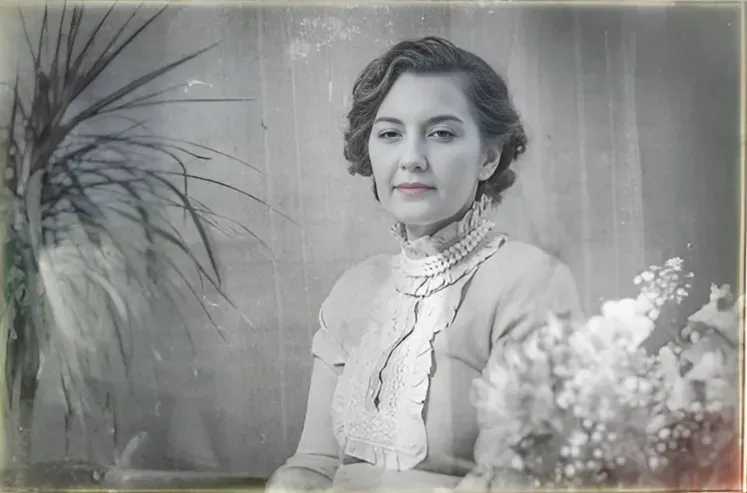
No Software
Runs in your browser. No install.
You don't need Photoshop, GIMP, or any desktop app. RestorePhotosApp works on your phone, tablet, or laptop browser. Upload a photo and the AI does the rest in under 30 seconds.
- ✦Works on Mac, Windows, iOS, and Android
- ✦No download, no install, no plugins
- ✦Results in seconds, not hours

Private by Default
Your free photos stay yours.
Free does not mean we sell your data. Your uploads are processed over HTTPS, stored privately, and never used to train AI models. After 30 days they are permanently deleted.
- ✦Private, encrypted uploads
- ✦Never used to train AI models
- ✦Auto-deleted after 30 days


In-depth guide
What "free" actually means with photo restoration tools
Search for "free photo restoration" and you will find dozens of tools. Almost all of them put a catch behind the word "free." Some watermark the output. Some let you preview the result but charge to download it. Some require a credit card upfront and auto-enroll you in a subscription. Some downscale the result so heavily it is unusable for printing.
RestorePhotosApp works differently. When we say 2 free restorations, we mean two complete, watermark-free, full-resolution photos that are yours to keep. There is no credit card required to sign up, no recurring charge waiting to hit you, and no quality difference between your free restorations and paid ones. The AI model is exactly the same.
After your free restorations, if you want to restore more photos, credits start at $6.99 for 10 photos and the Family plan is $29.99 for 50 photos. Every credit is a one-time purchase, every credit never expires, and every plan comes with a 30-day money-back guarantee. No subscriptions, ever.
To restore an old photo online for free, the process takes about two minutes end to end. First, get a digital copy: a scan is ideal, but a phone photo of the print works — lay it flat in good indirect light and shoot without flash. Second, sign up and upload the image at restorephotosapp.com/restore with "Restore Old Photo" mode selected. Third, wait about 30 seconds while the AI repairs fading, scratches, blur, and damaged faces in one pass. Finally, compare the before/after slider and download the full-resolution result. Your second free credit is yours to spend on another photo — or on colorizing the one you just restored.
One honest piece of advice for choosing where to spend free credits: start with the most meaningful photo, not the most damaged one. A moderately faded portrait of a parent or grandparent will show you exactly what the AI does well — faces, skin tones, fabric, backgrounds. Severely torn or water-damaged prints are a tougher test for any tool; if that is what you have, our guides to torn photos and water-damaged photos explain what results to expect. And if you are comparing the free tier against paid services, our photo restoration cost breakdown shows what studios charge for the same work — typically $30 to $300 per photo.
Pricing
One-time pricing. No subscription. Credits never expire.
Starter
Perfect for trying it out on a few precious photos.
$0.70 / credit · 10 restorations
Start Restoring Photos- 10 AI credits included
- High-Resolution Output
- Credits Never Expire
- Animate Photos with Credits
30-Day Satisfaction Guarantee
Pro
For restoring a small album of memories.
$0.68 / credit · 25 restorations
Get Pro Access- 25 AI credits included
- High-Resolution 1080P Output
- Credits Never Expire
- Animate Photos with Credits
30-Day Satisfaction Guarantee
Family
Restore your entire family photo collection.
$0.60 / credit · 50 restorations
Get Family Plan- 50 AI credits included
- High-Resolution 1080P Output
- Credits Never Expire
- Animate Photos with Credits
30-Day Satisfaction Guarantee
Studio
For entire archives, professionals, and power users.
$0.55 / credit · 100 restorations
Get Studio Plan- 100 AI credits included
- High-Resolution 1080P Output
- Credits Never Expire
- Animate Photos with Credits
30-Day Satisfaction Guarantee
Prices don't include VAT.
FAQ
Frequently asked questions
How can I restore old photos online for free?
Create a free account at restorephotosapp.com (Google sign-in takes about 10 seconds), upload a scan or phone photo of your old print, select "Restore Old Photo" mode, and download the restored result. Every new account includes 2 free restorations at full resolution with no watermark and no credit card required. The AI repairs fading, scratches, creases, and blurry faces automatically in about 30 seconds per photo.
Can I restore old photos for free without Photoshop?
Yes. You do not need Photoshop, GIMP, or any editing skills. The AI does the entire restoration automatically in your browser — there are no layers, masks, or sliders. Manual Photoshop restoration of one damaged photo takes a beginner 1–4 hours; the AI does it in 30 seconds, and your first 2 photos are free.
Is photo restoration really free?
Yes. Every account gets 2 free photo restorations with full resolution and no watermark, and no credit card is required to sign up. You can spend the free credits on any kind of photo: faded prints, blurry scans, scratched black-and-white portraits, or torn family snapshots. The free restorations run through the same Google Gemini-powered AI as paid ones, deliver the same 1080p output, and finish in seconds right in your browser with nothing to install. The honest caveat is that free means two photos, not unlimited use — the free tier exists so you can judge the quality on your own memories before deciding whether to buy anything. More than 470,000 people have started this way. If you like the results, one-time credit packs begin at $6.99 for 10 photos, they never expire, and every purchase carries a 30-day money-back guarantee.
Do I need to give a credit card for the free restorations?
No. Sign up with Google or your email and your account is instantly credited with 2 free restorations — no payment details, no trial timer, and no subscription waiting to renew. Because nothing is on file, there is also nothing to cancel: if you restore your two free photos and walk away, you will never be charged a cent. The whole flow happens in the browser, so there is no app to download either, and a restoration completes in seconds. We only ask for payment information if you actively decide to buy a credit pack afterward, and even then it is a single one-time purchase — the Starter pack is $6.99 for 10 credits, with no recurring charge attached. One thing worth knowing: you do need an account, which is how we keep bots from draining the free tier. Your uploads stay private and are automatically deleted after 30 days.
Will my free restored photo have a watermark?
No. Free restorations download in full quality with no watermark, no logo overlay, and no quality reduction compared to paid restorations. You get the same 1080p output whether you are using one of your 2 free signup credits or a purchased pack, because both run on the identical restoration model. This matters because many tools that advertise free photo restoration stamp a large watermark across the result or blur the download until you pay — the on-screen preview looks great, but the file you actually receive is unusable for printing or framing. Our free photos are meant to be genuinely usable, so you can print them, share them, or add them to a family archive straight away. The only real limit is quantity: two free restorations per account. If you want proof, upload a photo and compare the downloaded file against what you see on screen.
What happens after I use my 2 free restorations?
Nothing automatic happens — there is no subscription, no trial expiry, and no auto-charge hiding behind the free tier. Your account simply shows zero remaining credits, and the two photos you already restored stay yours to download. If you want to restore more, you can buy a one-time credit pack: Starter is $6.99 for 10 photos, while the Family plan is $29.99 for 50, which works out to about $0.60 each. Credits never expire, so a pack bought today is still fully usable months or years later, and every purchase is covered by a 30-day money-back guarantee. The one caveat is that the free allowance does not refill: two free restorations is the total per account, not a monthly quota. A sensible next step is to spend those free credits on your most damaged photos first, so you know exactly what the AI can do before paying.
Are there any free photo restoration tools without sign-up?
Some tools claim "no sign-up" but typically watermark the output, restrict the download resolution, or steer you into a paid subscription the moment you want the actual file. Creating a free account on RestorePhotosApp takes about 10 seconds with Google sign-in, and in return you get 2 complete restorations at full 1080p quality with no watermark and no credit card on file. The account requirement is a deliberate trade-off: it is what keeps bots and bulk scrapers from exhausting the free AI processing, which is how the free tier stays sustainable for real people. It also means your photos live in a private account rather than on an anonymous server — uploads are processed securely and automatically deleted after 30 days. If skipping sign-up matters more to you than output quality, an anonymous tool may do for a rough preview; for a photo you actually want to keep, the ten-second account is usually the better deal.
Is the free version as good as the paid version?
Yes. The AI model used for free restorations is exactly the same as the one used for paid credits, so the quality, resolution, and processing speed are identical. Both run on the same Google Gemini-powered pipeline, produce 1080p output, and finish in seconds. We deliberately avoid the common freemium pattern where free users get a weaker model or a slower queue, because the entire point of the 2 free signup restorations is to show you the real product on your own photos, not a downgraded demo. What paying adds is volume and the tools that matter at volume: bulk restoration for whole albums, plus the same colorization, unblur, and photo animation features, all billed as one-time credits rather than a subscription. One honest note: no AI, free or paid, is flawless — a heavily torn or water-damaged print can need a second attempt. That is exactly why testing with the free credits first is the right order of operations.























