
Why colorize old black-and-white photos?
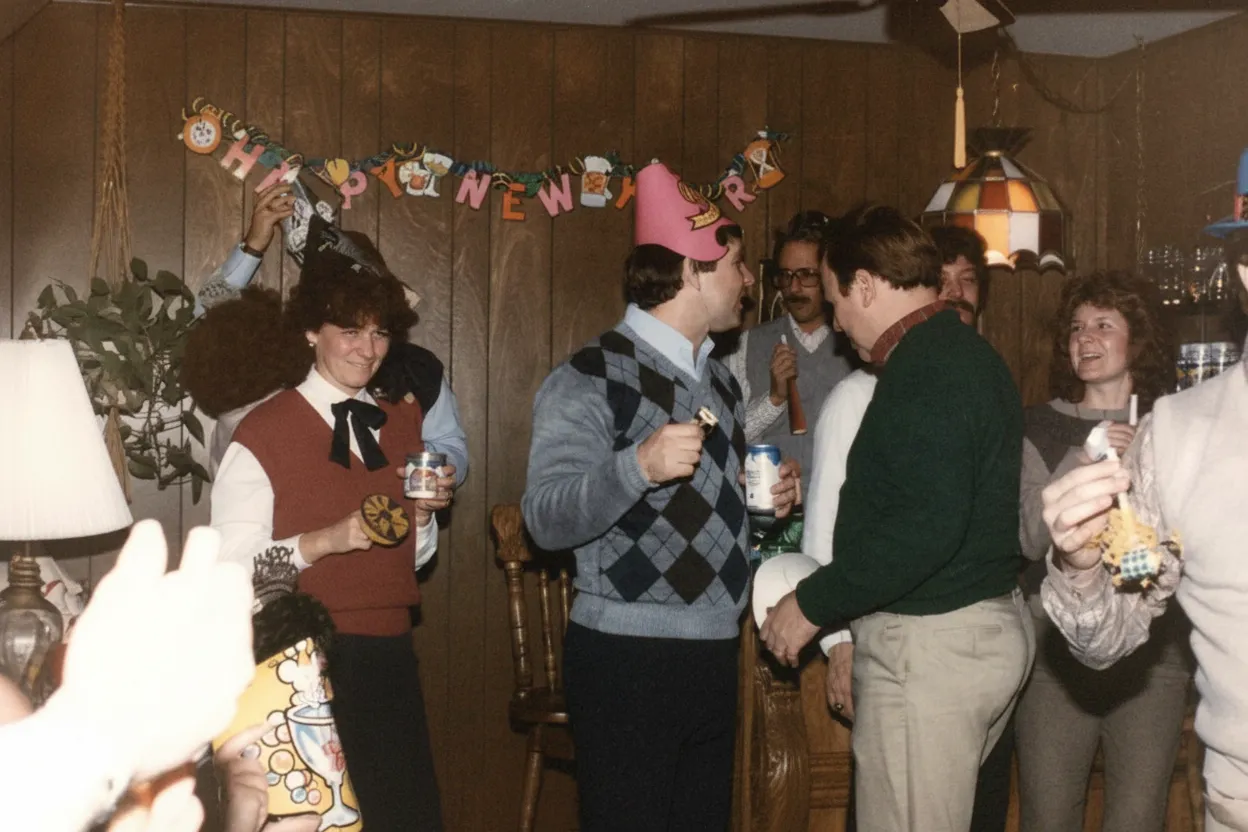
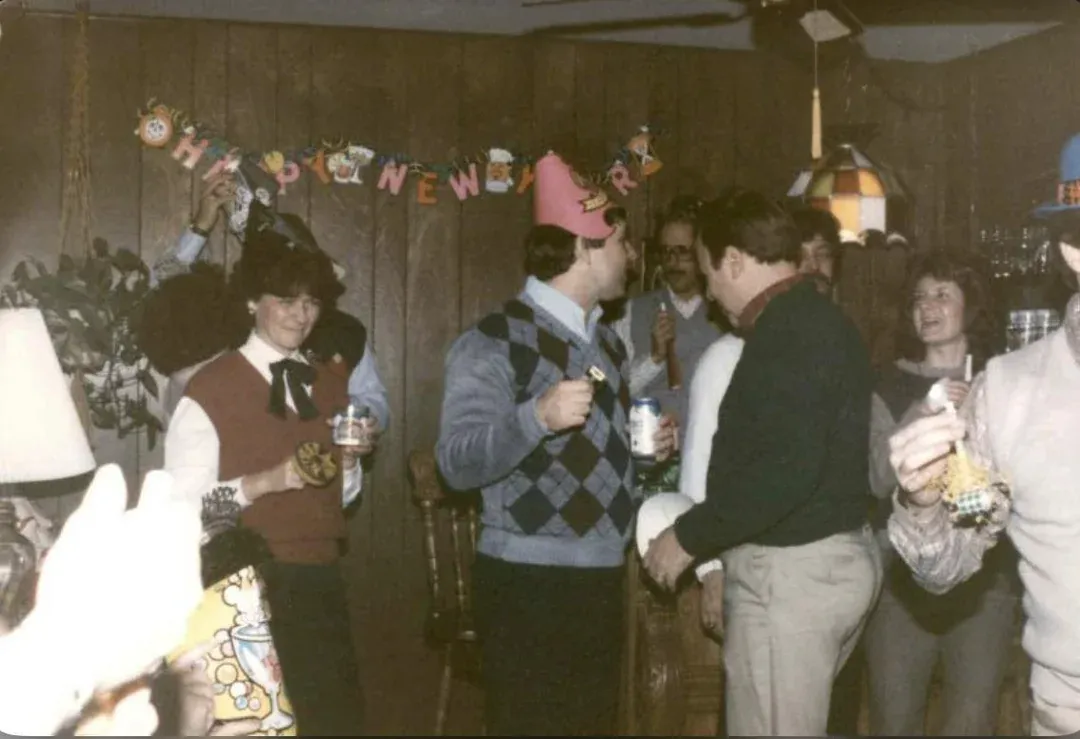
Color changes how we perceive and connect with old photographs. A black-and-white portrait feels distant and historical. The same portrait in color feels immediate and human. Suddenly you notice that your grandmother had warm brown eyes and auburn hair, that the family home had a red front door, that the garden was full of yellow flowers. Colorization does not change the historical record | it reveals a dimension of it that monochrome film could not capture. For younger generations who grew up with color photography, colorized ancestral photos create a visceral connection to people they may never have met. And for the elderly relatives who lived through those moments, seeing them in color can unlock vivid memories that the black-and-white version never triggered.
- Create an emotional connection between modern family and ancestors
- Reveal details invisible in monochrome | hair color, eye color, clothing patterns
- Help elderly relatives recall vivid memories triggered by color
- Make historical family photos feel immediate and alive for younger generations
- Produce stunning framed prints and gifts from old black-and-white originals

“My grandma cried when she saw her wedding photo restored. Absolutely incredible.”
Maria K.

“Uploaded a blurry photo from the 70s and got back a crystal clear image. Like magic.”
James T.

“Finally recovered old family photos I thought were lost forever. So easy to use.”
Sarah M.
How it works
3 simple steps.
Realistic Colors
AI that understands what colors things actually were.
Our colorization model was trained on millions of photographs paired with their full-color originals. It learned that grass is green, skies are blue, and skin tones follow specific patterns based on lighting conditions. But it goes far beyond simple object recognition. The AI understands how sunlight creates warm golden tones on afternoon faces, how overcast skies produce cool blue shadows, and how indoor tungsten lighting casts amber across everything. The colors it applies are not random palette choices | they are physically plausible predictions based on deep understanding of light, material, and context.
- ✦Physically plausible color prediction based on lighting analysis
- ✦Natural skin tones adapted to lighting conditions and context
- ✦Accurate vegetation, sky, water, and earth-tone rendering
- ✦Period-appropriate color choices for clothing and interiors
Face-First Approach
Skin tones and facial features come first.
People are the heart of most old photos, and face colorization demands the highest accuracy. Our AI detects every face in the image and applies a specialized skin-tone model. It reads the grayscale tonal values of the face to determine the plausible skin tone range, accounts for the lighting direction and intensity, and applies color that looks natural and alive. Lips, eyes, hair, and eyebrows each receive individual attention. The result is faces that look like they were photographed in color, not painted over in post.
- ✦Specialized facial skin-tone model for natural results
- ✦Individual colorization of lips, eyes, hair, and eyebrows
- ✦Adapts skin tones to match lighting direction and intensity
- ✦Works on multiple faces in group photos simultaneously
One Click
No manual color picking or masking required.
Traditional colorization in Photoshop requires creating dozens of layer masks, sampling colors from reference images, painting each region by hand, and blending edges carefully. A single photo can take 4-8 hours of skilled work. Our AI does it all in one automated pass. Upload your black-and-white photo, and the entire image | faces, clothing, backgrounds, objects | receives full color in about 30 seconds. No layers, no masks, no color wheels, no reference images needed.
- ✦Fully automatic | no manual color selection or painting
- ✦Complete colorization in about 30 seconds, not hours
- ✦No Photoshop skills or color theory knowledge required
- ✦2 free colorizations per account to test the quality
In-depth guide
How to colorize old photos: the complete guide
Before colorizing, make sure your black-and-white photo is in the best possible condition. If the original has scratches, fading, tears, or other damage, restore it first using the "Restore Old Photo" mode. Colorizing a damaged photo produces patchy, uneven colors because the AI cannot distinguish damage from image content. A clean, sharp monochrome image colorizes far better than a damaged one. The recommended workflow is: scan, restore, then colorize | three steps, two credits, one stunning result.
The quality of your scan directly affects colorization quality. Scan at 600 DPI or higher in full color mode, even though the print is monochrome. A color scan captures the subtle warm or cool cast of the paper and emulsion, which helps the AI determine the appropriate color palette. Avoid scanning with the lid open, which creates a black background that can affect the AI's analysis of the image edges. For photos behind glass, be cautious of reflections | they can create odd color artifacts in the final result.
When evaluating your colorized result, look at three things first: skin tones, sky, and vegetation. These are the areas where unrealistic colors are most noticeable to the human eye. Skin should look warm and natural, not grey, orange, or pink. Sky should have a gradient from lighter near the horizon to deeper blue above. Grass and trees should be varied greens, not uniform neon. Our AI handles all three well, but if you notice anything off, re-running the colorization sometimes produces a slightly different interpretation that may better match your expectations.
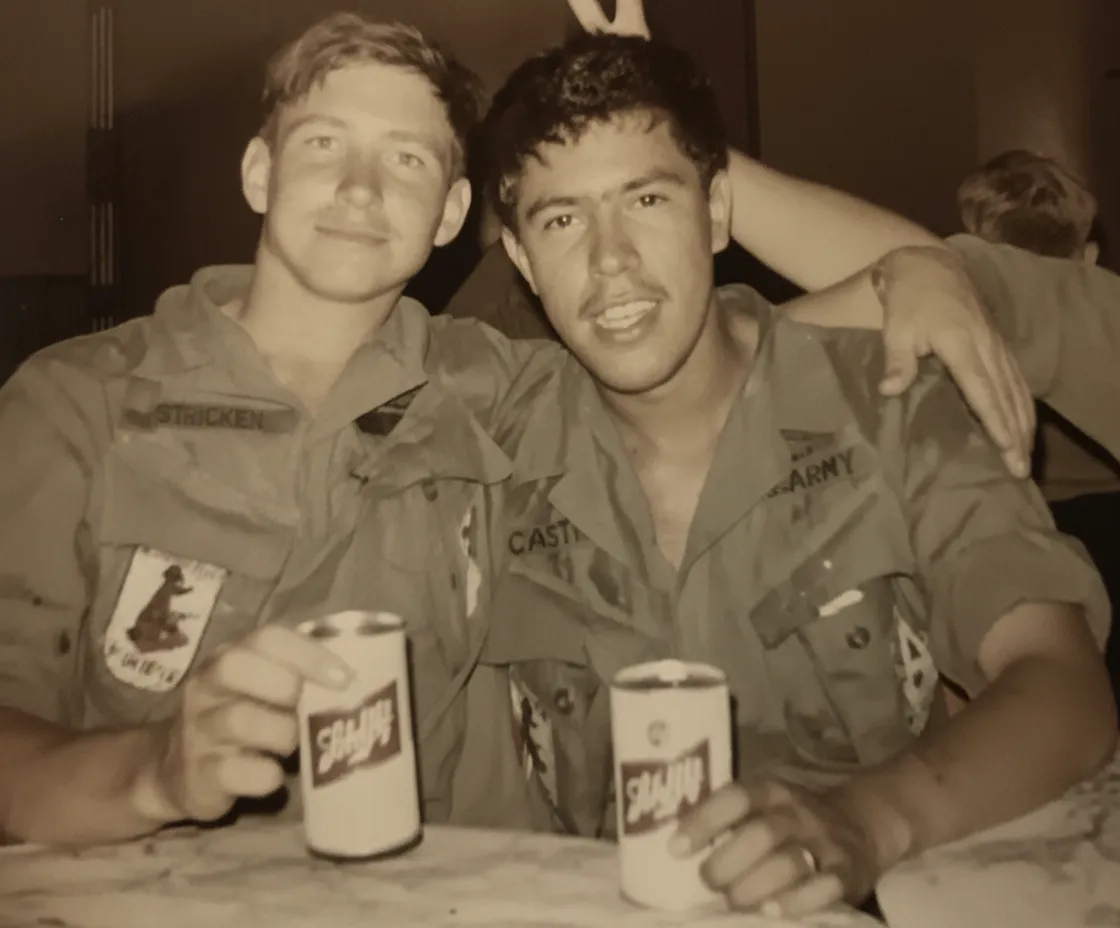
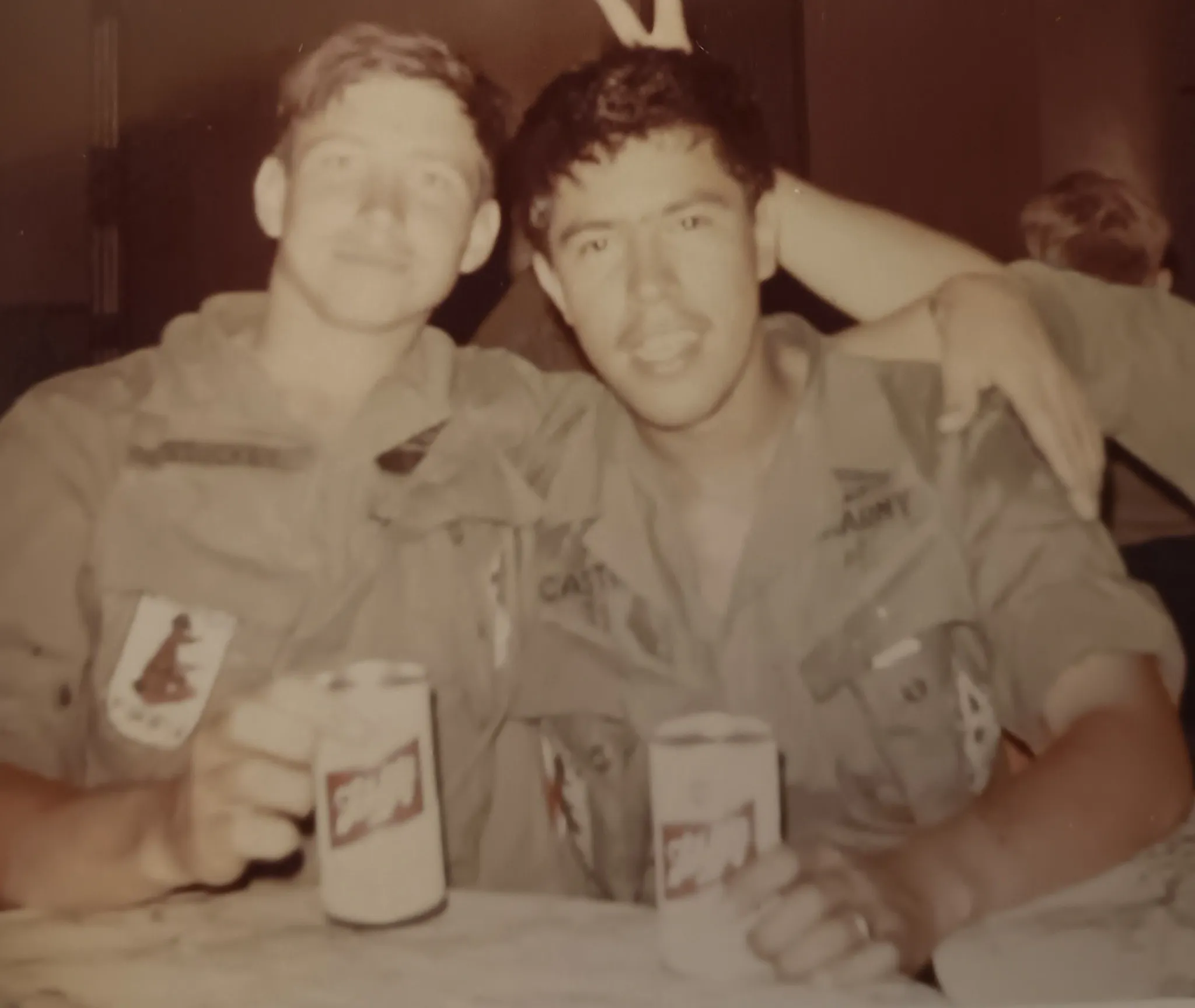
Historical accuracy in colorization depends on context clues in the photo. Military uniforms, for example, follow specific color regulations by branch, era, and country | our AI recognizes common military uniforms and applies plausible colors. Wedding dresses before the 1940s were not always white; many were colored or patterned. The AI makes its best prediction based on the era and style, but if you know the actual colors (from family memory or historical records), understand that AI colorization provides a plausible interpretation rather than a documented fact.
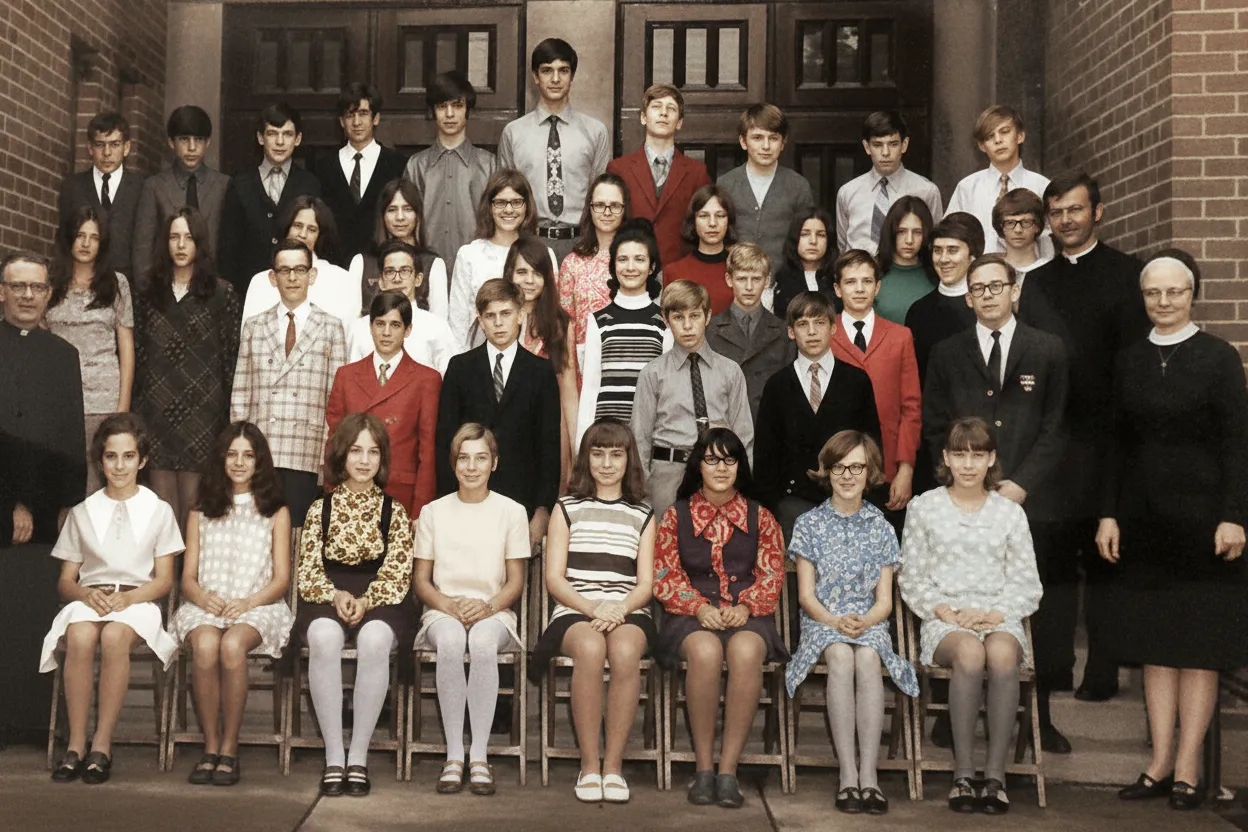
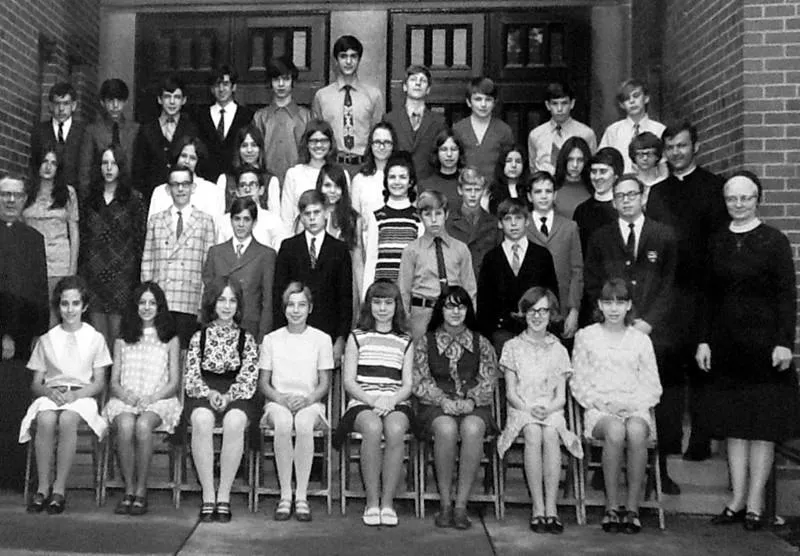
For photos with multiple people, the AI colorizes each person independently. This means different skin tones, hair colors, and clothing colors are all handled separately. Group photos, family portraits, and crowd scenes all work well. The AI also handles backgrounds with multiple elements | buildings, vehicles, landscapes, furniture | applying appropriate colors to each object based on its identity and the overall lighting of the scene.
After colorization, consider printing the result on high-quality photo paper. A colorized photo of a grandparent or great-grandparent makes a powerful gift that no store sells. Many families frame both the original black-and-white and the colorized version side-by-side. The contrast between them highlights what colorization reveals and creates a compelling visual story about the photo's journey from a faded print to a vibrant color image.
If you have a large collection of black-and-white family photos, batch processing is efficient and affordable. Restore all of them first (one batch), then colorize all the restored versions (a second batch). The Family plan at 50 credits for $29.99 covers 25 photos through both steps. For a typical collection of 50-100 old family photos, the entire project costs under $30 and can be completed in a single afternoon.
Expert tips
Tips for the best AI colorization results
Always restore before colorizing
Run damaged black-and-white photos through restoration first to remove scratches, fading, and stains. The AI colorizes clean images far more accurately than damaged ones. This two-step workflow is the single biggest quality improvement you can make.
Scan at high resolution for better color detail
The AI uses subtle grayscale variations to predict colors. A 600 DPI scan captures more of these tonal nuances than a 300 DPI scan, resulting in more accurate and detailed colorization, especially on faces and textured surfaces.
Do not adjust contrast before uploading
Heavy contrast adjustments destroy the subtle tonal gradations the AI uses to predict color boundaries. Upload the unedited scan and let the AI work with the full original tonal range.
Keep both versions | monochrome and colorized
The original black-and-white version is the historical record. The colorized version is an interpretation. Save and label both. For genealogy projects and family history books, include both versions to show the photo as it was captured and as it might have looked in life.
Use family memories to verify colors
If a living relative remembers the actual colors | "Grandma's dress was blue" or "that car was dark green" | compare their memory with the AI's prediction. The AI is usually close, but human memory can add specificity that makes the result more personally meaningful.
Try colorizing portraits for gifts
A restored and colorized portrait of a grandparent or great-grandparent, printed and framed, is one of the most meaningful gifts you can give. Pair the monochrome original and the colorized version in a double frame for maximum impact.
Pricing
One-time pricing. No subscription. Credits never expire.
Starter
For 5 to 10 photos. A handful of favorites, done properly.
$0.70 per photo · 10 restorations
Get Starter- 10 AI credits included
- High-Resolution Output
- Credits Never Expire
- Animate Photos with Credits
30-Day Satisfaction Guarantee
Pro
A small album: around 25 photos.
$0.68 per photo · 25 restorations
Get Pro- 25 AI credits included
- High-Resolution 1080P Output
- Credits Never Expire
- Animate Photos with Credits
30-Day Satisfaction Guarantee
Family
A shoebox of family photos: around 50.
$0.60 per photoSave 14% per photo
5 Starter packs would cost $34.95
- 50 AI credits included
- High-Resolution 1080P Output
- Credits Never Expire
- Animate Photos with Credits
30-Day Satisfaction Guarantee
Studio
A big collection: 100 photos, or dozens of animations.
$0.55 per photoSave 21% per photo
10 Starter packs would cost $69.90
- 100 AI credits included
- High-Resolution 1080P Output
- Credits Never Expire
- Animate Photos with Credits
30-Day Satisfaction Guarantee
Working through a whole archive of 250 photos or more? Archive pack: 250 credits for $109.99 ($0.44 per photo)
Prices don't include VAT.
FAQ
Frequently asked questions
How does AI colorize black-and-white photos?
The AI analyzes the grayscale tonal values and visual context of the image to predict plausible colors for every region. It recognizes objects (sky, skin, vegetation, fabric) and applies colors based on patterns learned from millions of paired monochrome and color images. The result is a physically plausible full-color version of the original.
Are the colors historically accurate?
The AI produces historically plausible colors based on era, context, and lighting cues. It cannot know the exact shade of a dress or the specific paint color of a car from a black-and-white photo alone. The colors are realistic and appropriate for the period, but they are educated predictions, not documented facts.
Can I colorize any black-and-white photo?
Yes. The AI handles portraits, group shots, landscapes, architecture, street scenes, military photos, wedding photos, and any other subject. Photos with visible faces produce especially compelling results because the face colorization module adds natural skin tones, eye color, and lip color.
Should I restore a photo before colorizing it?
Yes, always. If your black-and-white photo has any damage | scratches, fading, tears, stains, or yellowing | restore it first. Colorizing a damaged photo produces uneven and patchy colors. Restore, then colorize. This two-credit workflow produces dramatically better results.
How long does colorization take?
About 30 seconds per photo. Upload the monochrome image, the AI processes it, and you see the full-color result almost immediately. The entire workflow from upload to download takes under two minutes.
Is AI colorization free?
Every new account gets 2 free colorizations with no credit card required. After that, credit packs start at $6.99 for 10 colorizations. The Family plan at $29.99 for 50 credits is the best value for processing a collection of old family photos.
Can I colorize a sepia-toned photo?
Yes. Sepia photos are monochrome images with a warm brown tone. The AI strips the sepia tone and applies full realistic color just as it does for pure black-and-white images. The result is the same | a vivid, naturally colored version of the original.
Will colorization change the resolution or quality of my photo?
No. The colorized output has the same resolution and dimensions as your upload. The AI adds color information without reducing sharpness or introducing compression. You get a full-resolution color version ready for printing or digital sharing.
Can I colorize photos from the 1800s?
Yes. Photos from the 1800s | daguerreotypes, tintypes, albumen prints, and cabinet cards | all colorize well. The AI was trained on images from every photographic era and applies period-appropriate colors. These very old photos often produce the most striking before/after comparisons because the jump from faded monochrome to vivid color is so dramatic.
Can I colorize multiple photos at once?
Yes. Upload a batch of black-and-white photos and the AI colorizes each one individually. Download all results when complete. For large collections, the recommended workflow is to batch-restore first, then batch-colorize the restored versions.
How do colorized photos compare to hand-colored vintage prints?
Hand-colored photographs from the 19th and early 20th centuries were tinted with transparent oil paints or watercolors by skilled artists. AI colorization produces more photorealistic results because it applies color based on actual photographic data rather than artistic interpretation. However, hand-colored originals have a unique charm that some collectors prefer.
Can I animate a colorized photo?
Yes. After colorizing a portrait, use the Animate feature to create a short video where the person appears to move. The animation works on the full-color version, producing a vivid, lifelike result. Each animation costs 3 credits and makes a powerful gift or memorial tribute.























