
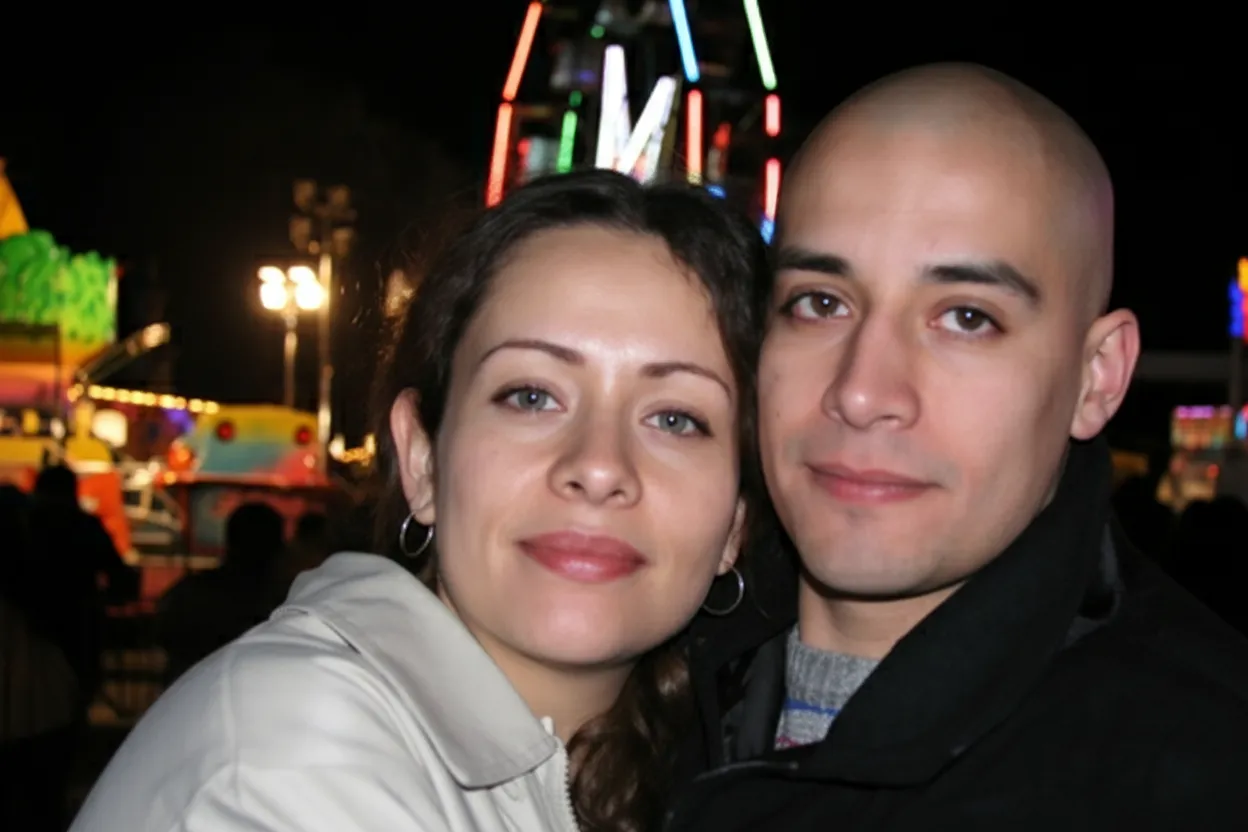
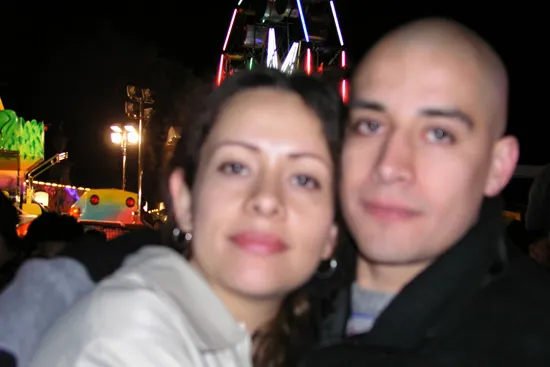
Why unblur your images with AI?
A blurry photo used to be a lost cause. You could try sharpening in Photoshop, but the Unsharp Mask filter only enhances existing edges | it cannot recover detail that was smeared by motion or defocus. AI deblurring is fundamentally different. The model was trained on millions of sharp-blurry image pairs, so it learned the mathematical relationship between blur and the original detail. It does not guess what the sharp version looks like | it calculates it. This means genuinely new detail appears in the result: readable text, visible eyelashes, and fabric patterns that were invisible in the blurry original. For anyone with irreplaceable blurry photos | a wedding candid, a child's first steps, a once-in-a-lifetime travel moment | AI deblurring recovers what traditional tools never could.
- Recover sharp detail that traditional sharpening filters cannot restore
- Clear a blurry picture and make the whole image look sharper
- Save irreplaceable photos ruined by camera shake or motion
- Make blurry text in documents and signs legible again
- Improve blurry portraits so faces are clearly recognizable
- Fix low-light photos taken without a flash or tripod

“My grandma cried when she saw her wedding photo restored. Absolutely incredible.”
Maria K.

“Uploaded a blurry photo from the 70s and got back a crystal clear image. Like magic.”
James T.

“Finally recovered old family photos I thought were lost forever. So easy to use.”
Sarah M.
How it works
3 simple steps.
Deblur Engine
Reverse motion blur and camera shake.
The AI does not just sharpen edges | it mathematically reverses the blur path. Whether your camera moved horizontally during a long exposure, your subject turned their head mid-shot, or the entire frame is soft from a slow shutter speed, the model traces the blur trajectory and reconstructs the sharp original. The result is not a "sharpened blurry photo" | it is a genuinely clearer image with real recovered detail.
- ✦Reverses horizontal, vertical, and rotational motion blur
- ✦Recovers sharp edges from camera shake in low-light shots
- ✦Fixes out-of-focus areas caused by autofocus misses
- ✦Handles both uniform and spatially-varying blur across the frame
Face Recovery
Bring blurry faces back into sharp focus.
Blurry faces are the most frustrating kind of photo failure | the moment was right but the focus was not. Our AI has a specialized face-recovery module that detects faces in the image and applies enhanced deblurring to eyes, mouths, noses, and jawlines. Even faces that are barely recognizable in the original become clearly identifiable after processing. This makes the tool invaluable for event photos, group shots, and candid moments.
- ✦Dedicated face-detection layer for targeted facial sharpening
- ✦Recovers eye detail, eyelashes, and iris patterns
- ✦Sharpens smiles and expressions lost to motion blur
- ✦Works on small faces in group photos and distant subjects
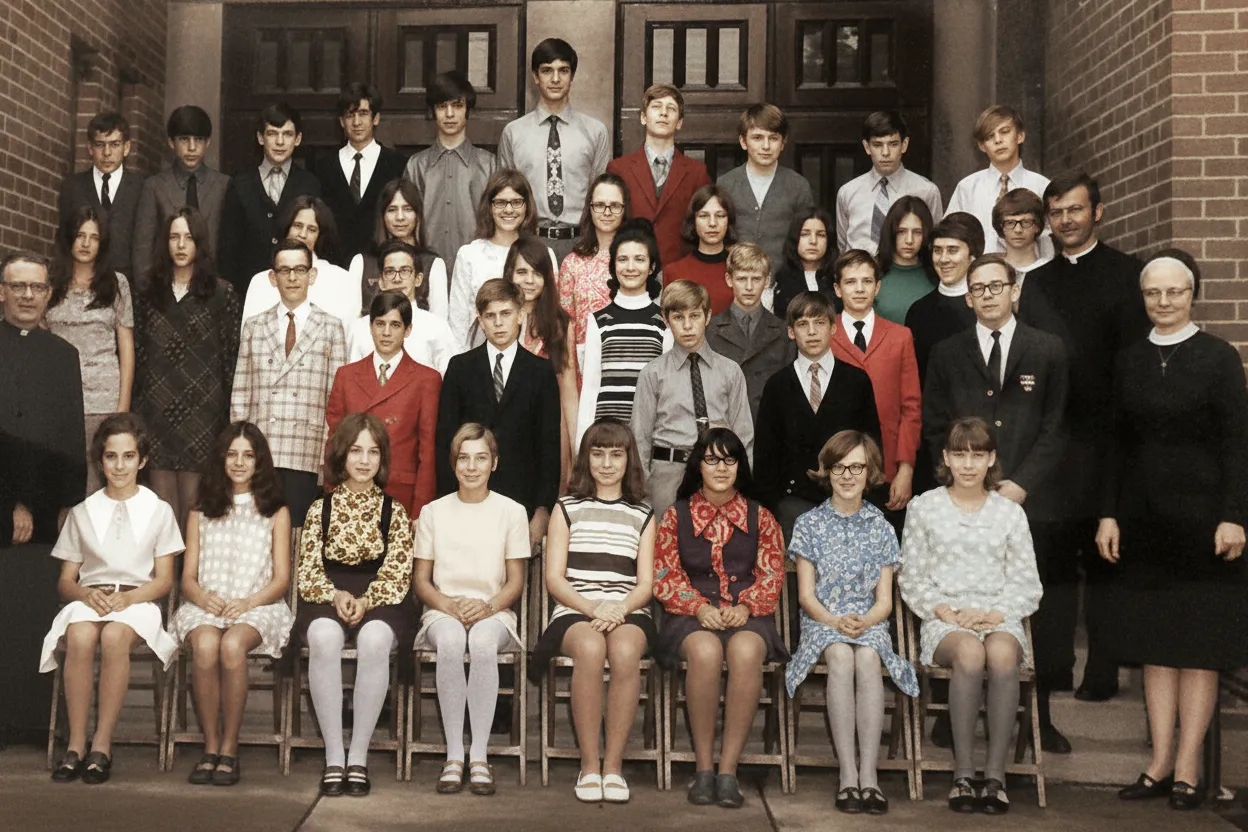
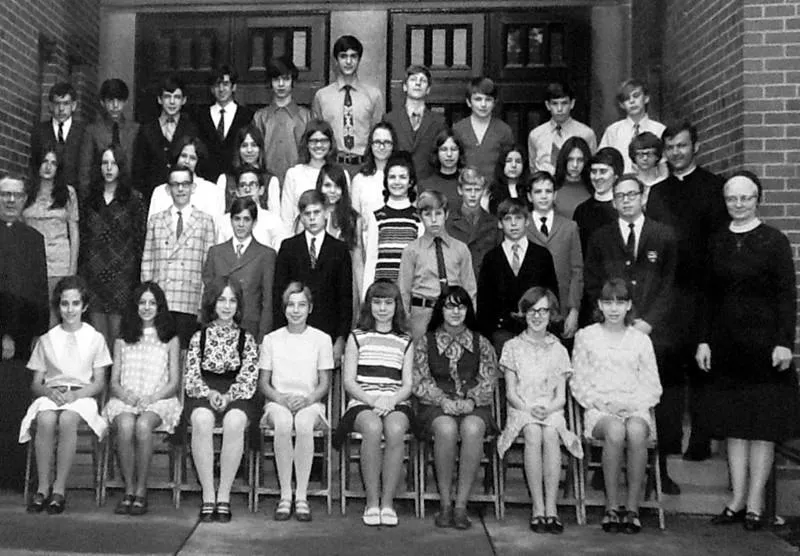
Instant Results
Fix blurry photos without editing software.
Traditional deblurring requires specialized plugins, manual kernel estimation, and considerable expertise in Photoshop or similar tools. Our AI eliminates all of that. You upload the blurry image, the model identifies the type and degree of blur, applies the optimal deconvolution, and returns a sharp result. The entire process is automatic and takes about 30 seconds. No account is needed to try your first two images free.
- ✦Automatic blur-type detection | no settings to configure
- ✦Works on any device with a web browser
- ✦Before/after slider lets you compare instantly
- ✦2 free deblurs per account, no credit card required
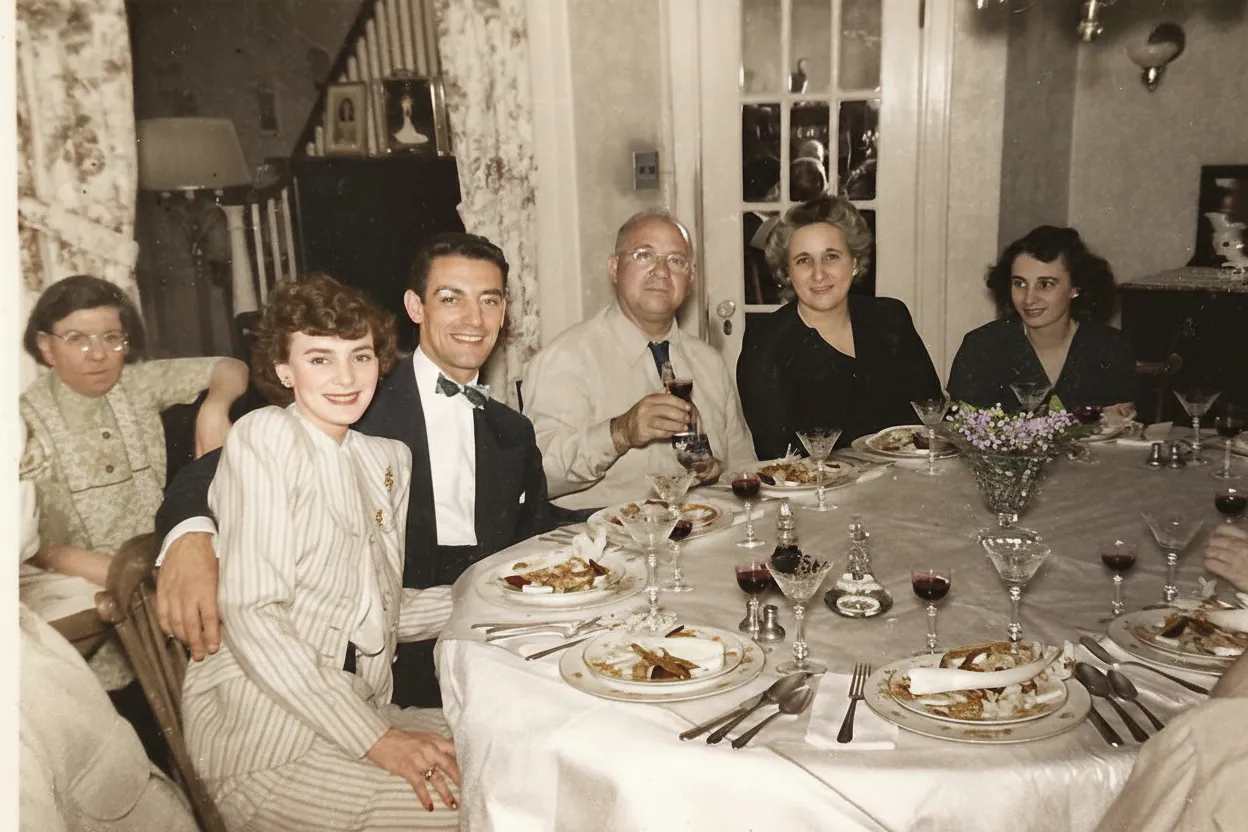
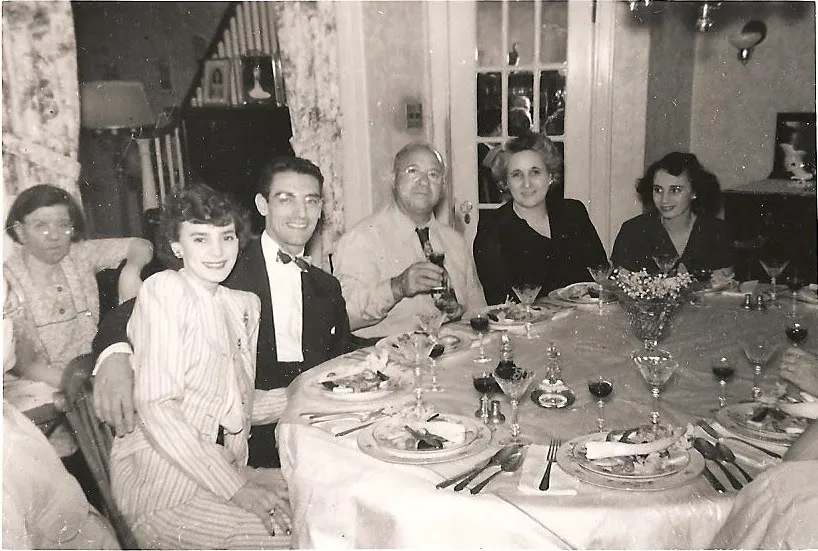
In-depth guide
How to unblur images: the complete guide
Understanding why your photo is blurry helps you get the best result from AI deblurring. Camera shake blur happens when the camera moves during exposure | common in low light when shutter speeds drop below 1/60th of a second. The entire frame is uniformly soft with streaky edges. Motion blur occurs when the subject moves | a child running, a pet jumping, a dancer spinning. The background may be sharp but the subject is smeared. Defocus blur happens when autofocus locks onto the wrong distance, leaving your intended subject soft while something else is sharp. Each type requires a different correction, and our AI identifies and handles all three automatically.
For best deblurring results, upload the highest-quality version of the blurry photo you have. If your camera saved both a RAW and JPEG, export from the RAW file. If you only have a compressed JPEG, that works too, but avoid re-compressing or resizing it before uploading. Every round of compression destroys subtle detail that the AI could otherwise recover. The more original data the AI has to work with, the sharper the result will be.
Faces in blurry photos receive special treatment. The AI detects every face in the image and applies a dedicated facial-reconstruction model to each one. This model was trained specifically on human faces and understands the expected structure of eyes, noses, mouths, and jawlines. It uses this structural knowledge to reconstruct facial features that are too blurry to see in the original. The result is especially powerful for group photos where small, distant faces were completely lost to blur.
Text and fine detail recovery is another strength of AI deblurring. If your blurry photo contains signs, labels, license plates, handwriting, or printed text, the AI can often make it legible. This has practical applications beyond photography | insurance claims, legal documentation, and security footage all benefit from AI deblurring of text in images.
For severely blurry photos, try running the deblurring twice. Upload the original, download the first result, then upload that result for a second pass. The first pass recovers the broad structure and major edges. The second pass refines fine details that were still slightly soft after the first round. Each pass costs one credit. This double-pass technique is especially effective for photos with heavy motion blur.
After deblurring, consider running the result through our AI enhancer for additional improvement. Deblurring recovers sharpness, and enhancement then optimizes exposure, color, and contrast. The two-tool workflow | deblur first, enhance second | produces the most polished final result. Both tools work in the same browser session, so the workflow is seamless.
Prevention is always better than correction. For future photos, enable optical image stabilization on your phone, use burst mode in low light to capture multiple frames, and tap to focus on your subject before shooting. But when those precautions fail and you end up with a blurry photo of an irreplaceable moment, AI deblurring is the most effective recovery tool available today.
Expert tips
Tips for the best AI deblurring results
Upload the original, not a resized copy
Resizing a blurry photo before uploading discards pixel data that the AI needs for reconstruction. Always use the full-resolution original from your camera or phone for the sharpest possible result.
Do not sharpen before uploading
Applying sharpening filters before AI deblurring creates halos and artifacts that confuse the model. Let the AI work on the naturally blurry image for the cleanest reconstruction.
Try two passes for heavy blur
If the first result is improved but still slightly soft, download it and upload again for a second deblurring pass. The incremental improvement on the second round can make the difference between acceptable and excellent.
Use deblurring on security camera stills
Low-resolution security footage often has motion blur from moving subjects. Extract a still frame and run it through the deblurring tool to recover facial features, license plates, or signage.
Combine with enhancement for the best result
After deblurring, run the sharp result through the AI enhancer to optimize exposure, color balance, and contrast. The two-step workflow produces a final image that looks professionally shot and edited.
Check faces at 100% zoom after deblurring
The most dramatic improvements are visible in facial details. Zoom to full resolution to see recovered eyes, expressions, and features that were invisible in the blurry original.
Pricing
One-time pricing. No subscription. Credits never expire.
Starter
For 5 to 10 photos. A handful of favorites, done properly.
$0.70 per photo · 10 restorations
Get Starter- 10 AI credits included
- High-Resolution Output
- Credits Never Expire
- Animate Photos with Credits
30-Day Satisfaction Guarantee
Pro
A small album: around 25 photos.
$0.68 per photo · 25 restorations
Get Pro- 25 AI credits included
- High-Resolution 1080P Output
- Credits Never Expire
- Animate Photos with Credits
30-Day Satisfaction Guarantee
Family
A shoebox of family photos: around 50.
$0.60 per photoSave 14% per photo
5 Starter packs would cost $34.95
- 50 AI credits included
- High-Resolution 1080P Output
- Credits Never Expire
- Animate Photos with Credits
30-Day Satisfaction Guarantee
Studio
A big collection: 100 photos, or dozens of animations.
$0.55 per photoSave 21% per photo
10 Starter packs would cost $69.90
- 100 AI credits included
- High-Resolution 1080P Output
- Credits Never Expire
- Animate Photos with Credits
30-Day Satisfaction Guarantee
Working through a whole archive of 250 photos or more? Archive pack: 250 credits for $109.99 ($0.44 per photo)
Prices don't include VAT.
FAQ
Frequently asked questions
How do I unblur a picture?
Upload the blurry picture at restorephotosapp.com/restore, select "Sharpen" mode, and click "Restore Photo." The AI detects the type of blur and reverses it automatically | there are no settings to configure. In about 30 seconds you can compare the sharp result side-by-side with the original and download it in full resolution.
How can I clear a blurry picture and make the image clearer?
Upload the blurry picture, choose "Sharpen" mode, and the AI clears the blur to make the image noticeably clearer in about 30 seconds. It reconstructs the sharp detail behind the blur rather than just boosting contrast, so a blurry picture becomes genuinely clear — sharper faces, edges, and textures — not just a higher-contrast version of the same soft image.
Should I use this tool or the blurry photo fixer?
Use this unblur tool for digital images, screenshots, documents, and recent photos where blur is the only problem. If you are working with an old or printed photo that is also faded, scratched, or damaged, start with our fix blurry photos workflow, which combines sharpening with full restoration.
Can AI really unblur a photo?
Yes. AI deblurring uses deep learning models trained on millions of sharp-blurry image pairs. The model learns the mathematical relationship between blur and the original sharp detail, then reverses it. It recovers genuine detail, not just sharpened edges. Results vary by blur severity, but even heavily blurred photos show significant improvement.
What types of blur can the AI fix?
The AI handles motion blur from camera shake, subject movement blur, defocus blur from missed autofocus, and general softness from low-light noise reduction. It automatically detects the blur type and applies the appropriate correction without any input from you.
Is there a free way to unblur an image?
Yes. Every new account gets 2 free deblurs with no credit card required. Upload your blurry photo, see the before/after result, and download the sharpened version. This lets you evaluate the quality on your own photos before purchasing credits.
How long does it take to unblur a photo?
About 30 seconds. Upload the blurry image, the AI processes it, and you see the sharp result almost immediately. The total time from opening the site to downloading your fixed photo is under two minutes.
Can I unblur a photo on my phone?
Yes. The deblurring tool works in any mobile browser on iPhone or Android. No app installation required. Open the site, upload the blurry photo from your camera roll, and download the sharpened version directly to your phone.
Will unblurring make the photo look artificial?
No. The AI reconstructs natural-looking detail based on its training data. Faces look like real faces, text looks like real text, and textures look authentic. The output is a naturally sharp photo, not an over-processed or crunchy-looking image.
Can I unblur text in a photo?
Yes. The AI can recover blurry text on signs, documents, labels, and handwritten notes. If the text is merely soft or motion-blurred rather than completely illegible, the AI can typically make it readable again. This is useful for document photos, receipts, and whiteboard captures.
Does unblurring reduce image quality?
No. Unblurring increases apparent quality by recovering detail that was lost to blur. The output file maintains the same resolution as the input. Noise may be slightly different because the AI replaces blurry noise patterns with sharp detail, but overall image quality improves significantly.
Can I unblur old photos that are both blurry and damaged?
Yes. For old photos with both blur and damage (scratches, fading, yellowing), the best workflow is to restore first to fix the damage, then deblur the restored version. This two-step approach produces the sharpest, cleanest result.
How much does it cost to unblur a photo?
Your first 2 deblurs are free. After that, credits start at $6.99 for 10 deblurs ($0.70 each). The Family plan offers 50 deblurs for $29.99 ($0.60 each), which is ideal if you have many blurry photos to fix.























