
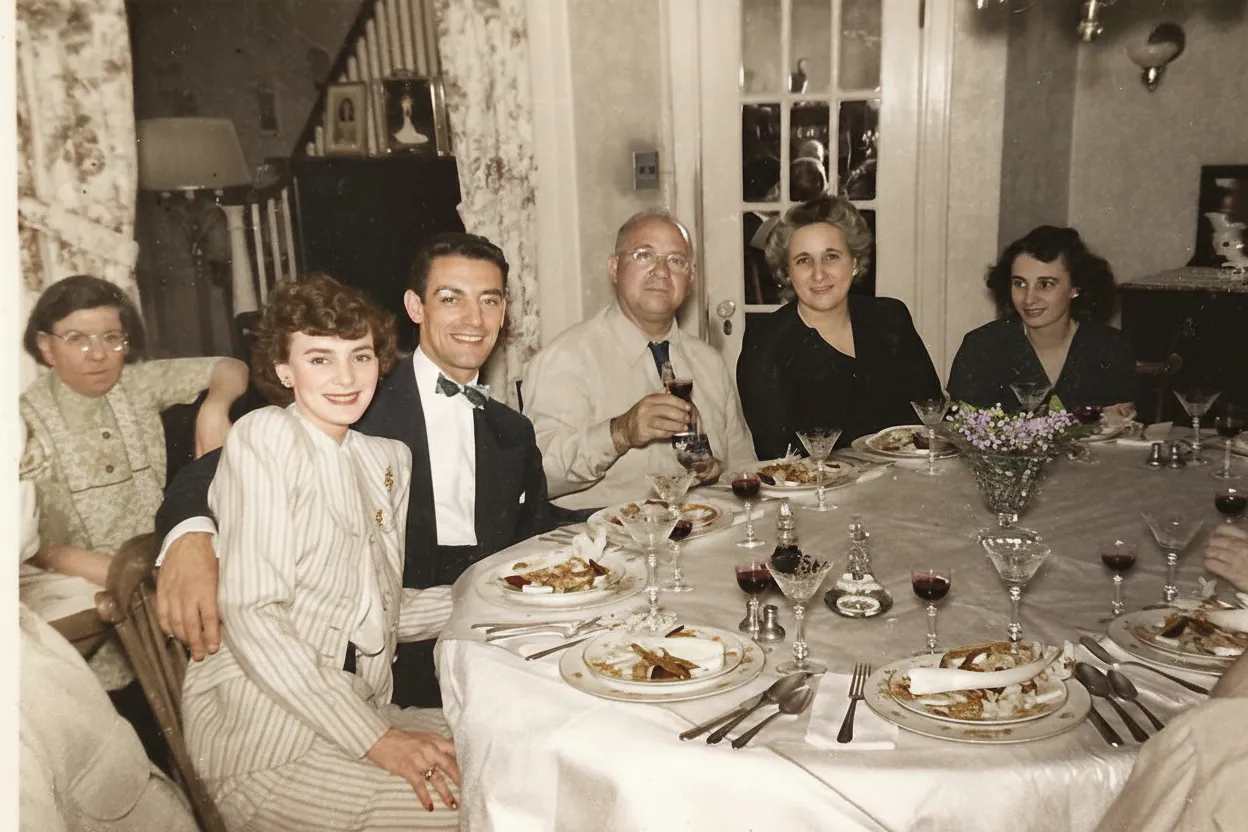
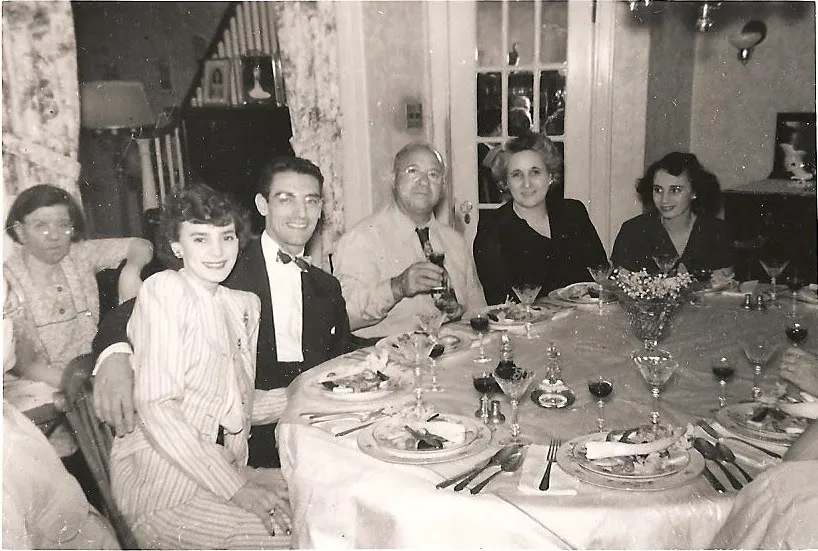
Why restore Polaroid photos with AI?
Polaroid instant film was never designed for archival permanence. The self-developing chemistry that made Polaroids magical also makes them fade faster than conventional prints. After 30 to 50 years, many Polaroids are severely faded with shifted colors and lost contrast. Because there is no negative, each Polaroid is a one-of-a-kind original, which makes digital restoration especially important.
- Preserve one-of-a-kind instant photos that have no negatives
- Reverse decades of chemical fading unique to Polaroid film
- Create digital backups of irreplaceable Polaroid originals
- Share restored Polaroid memories with family who have never seen them clearly

“My grandma cried when she saw her wedding photo restored. Absolutely incredible.”
Maria K.

“Uploaded a blurry photo from the 70s and got back a crystal clear image. Like magic.”
James T.

“Finally recovered old family photos I thought were lost forever. So easy to use.”
Sarah M.
How it works
3 simple steps.
AI Restoration
Reverse the unique fading of instant film.
Polaroid dyes degrade differently than regular photo paper. Our AI recognizes the characteristic yellow-green shift, contrast loss, and edge fading of instant film and corrects them precisely.
- ✦Corrects Polaroid-specific color shifts
- ✦Restores lost contrast and saturation
- ✦Fixes edge fading and chemical bleed

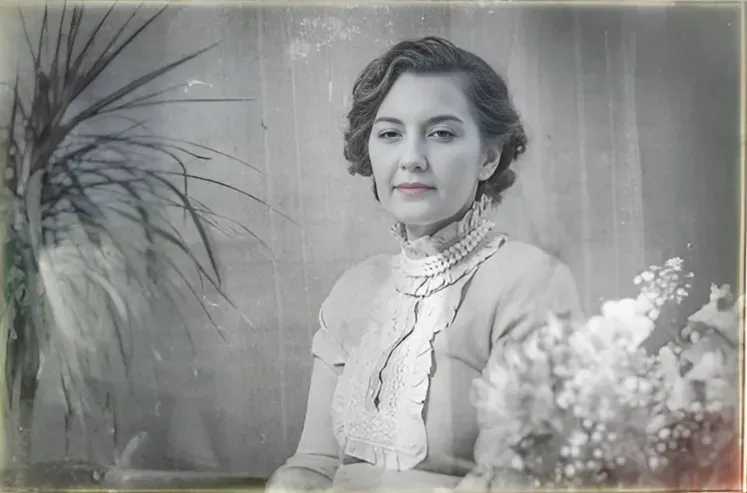
Easy to Use
Scan. Upload. Relive.
Place your Polaroid face-down on a flatbed scanner or photograph it in even lighting. Upload the image and get a restored version in under 30 seconds.
- ✦Works with scanned or photographed Polaroids
- ✦Results in seconds, not hours
- ✦Download in full resolution
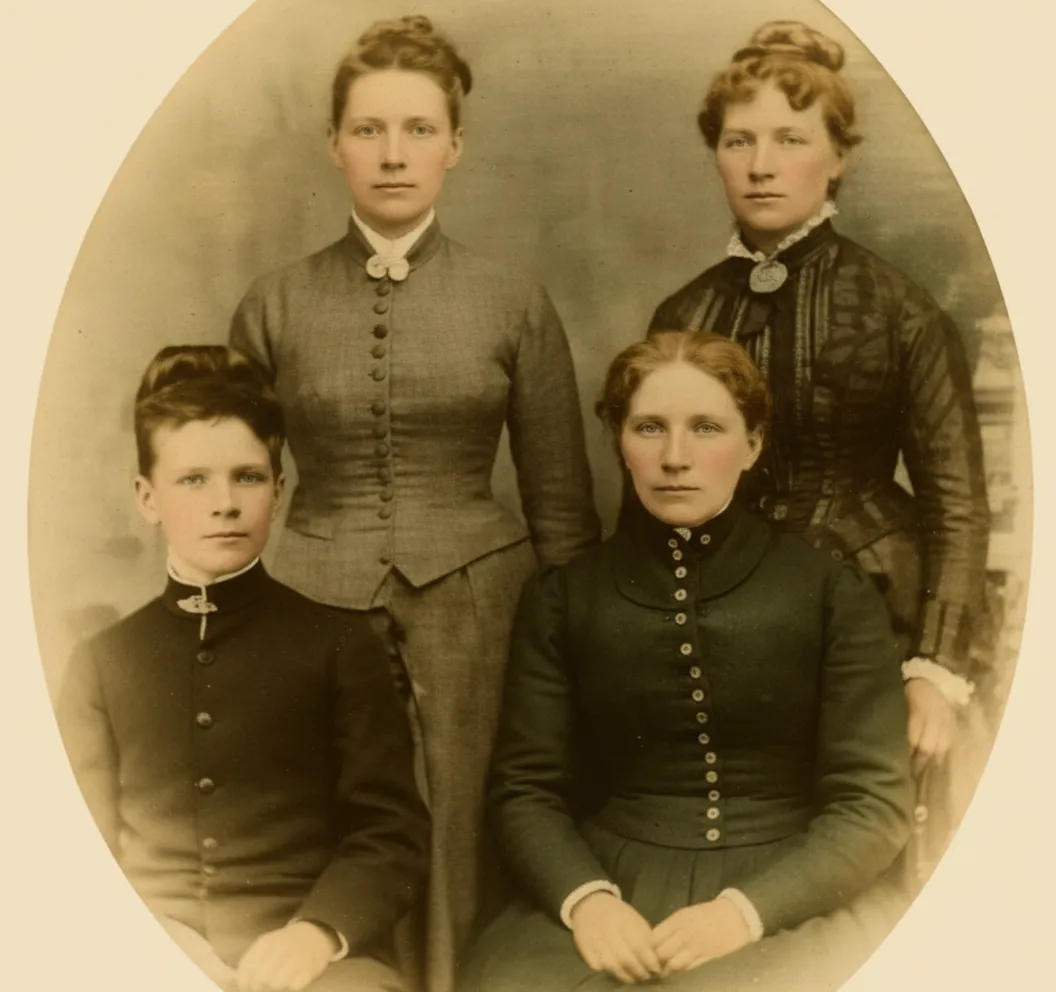
For Families
Bring back the moments that matter.
Polaroids captured birthday parties, holidays, and everyday moments from the 1970s through 1990s. These one-of-a-kind prints are often the only copy. Restore them before they fade further.
- ✦Polaroids are one-of-a-kind with no negatives
- ✦Restore before chemical fading progresses
- ✦2 free restorations per account
In-depth guide
How to restore Polaroid photos: step by step
First, you need a digital version of your Polaroid. You have several options and none of them require special equipment. The easiest way is to photograph the Polaroid with your smartphone. Hold the phone directly above the print in bright, even lighting (near a window works great) and make sure there are no shadows or glare on the glossy surface. If you have a flatbed scanner at home, place the Polaroid face-down and scan at 600 to 1200 DPI for the best detail. You can also take the photo to a local copy shop and ask them to scan it. Most print shops can do this for a dollar or two. Whichever method you choose, include the white border if it has handwritten names or dates.
Once you have a digital file, go to restorephotosapp.com, click "Restore a photo", and upload your image. That is it. The AI analyzes the specific fading pattern of your Polaroid and restores it automatically in under 30 seconds. Unlike generic photo editors, our AI understands Polaroid-specific degradation: it corrects the yellow-green color cast, restores lost contrast, and fixes edge fading without any manual adjustments from you.
Polaroid prints fade through a different mechanism than conventional photos. In a standard print, dye molecules are fixed in a gelatin layer. In a Polaroid, dyes migrated during the self-development process, making them inherently less stable. The cyan and magenta dyes degrade faster than yellow, producing the characteristic yellow-green cast. On top of that, the clear plastic laminate yellows independently, adding an amber tint. Our AI separates these two effects and corrects each independently. This dual correction is why our Polaroid restorations look more natural than simple color-balance adjustments you could do in Photoshop.
Different Polaroid film types fade differently, and our AI adapts to each. SX-70 film produces softer, warmer tones and fades with a matte quality. 600 film has higher contrast and more vivid colors. Spectra/Image film uses a wider rectangular format. Older peel-apart pack films (Type 100 series) have their own distinct fading patterns. You do not need to identify your film type, the AI detects it automatically.
Common Polaroid damage beyond fading includes scratches on the laminate surface, chemical bleed at the edges (dark spots where reagent paste leaked), and white spots from moisture damage. Our AI handles all of these. For Polaroids that are stuck to album pages, scan or photograph them in place rather than risking tearing the print. The AI can work with imperfect images.
After restoration, you can download the image in full resolution. Many users reprint at the original Polaroid dimensions (3.1 x 3.1 inch image with white border). The restored version with vivid colors in the original format makes a great gift. You can also share digitally or add the restored photos to a family photo book.
Do not wait to restore your Polaroids. Unlike negatives, which can last centuries, Polaroid fading is progressive and accelerates over time. A Polaroid that looks slightly faded today may be severely faded in another decade. The more color information that remains, the better the AI restoration. Think of it as a preservation window that is slowly closing.
Expert tips
Tips for restoring Polaroid photos
Scan at 600 DPI or higher
The small image area of Polaroids means scanning at higher resolution captures more usable detail. 600-1200 DPI is ideal for the standard Polaroid format.
Avoid direct light on the glossy surface
Polaroids have a glossy laminate that creates glare. When scanning, keep the scanner lid closed. When photographing, use diffused light and avoid reflections.
Restore sooner rather than later
Polaroid fading is progressive and accelerates over time. The sooner you digitize and restore your Polaroids, the more color and detail the AI has to work with.
Do not attempt to peel apart the layers
Polaroid prints are sealed, multi-layer constructions. Attempting to peel the layers apart destroys the image permanently. Restore digitally by scanning the intact print.
Capture the border writing
Many Polaroids have handwritten names, dates, or captions on the white border. When scanning, include the full border. This information is invaluable for identifying people and dates in your collection.
Store in archival boxes, not albums
Magnetic photo albums with sticky pages damage Polaroids permanently. Store them in acid-free archival boxes with interleaving paper, in a cool, dry location away from light.
Pricing
One-time pricing. No subscription. Credits never expire.
Starter
For 5 to 10 photos. A handful of favorites, done properly.
$0.70 / credit · 10 restorations
Get Starter- 10 AI credits included
- High-Resolution Output
- Credits Never Expire
- Animate Photos with Credits
30-Day Satisfaction Guarantee
Family
A shoebox of family photos: around 50.
$0.60 per photoSave 14% per photo
5 Starter packs would cost $34.95
- 50 AI credits included
- High-Resolution 1080P Output
- Credits Never Expire
- Animate Photos with Credits
30-Day Satisfaction Guarantee
Studio
A big collection: 100 photos, or dozens of animations.
$0.55 per photoSave 21% per photo
10 Starter packs would cost $69.90
- 100 AI credits included
- High-Resolution 1080P Output
- Credits Never Expire
- Animate Photos with Credits
30-Day Satisfaction Guarantee
Archive
The whole family archive: 250 photos.
$0.44 per photoSave 37% per photo
25 Starter packs would cost $174.75
- 250 AI credits included
- High-Resolution 1080P Output
- Credits Never Expire
- Animate Photos with Credits
30-Day Satisfaction Guarantee
Only have around 25 photos? Pro pack: 25 credits for $16.99
Prices don't include VAT.
FAQ
Frequently asked questions
Why do Polaroid photos fade?
Polaroid film contains self-developing chemistry with dye layers that degrade at different rates over time. Light exposure, heat, and humidity accelerate this fading, resulting in the characteristic yellow-green cast and contrast loss seen on old Polaroids.
How do I fix a fading Polaroid?
The most reliable way to fix a fading Polaroid is to digitize it and let AI reverse the color shift. Scan or photograph the print in bright, even light, then upload it here. Our AI separates the yellowed laminate from the faded dye layers and rebuilds the original colors and contrast in under 30 seconds. Because a fading Polaroid keeps degrading, restoring it now captures the most recoverable detail.
How fast do Polaroids fade?
Visible fading on a Polaroid usually begins within 10 to 20 years and accelerates with heat, humidity, and light exposure. A Polaroid kept in a warm, sunlit room can shift noticeably in a decade, while one stored cool and dark may hold color far longer. Once a Polaroid starts fading the process is progressive, so digitizing and restoring it sooner preserves more of the original image.
Can faded Polaroids be restored?
Yes. Our AI is trained to recognize the specific color shifts and degradation patterns of Polaroid instant film and correct them. Even severely faded Polaroids typically contain enough remaining dye information for the AI to produce a vivid restoration. The sooner you restore, the better the result.
Is there a negative for Polaroid photos?
No. Polaroid instant photos are one-of-a-kind prints with no negative. This makes each Polaroid an original that cannot be reprinted, which is why digital restoration and backup is especially important.
How do I scan Polaroid photos?
Place the Polaroid face-down on a flatbed scanner and scan at 600-1200 DPI. Include the white border if it has handwriting. If you do not have a scanner, photograph it in bright, even daylight with your phone held directly above the print, avoiding shadows and glare.
How do I preserve Polaroid photos?
Store them in acid-free archival boxes with interleaving paper, in a cool, dry, dark location. Avoid magnetic photo albums, direct sunlight, and humid environments. Digitize and restore them now while there is still recoverable color information. Fading is progressive and accelerates over time.
Are old Polaroids worth anything?
As collectibles, most family Polaroids have sentimental rather than monetary value. However, Polaroids by recognized artists (Andy Warhol, Walker Evans, Helmut Newton) can be worth thousands. Vintage Polaroid cameras, especially SX-70 models in good condition, have strong collector value ($100 to $500+).
What is the difference between Polaroid and Instax?
Polaroid (1948 to present) produces square images with a larger white border, using integral film chemistry. Fujifilm Instax (1998 to present) produces smaller rectangular images (Instax Mini) or larger squares (Instax Square). Both are instant film, but they use different chemistry and are not interchangeable. Polaroid cameras cannot use Instax film and vice versa.
Is Polaroid restoration free?
You get 2 free restorations. We recommend using them on your most faded Polaroid to see what the AI can recover. Since Polaroid collections tend to be smaller than slide or negative archives (most families have dozens rather than hundreds), the Starter pack at $6.99 for 10 credits is often enough.
Can I restore SX-70 and 600 film Polaroids?
Yes. Our AI works with all Polaroid formats including SX-70, 600, Spectra, and older peel-apart pack film Polaroids. The AI adapts to the specific color characteristics of each film type.
Can Polaroids be restored to look like new?
In many cases, yes. If the Polaroid retains enough dye information (even if it appears very faded to the eye), our AI can recover vivid, full-color images that closely resemble how the Polaroid looked when first developed. Severely degraded prints where dye has almost completely disappeared will show improvement but may not reach full original quality.
How long does Polaroid restoration take?
Under 30 seconds. The AI analyzes the specific fading pattern of the instant film chemistry, separating the laminate yellowing from the dye fading, and applies a dual correction. You see the restored result immediately after processing.























