
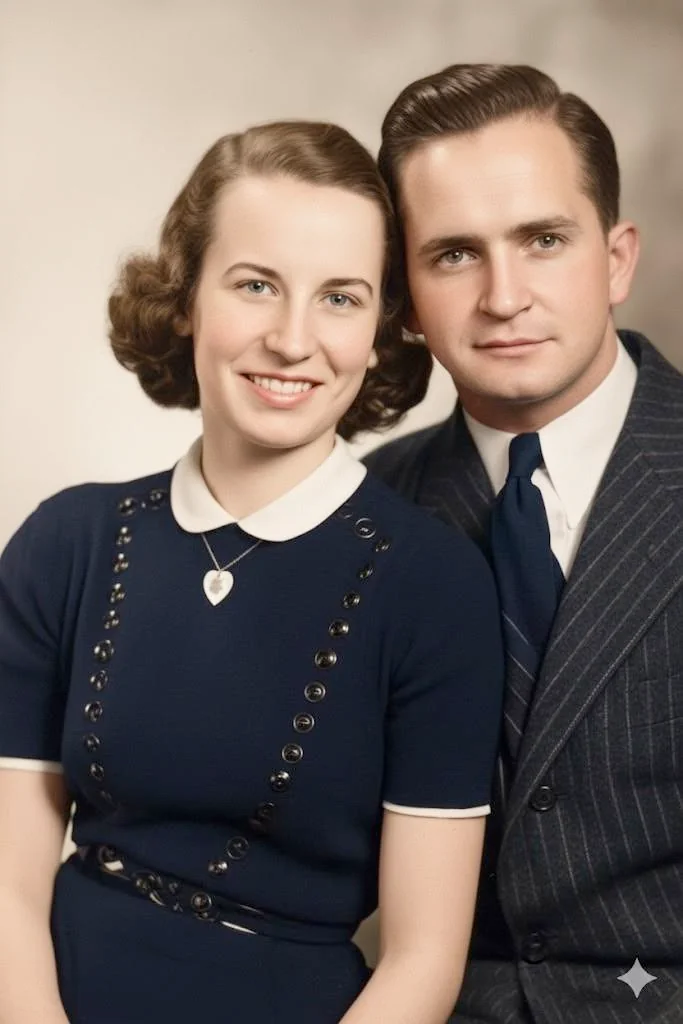
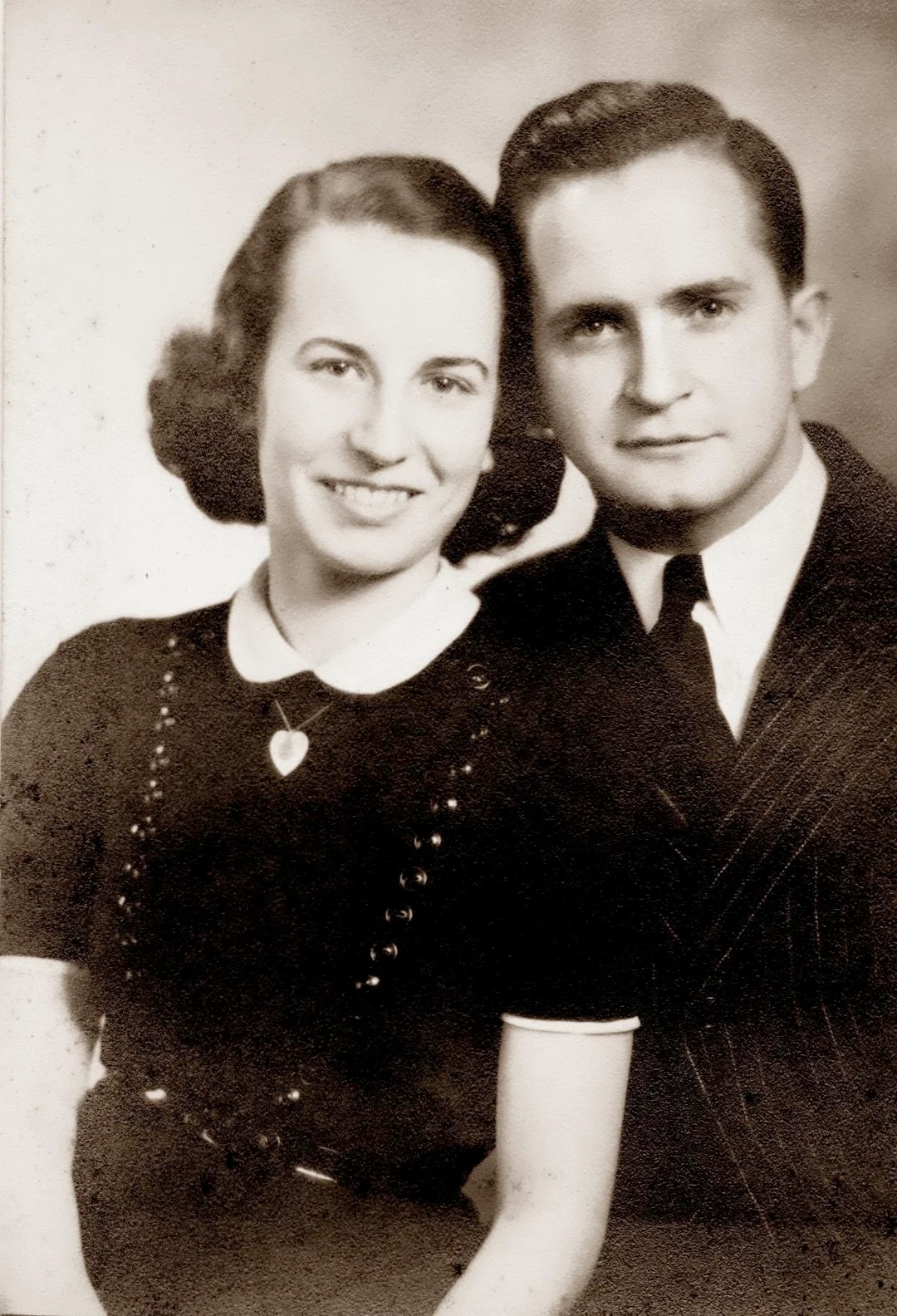
Why upscale old photos with AI?
The physical size of an old photograph often does not match its emotional significance. A tiny wallet photo of your mother as a child might be the only image you have of her at that age. A postage-stamp-sized face in a group photo might be the only surviving picture of a great-grandparent. These photos deserve to be seen larger, but simple enlargement produces ugly, pixelated results. AI upscaling solves this problem by intelligently generating the fine detail needed to make small photos look natural at larger sizes. The technology has advanced remarkably | modern AI upscalers produce results that are indistinguishable from photos that were originally captured at high resolution. For anyone who wants to print, frame, or prominently display an old family photo that only exists as a small print, AI upscaling is transformative.
- Print small old photos at large sizes without pixelation or blur
- Recover sharp facial details from tiny faces in group photos
- Create wall-worthy enlargements from wallet photos and snapshots
- Improve low-resolution scans and digital photos from old cameras
- Make old photos suitable for modern high-resolution screens and displays

“My grandma cried when she saw her wedding photo restored. Absolutely incredible.”
Maria K.

“Uploaded a blurry photo from the 70s and got back a crystal clear image. Like magic.”
James T.

“Finally recovered old family photos I thought were lost forever. So easy to use.”
Sarah M.
How it works
3 simple steps.
Real Detail
AI adds genuine detail, not just bigger pixels.
Traditional upscaling (bicubic, bilinear, Lanczos) simply interpolates between existing pixels. The result is a larger image that is just as blurry as the original, only bigger. AI upscaling is fundamentally different. The model was trained on millions of high-resolution images and learned what real detail looks like at every scale. When it upscales your photo, it predicts and generates the fine detail that should exist at the higher resolution | individual hair strands, fabric weave patterns, wood grain, brick texture, leaf edges, and eyelashes.
- ✦Generates authentic fine detail during upscaling, not interpolated blur
- ✦Trained on millions of high-resolution photos across every subject
- ✦Adds textures, patterns, and micro-detail appropriate to each surface
- ✦Produces output sharp enough for large-format printing and framing
Face Upscaling
Small faces become sharp, recognizable portraits.
In old group photos and wide-angle shots, individual faces are often very small | sometimes only 30 or 40 pixels tall. At that size, there is not enough data to see expressions, eye color, or specific features. Our face-aware upscaler detects every face in the image and applies a specialized facial super-resolution model. This model knows the structure of human faces and reconstructs sharp, detailed features from minimal pixel data. The result is faces that are clearly identifiable and emotionally expressive, even from tiny originals. If you have tried a general upscaler such as Upscayl or Topaz Photo AI and found the faces came out waxy, this is the difference.
- ✦Specialized face super-resolution for small and distant faces
- ✦Reconstructs eyes, expressions, and individual features from low-res data
- ✦Works on group photos where each face is only a few dozen pixels
- ✦Makes old school photos, team photos, and crowd shots usable again
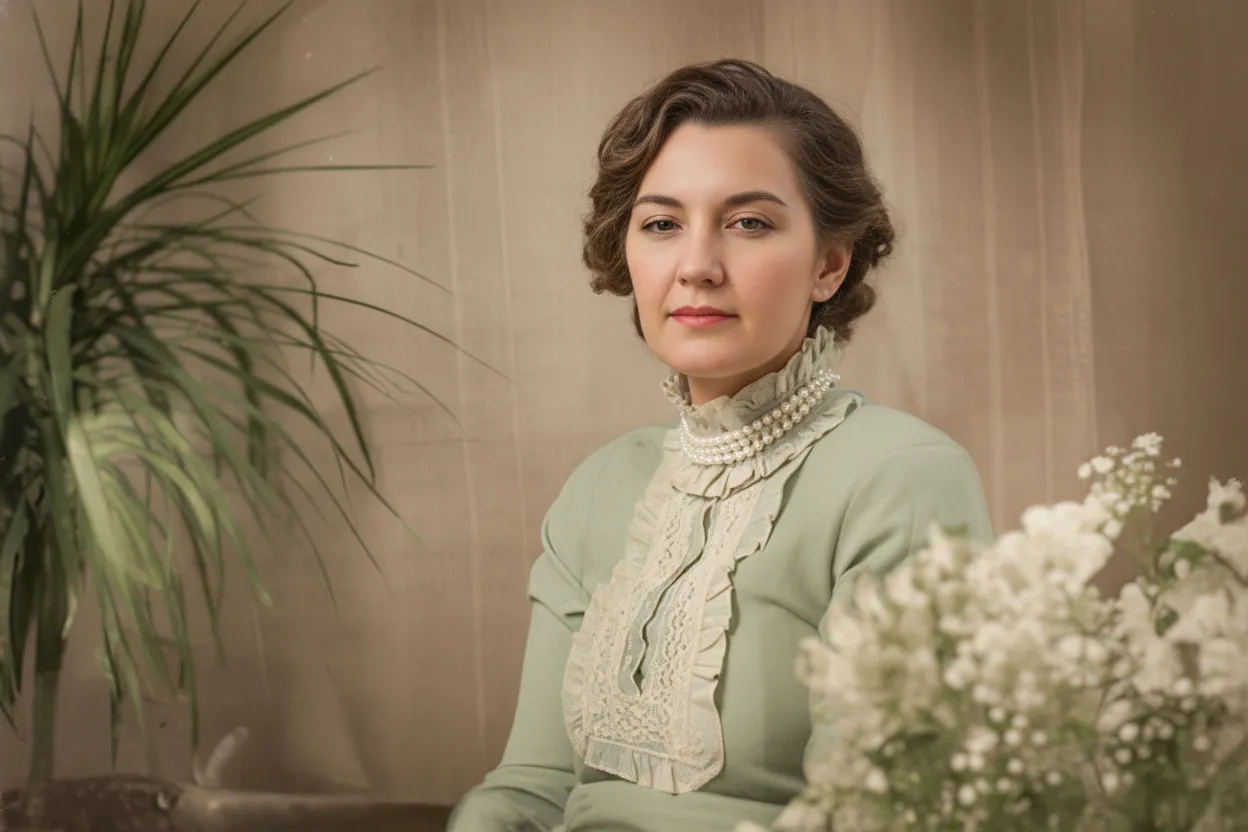
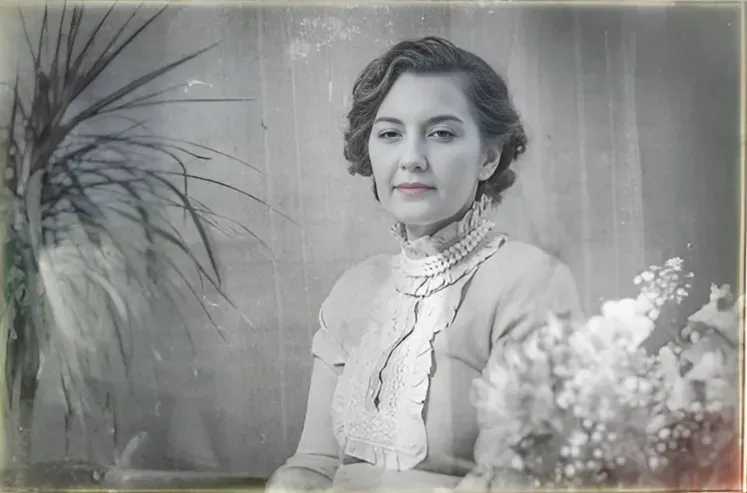
Print Ready
From wallet-size to wall-size without losing quality.
Many old photos exist only as small prints | wallet photos, passport photos, photo booth strips, or thumbnails clipped from newspapers. Scanning these at high DPI gives you a large file, but the actual image detail is still that of a tiny print. AI upscaling adds the real detail needed to print at larger sizes. A 2x3-inch wallet photo can be upscaled to produce a sharp 8x10 or even 11x14 print. The output is a standard high-resolution file compatible with any online or local print service.
- ✦Upscale tiny prints to sizes suitable for framing and display
- ✦Wallet photos, passport shots, and booth strips all upscale well
- ✦Output files are compatible with all photo printing services
- ✦2 free upscales per account to test on your most important photo
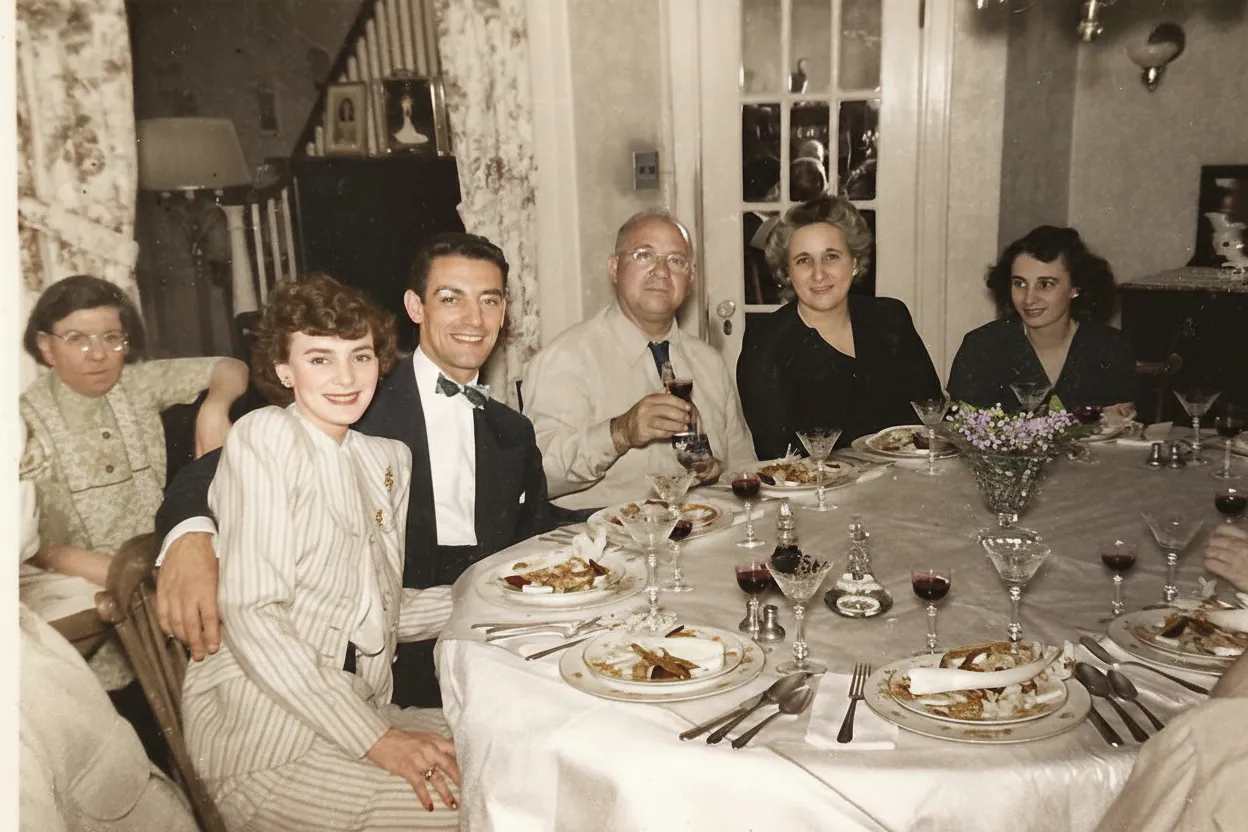
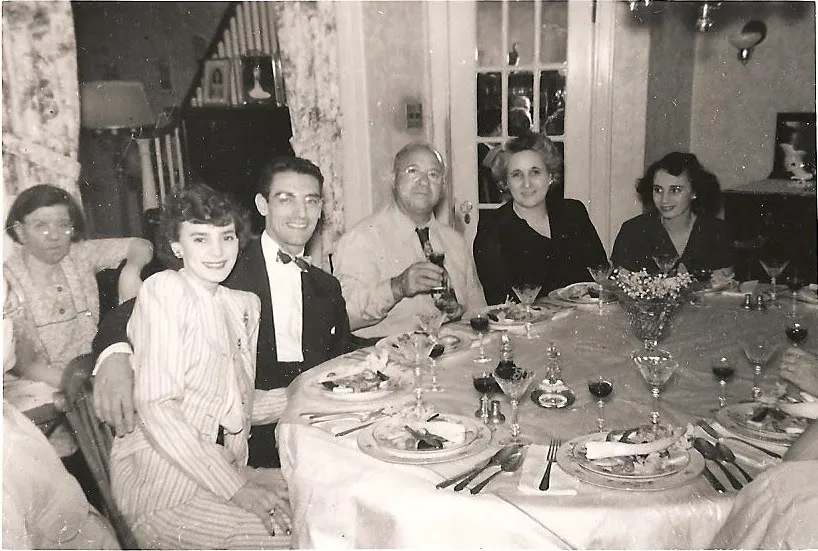
In-depth guide
How to upscale old photos: the complete guide
The first step in upscaling any old photo is getting the best possible digital version of the original. For physical prints, use a flatbed scanner at the highest DPI setting available | 1200 DPI is ideal for small prints, 600 DPI is fine for standard-size photos. The goal is to capture every bit of detail the physical print contains, so the AI has maximum information to work with when generating new detail at higher resolution. Even a tiny improvement in scan quality translates to a noticeably sharper upscaled result.
For old digital photos | images from early digital cameras, old phones, or social media downloads | upload the original file without resizing. Many people make the mistake of upscaling in a standard photo editor first, then uploading. This just creates a larger blurry file. The AI needs the actual original pixels to generate authentic new detail. If you only have a small thumbnail or compressed web image, that still works | the AI can add impressive detail | but the raw original always produces the best result.
Face-aware upscaling is where our tool really differentiates from generic upscalers. Old group photos, school class pictures, military unit photos, and team portraits often have faces that are only 20-50 pixels tall. At that size, standard upscaling produces smooth, featureless blobs. Our AI detects each face and applies a specialized facial super-resolution model that knows the structure of human faces. It reconstructs plausible eyes, noses, mouths, and expressions from surprisingly little data. For genealogy and family history, this capability is invaluable.
After upscaling, consider what you want to do with the result. For printing, order from a quality photo lab rather than a drugstore kiosk. Photo labs use better paper, inks, and color profiles. For sizes up to 8x10, any well-upscaled photo will look excellent. For very large prints (16x20 or bigger), start with the highest quality scan possible and consider running the upscale twice. For digital display on modern screens, a single upscale is usually sufficient because screens are more forgiving than print.
Combining upscaling with other AI tools produces the best results. The recommended workflow depends on the photo. For a faded, damaged old photo that is also small: restore first to fix damage, then upscale the restored version. For a clean but tiny photo: upscale directly. For a small black-and-white photo: restore, upscale, then colorize. Each step builds on the previous one, and the order matters because each tool works best on a clean input.
Batch upscaling is practical for old photo collections. If you have scanned a box of small prints and want them all enlarged for a family history book or album, upload the batch and process them together. The AI handles each image independently, so different sizes and subjects all get appropriate treatment. The Family plan at 50 credits is sized for exactly this kind of project.
A word about expectations: AI upscaling adds plausible detail, not the actual original detail that was never captured. A face upscaled from 30 pixels will look like a clear, natural face, but it will be the AI's best prediction of what that face looked like, not a forensic reconstruction. For family photos, this is perfectly fine | the result is a pleasing, recognizable image. For forensic or legal purposes, upscaled images should be clearly labeled as AI-enhanced.
Expert tips
Tips for the best AI photo upscaling results
Scan small prints at 1200 DPI
For photos smaller than 4x6 inches, scan at 1200 DPI to capture maximum detail. The extra scan resolution gives the AI significantly more data to work with when generating new detail during upscaling.
Upload the original, never an already-upscaled version
Do not pre-enlarge your photo in another tool before uploading. The AI needs original pixels, not interpolated ones. A small, sharp original upscales far better than a large, blurry pre-enlarged version.
Restore damaged photos before upscaling
If your old photo has scratches, fading, or stains, run it through the restoration tool first. Upscaling damaged photos magnifies the damage along with the image. Start with a clean, restored version for the best upscaled result.
Check faces at 100% zoom
After upscaling, zoom to full resolution on your screen and examine the faces closely. The face super-resolution model often recovers impressive detail | eyes, expressions, individual features | that you cannot see in the small original. This is where the AI's work is most visible.
Use upscaled photos for large prints
Order prints from a quality photo lab rather than a consumer kiosk. Photo labs use archival-quality paper and ICC color profiles that make upscaled images look their best. For sizes above 8x10, consider metallic or lustre paper for maximum sharpness.
Run two passes for very small originals
For extremely small photos | thumbnails, passport stamps, or heavily cropped images | upscale once, download the result, then upscale again. Two sequential passes can produce a sharper final image than a single large upscale, especially when faces are involved.
Pricing
One-time pricing. No subscription. Credits never expire.
Starter
For 5 to 10 photos. A handful of favorites, done properly.
$0.70 per photo · 10 restorations
Get Starter- 10 AI credits included
- High-Resolution Output
- Credits Never Expire
- Animate Photos with Credits
30-Day Satisfaction Guarantee
Pro
A small album: around 25 photos.
$0.68 per photo · 25 restorations
Get Pro- 25 AI credits included
- High-Resolution 1080P Output
- Credits Never Expire
- Animate Photos with Credits
30-Day Satisfaction Guarantee
Family
A shoebox of family photos: around 50.
$0.60 per photoSave 14% per photo
5 Starter packs would cost $34.95
- 50 AI credits included
- High-Resolution 1080P Output
- Credits Never Expire
- Animate Photos with Credits
30-Day Satisfaction Guarantee
Studio
A big collection: 100 photos, or dozens of animations.
$0.55 per photoSave 21% per photo
10 Starter packs would cost $69.90
- 100 AI credits included
- High-Resolution 1080P Output
- Credits Never Expire
- Animate Photos with Credits
30-Day Satisfaction Guarantee
Working through a whole archive of 250 photos or more? Archive pack: 250 credits for $109.99 ($0.44 per photo)
Prices don't include VAT.
FAQ
Frequently asked questions
What does AI photo upscaling do?
AI photo upscaling increases the resolution of an image while generating genuine new detail. Unlike traditional resizing that just makes pixels bigger, AI predicts and creates fine textures, edges, and features at the higher resolution. The result is a larger image that looks naturally sharp, not pixelated or blurry.
Can I upscale a very small old photo?
Yes. The AI handles photos of any size, including tiny wallet prints, passport photos, photo booth strips, and small thumbnails. While larger originals produce the best results, even very small photos see dramatic improvement. Scan small prints at 1200 DPI for maximum input quality.
Is AI upscaling free?
Every new account gets 2 free upscales with no credit card required. After that, credit packs start at $6.99 for 10 upscales. The Family plan at $29.99 for 50 credits is the best value for processing a collection of old photos.
How do I make a photo HD?
Upload your image at restorephotosapp.com/restore, select "Enhance" mode, and the AI converts it to a higher-resolution, HD-quality picture in about 30 seconds. Unlike a basic high resolution converter that just enlarges pixels, the AI adds genuine detail — sharper faces, textures, and edges — so the HD result actually looks crisp, not just bigger. Your first 2 conversions are free.
Is this a high resolution converter or a true upscaler?
Both. It works as a high resolution converter — it raises the pixel dimensions of your image — but it goes further than ordinary converters by generating real, content-aware detail as it scales. A standard converter turns a blurry photo into a bigger blurry photo; this AI reconstructs the fine detail an HD or 4K version should have, which is why the output is sharp enough to print and frame.
How much can AI upscale a photo?
Our AI can effectively upscale photos to produce sharp results at significantly larger sizes. A small 2x3-inch scan at 600 DPI can produce a sharp 8x10 print. The exact improvement depends on the original quality and content. Photos with clear faces and distinct textures upscale better than extremely degraded or abstract images.
Will upscaling make my photo look artificial?
No. The AI generates detail that matches the style and content of the original photo. Textures, edges, and facial features look natural and authentic. The model was trained to produce photorealistic output, not artificially sharpened or plastic-looking results.
Can I upscale old family group photos?
Yes. Group photos are one of the best use cases for AI upscaling because individual faces are often very small. The face-aware upscaler detects every face and applies enhanced super-resolution, making even distant or tiny faces sharp and recognizable in the enlarged result.
How is AI upscaling different from zooming in?
Zooming in (or standard digital enlargement) simply makes existing pixels bigger, resulting in a blocky, blurry image. AI upscaling generates new pixels with authentic detail based on what the AI predicts should be there. The difference is like the difference between stretching a rubber band and actually building a longer one.
Should I restore or upscale first?
Restore first, then upscale. Restoration fixes damage like scratches, fading, and color shifts. Upscaling then enlarges the clean, restored image with new detail. If you upscale a damaged photo first, the damage gets enlarged along with the image, making it harder to fix afterward.
Can I upscale a photo to poster size?
Yes. Starting from a standard 4x6 print scanned at 600 DPI, the AI can produce a file sharp enough for a 16x20 or even 20x30 print. For best results at very large sizes, start with the highest-resolution scan possible and consider running two upscale passes.
How long does AI upscaling take?
About 30 seconds per photo. Upload your image, the AI processes it, and you see the high-resolution result almost immediately. The process is fully automatic with no settings to configure.
Can I upscale photos from old digital cameras?
Absolutely. Early digital cameras from the 2000s produced photos at 1-3 megapixels that look small and soft on modern screens. AI upscaling adds the detail and resolution needed to view and print these photos at modern quality levels. It is one of the most popular uses of the tool.
Is my photo private when I upload it for upscaling?
Yes. All uploads are encrypted via HTTPS and stored privately on secure cloud infrastructure. Your photos are kept for 30 days so you can re-download results, then permanently deleted. We never share your images or use them for AI training purposes.























