
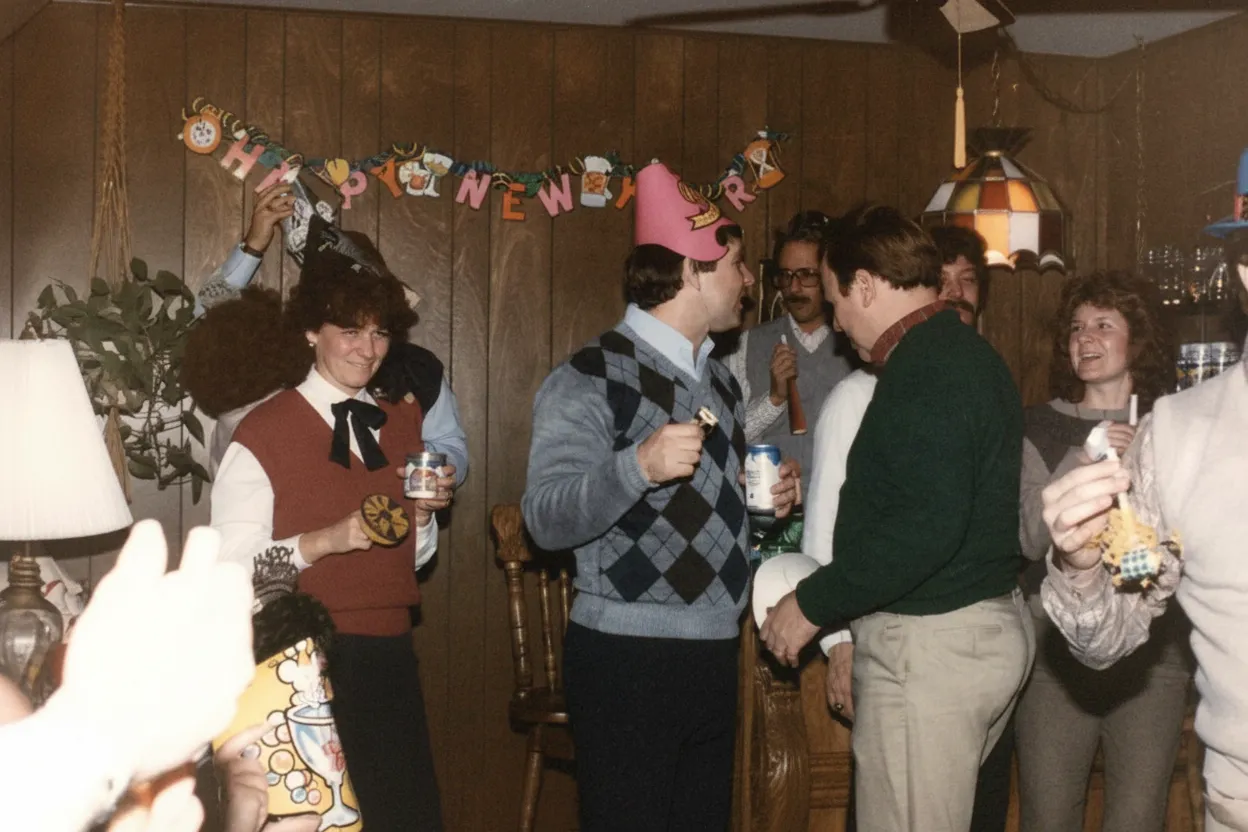
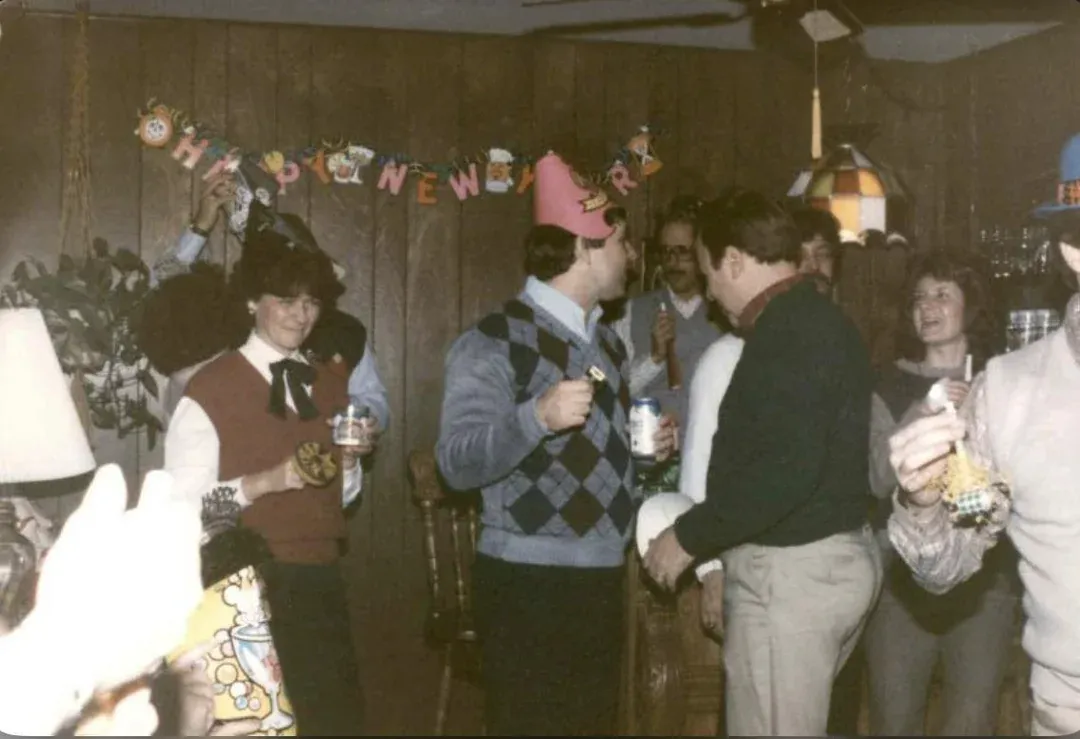
Can you really unfade a photo?
Not physically. The chemical degradation in the paper and emulsion is permanent. No amount of careful storage can undo damage that has already happened. But digitally, yes. The faded print still contains residual image data that your eyes cannot see but a scanner or camera can capture. The AI amplifies and reconstructs this residual data. Think of it like this: a faded photo is not empty. It is a whisper. The AI turns the whisper back into a clear voice. That is why scanning quality matters. A 600 DPI scan captures more of the residual data than a 300 DPI scan, and gives the AI more to work with. For severely faded photos, scan at 1200 DPI.
- Physical fading is permanent; digital recovery is possible
- Residual image data exists even in prints that look almost blank
- Higher scan resolution captures more recoverable data
- AI amplifies and reconstructs what the human eye cannot see
- The sooner you scan, the more data remains to recover
What to expect
Fading severity: what AI can recover at each level
Light fading: faces are still recognizable but colors look washed out. One AI pass recovers the contrast and color depth, and the result looks like a well-preserved original.
Medium fading: faces are hard to make out, there is a strong yellow-orange color cast, and dark areas have turned gray. One pass recovers most of the image. A second pass refines facial details and skin tones. Most family photos from the 1970s-1980s fall in this category.
Heavy fading: the print looks almost blank with faint outlines. The AI can often recover a usable image if any tonal variation remains. For these photos, scan at 1200 DPI to capture maximum residual data.
A photo on a sunny wall fades unevenly: the center is bleached while edges under the mat are vivid. A photo in a hot attic fades uniformly. A photo in a damp basement develops a brownish haze. The AI recognizes all of these patterns and corrects each independently.

“My grandma cried when she saw her wedding photo restored. Absolutely incredible.”
Maria K.

“Uploaded a blurry photo from the 70s and got back a crystal clear image. Like magic.”
James T.

“Finally recovered old family photos I thought were lost forever. So easy to use.”
Sarah M.
How it works
3 simple steps.
Severity Levels
How bad is your fading? Here is what to expect.
Light fading recovers perfectly in one pass. Medium fading with a color cast needs one or two passes. Heavy fading where the print looks almost blank still produces surprisingly good results. The AI works with residual data your eyes cannot see.
- ✦Light fading: one pass, looks like the original
- ✦Medium fading: one or two passes, good face recovery
- ✦Heavy fading: best-effort recovery, often surprisingly good
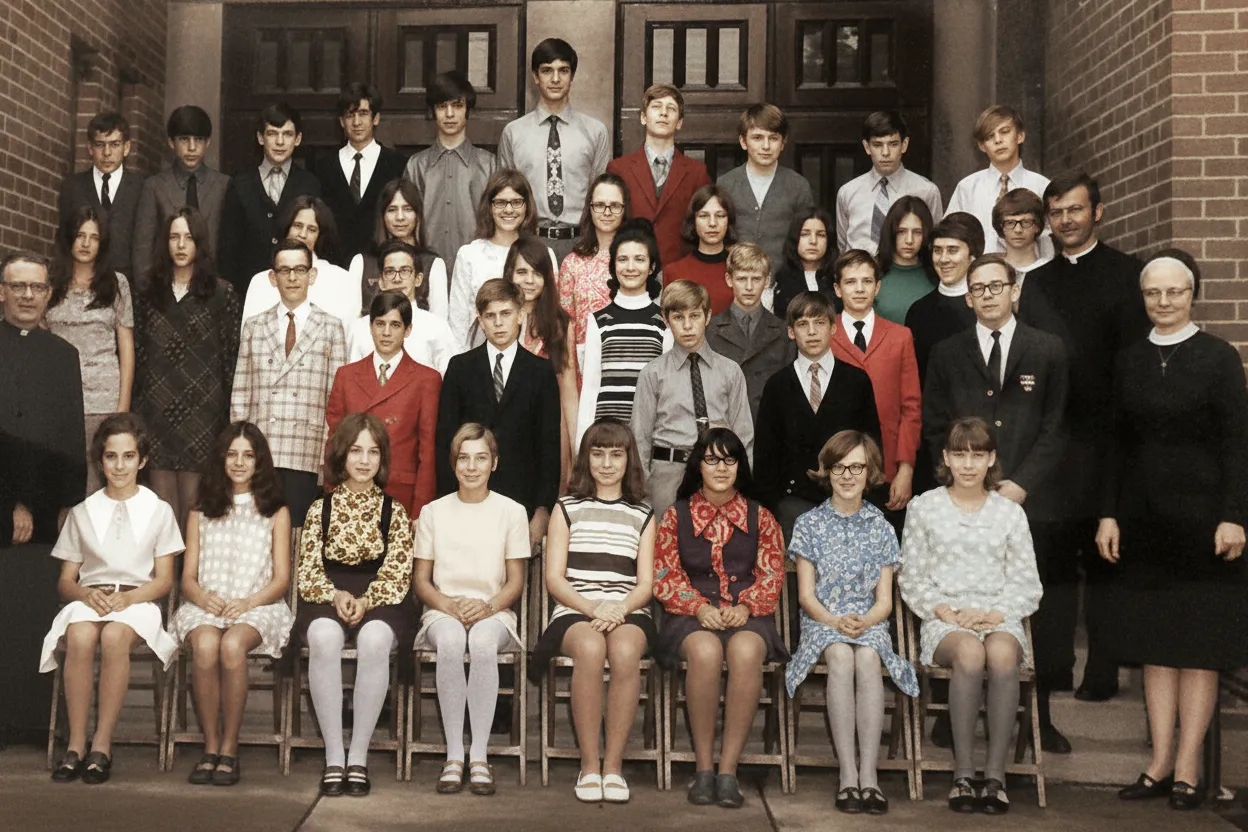
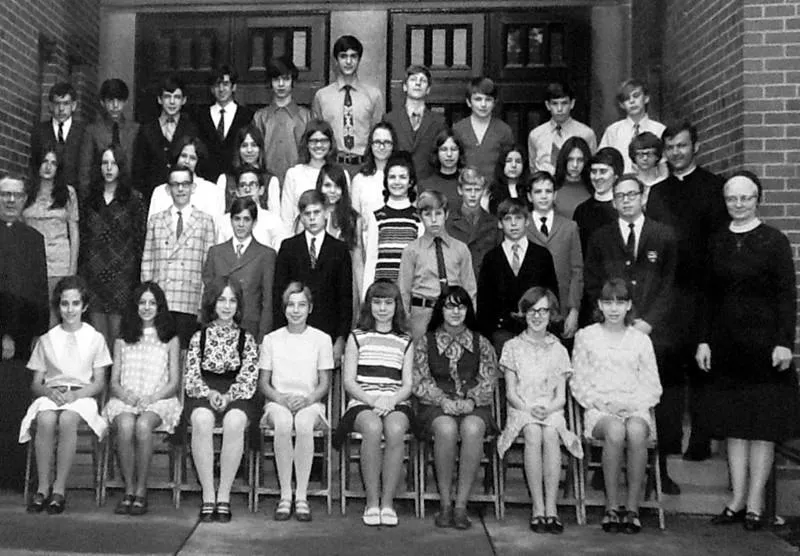
Sun vs Age vs Humidity
Different causes of fading. Same AI fix.
Sun creates uneven fading. Heat causes uniform contrast loss. Humidity adds a brownish haze. The AI recognizes all patterns and corrects each type independently. You do not need to tell it what caused the fading.
- ✦Sun-bleached: uneven fading, center worse than edges
- ✦Heat-aged: uniform loss of contrast
- ✦Humidity damage: brownish haze the AI lifts off

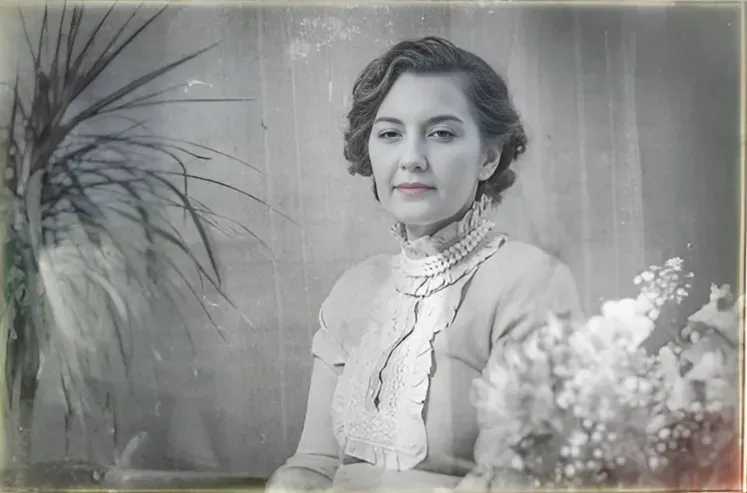
How It Works
Upload your faded photo. See the original come back in 30 seconds.
Go to restorephotosapp.com, upload a scan or phone photo, and select "Restore Old Photo." In about 30 seconds you see a before/after slider. Zoom into faces to see recovered detail that was invisible in the faded original.
- ✦Works in any browser, phone or desktop
- ✦Phone photo of a faded print works, no scanner required
- ✦2 free restorations, no credit card, no watermark
- ✦Family plan: 50 photos for $29.99
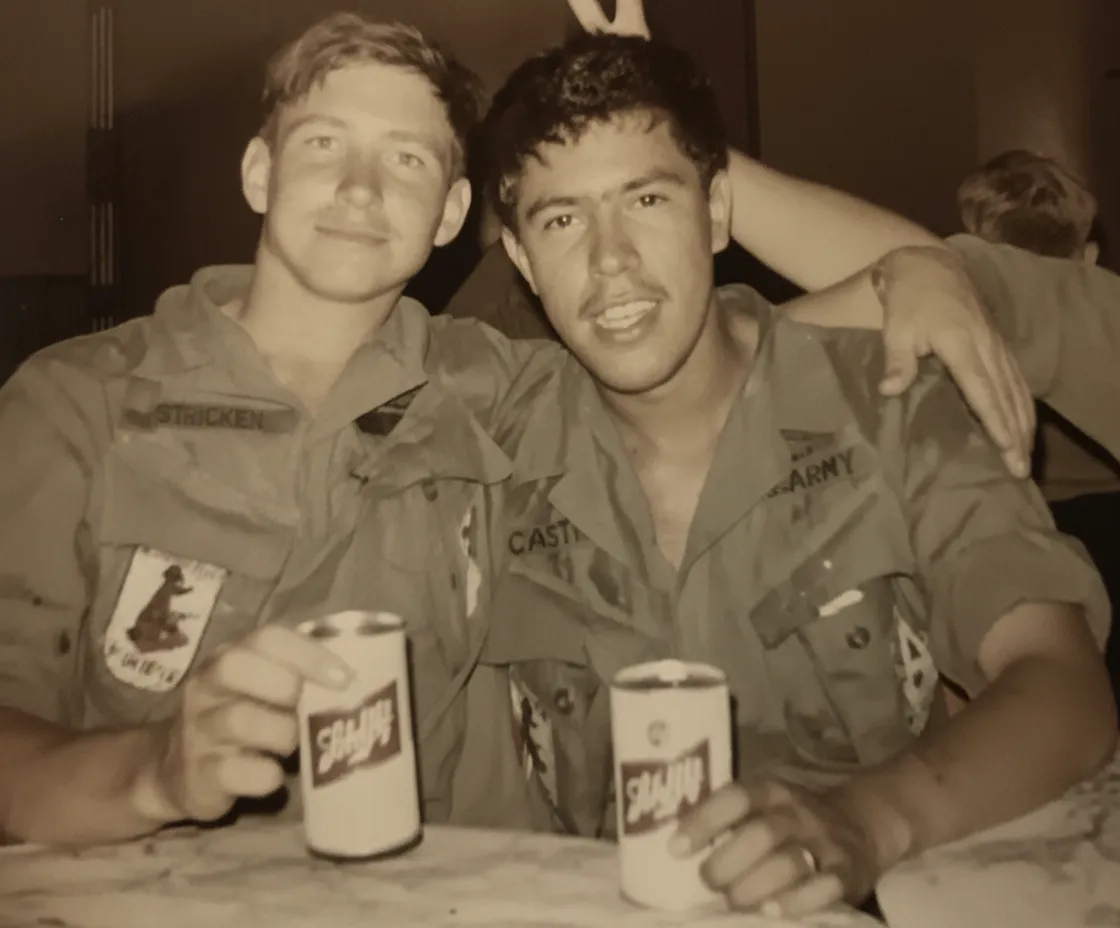
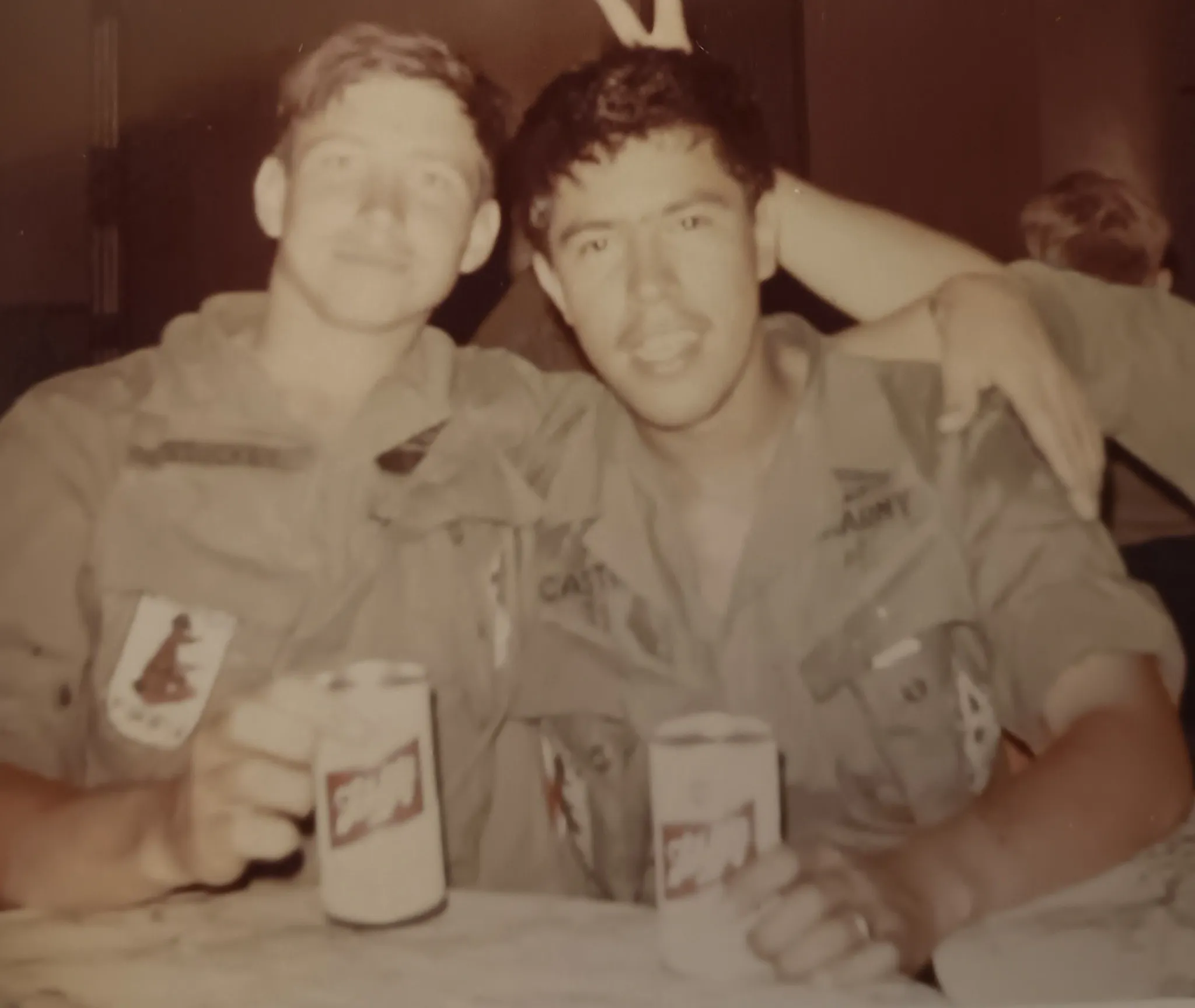
In-depth guide
How to fix faded photos: complete guide
Identify the type of fading first. Pull the photo out of its frame or sleeve and look at the edges. If the edges are darker or more colorful than the center, the photo was sun-bleached (UV damage). If the fading is uniform across the entire print, it is age-related chemical degradation. If there is a brownish-yellow haze over everything, humidity played a role. This does not change what you do, but it helps you understand what to expect from the restoration.
Scan the photo at 600 DPI minimum, in color mode, even for black-and-white prints. Do not use your scanner's auto-enhance or auto-color-correct feature. These features try to fix the fading with simple algorithms that conflict with the AI's correction. You want the raw, faded scan. If using a phone camera, natural daylight near a window is critical. Ceiling lights are warm-toned and make faded photos look even more yellow in the capture.
For photos that were displayed in frames: check if the mat left a visible border. If the edges under the mat are still vivid while the center is faded, scan the full photo including the good edges. The AI uses the unfaded edges as a reference for what the original colors were. This is one of the few cases where edge information actively improves the restoration.
Upload to restorephotosapp.com and select "Restore Old Photo." For light-to-medium fading, one pass is enough. For severe fading where faces are barely visible, run the restoration twice: the first pass recovers the overall tonal range, the second pass refines facial details and skin tones. Each pass costs one credit.
After restoration, compare specific areas: skin tones should look natural (not orange or gray), whites should be clean (not cream or blue), and dark areas should have visible detail (not solid black). If the colors look shifted toward yellow-orange rather than just faded, see our fix yellow photos guide for yellowing-specific correction. If the photo also has scratches or creases, the AI handles those in the same pass.
Expert tips
Tips for fixing faded photos
Scan the full photo including unfaded edges
If the photo was in a frame, the mat-covered edges are often less faded. Include them in the scan. The AI uses these as color reference points for a more accurate restoration of the faded center.
Do not auto-enhance before uploading
Your scanner's auto-correct and your phone's auto-enhance both apply generic fixes that interfere with the AI. Upload the raw, faded image exactly as it is.
Restore the most faded photos first
Severe fading means the residual data is thin. Every year more degrades. The photos that look worst right now are the ones most at risk of becoming unrecoverable. Mildly faded photos can wait.
Two passes for severe fading
If the first restoration brings back the general image but faces are still soft, download it and upload the result for a second pass. The AI refines details it could not reach through the heavy initial fading.
Pricing
One-time pricing. No subscription. Credits never expire.
Starter
For 5 to 10 photos. A handful of favorites, done properly.
$0.70 per photo · 10 restorations
Get Starter- 10 AI credits included
- High-Resolution Output
- Credits Never Expire
- Animate Photos with Credits
30-Day Satisfaction Guarantee
Pro
A small album: around 25 photos.
$0.68 per photo · 25 restorations
Get Pro- 25 AI credits included
- High-Resolution 1080P Output
- Credits Never Expire
- Animate Photos with Credits
30-Day Satisfaction Guarantee
Family
A shoebox of family photos: around 50.
$0.60 per photoSave 14% per photo
5 Starter packs would cost $34.95
- 50 AI credits included
- High-Resolution 1080P Output
- Credits Never Expire
- Animate Photos with Credits
30-Day Satisfaction Guarantee
Studio
A big collection: 100 photos, or dozens of animations.
$0.55 per photoSave 21% per photo
10 Starter packs would cost $69.90
- 100 AI credits included
- High-Resolution 1080P Output
- Credits Never Expire
- Animate Photos with Credits
30-Day Satisfaction Guarantee
Working through a whole archive of 250 photos or more? Archive pack: 250 credits for $109.99 ($0.44 per photo)
Prices don't include VAT.
FAQ
Frequently asked questions
Can you unfade a photo?
Not physically, the chemical damage is permanent. But digitally, yes. The faded print still holds residual image data that AI can amplify and reconstruct. Most faded photos recover surprisingly well, even ones that look almost blank to the naked eye.
Why did my photo fade in the frame?
UV light from sunlight and fluorescent lighting breaks down the dyes and silver in the print. A photo displayed in a bright room can lose significant contrast in just a few years. The edges under the mat or frame are often less faded because they were shielded from light.
My photo looks completely white. Can AI save it?
If you hold it at an angle and can see faint outlines or tonal variations, there is data to recover and the AI will often produce a usable image. If the print is uniformly white with zero variation, the data is gone. Most "white" photos actually have more data than you think.
Can I fix faded photos from the 1970s and 1980s?
Yes, these are the most common faded photos. Kodak and Fuji consumer prints from this era fade predictably as the dye layers degrade. If the colors look orange-yellow rather than just washed out, see restorephotosapp.com/fix-yellow-photos for yellowing-specific correction.
Why does increasing brightness on my phone not fix it?
Brightness increases all pixel values uniformly. It makes light areas lighter but does not add missing detail to washed-out faces. AI restoration is different: it selectively reconstructs contrast in different zones and recovers facial detail that a brightness slider cannot create.
How do I stop my photos from fading more?
Store prints in acid-free sleeves in a cool, dark, dry place. Avoid attics (heat), basements (humidity), and display frames in direct sunlight. But the best protection is a digital backup. A restored digital copy never fades.
Is it free to try?
Yes. Every account gets 2 free restorations with no credit card required. Start with your most faded photo.
Can I fix a faded photo that is also scratched?
Yes. Fix the fading first with "Restore Old Photo," then fix scratches with "Repair" as a second step. See restorephotosapp.com/remove-scratches-from-photos for scratch-specific tips.
Will the AI add false colors or details?
The AI reconstructs what was plausibly there based on the residual data and its training on millions of photos. For most faded photos the result is an accurate recovery. For extremely faded areas where almost no data remains, the AI fills in plausible content, but it is a reconstruction.























