
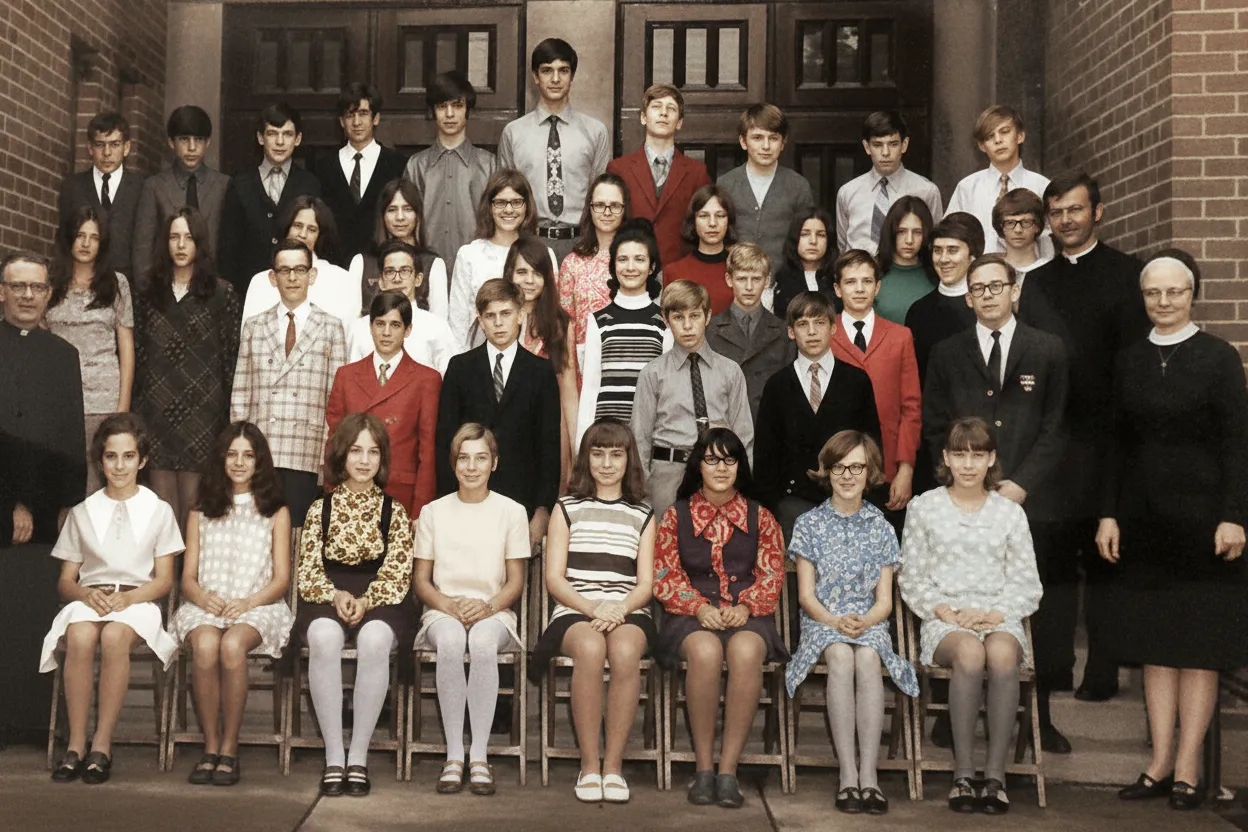
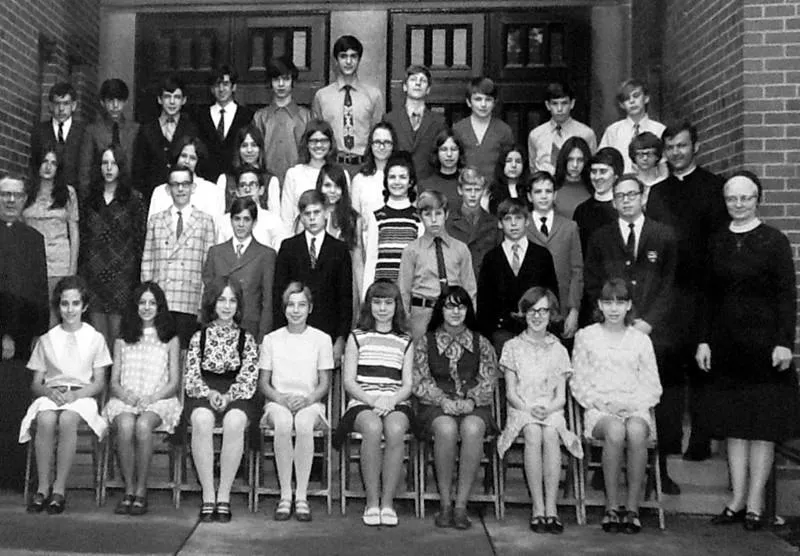
Why use AI for old picture restoration?
Every old photo is losing detail right now. Prints fade in storage, negatives degrade, and physical damage from handling gets worse over time. AI photo restoration captures what remains and reconstructs what has been lost. It is faster and cheaper than professional restoration services, and the results are often indistinguishable.
- Preserve family memories before they fade beyond recovery
- Get professional-quality results without the $50-$150 per photo price tag
- Restore photos from any device without installing software
- Create permanent digital backups of irreplaceable physical prints

“My grandma cried when she saw her wedding photo restored. Absolutely incredible.”
Maria K.

“Uploaded a blurry photo from the 70s and got back a crystal clear image. Like magic.”
James T.

“Finally recovered old family photos I thought were lost forever. So easy to use.”
Sarah M.
How it works
3 simple steps.
AI Restoration
Reverse decades of damage automatically.
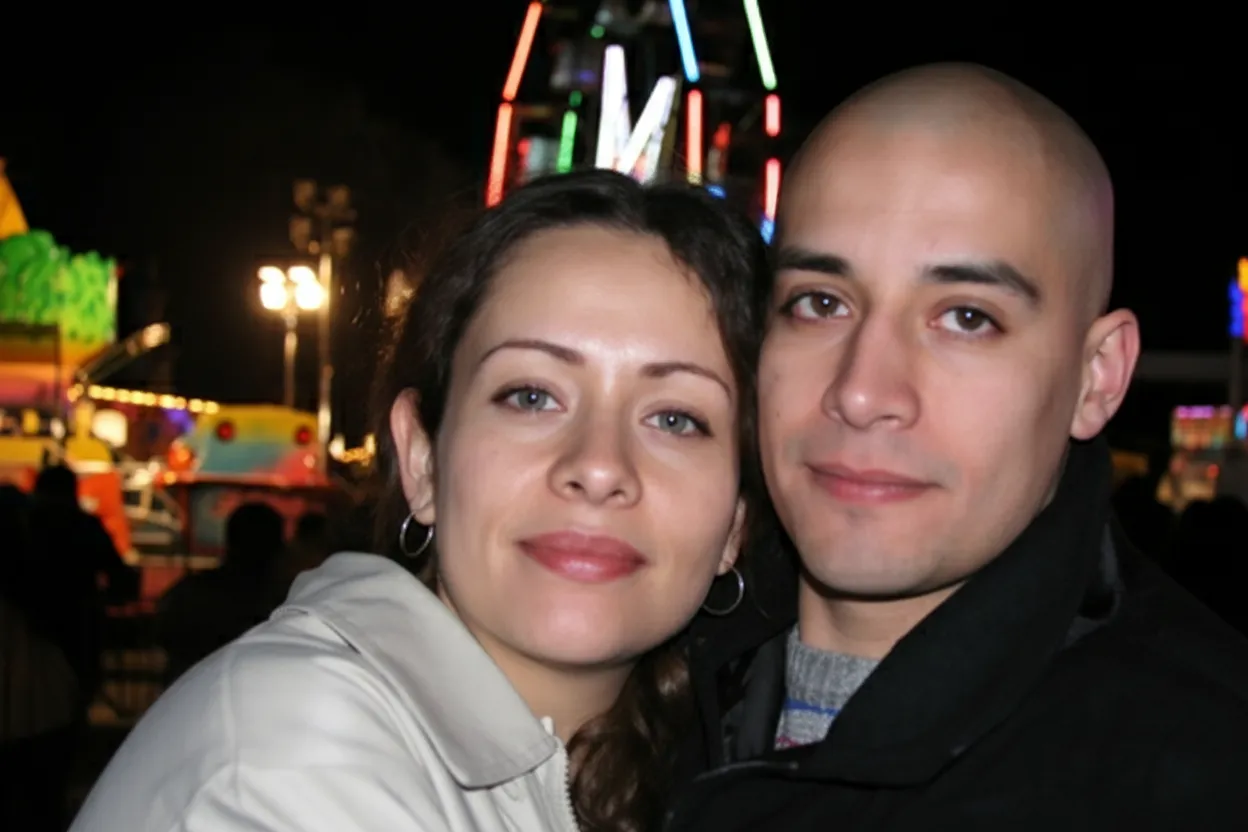
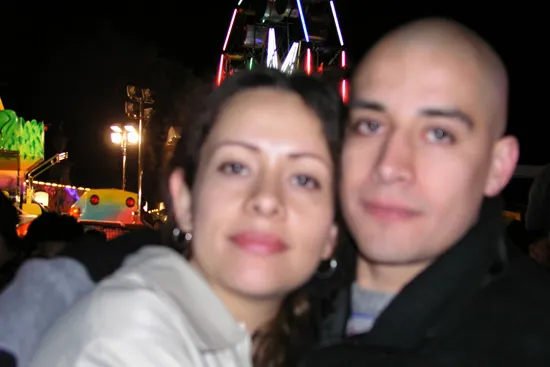
Our AI was trained on millions of old photographs to understand how aging, fading, and physical damage affect prints. It repairs scratches, removes stains, sharpens blurred details, and corrects color degradation in a single pass.
- ✦Removes scratches, creases, and tears
- ✦Fixes fading, yellowing, and color shifts
- ✦Sharpens blurred faces and fine details
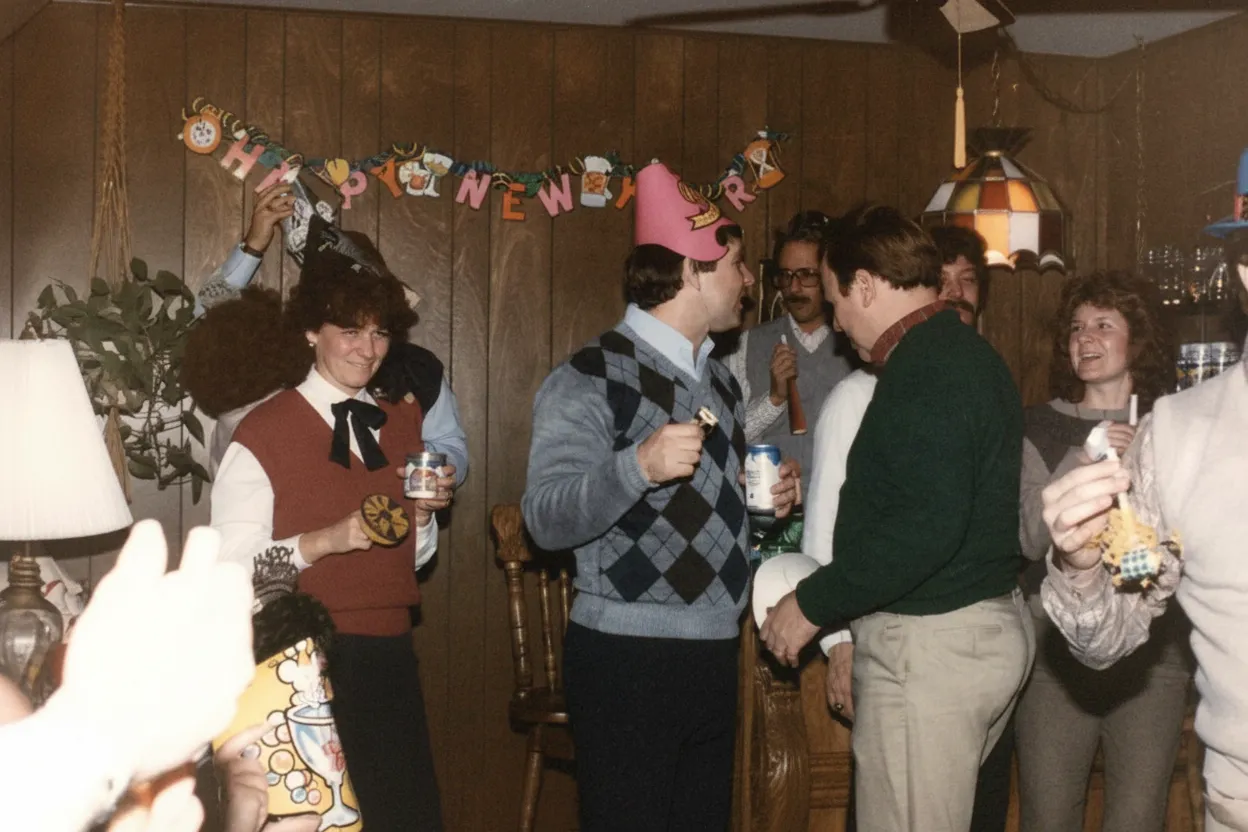
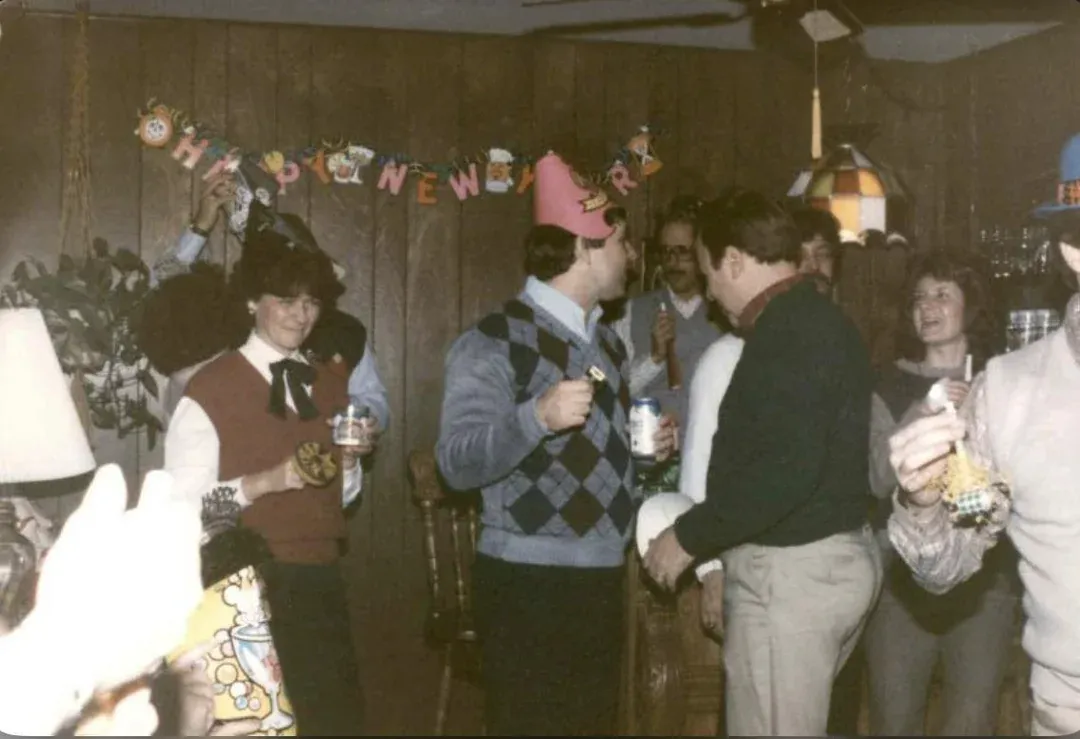
Easy to Use
No Photoshop skills required.
Old photo restoration used to require hours in Photoshop or expensive professional services. Now you upload a scan or phone photo, and the AI does the rest. The restored image is ready to download in full resolution.
- ✦Works with scans and phone photos of prints
- ✦Restored photo ready in under 30 seconds
- ✦Download in full resolution for printing
Every Use Case
One tool for every type of old photo.
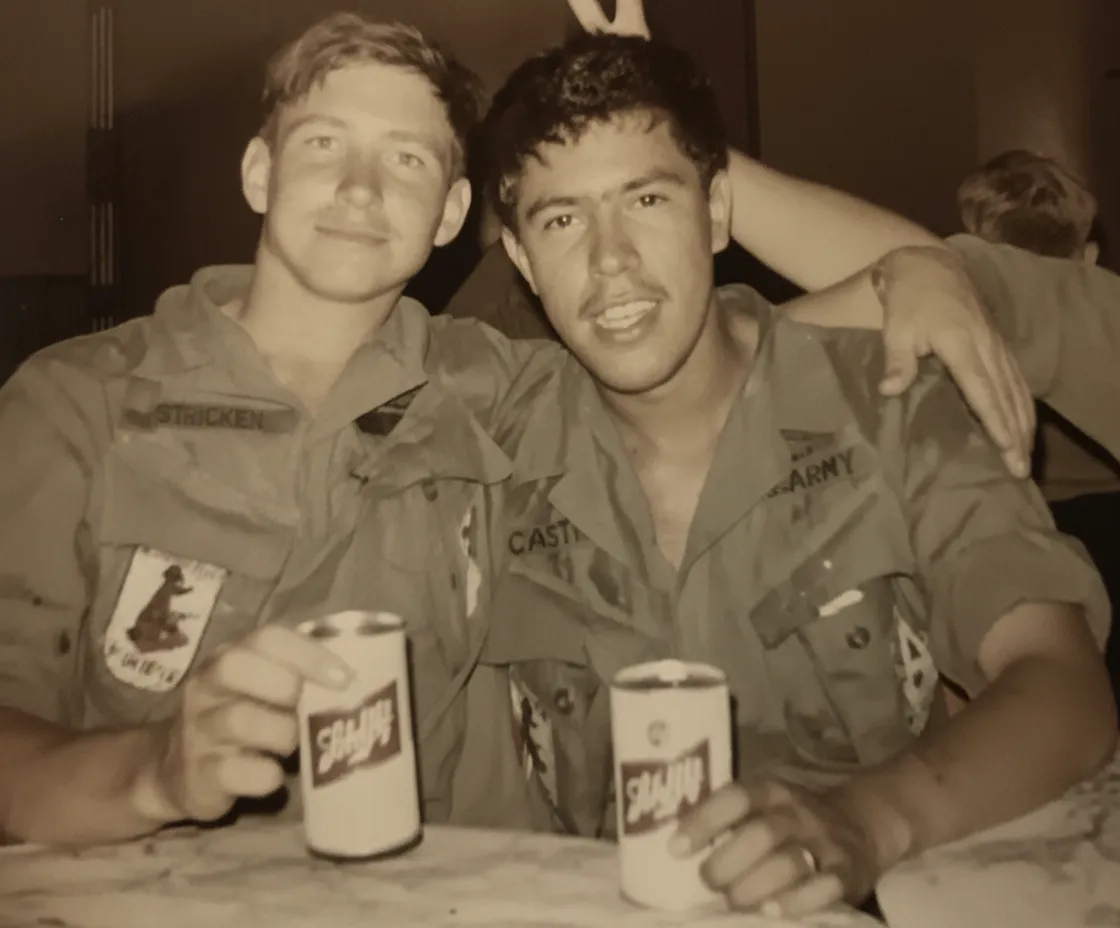
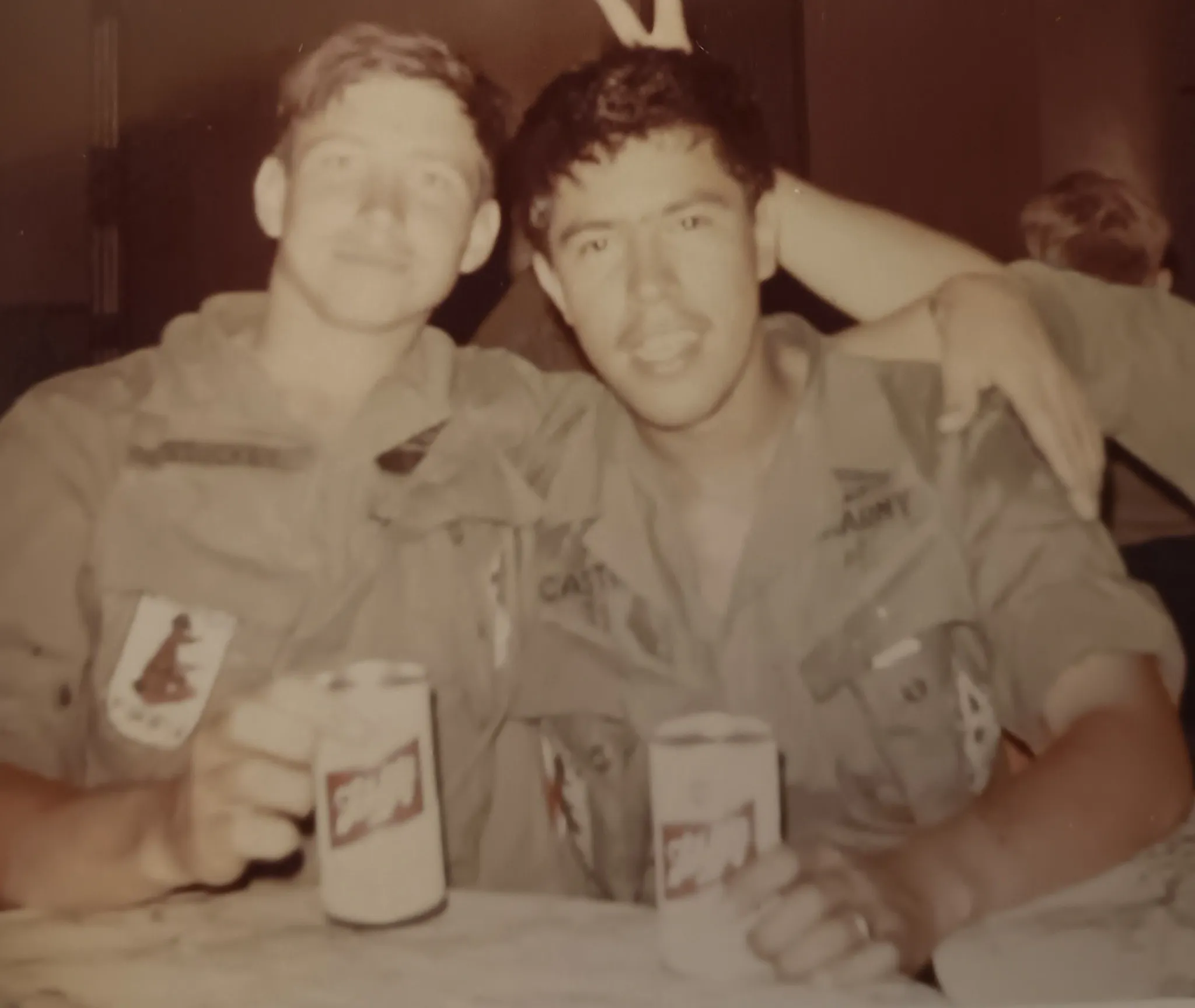
People use our old photo restoration for family portraits from the attic, military service photos from WWII, faded wedding albums, scratched school pictures, and vintage Polaroids. The AI adapts to the era, the print type, and the specific damage on each photo.
- ✦Family photos, wedding albums, baby pictures
- ✦Military portraits, school photos, yearbooks
- ✦Polaroids, tintypes, slides, and negatives
In-depth guide
Old photo restoration: a practical guide
Old photo restoration starts with digitizing the print. Use a flatbed scanner at 600 DPI or higher in color mode. If you do not own a scanner, your phone camera works. Shoot in natural daylight near a window, hold the phone directly above the print to avoid perspective distortion, and make sure no shadows fall across the surface. A better scan means a better restoration because the AI has more detail to work with.
Understanding the damage on your photo helps you set expectations. Scratches and creases are surface damage where the image underneath is intact. The AI fills these in almost perfectly. Fading and yellowing are chemical degradation where the image data is weakened but still present. The AI recovers lost contrast and corrects color shifts. Water stains leave mineral deposits that obscure the image. The AI separates the stain pattern from the photo content and removes it. Tears and missing sections are the hardest to restore because the image data is physically gone. The AI reconstructs plausible content based on surrounding context, but results depend on how much is missing.
Upload the full, uncropped image. The AI uses context from the entire photo to make decisions about faces, backgrounds, and colors. Cropping before upload removes useful information. After restoration, crop the result to focus on a specific person or area.
For photos with heavy damage, run the restoration twice. The first pass removes the bulk of scratches, stains, and fading. The second pass refines facial details and textures that were partially hidden under the original damage. Each pass uses one credit.
Old photo restoration works on every type of photograph. Faded family portraits from the 1950s, scratched military service photos from WWII, yellowed wedding albums, water-stained baby pictures, old school class photos, vintage Polaroids with chemical fading, sepia prints from the early 1900s, and even daguerreotypes and tintypes from the Civil War era. The AI adjusts its approach based on the photo type and era.
After restoring, you can optionally colorize black-and-white or sepia photos. Run the restore mode first to fix damage, then run the colorize mode on the clean result. This two-step process produces the most realistic colors because the AI works with a sharp, damage-free image. Many users keep both the restored original and the colorized version.
Once you download the restored file, store it in at least two places: cloud storage like Google Drive or iCloud, and a local backup on an external drive. The entire point of old photo restoration is creating a permanent digital copy that will not degrade further. A single copy on one device is not truly preserved. If you plan to print the restored photo, use archival-quality photo paper for maximum longevity.
Expert tips
Tips for old photo restoration
Scan at 600 DPI or higher
Higher resolution captures more detail for the AI to work with. The difference between 300 and 600 DPI is significant for old, damaged prints where every bit of remaining detail matters.
Use natural light for phone scans
Artificial lighting creates color casts and uneven exposure. Natural daylight near a window produces the most accurate representation of the original print.
Do not crop before uploading
The AI uses the full image for context. Cropping removes information that helps the restoration. Crop after the AI has finished, not before.
Restore before colorizing
If you want to colorize a black-and-white photo, restore it first to remove damage, then colorize the clean result. Two steps produce better results than colorizing a damaged photo directly.
Flatten curled prints before scanning
Place a curled print under a heavy book for a few hours before scanning. A flat scan captures more detail and produces a better restoration than a warped image.
Back up your restored files
Save the restored photo to cloud storage and a local drive. The goal of restoration is permanent preservation, so keep at least two copies in separate locations.
Pricing
One-time pricing. No subscription. Credits never expire.
Starter
For 5 to 10 photos. A handful of favorites, done properly.
$0.70 / credit · 10 restorations
Get Starter- 10 AI credits included
- High-Resolution Output
- Credits Never Expire
- Animate Photos with Credits
30-Day Satisfaction Guarantee
Family
A shoebox of family photos: around 50.
$0.60 per photoSave 14% per photo
5 Starter packs would cost $34.95
- 50 AI credits included
- High-Resolution 1080P Output
- Credits Never Expire
- Animate Photos with Credits
30-Day Satisfaction Guarantee
Studio
A big collection: 100 photos, or dozens of animations.
$0.55 per photoSave 21% per photo
10 Starter packs would cost $69.90
- 100 AI credits included
- High-Resolution 1080P Output
- Credits Never Expire
- Animate Photos with Credits
30-Day Satisfaction Guarantee
Archive
The whole family archive: 250 photos.
$0.44 per photoSave 37% per photo
25 Starter packs would cost $174.75
- 250 AI credits included
- High-Resolution 1080P Output
- Credits Never Expire
- Animate Photos with Credits
30-Day Satisfaction Guarantee
Only have around 25 photos? Pro pack: 25 credits for $16.99
Prices don't include VAT.
FAQ
Frequently asked questions
What is old photo restoration?
Old photo restoration is the process of repairing damage on aged photographs. This includes fixing scratches, removing stains, correcting fading, sharpening blurred details, and reconstructing missing areas. AI restoration automates this process, producing results in seconds that previously required hours of manual Photoshop work.
How much does old photo restoration cost?
You get 2 free restorations to try the tool. After that, credits start at $6.99 for 10 restorations ($0.70 each). The Family plan offers 50 credits for $29.99 ($0.60 each). Professional restoration services charge $30 to $150 per photo.
Can AI restore severely damaged photos?
Yes. Our AI handles scratches, tears, water stains, fading, yellowing, and even partially missing sections. For extreme damage, running the restoration twice (two credits) often produces significantly better results as the second pass refines details from the first.
What types of old photos can be restored?
Any photograph: faded prints, damaged negatives, old Polaroids, sepia portraits, black-and-white family photos, water-stained wedding pictures, scratched school portraits, and more. The AI adapts to the specific damage type and photo era.
Is AI photo restoration as good as professional restoration?
For most photos, AI produces results comparable to professional restoration at a fraction of the cost and time. Professional restorers may still have an edge on extremely complex restorations with large missing areas, but for fading, scratches, blur, and stains, AI matches or exceeds manual work.
How do I scan old photos for restoration?
Use a flatbed scanner at 600 DPI or higher in color mode. If you do not have a scanner, photograph the print with your phone in natural daylight, holding the phone directly above the print to avoid shadows and perspective distortion.
Can I restore old black-and-white photos to color?
Yes. First use the restore mode to fix damage and sharpen details, then use the colorize mode on the restored result. This two-step approach produces the most realistic colorization.
How long does old photo restoration take?
Under 30 seconds per photo. Upload your image, and the AI processes it automatically. No manual editing or waiting for a professional service.
Will restoration damage my original photo?
No. The AI works on a digital copy. Your original physical print or digital file is never modified. You download a new, restored version.
Is old photo restoration free?
Every account gets 2 free restorations with no credit card required. Try it on your most damaged photo to see the results before purchasing credits.
Is there an old photo restoration app for iPhone and Android?
Our tool works in any mobile browser, so you do not need to download an app. Open restorephotosapp.com on your iPhone or Android, take a photo of your old print, upload it directly, and download the restored result. It works the same as on desktop.
What is the best old photo restoration software?
For most people, AI-based online tools like ours produce the best results with zero learning curve. Professional software like Photoshop gives you manual control but requires skill and hours of work per photo. Our AI matches professional results for common damage types like fading, scratches, and blur in under 30 seconds.
Can I restore old photos in bulk?
Yes. Our bulk upload feature lets you upload multiple photos at once. Each photo is restored individually by the AI. This is useful for digitizing and restoring entire family albums or shoe boxes of old prints. Credit packs make bulk restoration affordable at $0.60 per photo on the Family plan.
Old photo restoration near me vs online: which is better?
Local photo restoration shops charge $30 to $150 per photo and take days or weeks. Online AI restoration costs under $1 per photo and takes 30 seconds. For most old photos with fading, scratches, and blur, AI produces comparable results. Local professionals may still be better for extreme physical damage like large missing sections or heavily cracked emulsion.
Can I restore a photo of a photo?
Yes. If you cannot scan the original print, take a clear photo of it with your phone. Use natural light, hold the phone directly above the print, and avoid shadows. The AI works with phone photos just as well as with high-resolution scans, though scans produce slightly sharper results.
What old photo formats can be restored?
Standard prints, Polaroids, tintypes, daguerreotypes, photo slides, 35mm negatives, sepia prints, cabinet cards, and carte de visite. The AI handles all photographic formats and eras, from 1840s daguerreotypes to 1990s disposable camera prints.























