
On this page
Why you should restore school photos now, not later
Every year the print fades a little more. The faces get a little less recognizable. The colors shift a little further toward yellow. A class photo that looked fine 10 years ago already looks noticeably worse today. In another 10 years some faces will be unrecognizable. The problem with school photos is that you cannot retake them. Your 4th grade teacher is retired. Half the class moved away. That moment only existed once. AI restoration saves what is still visible in the print before it fades further. Once restored and saved digitally, the photo is permanent. The original can keep aging in the drawer and it does not matter anymore.
- Faces get less recognizable every year, restore before it is too late
- Most people have only one copy, there are no backups
- Share restored photos with classmates who lost their copies
- A digital copy never fades, yellows, or scratches
- Restore and print on archival paper for another 100+ years
What to expect
Can my school photo be restored? What to expect
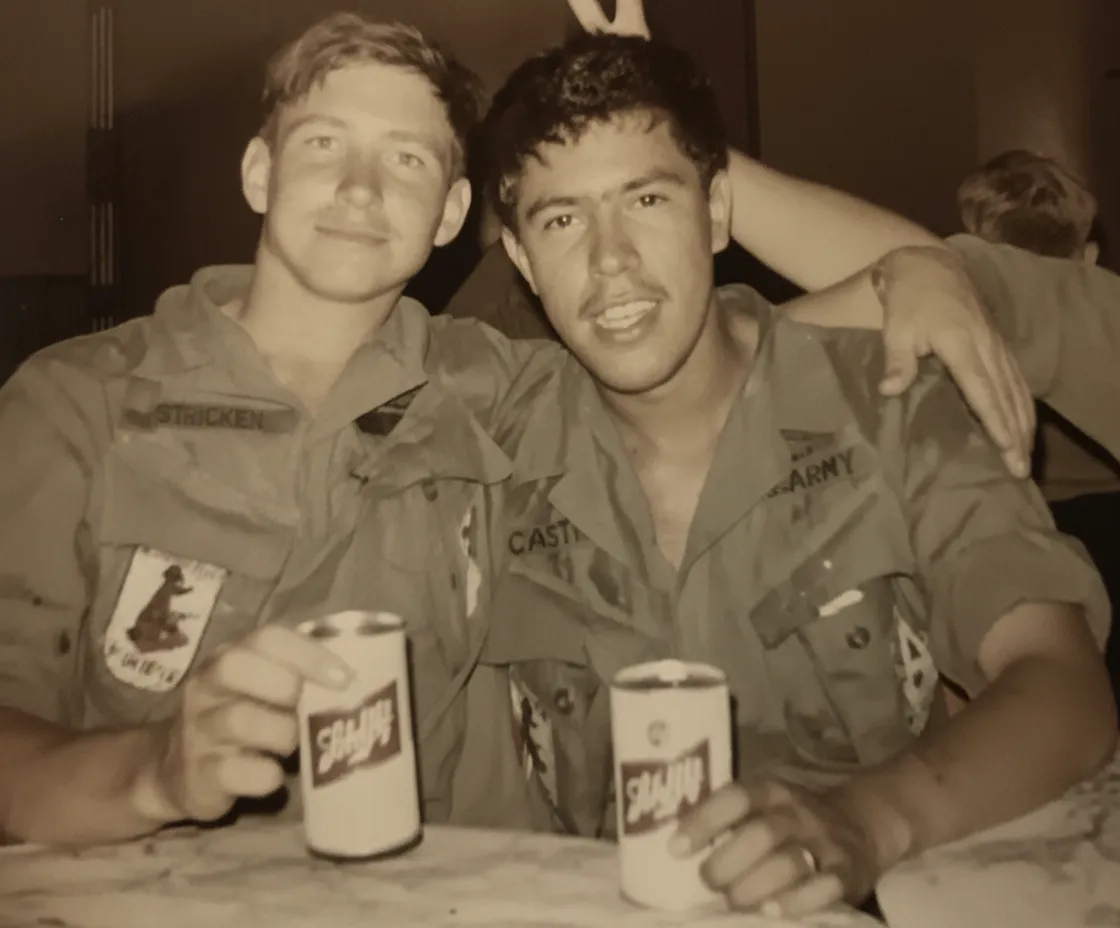
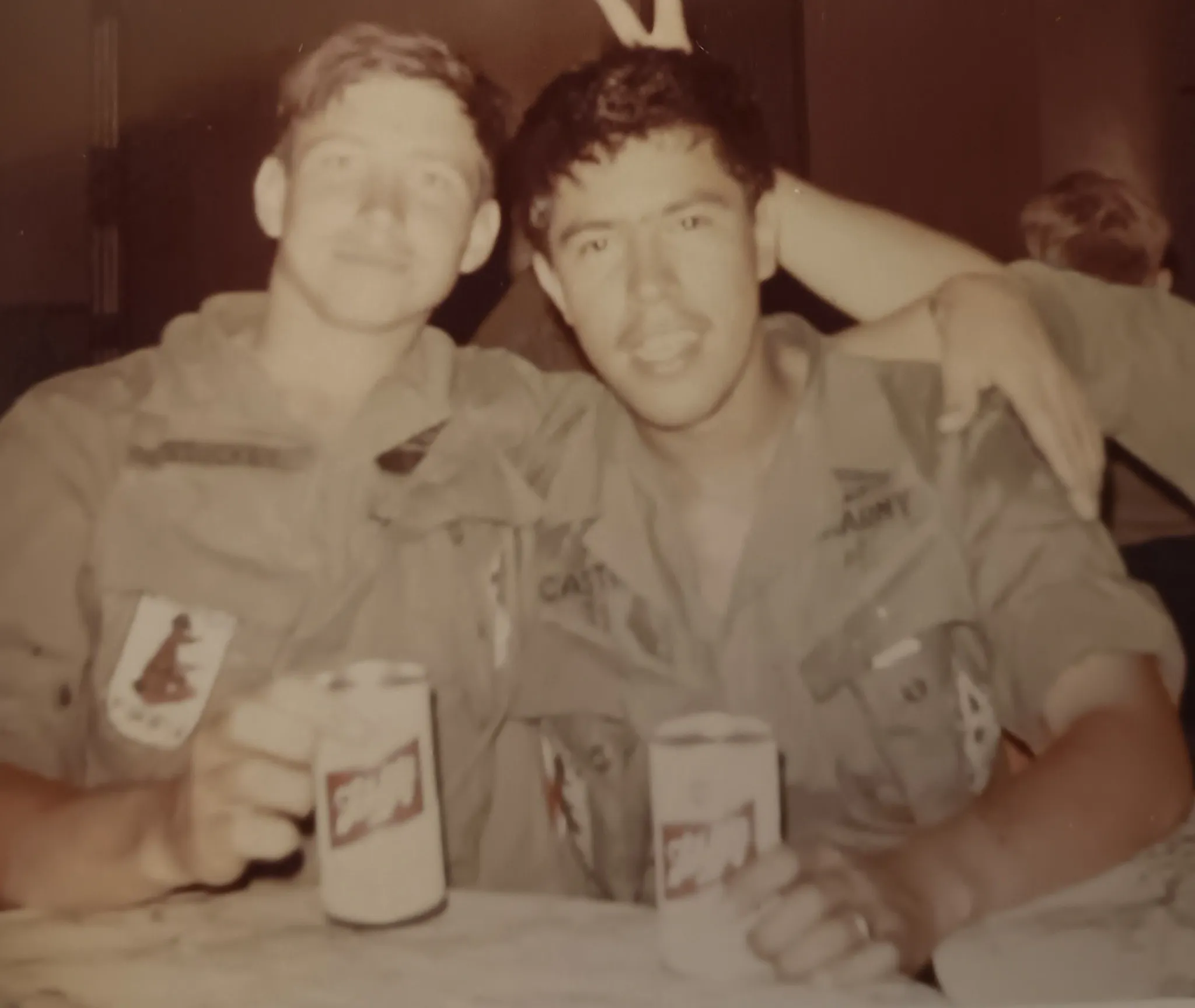
Faded school portraits (the most common case). Your school portrait has turned yellow or orange and the face looks washed out. This is the easiest restoration. The AI strips the color cast, sharpens the face, and the photo looks like it did on picture day. Expect excellent results, even from severely faded prints.
Class group photos where you cannot recognize faces. The wide panoramic shot of the whole class, 20 to 50 kids. Faces are small and faded. The AI sharpens every face individually. You will not get studio-portrait sharpness from a tiny face in a group shot, but you will go from "I cannot tell who this is" to "that is definitely Tomek in the third row." For the best result, use a scanner if you have one since it captures more detail from small faces than a phone photo.
Photos glued into school chronicles or albums. Many school photos were glued into class chronicles or memory books. Do not pull them out because the glue often tears the print. Photograph the page as-is with your phone. The AI works with the slightly imperfect capture. If there is text or decorations overlapping the photo, the AI will restore what it can see.
Wallet-size portraits your parents carried for years. These are always faded AND creased, because they spent 20 years folded in a wallet or purse. Run "Restore" first to fix the color, then "Repair" to remove the creases and scratches. Two passes, excellent results.
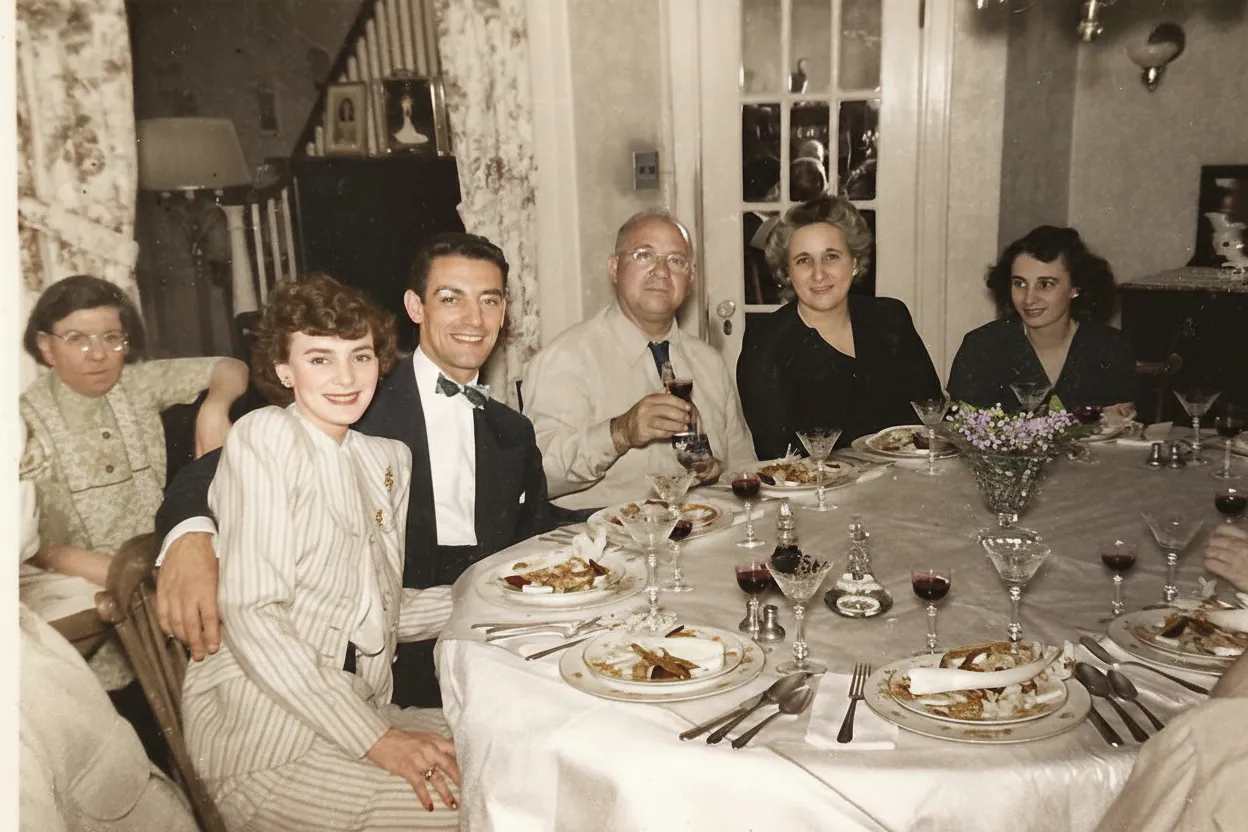
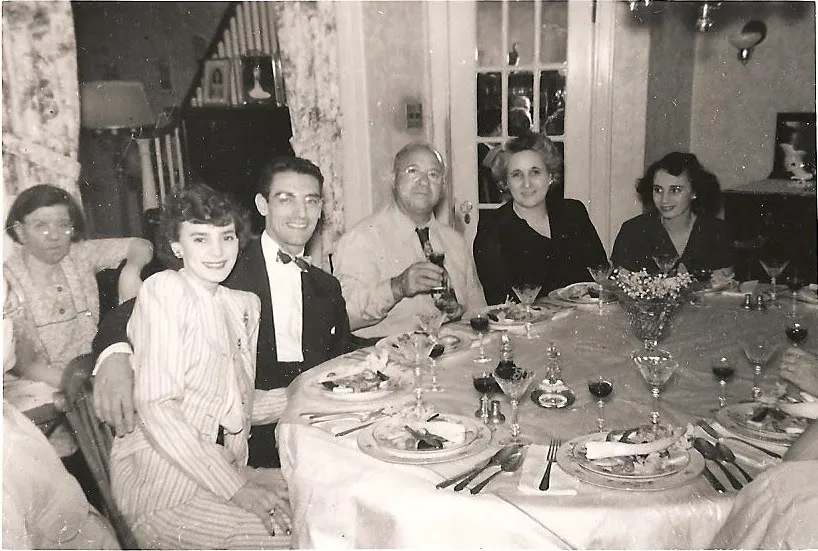
Black-and-white school photos from the 1950s or 1960s. Your parents' or grandparents' school photos. The AI restores contrast and sharpness. Want to see them in color? Run "Colorize B&W" after restoration. Seeing your mom as an 8-year-old in full color for the first time is a birthday gift she will never forget.

“My grandma cried when she saw her wedding photo restored. Absolutely incredible.”
Maria K.

“Uploaded a blurry photo from the 70s and got back a crystal clear image. Like magic.”
James T.

“Finally recovered old family photos I thought were lost forever. So easy to use.”
Sarah M.
How it works
3 simple steps.
The Only Copy You Have
That class photo cannot be retaken. But it can be restored.
School photos are different from other photos because there is exactly one moment they represent, and often exactly one copy. Your 3rd grade class photo, your high school graduation group, your college dorm photo. Nobody has the negatives. The school does not keep copies from 30 years ago. If your print fades, scratches, or gets water-damaged, that moment is gone. AI restoration creates a sharp digital copy from what is left in the print. Faded faces become recognizable again. Yellow skin tones return to natural. Scratches from years in a wallet disappear.
- ✦Restores faded faces so you can recognize every person again
- ✦Fixes the yellow/orange color cast that old school prints always get
- ✦Removes scratches, creases, and wear from decades of handling
- ✦Creates a permanent digital copy that can never fade again
No Scanner Needed
Take a photo of the photo with your phone.
Most people do not have a scanner at home, and you do not need one. Lay the print flat on a table near a window, hold your phone directly above it, and take a picture. Natural daylight gives the cleanest result because ceiling lights add a yellow tint and create glare on glossy prints. If the photo is glued into a school chronicle or album, do not pull it out. Photograph it on the page as-is. The AI handles the slightly imperfect capture and you avoid ripping the original.
- ✦Phone camera works great, no scanner required
- ✦Photograph photos glued in chronicles or albums without removing them
- ✦Use natural window light, not overhead room lights
- ✦Works with wallet-size, 5x7, panoramic class photos, and yearbook pages
For Reunions & Gifts
Post it in the class group chat and watch what happens.
Everyone has a class group chat for reunion planning. Post a restored class photo and watch 30 people lose their minds. They will tag themselves, send it to their parents, and ask "how did you do this?" Print a restored version of your parents' high school portrait for their birthday. Frame a college group photo for an old roommate. Create a kindergarten-to-graduation slideshow for your own 40th birthday. Restored school photos make people emotional in a way nothing else does.
- ✦Share restored class photos in reunion group chats
- ✦Print your parents' school portrait as a surprise gift
- ✦Create a kindergarten-to-graduation slideshow for milestone birthdays
- ✦2 free restorations to try before buying anything
In-depth guide
How to restore your school photos, step by step
Take a photo of the print with your phone. Lay it flat near a window, hold the phone directly above, and shoot in natural daylight. That is it. No scanner, no special equipment. If the photo is glued in a chronicle or album, photograph it on the page without removing it. If it is in a frame, take it out of the frame first to avoid glass reflections.
Upload to restorephotosapp.com/restore and pick "Restore." In about 30 seconds you get a before/after comparison with a slider. Zoom in on the faces. You will see sharp eyes, natural skin tones, and details you could not see in the faded original. For most school photos, one pass is all you need.
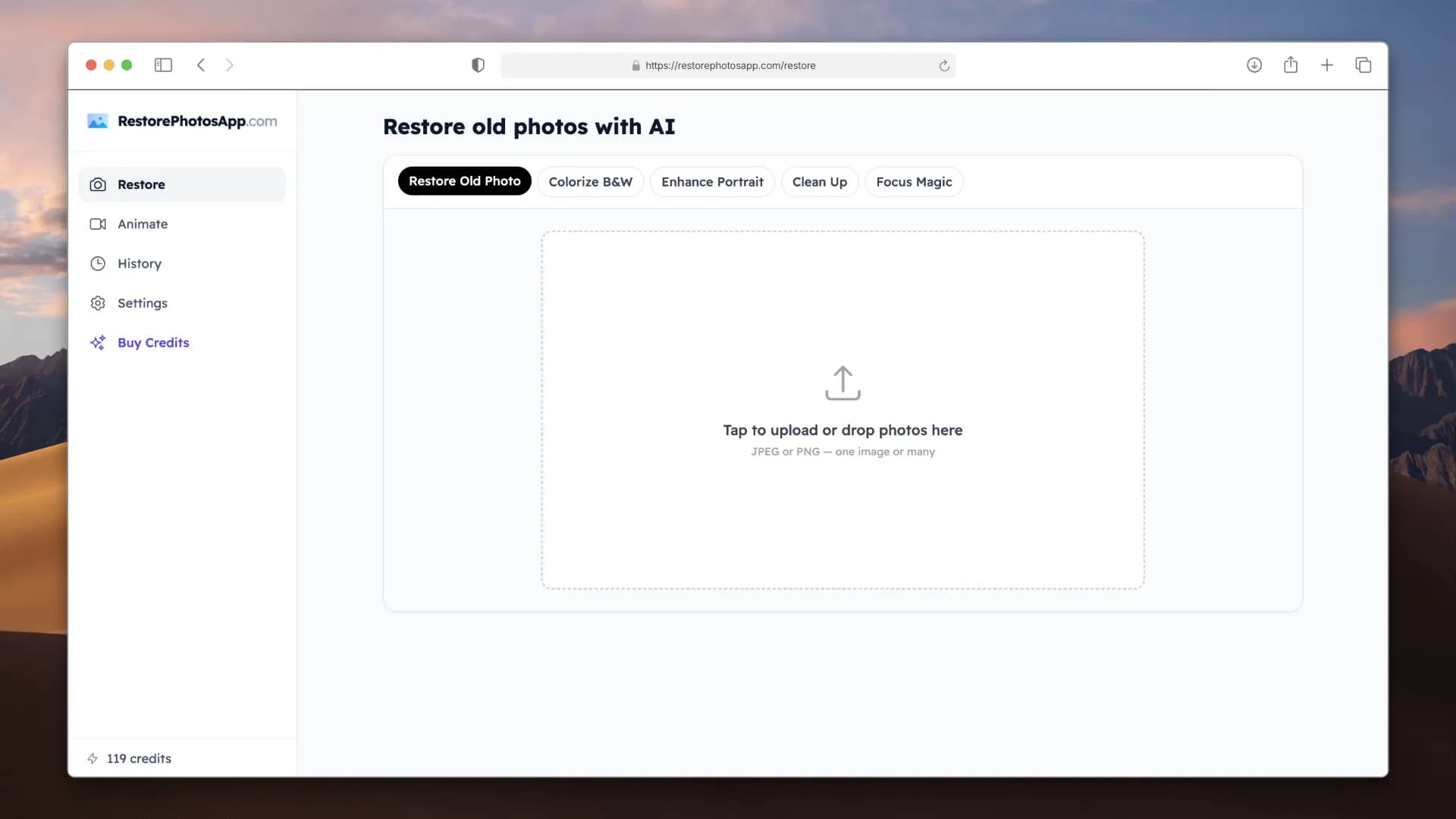
If the photo is also scratched or creased (wallet-size portraits almost always are), run "Repair" on the restored result as a second step. If you have a black-and-white school photo and want to see it in color, run "Colorize B&W" after restoring. Each step costs one credit.
Want to restore a whole set? Gather photos from kindergarten through graduation. Ask your parents for the wallet copies, ask classmates for class group photos you are missing. The Family plan ($29.99 for 50 restorations) covers everything with room to spare. Arrange them chronologically and you have a "through the years" slideshow for your birthday, your parents' birthday, or the next reunion.
Print the best ones. Order from a photo lab on archival paper, not a home inkjet. A restored and reprinted school portrait in a nice frame makes people surprisingly emotional. It is the kind of gift that sits on someone's shelf for the next 30 years.
Expert tips
Tips for getting the best result from school photos
Start with your favorite school portrait
Use your 2 free restorations on the school photo that matters most, not the easiest one. If the AI handles a heavily faded portrait well, the rest of your collection will be easy.
Use a scanner for class group photos
Group photos with many small faces benefit the most from a flatbed scanner. A phone photo works fine for individual portraits, but the scanner captures more detail from the tiny faces in a 30-person class shot.
Photograph yearbook pages flat
Open the yearbook and press the page flat against a table or scanner glass. Curved pages create shadows and distortion that make faces harder for the AI to restore. If the spine is too stiff, hold the book open with your hand just outside the frame.
Remove photos from frames before photographing
Glass reflects light and reduces sharpness. Take the photo out of the frame first. If the print is stuck to the glass, photograph through the glass in indirect light to minimize glare, and let the AI handle the reduced quality.
Restore first, then colorize old B&W photos
For black-and-white school photos from the 1950s or 1960s, run "Restore" first to fix fading, then "Colorize B&W" on the result. Seeing a parent as a young student in full color for the first time makes a powerful gift.
Collect all years before restoring in bulk
If you want a kindergarten-to-graduation timeline, gather every available photo first. Ask parents, siblings, and classmates. Then restore them all at once with the Family plan instead of buying credits piecemeal.
For wallet-size portraits, restore then repair
Wallet-size school photos that parents carried for years are usually both faded and creased. Run "Restore" first for the color, then "Repair" for the creases and scratches. Two focused passes give a much better result than one.
Share before-and-after in the reunion group chat
The before/after comparison is the most satisfying part. Screenshot the slider view and share it in your class group chat. It always gets a reaction, and classmates will want their own photos restored too.
Pricing
One-time pricing. No subscription. Credits never expire.
Starter
For 5 to 10 photos. A handful of favorites, done properly.
$0.70 per photo · 10 restorations
Get Starter- 10 AI credits included
- High-Resolution Output
- Credits Never Expire
- Animate Photos with Credits
30-Day Satisfaction Guarantee
Pro
A small album: around 25 photos.
$0.68 per photo · 25 restorations
Get Pro- 25 AI credits included
- High-Resolution 1080P Output
- Credits Never Expire
- Animate Photos with Credits
30-Day Satisfaction Guarantee
Family
A shoebox of family photos: around 50.
$0.60 per photoSave 14% per photo
5 Starter packs would cost $34.95
- 50 AI credits included
- High-Resolution 1080P Output
- Credits Never Expire
- Animate Photos with Credits
30-Day Satisfaction Guarantee
Studio
A big collection: 100 photos, or dozens of animations.
$0.55 per photoSave 21% per photo
10 Starter packs would cost $69.90
- 100 AI credits included
- High-Resolution 1080P Output
- Credits Never Expire
- Animate Photos with Credits
30-Day Satisfaction Guarantee
Working through a whole archive of 250 photos or more? Archive pack: 250 credits for $109.99 ($0.44 per photo)
Prices don't include VAT.
FAQ
Frequently asked questions
How do I restore an old school photo?
Take a clear phone photo of the print in natural daylight (or scan it), upload it to restorephotosapp.com/restore, select "Restore," and download the result in 30 seconds. The AI fixes fading, sharpens faces, removes scratches, and corrects the yellow/orange color cast that old school photos get.
Do I need a scanner or can I use my phone?
Your phone works great for individual portraits. Lay the photo flat near a window, hold the phone directly above, and shoot in natural daylight. For class group photos with many small faces, a flatbed scanner gives a sharper result because it captures more detail from each tiny face.
Can the AI restore a class group photo with 30+ faces?
Yes. The AI identifies and sharpens every face in the photo individually, even in large group shots. Faces that were barely recognizable in the faded original become clearly identifiable after restoration.
Can I restore a photo from a yearbook page?
Yes. Open the yearbook flat and photograph the page from directly above, or scan it on a flatbed. The AI restores yearbook portraits well even though they are printed small. You will see noticeably sharper faces and corrected colors.
My school photo has turned completely yellow/orange. Can that be fixed?
Yes, this is the most common issue with school photos. The cheap paper yellows over time, especially in storage. The AI strips the yellow cast and restores natural skin tones, accurate clothing colors, and the original background color.
Can I restore photos from college or university too?
Yes. Dorm room snapshots, fraternity and sorority photos, study abroad pictures, and graduation ceremony shots all work. The AI handles the casual lighting and cheap camera blur typical of college photos.
Is it free to try?
Every account gets 2 free restorations, no credit card required. Use them on your most faded school photo to see the quality before buying anything.
How much does it cost to restore a full set of school photos?
A kindergarten-through-graduation set is typically 13 to 17 photos. The Starter plan ($6.99 for 10) or Pro plan ($16.99 for 25) covers it. If you also want class group photos and extras, the Family plan ($29.99 for 50) gives you plenty of room.
Can I restore those 80s/90s school photos with laser backgrounds?
Yes. The AI restores the full photo including the background. The classic laser patterns, colorful studio backdrops, and cloud backgrounds from that era all come back with restored color and sharpness.
What about a scratched or creased school photo?
Run "Restore" first to fix the color and sharpness, then "Repair" on the result to remove the scratches and creases. Wallet-size portraits that parents carried for years are almost always both faded and physically damaged, so the two-step process gives the best result.
Can I restore a black-and-white school photo and add color?
Yes. Run "Restore" first to fix fading and sharpen faces, then "Colorize B&W" on the result. The AI adds realistic skin tones, clothing colors, and background colors. Seeing a parent as a young student in color for the first time makes a great birthday or holiday gift.
Can I restore a school photo that is still in a frame?
Take the photo out of the frame first if possible. Glass creates reflections that reduce quality. If the print is stuck to the glass, photograph it through the glass using indirect light (no direct sunlight or lamps pointing at it) to minimize glare.
How long does it take?
About 30 seconds per photo. A full kindergarten-through-graduation set of 15 photos takes about 10 minutes including upload and download time.
Will the restored photo look natural?
Yes. The AI restores what is already in the photo. It does not generate new features or change how anyone looks. Faces, clothing, and backgrounds keep their original character. The result looks like the photo did on picture day.
Can I print the restored version?
Yes. Restored photos are full resolution and print beautifully. For the best result, order prints from a photo lab on archival paper instead of using a home printer. A restored and reprinted school portrait makes a great framed gift.
I want to make a "through the years" slideshow for a reunion. How?
Gather one school photo per year from kindergarten through graduation. Restore them all (the Family plan covers 50 photos for $29.99). Download them and arrange chronologically in any slideshow app (Google Slides, PowerPoint, Canva). Add names and years. This is always the hit of any reunion event.
A classmate has a better copy of our class photo. Should I use theirs?
Yes. A cleaner, less faded source always produces a better restoration. If your copy is heavily damaged but a classmate has a clean one, ask them to photograph it and send it to you. The AI will produce a sharper result from a better starting point.
Is my photo safe? What happens after I upload?
Photos are transferred securely over HTTPS and stored privately. Originals and restored versions stay for 30 days so you can re-download, then they are automatically deleted. We never share your photos or use them to train AI.























