
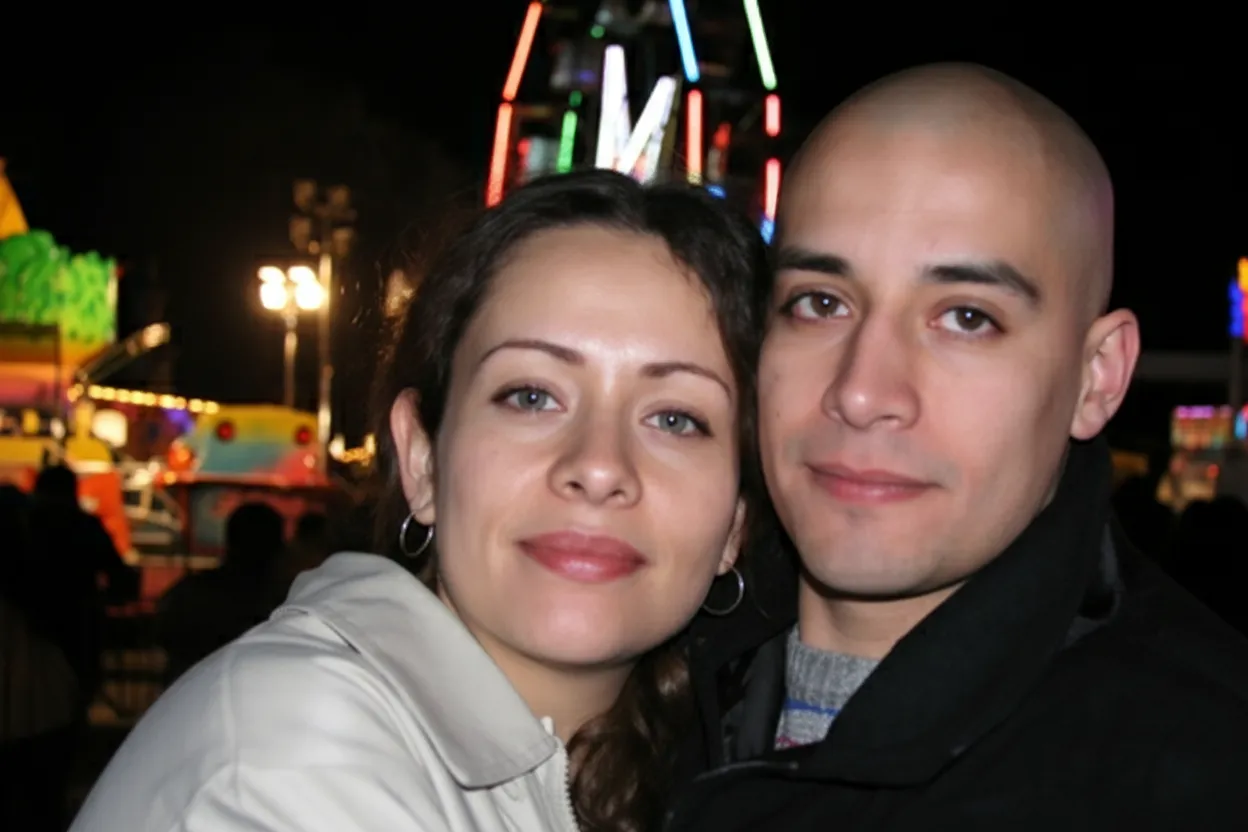
Why restore 35mm slides with AI?
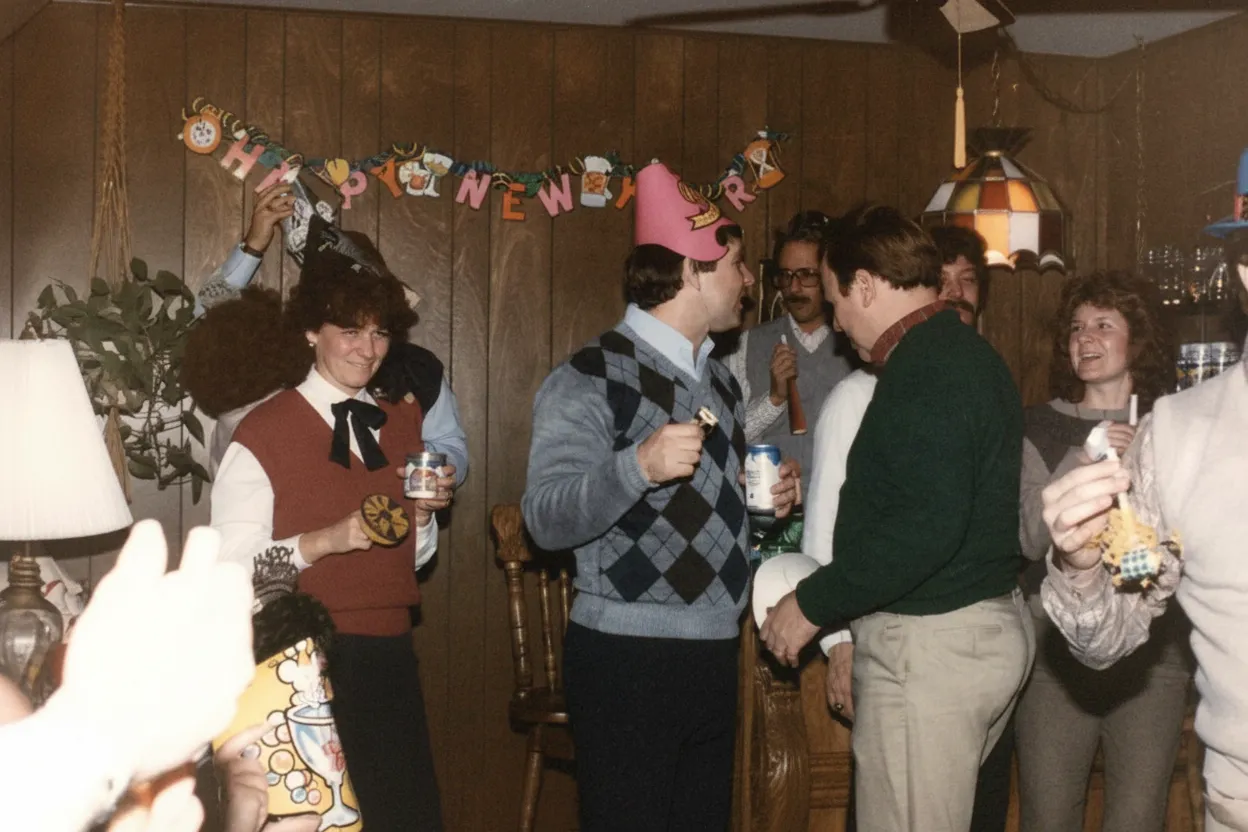
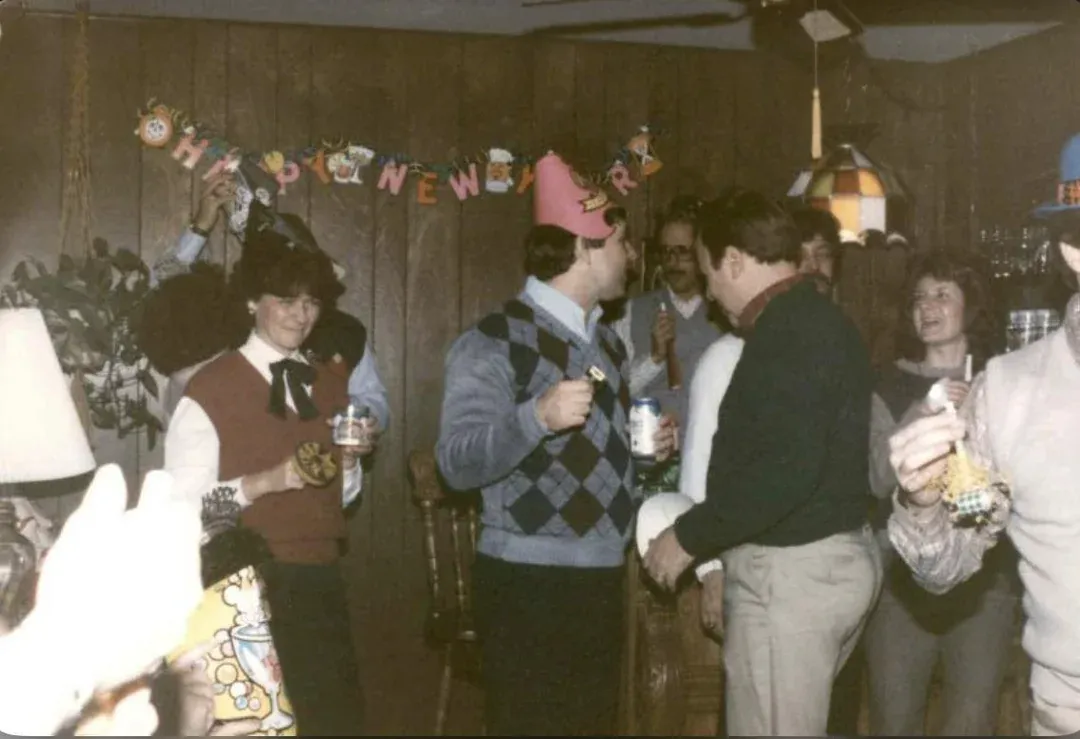
Between the 1950s and 1990s, millions of families captured their most important moments on 35mm slide film. These slides now sit in boxes and carousels, fading year by year. AI restoration makes it economically feasible to digitize and color-correct entire collections rather than just a handful of favorites.
- Turn forgotten slide carousels into shareable digital photo albums
- Correct decades of film-specific color fading automatically
- Restore slides at a fraction of professional scanning service costs
- Preserve your family's 35mm slide archive in permanent digital form

“My grandma cried when she saw her wedding photo restored. Absolutely incredible.”
Maria K.

“Uploaded a blurry photo from the 70s and got back a crystal clear image. Like magic.”
James T.

“Finally recovered old family photos I thought were lost forever. So easy to use.”
Sarah M.
How it works
3 simple steps.
AI Restoration
Correct film-specific color fading.
Kodachrome, Ektachrome, and Fujichrome each fade differently. Our AI identifies the color signature of your film stock and applies targeted correction to restore accurate, vivid color.
- ✦Identifies and corrects film-specific color shifts
- ✦Restores original color saturation and balance
- ✦Removes dust, scratches, and fungus artifacts
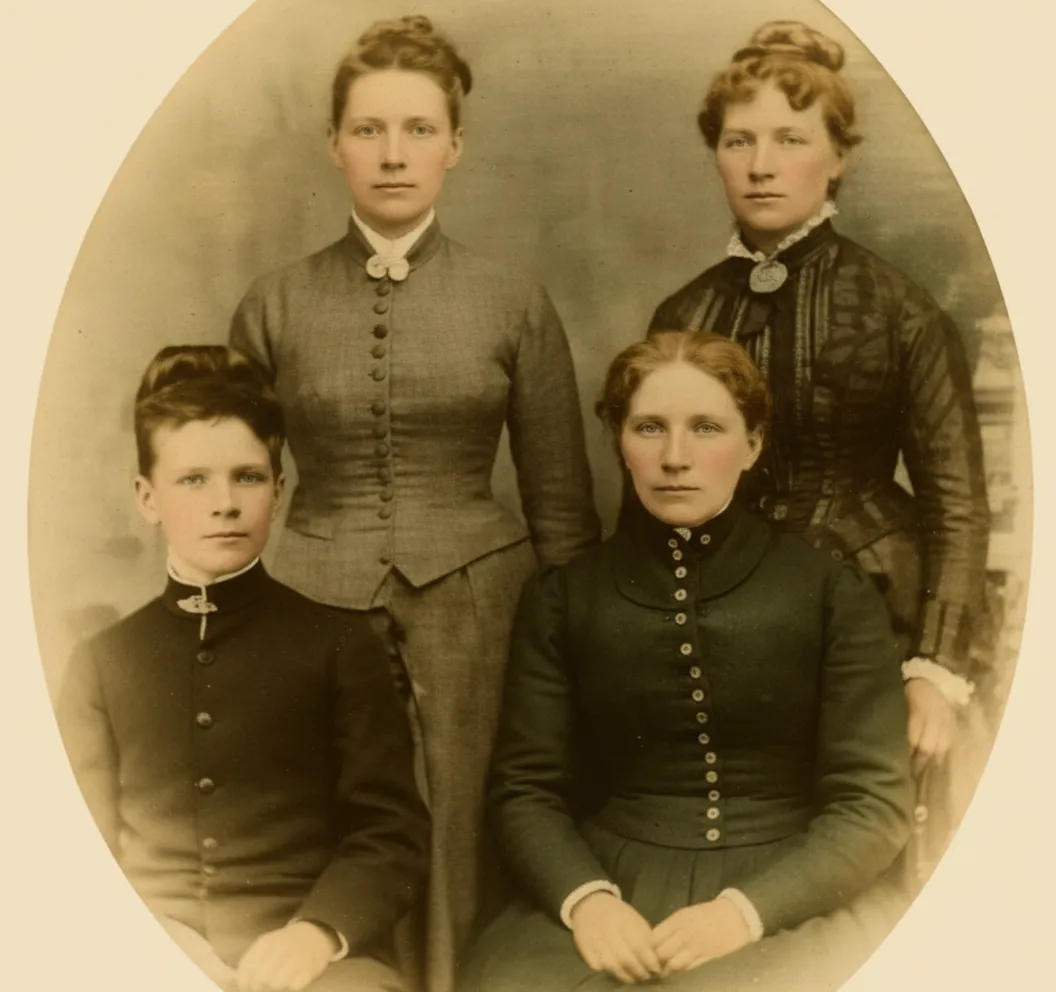
Easy to Use
Scan. Upload. Restore.
Use a dedicated film scanner, flatbed with film holder, or DSLR setup to digitize your 35mm slides. Upload the scans and get AI-corrected results in seconds.
- ✦Compatible with any scanning method
- ✦Results in seconds, not hours
- ✦Download in full resolution

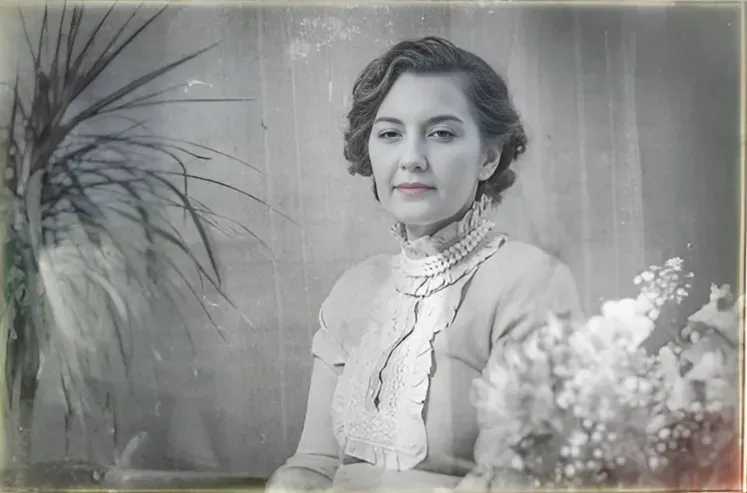
For Families
Restore entire carousels at $0.60 per slide.
A typical carousel holds 80 slides. With the Family plan at 50 credits for $29.99, you can restore nearly two full carousels for the price of a single professional scan.
- ✦Family plan: ~$0.60 per slide
- ✦Restore entire carousel collections affordably
- ✦2 free restorations per account
In-depth guide
How to restore 35mm slides: step by step
Start by digitizing your 35mm slides. You have three main options: a dedicated film scanner like the Plustek OpticFilm, a flatbed scanner with a transparency adapter (the Epson V-series is a popular choice), or a DSLR or smartphone with a macro lens positioned over a light pad. Scan at 2400 to 4800 DPI for a good balance of detail and file size. Any of these methods produces files that work well with AI restoration.
Once your slides are scanned, go to restorephotosapp.com and upload the image. The AI identifies the film stock, whether it is Kodachrome, Ektachrome, or Fujichrome, and applies targeted color correction. Results are ready in under 30 seconds. No manual adjustments are needed.
The three main slide film types each fade in distinct ways. Kodachrome is the most stable and often still looks good after decades. When it does fade, it shifts warm and reddish. Ektachrome is very common and develops a magenta or pink cast over time. Fujichrome tends to turn cyan-green as the magenta dye layer breaks down. The AI handles each type differently, applying corrections matched to the specific color shift.
Cost comparison: professional scanning and color correction services charge $0.70 to $2.00 per slide. The Family plan on restorephotosapp.com gives you 50 credits for $29.99, which works out to about $0.60 per slide. That makes it feasible to restore entire carousels (80 slides each) rather than picking just a few favorites.
For large collections, a smart workflow saves time. Sort your slides visually first, then scan the most faded ones first since they have the most to gain from restoration. Check the slide mounts for processing dates to help organize chronologically. If you have a scanner with a slide feeder attachment, batch scanning speeds up the process significantly.
After restoration, download your images in full resolution. From there, you can create digital albums, order photo books, or share directly with family members who may never have seen these images in their original vivid color.
Expert tips
Tips for restoring 35mm slides
Identify your film stock
Check the slide mount for the film name. Kodachrome mounts say "Kodachrome" or have a K-stamp, Ektachrome says "Ektachrome" or "E-6", and Fujichrome mounts are typically green. Knowing your film helps you understand the expected color shift.
Use a dedicated film scanner for best results
Dedicated scanners like the Plustek OpticFilm resolve more detail from 35mm slides than flatbed scanners. If you have hundreds of slides, a scanner with an auto-feed attachment saves significant time.
Batch your restorations with the Family plan
For large carousel collections, the Family plan at $29.99 for 50 credits lets you restore slides at $0.60 each, far cheaper than any professional service.
Prioritize your most faded slides first
Use your 2 free restorations on the most color-shifted slides to see the AI's correction capability. Ektachrome and Fujichrome slides from the 1970s-1980s typically show the most dramatic improvement.
Check the mount for processing dates
Kodachrome mounts include the processing date, which tells you exactly when the photo was taken. Use this to organize your collection chronologically before scanning.
Photograph slides with a DSLR for speed
If you have a DSLR or mirrorless camera with a macro lens, photographing slides on a light pad is 3-5x faster than scanning. The quality is excellent and the workflow is ideal for large collections.
Pricing
One-time pricing. No subscription. Credits never expire.
Starter
For 5 to 10 photos. A handful of favorites, done properly.
$0.70 / credit · 10 restorations
Get Starter- 10 AI credits included
- High-Resolution Output
- Credits Never Expire
- Animate Photos with Credits
30-Day Satisfaction Guarantee
Family
A shoebox of family photos: around 50.
$0.60 per photoSave 14% per photo
5 Starter packs would cost $34.95
- 50 AI credits included
- High-Resolution 1080P Output
- Credits Never Expire
- Animate Photos with Credits
30-Day Satisfaction Guarantee
Studio
A big collection: 100 photos, or dozens of animations.
$0.55 per photoSave 21% per photo
10 Starter packs would cost $69.90
- 100 AI credits included
- High-Resolution 1080P Output
- Credits Never Expire
- Animate Photos with Credits
30-Day Satisfaction Guarantee
Archive
The whole family archive: 250 photos.
$0.44 per photoSave 37% per photo
25 Starter packs would cost $174.75
- 250 AI credits included
- High-Resolution 1080P Output
- Credits Never Expire
- Animate Photos with Credits
30-Day Satisfaction Guarantee
Only have around 25 photos? Pro pack: 25 credits for $16.99
Prices don't include VAT.
FAQ
Frequently asked questions
Can AI restore the color in faded 35mm slides?
Yes. Our AI corrects color shifts specific to Kodachrome, Ektachrome, and Fujichrome film stocks, restoring slides to their original vivid color balance.
What scanner should I use for 35mm slides?
A dedicated film scanner like the Plustek OpticFilm produces the best results. Flatbed scanners with transparency adapters (like Epson Perfection) also work well. For a quick solution, a DSLR with a macro lens and light pad is fast and effective.
How many slides does a carousel hold?
A standard Kodak Carousel tray holds 80 slides. The larger "140" tray holds 140 slides but only accepts thin-mounted slides. Other projector trays (Sawyer, GAF) hold 36 to 100 slides depending on the model. The 80-slide Carousel was by far the most common.
What is the difference between Kodachrome and Ektachrome?
Kodachrome (K-14 process) has exceptional archival stability, warm tones, and fine grain. Ektachrome (E-6 process) is easier to process, has cooler tones, and fades faster. When faded, Kodachrome shifts red/warm while Ektachrome shifts magenta/blue. Both are correctable by AI.
What is the best way to scan 35mm slides?
A dedicated film scanner (Plustek OpticFilm, Nikon CoolScan) at 2400 to 4800 DPI produces the best results. Flatbed scanners with transparency adapters work well for occasional use. For speed, a DSLR with a macro lens on a light pad is fastest. All methods produce AI-restorable results.
How do I organize old slides?
Sort by carousel or box first. Check mounts for processing dates (Kodachrome mounts include month/year). Create folders named by date and event (e.g., "1972-Christmas"). Scan in batches and apply the same naming to digital files. A simple spreadsheet can track progress on large collections.
Can faded slides be restored?
Yes. Even severely faded slides typically retain enough dye information for AI restoration. Ektachrome with heavy magenta shift and Fujichrome with green cast can both be corrected to vivid, accurate color. The worse the fading, the more dramatic the before/after improvement.
How much does it cost to restore 35mm slides?
Every account gets 2 free restorations. The Family plan offers 50 credits for $29.99, making each slide about $0.60 to restore. That is a fraction of what professional scanning services charge.
Can I restore an entire carousel of slides?
Yes. A standard carousel holds 80 slides, which fits comfortably within the Family plan's 50 credits. You can restore nearly two full carousels for $29.99.
Is 35mm slide restoration free?
You get 2 free restorations to try on your most faded Carousel slides. For full carousels (80 slides each), the Family plan at $29.99 for 50 credits lets you restore nearly two complete carousels, about $0.60 per slide versus $0.70 to $2.00 at a professional scanning service.
How long does it take to restore a 35mm slide?
Under 30 seconds per slide. If you are working through a full Carousel tray of 80 slides, the bottleneck is scanning, not restoration. Most users spend 1 to 2 minutes per slide scanning and under 30 seconds per slide restoring. A DSLR copy setup speeds up the scanning side dramatically.























