
On this page
Why graduation photos deserve to be restored
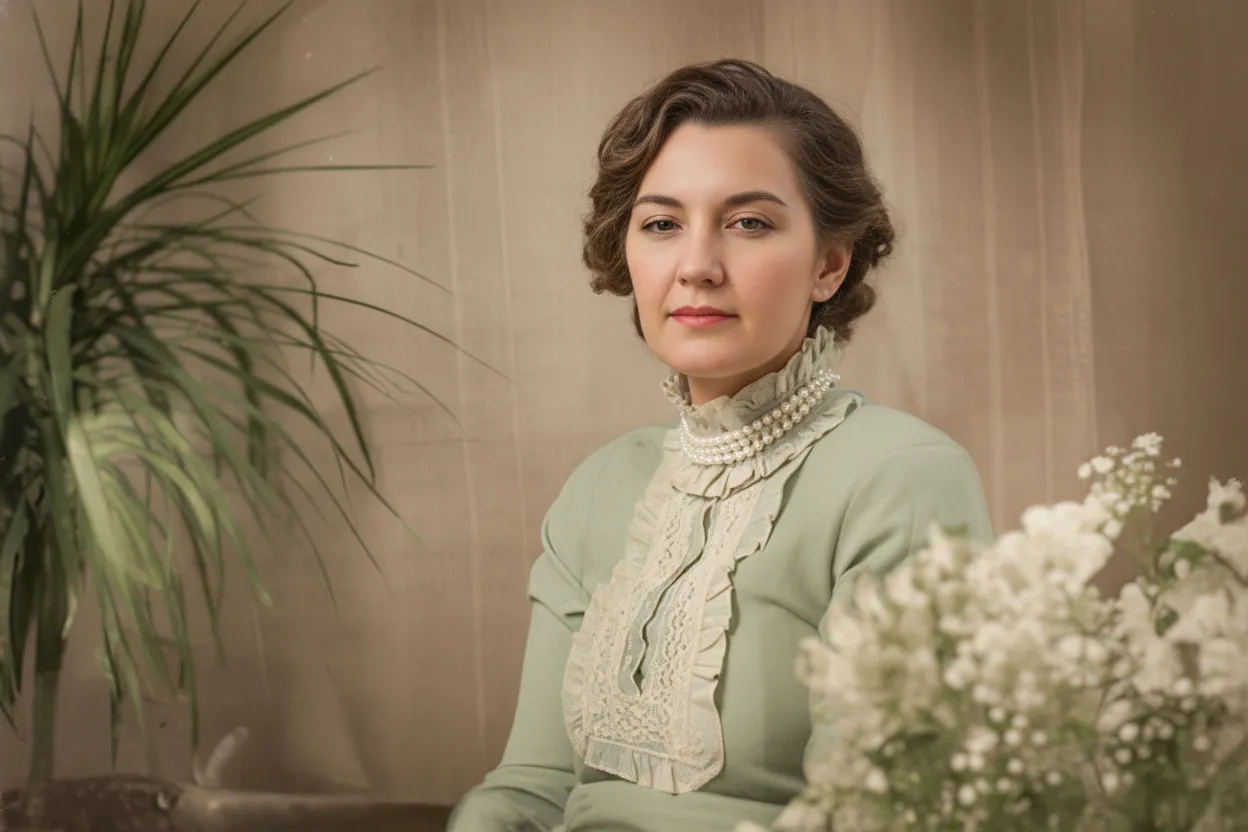
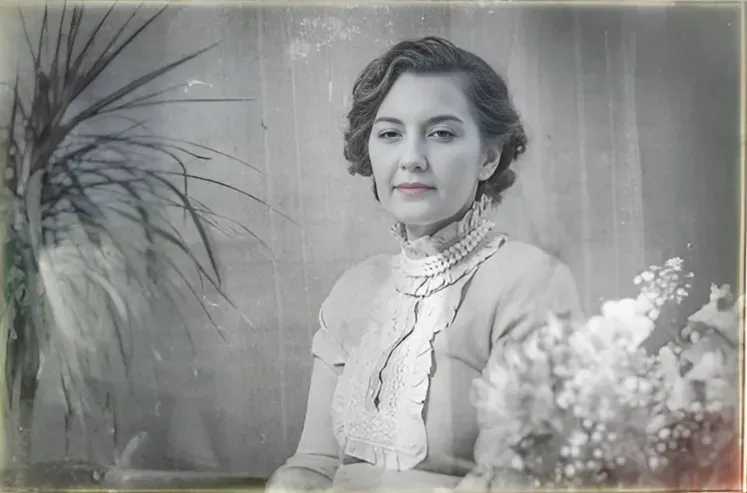
A graduation photo is different from other photos because it represents years of effort, not just a single moment. Elementary school, high school, college, graduate school. Each one marks the end of a chapter. Most families keep these photos displayed for years, which means years of sunlight fading the colors, years of dust settling on the surface. The irony is that the photos people display the longest are the ones that fade the most. AI restoration fixes the damage from being loved and displayed. The restored version looks the way it did the day you brought it home from the photographer.
- Graduation photos fade the most because families display them the longest
- Each photo represents years of hard work, not just a single day
- A restored portrait can be reprinted and framed for another generation
- Digital copies never fade, even if the print on the wall keeps aging
- Perfect for creating generational graduation displays
What to expect
What kind of graduation photo do you have?
Formal cap-and-gown portrait. The studio headshot with the solid or gradient background. This is the #1 graduation photo and it restores beautifully. Studio lighting, front-facing pose, and a close-up of the face give the AI ideal conditions. Even severely faded portraits from the 1960s or 1970s come back with sharp eyes, natural skin tones, and clear gown detail. Expect excellent results.
Family photo taken after the ceremony. The group shot on the lawn or in front of the building with parents, siblings, grandparents. These are usually taken with a point-and-shoot camera in outdoor light. Results are very good: faded faces become clear, color casts disappear. If the photo is also blurry from a cheap camera, the AI sharpens it noticeably.
Candid ceremony shots (stage walk, diploma handoff, cap toss). These are the hardest because they were shot from a distance, often from audience seats. Faces are small in the frame. The AI still improves color and sharpness, but do not expect studio-portrait quality from a tiny face shot from 50 meters away. Close-up ceremony photos (someone photographing you from the front row) restore much better.
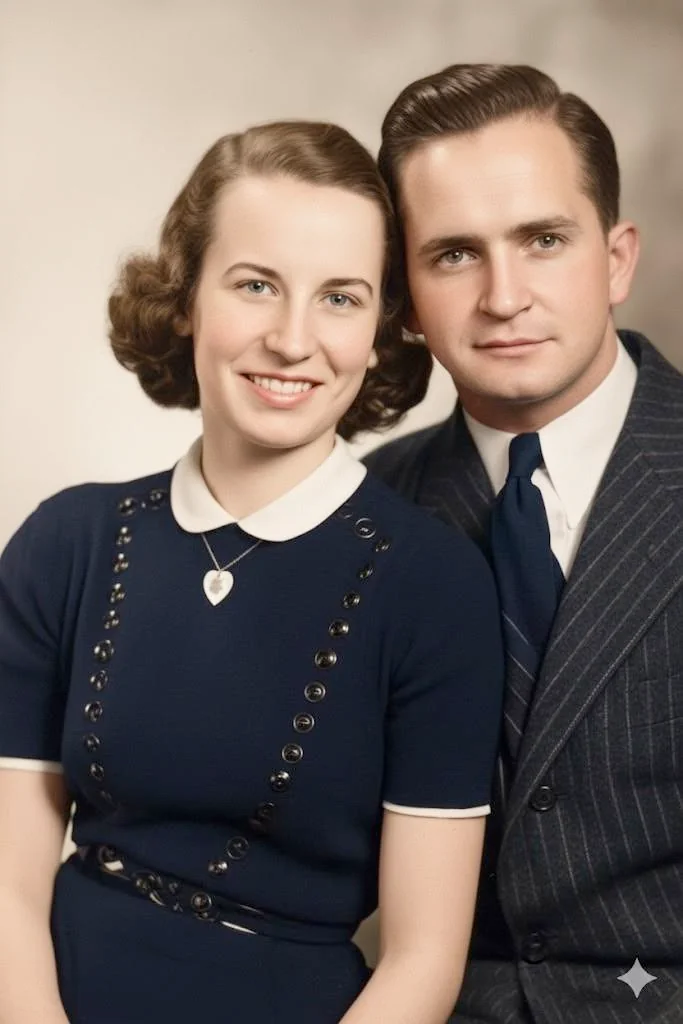
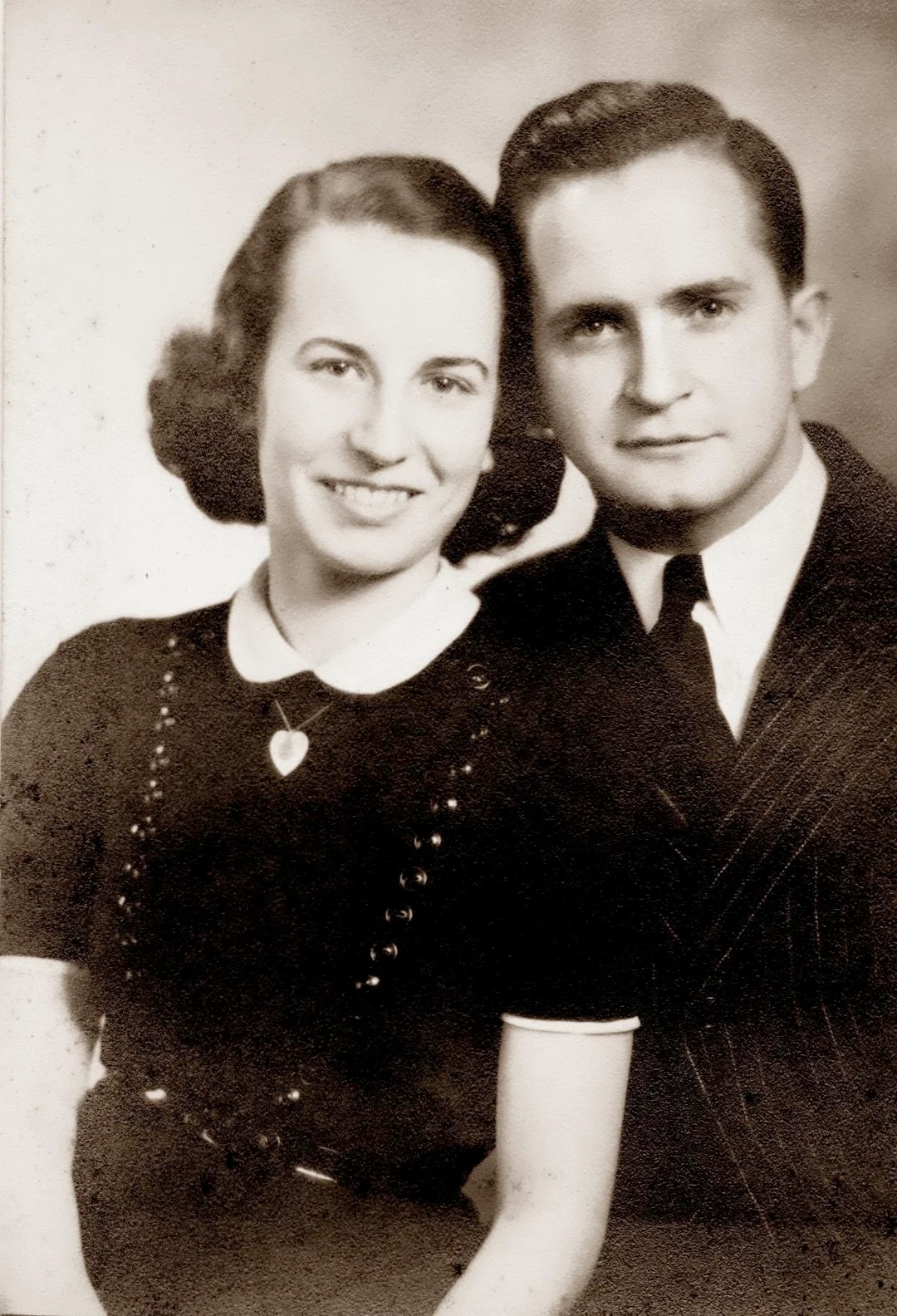
Old black-and-white graduation portraits. Your parents' or grandparents' graduation. These restore very well, and you can also colorize them afterwards. Run "Restore" first, then "Colorize B&W." Seeing your dad in his graduation cap and gown in full color for the first time is a powerful gift.
Photos still in diploma frames or display cases. If you can take the photo out, do it. Glass creates reflections that reduce quality. If the print is mounted or glued in and you cannot remove it, photograph through the glass using indirect light (no flash, no lamp pointed directly at it) and the AI will work with the capture.

“My grandma cried when she saw her wedding photo restored. Absolutely incredible.”
Maria K.

“Uploaded a blurry photo from the 70s and got back a crystal clear image. Like magic.”
James T.

“Finally recovered old family photos I thought were lost forever. So easy to use.”
Sarah M.
How it works
3 simple steps.
Studio Portraits
Graduation portraits restore beautifully.
Graduation portraits are actually the easiest photos to restore. They were shot in a studio with good lighting, a clean background, and a clear view of the face. That gives the AI ideal conditions to work with. Even a severely faded cap-and-gown portrait from the 1970s comes back looking sharp because the original photo was well-composed. The AI recovers natural skin tones, sharp eyes, and the texture of the gown fabric.
- ✦Studio lighting means excellent restoration quality
- ✦Fixes yellow and orange fading from decades of aging
- ✦Recovers sharp facial detail even from heavily faded prints
- ✦Gown fabric, tassel, and diploma details come back clearly
Ceremony Photos Too
Stage walks, cap tosses, and family photos outside.
Not just the formal portrait. The candid shots from graduation day matter too: walking across the stage, shaking hands with the dean, tossing caps in the air, the family photo on the lawn afterwards. These are harder to restore because they were taken from a distance with mixed lighting, but the AI still makes a visible difference. Faded outdoor ceremony photos get their color back. Blurry stage shots get sharper faces.
- ✦Restores candid ceremony photos, not just the studio portrait
- ✦Fixes outdoor lighting issues (sun glare, mixed shadows)
- ✦Sharpens faces in photos taken from audience seats
- ✦Works with the family group photo taken after the ceremony
The Perfect Gift
A gift they will hang on the wall for another 20 years.
A restored and reprinted graduation portrait is one of the best gifts you can give a parent. They watched you (or your sibling, or your child) work for years to reach that moment. Seeing the faded photo come back to life is emotional in a way people do not expect. Print it at a photo lab on archival paper, put it in a nice frame, and give it for a birthday, holiday, or just because. It will sit on their shelf for the next 20 years.
- ✦Restore your parents' graduation portraits for their birthday
- ✦Frame your own restored portrait for the home office
- ✦Create a side-by-side display: grandparent, parent, and child graduation
- ✦2 free restorations to try before buying anything
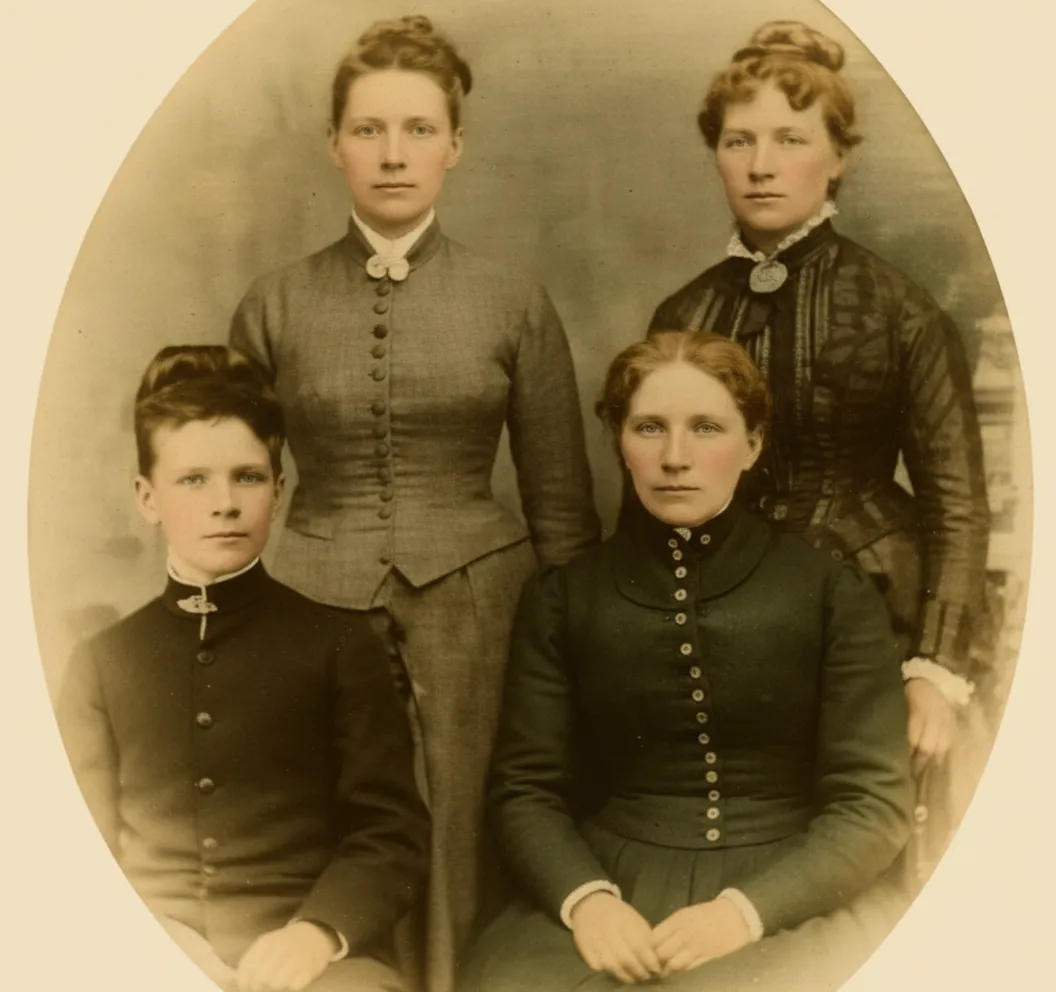
In-depth guide
How to restore your graduation photos
Take the photo out of the frame. Graduation portraits spend years displayed in frames, which means they have been fading in sunlight the entire time. Take the print out of the frame for the cleanest capture. If the print is stuck to the glass (this happens with humidity over time), do not force it. Photograph through the glass with indirect light instead.
Photograph it with your phone or scan it. Lay the print flat near a window, hold your phone directly above, and take a clear photo in natural daylight. Avoid ceiling lights (they add a yellow tint) and your own shadow. If you have a scanner, use it for the sharpest result. Both methods work well.
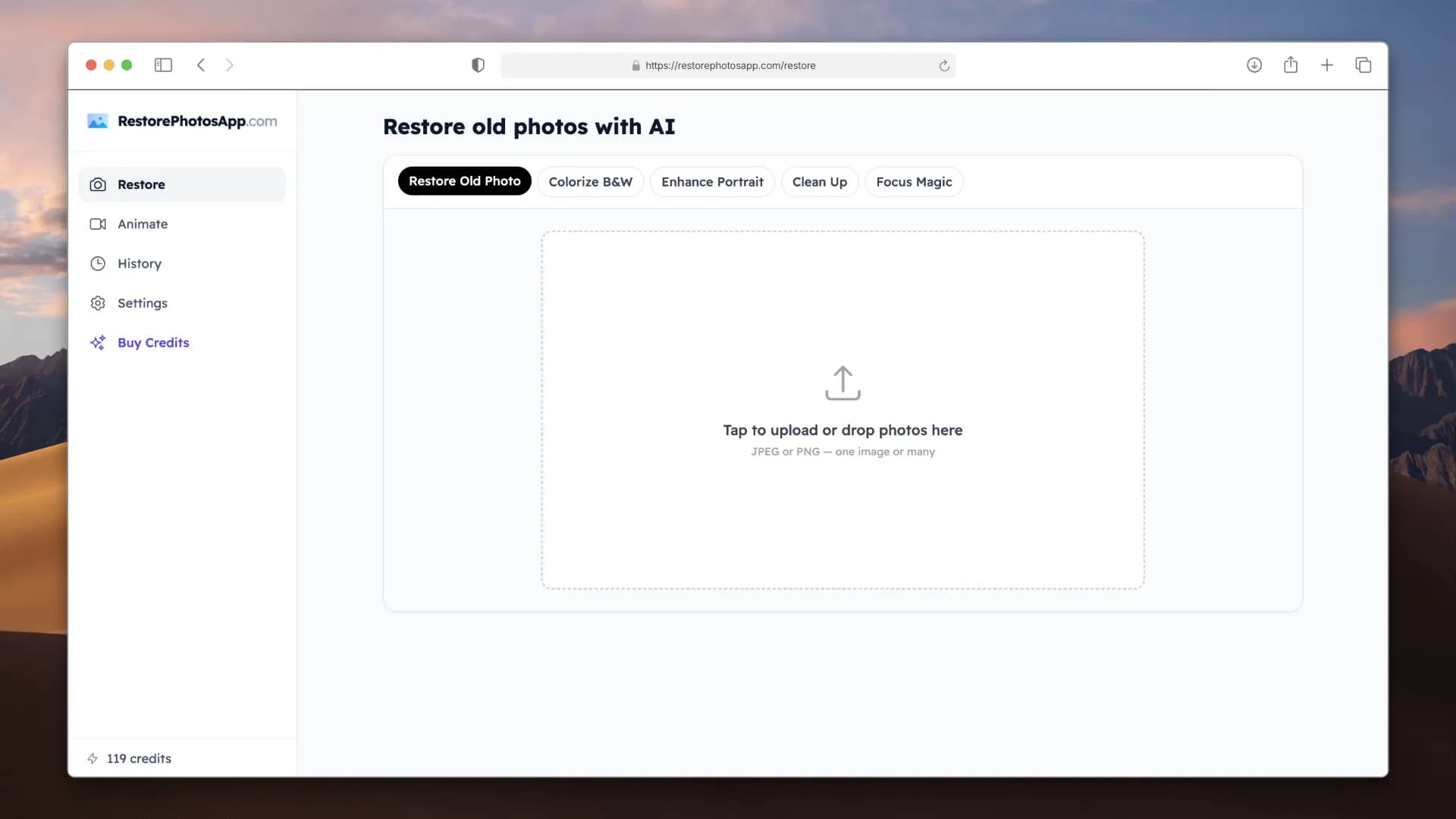
Upload to restorephotosapp.com/restore and pick "Restore." In about 30 seconds you see a before/after comparison. Zoom in on the face to see how much sharpness came back. Formal portraits almost always look excellent after one pass.
If the photo also has scratches or creases, run "Repair" on the restored result as a second step. If you have a black-and-white graduation photo and want color, run "Colorize B&W" on the restored version. Each step costs one credit.
Print the restored photo at a real photo lab (not a home inkjet). Order on archival paper so the reprint lasts another 100 years. Put it in a new frame and give it back to the shelf, the wall, or the person who earned it.
Expert tips
Tips for getting the best result
Remove it from the frame before photographing
Glass reflects light and reduces sharpness. Take the photo out of the frame first. If the print is stuck to the glass, photograph through the glass using indirect window light (no flash, no overhead lamp) to minimize reflections.
Check if your parents have a wallet-size copy
Graduation photos were often ordered in sets: 8x10, 5x7, and wallet size. If the framed copy is damaged, your parents might have a wallet-size version in better condition tucked away in a drawer or purse. A cleaner source gives a better restoration.
Restore the formal portrait first
If you have both a studio portrait and candid ceremony photos, start with the portrait. It will give the most dramatic result because of the studio lighting. Use your 2 free credits on the photos that matter most.
Restore your parents' graduation photo as a gift
Ask your parents or grandparents if they still have their graduation portrait. Borrow it, photograph it with your phone, restore it, and order a print at a photo lab. Frame it and give it for a birthday or holiday. This is one of the most emotional gifts you can give.
Create a generational graduation display
Restore grandparent, parent, and child graduation photos and frame them side by side. Three generations in cap and gown, same pose, decades apart. This makes a powerful wall display and an even better gift for the grandparents.
Colorize old B&W graduation portraits
For graduation photos from the 1950s or 1960s, run "Restore" first to fix fading, then "Colorize B&W" on the result. Seeing a parent in full color wearing their graduation cap for the first time is something they never expected to see.
Do not crop or edit before uploading
Upload the full photo including the background. The AI uses the entire image as context for restoration. You can crop the restored version afterwards if needed.
Use archival paper for reprints
The whole point of restoring a graduation photo is to make it last. Do not reprint on a home inkjet, those prints fade in a few years. Order from a photo lab on archival paper that lasts 100+ years.
Pricing
One-time pricing. No subscription. Credits never expire.
Starter
Perfect for trying it out on a few precious photos.
$0.70 / credit · 10 restorations
Start Restoring Photos- 10 AI credits included
- High-Resolution Output
- Credits Never Expire
- Animate Photos with Credits
30-Day Satisfaction Guarantee
Pro
For restoring a small album of memories.
$0.68 / credit · 25 restorations
Get Pro Access- 25 AI credits included
- High-Resolution 1080P Output
- Credits Never Expire
- Animate Photos with Credits
30-Day Satisfaction Guarantee
Family
Restore your entire family photo collection.
$0.60 / credit · 50 restorations
Get Family Plan- 50 AI credits included
- High-Resolution 1080P Output
- Credits Never Expire
- Animate Photos with Credits
30-Day Satisfaction Guarantee
Studio
For entire archives, professionals, and power users.
$0.55 / credit · 100 restorations
Get Studio Plan- 100 AI credits included
- High-Resolution 1080P Output
- Credits Never Expire
- Animate Photos with Credits
30-Day Satisfaction Guarantee
Prices don't include VAT.
FAQ
Frequently asked questions
How do I restore an old graduation photo?
Take the photo out of its frame, photograph it with your phone in natural daylight (or scan it), and upload it to restorephotosapp.com/restore. Select "Restore" and download the result in about 30 seconds. The AI fixes fading, sharpens the face, and corrects color automatically.
My graduation portrait has been in a frame for 20 years and is very faded. Can it be fixed?
Yes, and this is the most common case. Photos displayed in frames fade from years of sunlight exposure. The AI reverses the fading and restores natural colors. Graduation portraits restore especially well because the original studio lighting gives the AI ideal conditions to work with.
Can I restore a graduation photo without taking it out of the frame?
You can, but results are better without the glass. If the print is stuck or mounted and you cannot remove it, photograph through the glass using indirect window light (no flash, no overhead lamp). Position your phone directly above to minimize reflections.
Can it restore ceremony photos (stage walk, cap toss)?
Yes. Candid ceremony photos improve with restoration: faded colors come back and faces get sharper. Photos taken from close up (front row) restore much better than photos shot from the back of an auditorium where faces are tiny in the frame.
Is it free to try?
Every account gets 2 free restorations, no credit card required. Use them on your most faded graduation photo to see the result before buying anything.
How much does it cost?
After the 2 free restorations: $6.99 for 10 credits, $16.99 for 25, $29.99 for 50 (Family plan), or $54.99 for 100 (Studio plan). For a few graduation photos, the Starter plan is enough. For a full generational set, the Family plan has plenty of room.
Can I restore a black-and-white graduation photo and see it in color?
Yes. Run "Restore" first to fix fading and sharpen the photo, then run "Colorize B&W" on the result. The AI adds realistic skin tones, gown colors, and background colors. Seeing a parent or grandparent in their graduation cap in full color for the first time is one of the most popular uses.
Can I restore a family group photo from graduation day?
Yes. The family photo taken on the lawn after the ceremony, usually with parents, siblings, and grandparents, restores well. The AI sharpens every face individually and corrects the outdoor color cast.
Will the restored photo be good enough to print and frame?
Yes. Restored photos are full resolution and print beautifully at any size. Order from a photo lab on archival paper for a print that lasts 100+ years.
Can I restore graduation photos from different decades (60s, 70s, 80s)?
Yes, any decade. Black-and-white portraits from the 1960s, faded color photos from the 1970s and 1980s, slightly yellowed prints from the 1990s. The AI handles each era and fixes the specific type of fading that affected that period's photo paper.
I want to make a generational display (grandparent, parent, child). How many credits do I need?
Three credits for three portraits. Your 2 free credits cover two of them, and one additional credit costs under $0.70 on any plan. If you also want to colorize a B&W grandparent portrait, add one more credit for the colorization step.
My graduation photo is stuck to the glass in the frame. What do I do?
Do not force it out, the emulsion can tear. Photograph through the glass using indirect window light with no flash. Hold your phone directly above and angle it slightly if you see your reflection. The AI works with the slightly imperfect capture and the result will still be a major improvement.
Can I do this on my phone?
Yes. Open restorephotosapp.com in your phone browser, take a photo of the graduation print, upload it, pick "Restore," and save the result to your camera roll. The whole process takes under a minute.
Is my photo safe?
Photos are transferred securely over HTTPS and stored privately. Originals and restored versions stay for 30 days so you can re-download, then they are automatically deleted. We never share your photos or use them to train AI.























