

On this page
Why yearbook photos are worth restoring now
Yearbook paper was never designed to last forever. It yellows, becomes brittle, and eventually crumbles. The photos printed on it degrade along with the paper. A yearbook from the 1980s already looks noticeably worse than it did 20 years ago, and in another 20 years some pages may be unreadable. The yearbook itself is often the only place these photos exist. Nobody has the negatives. The school does not keep them. If the yearbook deteriorates, those faces are gone. Restoring them now creates permanent digital copies before the paper degrades any further.
- Yearbook paper yellows and crumbles more every year
- The yearbook is often the only place these photos exist
- A digital copy can never yellow, crumble, or get lost
- Restore before the pages become too degraded to capture clearly
- Perfect for reunions, memorials, and "then and now" comparisons
What to expect
What to expect from yearbook photo restoration
Individual yearbook portraits. The small headshot on the class page. This is the most common yearbook restoration. The AI sharpens the face and removes the yellow paper cast. You will go from "I think that might be Anna" to "that is definitely Anna." Do not expect the same quality as a full-size studio portrait since the source is very small, but the improvement is dramatic and faces become clearly recognizable.
Full class pages with dozens of portraits. You can upload the entire class page and the AI restores all the faces at once. This is useful for reunion slideshows where you want to project the whole page. For individual portraits (gifts, memorials, "then and now" posts), crop each face individually and upload separately for the sharpest result per person.
Club photos, team photos, and activity pages. Group shots from yearbook activity pages (sports teams, drama club, student council) are usually larger than individual portraits, so they restore well. The AI handles multiple faces and improves group shot clarity significantly.
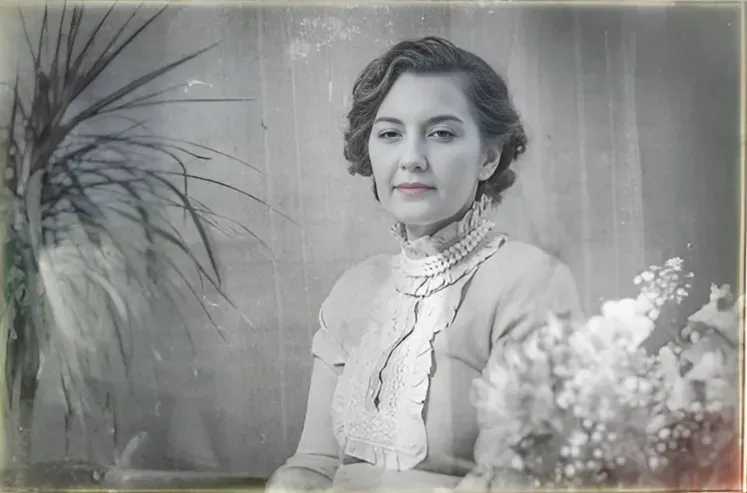
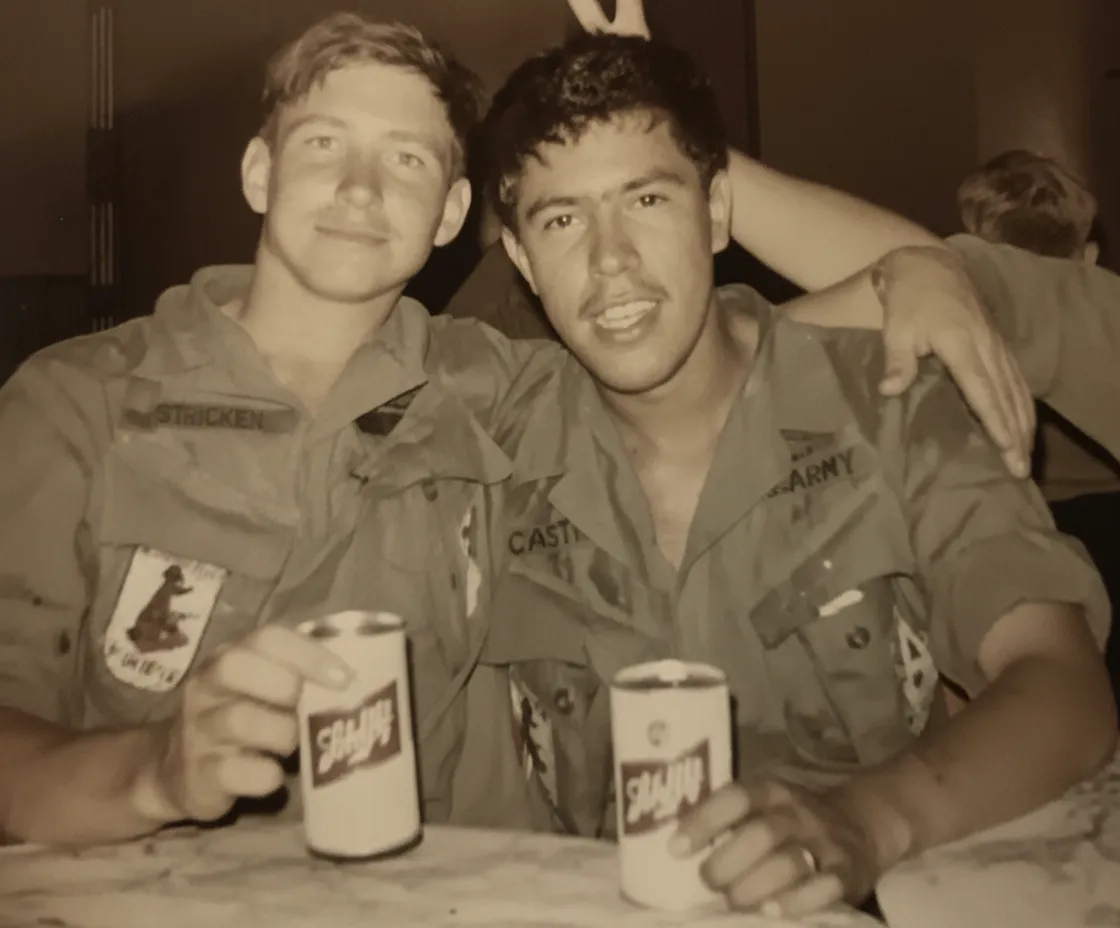
Black-and-white yearbook photos from the 1950s and 1960s. Older yearbooks used black-and-white printing on better paper. These actually scan very well and the AI sharpens them to excellent quality. You can also colorize them afterwards by running "Colorize B&W" on the restored version.
Yearbook pages that are yellowed, spotted, or damaged. Brown foxing spots, water stains, and heavy yellowing are common in old yearbooks. The AI treats paper degradation separately from the photo content and removes it. Even heavily yellowed pages produce recognizable restored portraits.

“My grandma cried when she saw her wedding photo restored. Absolutely incredible.”
Maria K.

“Uploaded a blurry photo from the 70s and got back a crystal clear image. Like magic.”
James T.

“Finally recovered old family photos I thought were lost forever. So easy to use.”
Sarah M.
How it works
3 simple steps.
Tiny Photos, Big Results
Turns a 2cm portrait into a clear, sharp photo.
Yearbook portraits are printed incredibly small, often barely 2 centimeters across. At that size you can see that someone has a face, but not whose face it is. Our AI takes that tiny portrait and sharpens the eyes, the mouth, the hairline, and the skin until you can actually recognize the person. It also strips the yellow cast from the aged yearbook paper and restores the original colors. The result is a clear, full-size portrait that looks like a proper school photo.
- ✦Sharpens faces from tiny yearbook-size portraits
- ✦Removes yellow cast from aged yearbook paper
- ✦Restores the original colors of clothing and backgrounds
- ✦Makes faces recognizable that were just blobs in the original
No Scanner Needed
Photograph the yearbook page with your phone.
Open the yearbook, lay it flat, and photograph the page from directly above with your phone in natural daylight. That is all you need. The page curves near the spine, so press it flat with your hand just outside the frame, or put something heavy on the opposite page to hold it open. If you want the sharpest possible result, use a flatbed scanner, but for most yearbook photos a clear phone photo is more than enough.
- ✦Phone photo of the yearbook page works great
- ✦Press the page flat to avoid spine curvature
- ✦Use natural window light, not overhead room lights
- ✦A flatbed scanner gives even sharper results if you have one
Reunions & Memorials
The "then and now" that gets everyone talking.
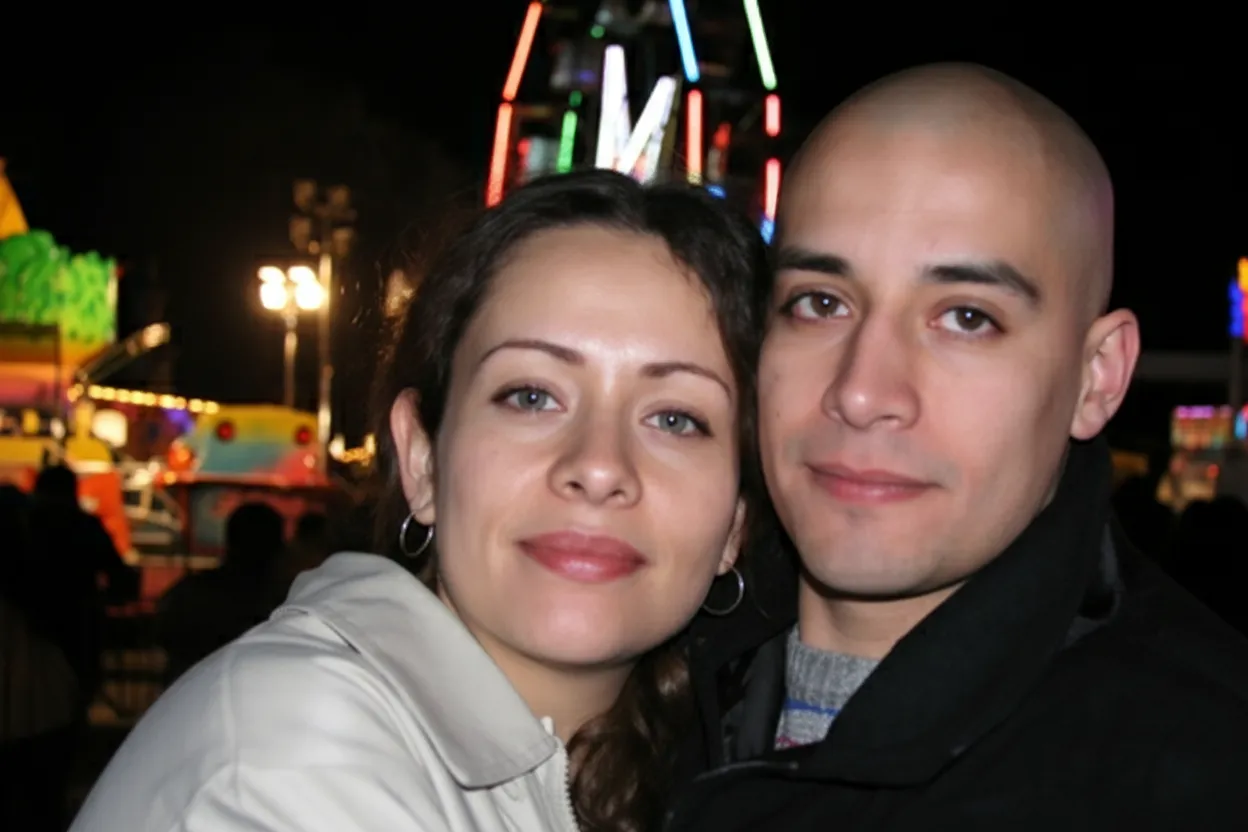
Pair a restored yearbook portrait with a current photo and post it in the reunion group chat. Everyone will want their own. Restore the full class page and project it at the reunion. Create a memorial display for a classmate who passed away. Yearbook photos are often the only photo some people have from that period of their life, which makes a restored version surprisingly meaningful.
- ✦"Then and now" comparisons for reunion events and social media
- ✦Full class page restored for projection at reunions
- ✦Memorial tributes for classmates who passed away
- ✦2 free restorations to try before buying anything
In-depth guide
How to restore yearbook photos, step by step
Open the yearbook and find the page you want. If the spine is stiff, press the page flat with your hand or place something heavy on the opposite page to hold the book open. Pages near the spine curve inward, which creates shadows and distortion. The flatter the page, the cleaner the result.
Photograph the page with your phone. Hold your phone directly above the page in natural window light. Avoid ceiling lights because they create glare on the glossy yearbook paper and add a warm color cast. Make sure no shadow from your hand or phone falls across the faces. If you have a flatbed scanner, lay the yearbook face-down on the glass for an even sharper capture.
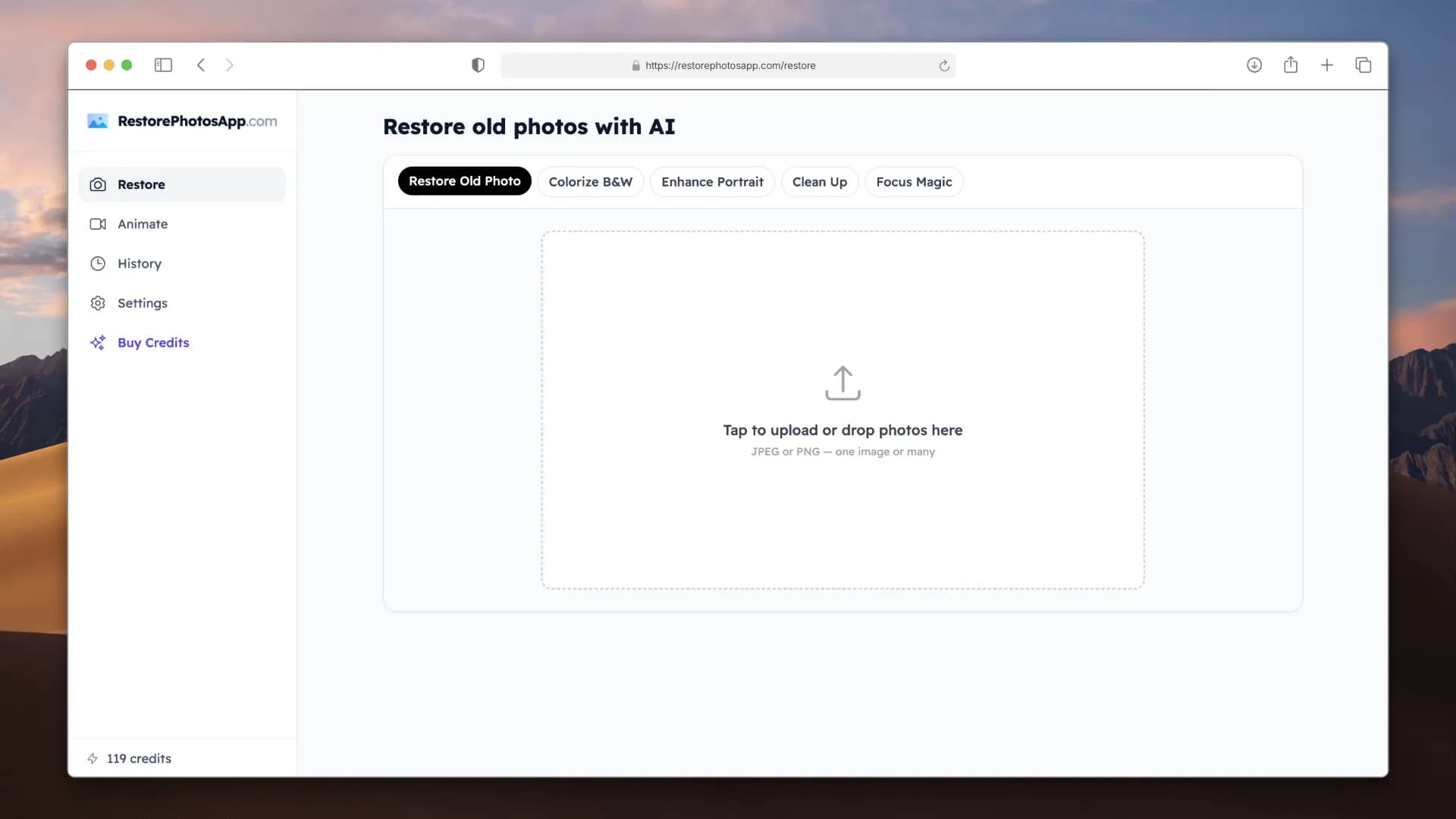
Upload the photo to restorephotosapp.com/restore. You can upload the full page or crop to an individual portrait first. For the best result on a single person, crop just their portrait and upload it alone since the AI focuses all its processing on that one face. For a full class page (reunion slideshow), upload the whole page and the AI restores all faces at once.
Check the before/after slider. Zoom in on the faces. You will see sharpened eyes, clearer skin, and corrected color where the original showed only a yellow blob. For most yearbook photos, a single pass is all you need. If the page was extremely yellowed or stained, a second pass can clean up any remaining color issues.
For a reunion project, divide the work. Each classmate photographs their own yearbook page and uploads their own portrait. Or one person with the best-condition yearbook photographs all the pages. The Family plan ($29.99 for 50 restorations) covers an entire graduating class with room to spare. Download everything and arrange it into a slideshow, a poster, or a social media post series.
Expert tips
Tips for the best yearbook photo restoration
Press the page flat before photographing
Yearbook pages curve near the spine. Press the page flat with your hand just outside the frame, or put a heavy object on the opposite page. Curved pages create shadows that the AI can mistake for photo damage.
Crop individual portraits for the sharpest result
If you want the best result for one person (a gift, a memorial, a "then and now"), crop their portrait from the page before uploading. The AI produces a sharper face when it processes one portrait at a time instead of a full page of 30 faces.
Upload the full page for reunion slideshows
If you want to project the whole class page at a reunion, upload the full page without cropping. The AI restores all faces in one pass and you get a single restored image of the entire class.
Use window light, not ceiling lights
Yearbook pages are often glossy. Ceiling lights create glare spots that block faces. Photograph near a window using natural daylight, with the light coming from the side rather than from directly above.
For memorials, crop and restore individually
If you are creating a memorial display for a classmate who passed away, crop just their portrait and restore it separately. The AI will produce the clearest possible version of their face. You can also colorize B&W yearbook photos for a more vivid tribute.
Ask classmates whose yearbook is in better shape
If your yearbook is water-damaged or heavily yellowed, a classmate may have a cleaner copy. A better source always produces a better restoration. For a reunion project, pick the best-condition yearbook as the source.
Colorize B&W yearbook photos from the 50s and 60s
Older yearbooks are black and white. Run "Restore" first to fix fading, then "Colorize B&W" on the result. Seeing classmates from a 1960s yearbook in color is always a conversation starter at reunions.
Do a "then and now" comparison
Pair a restored yearbook portrait with a current photo of the same person. Post it in the reunion group chat or print both side by side for a display at the event. This is the single most popular use of yearbook photo restoration.
Pricing
One-time pricing. No subscription. Credits never expire.
Starter
Perfect for trying it out on a few precious photos.
$0.70 / credit · 10 restorations
Start Restoring Photos- 10 AI credits included
- High-Resolution Output
- Credits Never Expire
- Animate Photos with Credits
30-Day Satisfaction Guarantee
Pro
For restoring a small album of memories.
$0.68 / credit · 25 restorations
Get Pro Access- 25 AI credits included
- High-Resolution 1080P Output
- Credits Never Expire
- Animate Photos with Credits
30-Day Satisfaction Guarantee
Family
Restore your entire family photo collection.
$0.60 / credit · 50 restorations
Get Family Plan- 50 AI credits included
- High-Resolution 1080P Output
- Credits Never Expire
- Animate Photos with Credits
30-Day Satisfaction Guarantee
Studio
For entire archives, professionals, and power users.
$0.55 / credit · 100 restorations
Get Studio Plan- 100 AI credits included
- High-Resolution 1080P Output
- Credits Never Expire
- Animate Photos with Credits
30-Day Satisfaction Guarantee
Prices don't include VAT.
FAQ
Frequently asked questions
How do I restore a photo from an old yearbook?
Open the yearbook, press the page flat, and photograph it with your phone from directly above in natural daylight. Upload it to restorephotosapp.com/restore, select "Restore," and download the sharpened result in about 30 seconds.
The portraits are tiny. Can AI really make them clear?
Yes. Yearbook portraits are small but the AI is trained to sharpen faces from limited detail. You will not get the same quality as a full-size studio portrait, but you will go from "I cannot tell who this is" to clearly recognizing the person. The improvement is dramatic.
Do I need a scanner or is a phone photo enough?
A phone photo works well. Hold your phone directly above the page in natural daylight. A flatbed scanner gives a slightly sharper result because it captures more detail, but for most yearbook photos the phone photo is more than enough.
Should I upload the full yearbook page or crop each portrait?
For the best result on one person, crop just their portrait and upload it alone. For a reunion slideshow where you want to show the whole class page, upload the full page. The AI handles both, but individual crops produce sharper faces.
My yearbook pages are very yellow and brittle. Will it still work?
Yes. The AI separates paper degradation from the actual photo. It strips the yellow cast, removes brown spots, and restores the original portrait appearance regardless of how bad the page looks.
Is it free to try?
Every account gets 2 free restorations, no credit card required. Use them on your most faded yearbook portrait to see the quality before buying anything.
How much does it cost to restore a whole class page?
A typical class page has 25 to 35 portraits. If you crop and upload each individually: the Pro plan ($16.99 for 25) or Family plan ($29.99 for 50) covers it. If you upload the full page as one image, it costs just 1 credit.
Can I use this for a reunion slideshow?
Yes, this is the most popular use. Restore the class pages, arrange them in any slideshow app (Google Slides, PowerPoint, Canva), and project them at the reunion. Pair restored yearbook photos with current photos for "then and now" comparisons.
Can I restore a yearbook photo for a memorial?
Yes. Crop the portrait of the person, upload it, and restore it. For B&W yearbooks you can also colorize it afterwards. A restored and optionally colorized yearbook portrait makes a meaningful addition to a memorial display or obituary.
Can I colorize a B&W yearbook photo?
Yes. Run "Restore" first to sharpen the portrait, then "Colorize B&W" on the result. The AI adds realistic skin tones, hair color, and clothing colors. Yearbook portraits from the 1950s and 1960s look completely different in color.
The yearbook spine makes the page curve. How do I photograph it flat?
Press the page flat with your hand just outside the camera frame, or place a heavy object on the opposite page to hold the book open. For a scanner, lay the yearbook face-down and gently press the spine down. The flatter the page, the better the result.
Can I restore club photos and team photos from the yearbook?
Yes. Group photos from sports teams, clubs, and activity pages are usually larger than individual portraits, so they actually restore very well. The AI sharpens every face in the group shot.
How many classmates' photos can I restore with one plan?
Starter plan: 10 portraits. Pro plan: 25. Family plan: 50 (enough for 1-2 full class pages). Studio plan: 100 (3-4 pages). For a full reunion project, the Family plan is the most popular choice.
Will the restored photo look natural?
Yes. The AI sharpens what is already in the photo. It does not generate new facial features or change how anyone looks. The result looks like the original yearbook portrait would have looked if it had been printed larger and on better paper.
Is my yearbook photo safe when I upload it?
Photos are transferred securely over HTTPS and stored privately. Originals and restored versions stay for 30 days so you can re-download, then they are automatically deleted. We never share your photos or use them to train AI.























