
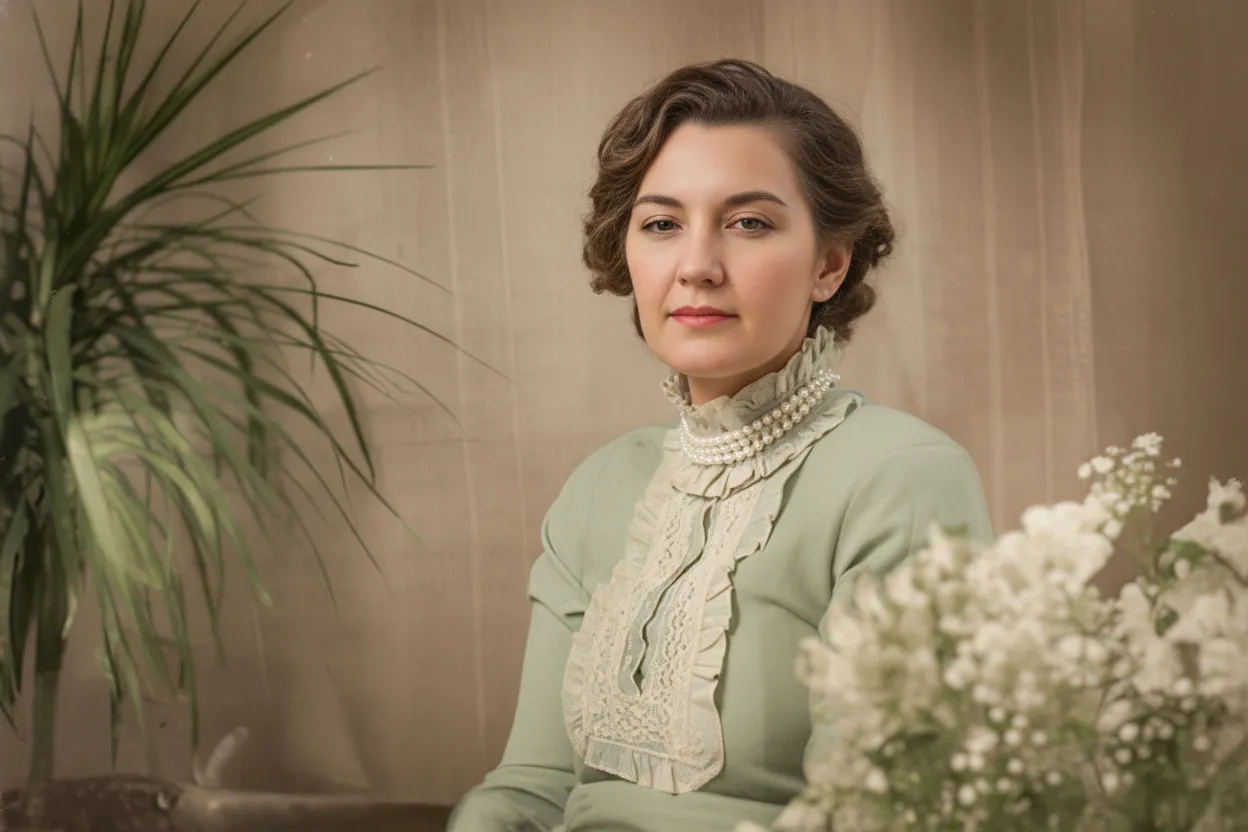
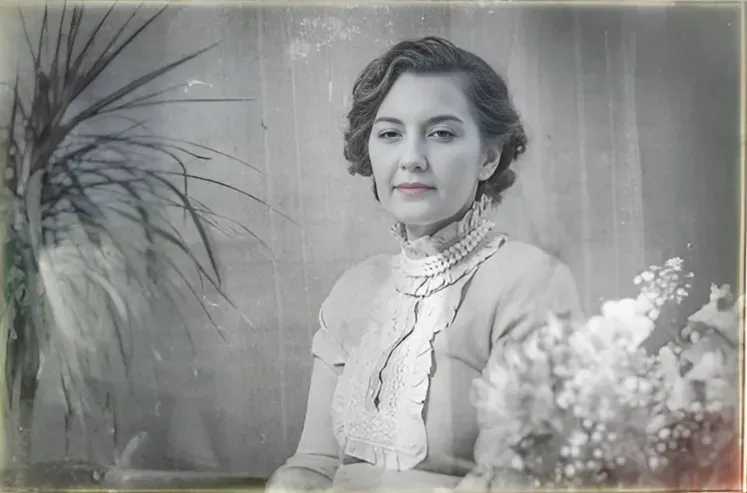
Why fix dark photos with AI?
Underexposure is the single most common image quality problem. Cameras meter for the brightest part of the scene, which means backlit subjects (person in front of a window, subject against a sunset, indoor shot with bright background) end up as dark silhouettes. Smartphone cameras are especially prone to this because their small sensors have limited dynamic range. Flash solves the problem at close range but produces harsh, unflattering light. The real solution is fixing the exposure after the fact. AI exposure correction works like having a professional editor review every photo: it reads the scene, understands what should be bright and what should be dark, and adjusts accordingly. Over 470,000 users trust our tool for photo enhancement, and dark photo correction is the number one use case.
- Fix backlit portraits where the subject is a dark silhouette
- Brighten indoor photos taken without flash in dim rooms
- Recover detail in evening and nighttime photos
- Correct camera metering mistakes that underexposed the subject
- Rescue smartphone photos with limited dynamic range
What to expect
What photography professionals say about fixing dark photos
Every professional photographer has underexposed frames. Even with spot metering and exposure compensation, challenging lighting | backlit scenes, high-contrast interiors, mixed ambient and artificial light | can fool the best cameras. The difference between a professional and an amateur is not that professionals never take dark photos. It is that professionals know how to fix them in post-production. AI exposure correction democratizes this skill. It applies the same tonal mapping and shadow recovery techniques that a Lightroom expert would use, but it does it automatically and instantly.
For event and wedding photographers, dark photos are inevitable. Ceremonies in dimly lit churches, receptions in candlelit ballrooms, outdoor evening portraits | these are the most emotionally important moments, and they are the hardest to expose correctly. AI correction rescues these shots without the hours of manual editing that used to be required. Many working photographers now batch-process their dark frames through AI correction as the first step in their workflow, then fine-tune only the hero shots manually.
Real estate photographers face a specific version of this problem. Interior rooms with windows create extreme dynamic range: the window is blazingly bright while the room interior is dark. Traditional HDR bracketing helps but requires a tripod and multiple exposures. AI exposure correction can recover a single underexposed interior shot, brightening the room while keeping the window view intact. This saves time on location and reduces the need for specialized HDR equipment.
One important principle: AI exposure correction works best when the detail is actually present in the file but hidden in darkness. Severely underexposed photos (3+ stops under) may have shadow regions where the sensor captured almost no data. The AI can still brighten these areas, but it is working with very little information, so the result may show some noise or reduced detail in the deepest shadows. For the best results, ensure the original file is no more than 2 stops underexposed. If it is darker than that, the AI will still improve it dramatically, but it cannot create detail that was never captured.

“My grandma cried when she saw her wedding photo restored. Absolutely incredible.”
Maria K.

“Uploaded a blurry photo from the 70s and got back a crystal clear image. Like magic.”
James T.

“Finally recovered old family photos I thought were lost forever. So easy to use.”
Sarah M.
How it works
3 simple steps.
Intelligent Brightening
AI lifts shadows without blowing highlights.
Simply cranking up the brightness slider makes the entire image lighter, but it also blows out areas that were already properly exposed | skies turn white, skin goes pale, and bright objects lose all detail. Our AI works differently. It maps every region of the image by luminance and applies targeted corrections. Deep shadows get the most lift. Mid-tones are gently brightened. Highlights are left alone or even slightly pulled back to prevent clipping. The result is an evenly lit photo with full tonal range, as if you had used a professional fill light when you took the shot.
- ✦Region-aware brightening lifts shadows without overexposing highlights
- ✦Recovers detail in dark areas that looks invisible in the original
- ✦Preserves sky, window, and light-source detail while brightening foreground
- ✦Produces natural, balanced exposure across the entire frame
Color Recovery
Dark photos hide color. AI brings it back.
When a photo is underexposed, colors are muted and shifted. Skin looks grey-brown instead of warm and natural. Foliage looks almost black instead of green. Fabrics lose their hue entirely. This happens because the sensor barely captured enough light to register color information in the dark regions. Our AI recovers this hidden color data. As it brightens the shadows, it simultaneously corrects the white balance and restores accurate saturation. Skin tones become warm and natural, skies regain their blue, and clothing colors match what your eyes actually saw.
- ✦Recovers accurate colors hidden in underexposed shadow regions
- ✦Corrects the grey-brown color cast typical of dark indoor shots
- ✦Restores natural skin tones, sky blues, and fabric colors
- ✦Adjusts white balance to compensate for warm tungsten or cool fluorescent lighting
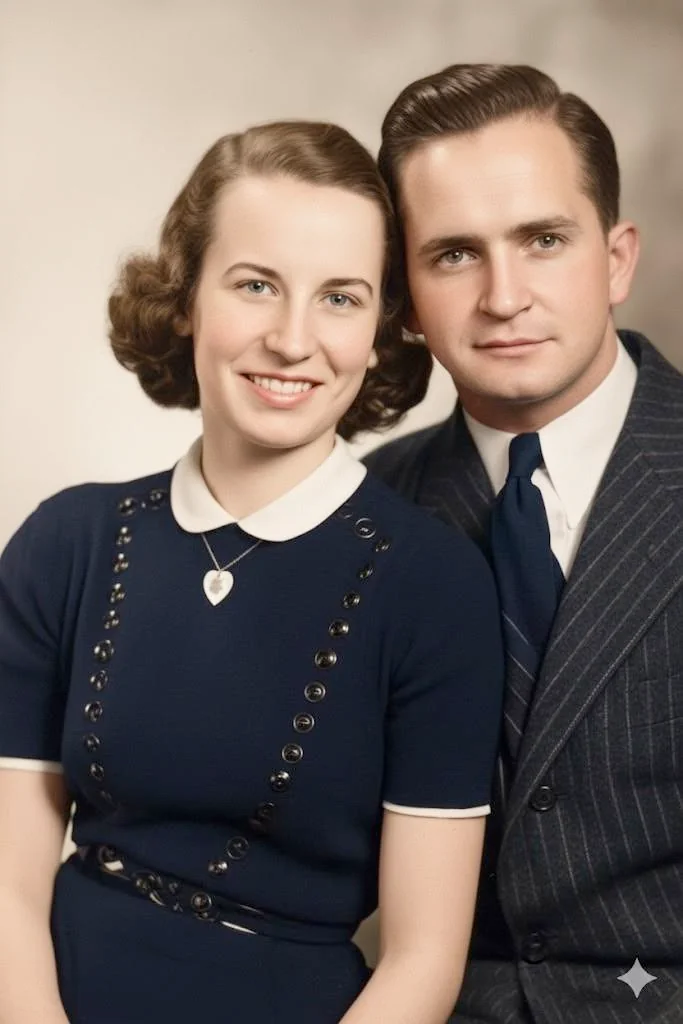
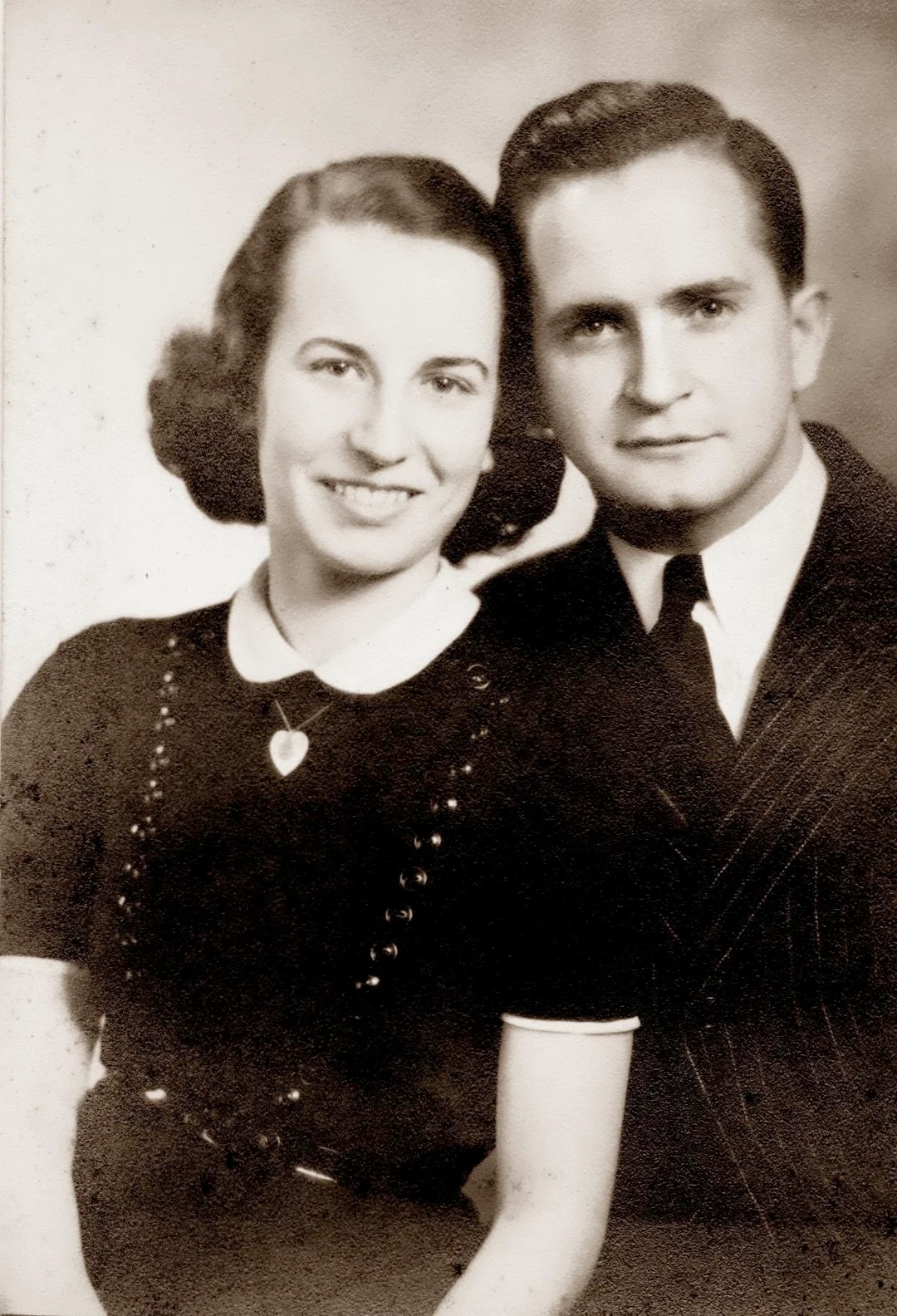
One Click Fix
No editing skills required.
Fixing dark photos in Photoshop or Lightroom requires understanding curves, levels, shadow recovery, highlight protection, local adjustments, and color correction. Even experienced editors spend several minutes per photo getting the balance right. Our AI does it all in one automatic pass. Upload your dark photo and download the corrected version. There are no sliders, no histograms, and no export settings. If you can drag a file into a browser, you can fix a dark photo. Every new account includes 2 free corrections.
- ✦Fully automatic | zero learning curve for any user
- ✦No need to understand curves, levels, or histograms
- ✦Works in any browser on desktop, tablet, or phone
- ✦2 free corrections on every new account, no credit card needed
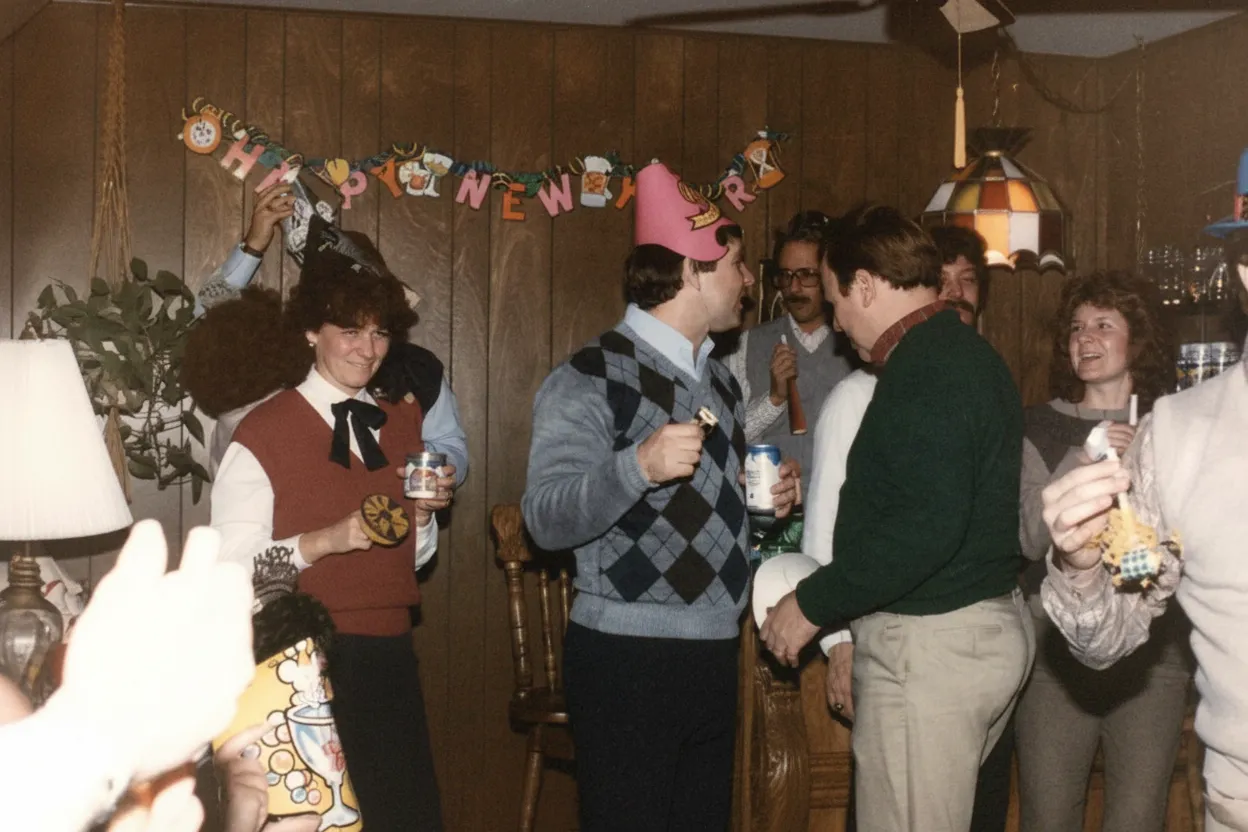
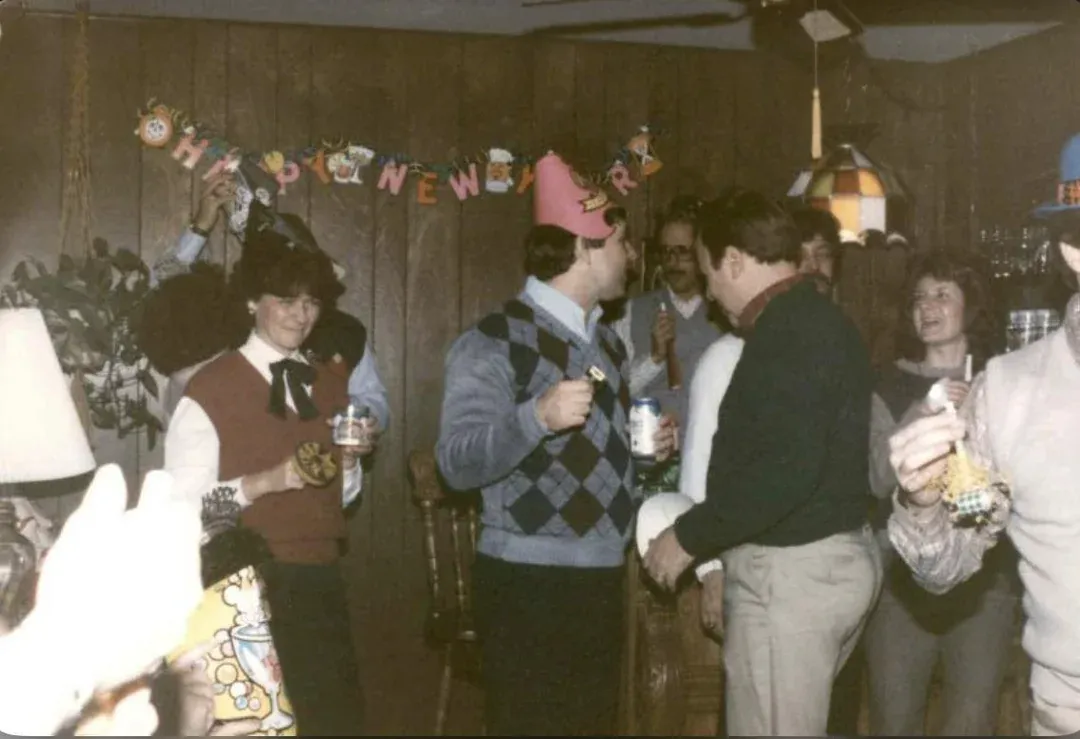
In-depth guide
The complete guide to fixing dark and underexposed photos
A photo is underexposed when the camera sensor did not receive enough light to accurately reproduce the scene. The result is an image that is darker than what your eyes saw. Mild underexposure makes shadows look too deep and colors appear muted. Severe underexposure turns the entire image into a dark, muddy mess where subjects are barely visible. The good news is that modern digital sensors capture more data than they display. Shadow regions in a JPEG often contain recoverable detail that is simply hidden. AI exposure correction finds and reveals this hidden data.
The most common cause of dark photos is backlighting. When the light source is behind your subject | a person in front of a window, a portrait against a sunset, a speaker on a bright stage | the camera meters for the bright background and underexposes the subject. The result is a correctly exposed background with a dark silhouette where your subject should be. This is the number one use case for AI exposure correction, and the results are dramatic: the subject's face, clothing, and expression emerge from the shadows while the background remains properly exposed.
Indoor photos without flash are the second most common category. Home interiors, offices, restaurants, museums, churches, and shops are all significantly darker than outdoor daylight. Your eyes adjust instantly, so the room looks well-lit. But the camera sensor sees a scene that is 4-6 stops darker than outdoor conditions. If you do not use flash (and there are good reasons not to | flash is harsh, unflattering, and sometimes prohibited), the resulting photo is underexposed. AI correction lifts the exposure to match what your eyes actually saw, producing natural-looking indoor photos with visible detail throughout.
Smartphone photos are especially prone to underexposure because phone sensors are physically small. A small sensor captures fewer photons per pixel, which means less dynamic range and more sensitivity to challenging light. Modern computational photography helps, but it is not perfect. Group shots at dinner, photos in bars and clubs, pictures in poorly lit hotel rooms, and snapshots at indoor events routinely come out darker than expected. AI exposure correction is particularly effective on smartphone photos because there is always more data in the file than the phone's own processing was able to extract.
For photographers who shoot in RAW format, AI exposure correction can be applied to the RAW export for maximum quality. Export the file from your RAW converter at default exposure (do not try to brighten it yourself first) and upload to our tool. The AI works with the full tonal information in the file and produces a better result than most manual exposure adjustments because it makes targeted corrections across different regions rather than a uniform global lift.
After brightening a dark photo, consider whether it needs additional enhancement. Shadow regions in underexposed photos often contain noise that becomes visible once the shadows are lifted. Our enhance tool can reduce this noise while simultaneously sharpening detail and correcting color. The recommended workflow is: fix the dark exposure first, then enhance the brightened result. This two-step approach produces cleaner, sharper, more vibrant results than either step alone.
Preventing dark photos starts with understanding your camera's metering system. Evaluative (matrix) metering averages the entire frame and is easily fooled by bright backgrounds. Spot metering reads exposure from a single point and is more accurate for backlit subjects if you meter on the subject's face. Exposure compensation (+1 or +2 stops) tells the camera to brighten beyond its automatic reading. On smartphones, tapping the subject's face in the viewfinder sets both focus and exposure for that area. Even with these techniques, challenging lighting will still produce some dark photos | and AI correction will always be there to fix them.
Store your corrected photos alongside the originals. Create a "Corrected" folder next to your "Originals" folder and never overwrite the source file. As AI models improve over time, you may want to re-correct your originals with a better model. Cloud storage (Google Drive, iCloud, Dropbox) plus a local backup is the standard recommendation. The corrected versions are what you print, share, and display. The originals are your insurance policy.
Expert tips
Tips for the best dark photo correction results
Upload the original file, not a pre-brightened version
Do not try to brighten the photo yourself before uploading. Manual brightness adjustments degrade the tonal data the AI needs. The AI produces far better results working with the original dark file because it can make intelligent, region-specific corrections that a global brightness slider cannot.
Use the highest-quality version available
RAW exports, original JPEGs from the camera, and high-resolution scans all produce better results than compressed copies from social media or messaging apps. More data in the file means more shadow detail for the AI to recover.
Fix exposure before applying other edits
Apply AI exposure correction as the first step in your editing workflow. Sharpening, color grading, and contrast adjustments all work better on a properly exposed image. Correcting exposure last amplifies any artifacts from previous edits.
Check shadow areas at full zoom after correction
After downloading the corrected photo, zoom to 100% and examine the areas that were darkest in the original. They should show recovered detail, natural color, and smooth tonality. If the deepest shadows show noise, a second pass with our enhance tool will clean them up.
Combine with grain removal for high-ISO dark shots
Photos shot at high ISO in dark conditions are both underexposed and grainy. Fix the dark exposure first, then remove the grain with our denoising tool. Lifting exposure reveals noise that was hidden in shadows, so the denoising step is especially valuable after brightening.
For backlit portraits, the AI recovers the face
If the subject is silhouetted against a bright background, the AI specifically targets the dark foreground subject and lifts their exposure while preserving the bright background. This is the most dramatic improvement and the most common use case.
Batch correct photos from the same dark venue
If you have many dark photos from the same event, upload them as a batch. The AI processes each image individually with tailored corrections. At $0.60 per photo on the Family plan ($29.99 for 50 credits), correcting an entire event is affordable and fast.
Do not overexpose intentionally to compensate
Some photographers overexpose to avoid dark photos, but this blows out highlights that cannot be recovered. It is better to expose normally (or even slightly under) and let AI lift the shadows. Shadow recovery is much more successful than highlight recovery because sensors capture more data in shadows than in clipped highlights.
Pricing
One-time pricing. No subscription. Credits never expire.
Starter
For 5 to 10 photos. A handful of favorites, done properly.
$0.70 / credit · 10 restorations
Get Starter- 10 AI credits included
- High-Resolution Output
- Credits Never Expire
- Animate Photos with Credits
30-Day Satisfaction Guarantee
Family
A shoebox of family photos: around 50.
$0.60 per photoSave 14% per photo
5 Starter packs would cost $34.95
- 50 AI credits included
- High-Resolution 1080P Output
- Credits Never Expire
- Animate Photos with Credits
30-Day Satisfaction Guarantee
Studio
A big collection: 100 photos, or dozens of animations.
$0.55 per photoSave 21% per photo
10 Starter packs would cost $69.90
- 100 AI credits included
- High-Resolution 1080P Output
- Credits Never Expire
- Animate Photos with Credits
30-Day Satisfaction Guarantee
Archive
The whole family archive: 250 photos.
$0.44 per photoSave 37% per photo
25 Starter packs would cost $174.75
- 250 AI credits included
- High-Resolution 1080P Output
- Credits Never Expire
- Animate Photos with Credits
30-Day Satisfaction Guarantee
Only have around 25 photos? Pro pack: 25 credits for $16.99
Prices don't include VAT.
FAQ
Frequently asked questions
Why are my photos so dark?
The most common cause is backlighting | your subject is in front of a bright background (window, sky, stage lights) and the camera exposes for the background instead of the subject. Other causes include shooting indoors without flash, camera metering mistakes, low-light conditions, and smartphone sensor limitations. AI exposure correction fixes all of these after the fact.
Can AI really brighten a dark photo without making it look washed out?
Yes. Unlike a simple brightness slider that lifts everything uniformly, AI exposure correction analyzes each region independently. It aggressively brightens deep shadows, gently lifts mid-tones, and leaves highlights untouched. The result has full tonal range and natural contrast, not the flat, washed-out look of a globally brightened photo.
Is dark photo correction free?
Every new account gets 2 free corrections with no credit card required. After that, credit packs start at $6.99 (Starter, 10 credits). The Family plan at $29.99 gives you 50 credits at just $0.60 per photo, with a 30-day money-back guarantee.
Can I fix a photo that is almost completely black?
The AI can improve severely underexposed photos, but there are limits. If the sensor captured almost no data in the dark regions (3+ stops underexposed), the recovered shadows may show some noise and reduced detail. Photos that are 1-2 stops underexposed recover beautifully with full detail and clean color. Even very dark photos improve dramatically, but the original exposure matters.
Will fixing a dark photo make it grainy?
Lifting shadows can reveal noise that was hidden in the dark regions. This is a property of the original photo, not something the AI adds. If noise appears after brightening, run the corrected photo through our grain removal tool to clean it up. The two-step process (brighten, then denoise) produces excellent results.
Can I fix dark photos taken on my phone?
Yes. Smartphone photos are the most common input for dark photo correction. Phone sensors have limited dynamic range, so indoor, backlit, and evening photos are frequently too dark. The AI recovers shadow detail and corrects exposure automatically. The results on smartphone photos are often the most dramatic.
How is AI exposure correction different from using the brightness slider?
A brightness slider applies a uniform lift to every pixel in the image. This makes shadows brighter but also blows out highlights, creating a flat, washed-out look. AI exposure correction is region-aware: it lifts dark areas aggressively, mid-tones gently, and protects highlights completely. It also corrects color shifts that occur in underexposed regions. The result looks naturally lit, not artificially brightened.
How long does dark photo correction take?
About 30 seconds per photo. Upload your dark image, the AI analyzes the tonal range and applies exposure correction, and you see the before/after comparison almost immediately. Download the corrected full-resolution file with one click.
Can I fix a backlit portrait where the face is in shadow?
Yes. This is the most common use case and produces the most dramatic results. The AI detects the dark foreground subject and lifts their exposure while preserving the bright background. Faces emerge from shadow with natural skin tones, visible expressions, and proper detail.
Can I fix dark indoor photos without making them look like flash was used?
Yes. The AI brightens the scene evenly and naturally, preserving the ambient atmosphere of the room. The result looks like the room had better natural lighting, not like a flash went off. Warm candlelight restaurants, cozy living rooms, and dimly lit venues all retain their character while becoming properly visible.
Should I use HDR mode on my camera instead?
HDR helps with dynamic range but requires a tripod and multiple exposures, and it can produce an unnatural look if overdone. For casual photography and moments that cannot be re-shot, a single exposure corrected by AI is more practical. HDR is useful for architecture and landscapes where you have time to set up; AI correction is better for everything else.
Can I batch correct multiple dark photos at once?
Yes. Upload a batch and the AI processes each image individually with tailored corrections. This is ideal for event photos, wedding receptions, and any shoot where multiple frames came out too dark. Each photo gets its own analysis | no one-size-fits-all adjustment.
What file formats are supported?
The tool accepts JPEG, PNG, and WebP files. Output is a high-quality JPEG at the full resolution of your original. For RAW files, export from your RAW converter at default settings (no exposure adjustment) and upload the resulting JPEG or PNG.
Is my photo private when I upload it?
Yes. All uploads are encrypted via HTTPS and stored privately on secure cloud infrastructure. Your photos are kept for 30 days so you can re-download results, then permanently deleted. We never share your images with third parties or use them for AI training.
Can I fix a dark photo that was taken years ago?
Absolutely. The age of the photo does not matter. As long as you have a digital file | whether it is a camera original, a scan of a print, or a download from an old email | the AI can correct the exposure. Even very old digital photos from early cameras benefit from AI exposure correction.























