
Methodology
How we test AI photo restoration tools
Our ranked guides and competitor comparisons are based on hands-on testing, not spec sheets. This page documents exactly how that testing works, what we score, and how we handle the obvious conflict of interest: we make a photo restoration tool ourselves.
Last updated July 2026
Our bias, stated upfront
RestorePhotosApp is our product. Every comparison on this site involves a tool we compete with, and you should read our verdicts with that in mind. We handle it three ways: we state real strengths of competitors and name the users who are better served by them, we keep every factual claim (pricing, watermarks, limits) checkable against the vendor's own pages, and we never invent flaws — if a competitor's output is good, we say it is good.
If you find a factual error on any comparison page — an outdated price, a feature we missed, a limit that changed — tell us and we will correct it. Corrections are reflected in the page's last-updated date.
The test photos
We test with real damaged family photos, not stock images picked to flatter any one tool. The core set covers the five problems people actually bring to a restoration tool:
- A scratched black-and-white portrait scan with dust and surface wear
- A blurry, out-of-focus group photo where faces are barely readable
- A faded color print from the 1970s–80s with a yellow-orange cast
- A torn print with a crease across a face and missing paper in one corner
- A clean black-and-white photo, used only to judge colorization
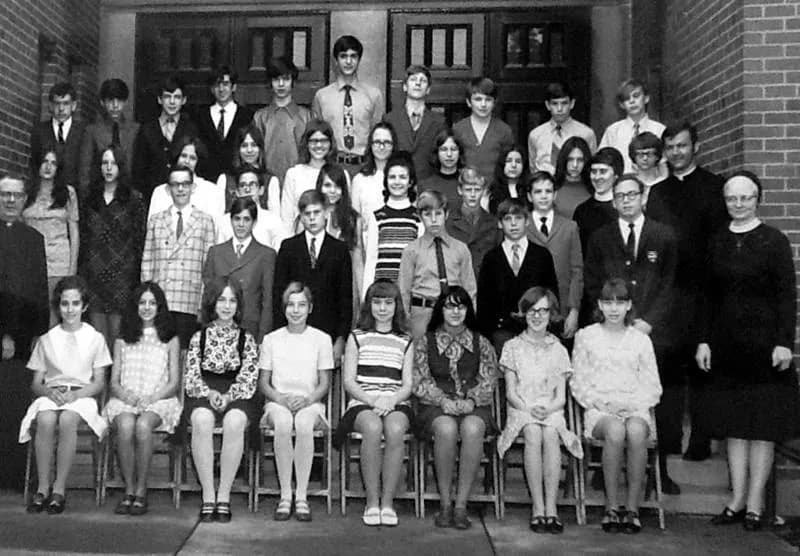
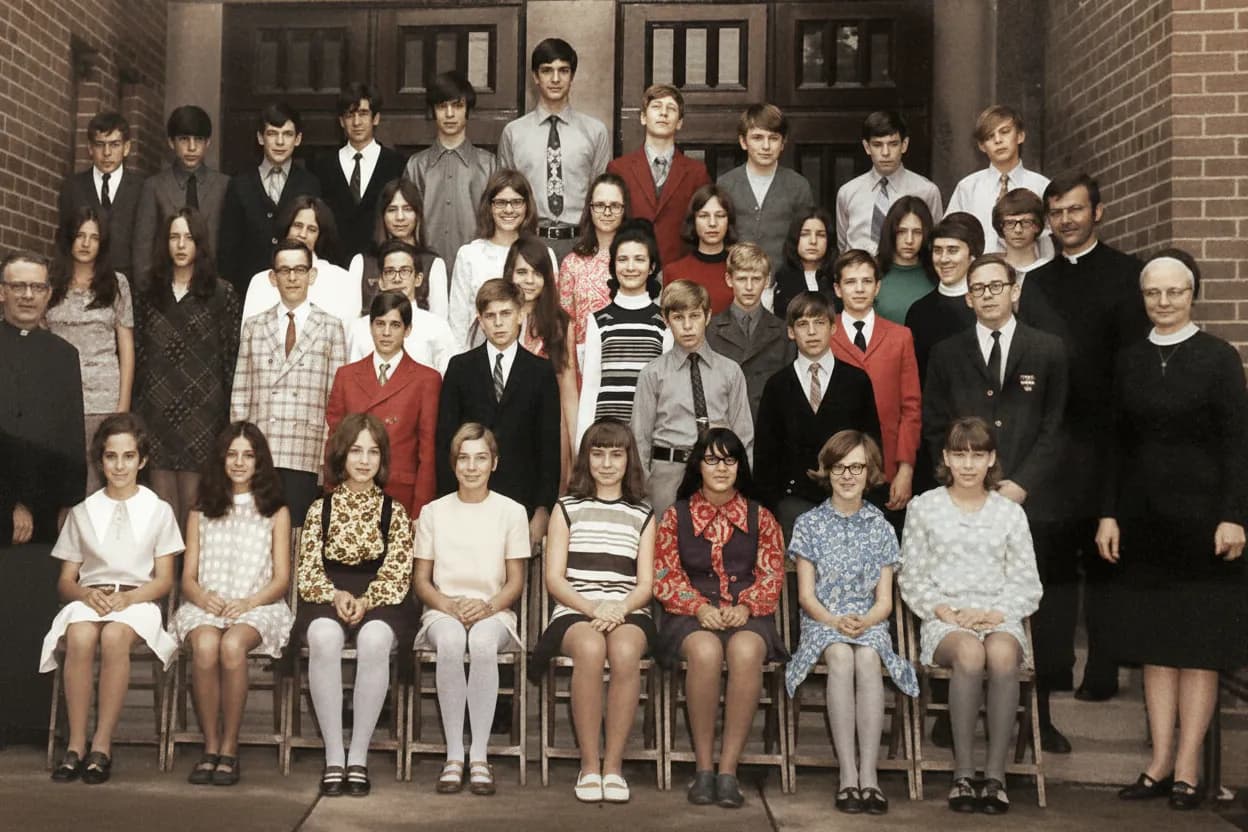
One of our standard test scans: surface scratches, fading, and a soft face — the combination that separates good restoration models from simple sharpening filters.
What we score
Every tool is judged on the same eight criteria. The first four are about output quality; the last four are about what it actually costs, in money and in friction, to get that output.
Face fidelity
Does the restored person still look like the same person? We compare restored faces against the original scan and against other photos of the same subject where available. A sharp face that belongs to a stranger is a failed restoration, no matter how clean it looks.
Damage repair
How well does the tool handle scratches, creases, tears, dust, and stains? We check whether damage is genuinely reconstructed or just blurred over, and whether the repair invents details that were never in the photo.
Artifact handling
AI restoration can introduce its own problems: waxy skin, over-smoothed textures, halo edges, warped backgrounds, garbled text on signs and clothing. We look for these on every output at 100% zoom.
Colorization realism
For tools that colorize, we judge whether skin tones, foliage, and fabrics land in a believable range, and whether color bleeds across edges. We do not expect historically verified colors — no AI can know the true color of a dress from 1943 — but we do expect plausible ones.
Real cost per photo
Advertised prices rarely match what you actually pay. We calculate the effective cost per restored photo at the cheapest tier that removes watermarks and resolution caps, and we flag subscriptions that keep billing after the job is done.
Watermarks and output limits
We record whether free and paid tiers add watermarks, cap output resolution, or lock downloads behind an upgrade. A "free" result you cannot use is not free.
Ease of use
How many steps from upload to downloaded result? Does the tool require an install, an account, or a mobile app? Can a non-technical relative use it without help?
Privacy of uploaded photos
Family photos are personal. We read each tool’s privacy policy for what happens to uploads: how long photos are stored, whether they are used to train models, and whether deletion is available.
How the testing runs
Same photos, every tool
Every tool in a comparison processes the same set of test photos: a scratched black-and-white portrait scan, a blurry group photo, a faded and yellowed color print, a torn print with missing paper, and a clean black-and-white photo used purely for colorization. Fixed inputs are the only way outputs can be compared honestly.
Default settings first
We run each tool on its default or recommended settings, the way a first-time user would. If a tool only performs well after manual tuning, we say so — most people restoring a family photo will never find those settings.
Paid tiers, not just free trials
Where a tool gates quality behind payment, we pay for the relevant tier and judge the output people actually get for their money, not the teaser version.
Pricing re-checked before publishing
Prices, free-tier limits, and watermark policies are re-verified against the vendor’s live pricing page shortly before a comparison is published or updated. Each comparison page shows its last-updated date.
How often we re-test
AI tools change fast — models get swapped, free tiers shrink, subscriptions replace one-time pricing. We re-verify pricing and policy facts on every comparison page at least twice a year, and we re-run output tests when a vendor ships a major model update or when readers report that results no longer match our description.
Every comparison and ranked guide shows a last-updated date. If that date looks stale to you, treat the pricing details with caution and check the vendor's site — then let us know so we can refresh the page.























