


AI Photo Restoration
Restoring old photos using AI for everyone.
Have old and blurry face photos? Let our AI restore them so those memories can live on. Faces, colors and detail brought back in under 30 seconds.
One-time packs from 10 to 250 photos. Credits never expire.


“Showed my grandma her old wedding photo cleaned up and she just went quiet for a second. Didn't expect it to hit me like that too.”
Elena R.

“The only baby photo of my dad was tiny and grainy. This pulled out detail I'd honestly never seen before. Really glad I tried it.”
Marcus T.

“Had a box of water-damaged photos from my mom's house and figured they were gone for good. Most of them came back way better than I hoped.”
Hannah B.
How it works
Restore memories
in 3 simple steps.
AI Restoration
Bring old photos back to life.
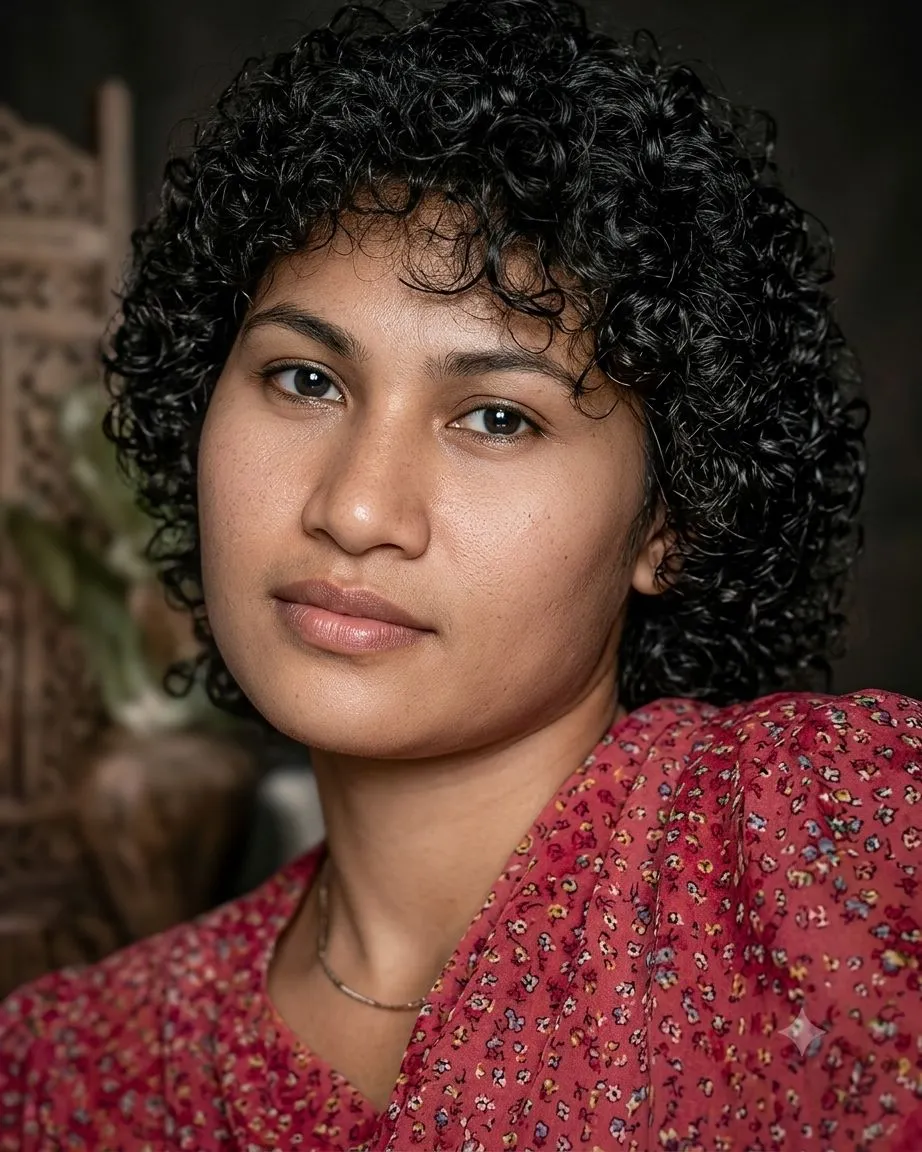
Our AI analyzes and restores damaged, blurry, and low-quality face photos. It removes scratches, noise, and blur while keeping the original character of your memories intact.
- ✦Advanced face restoration AI
- ✦Removes blur, noise, and scratches
- ✦Preserves original character and expression

Easy to Use
Upload. Restore. Download.
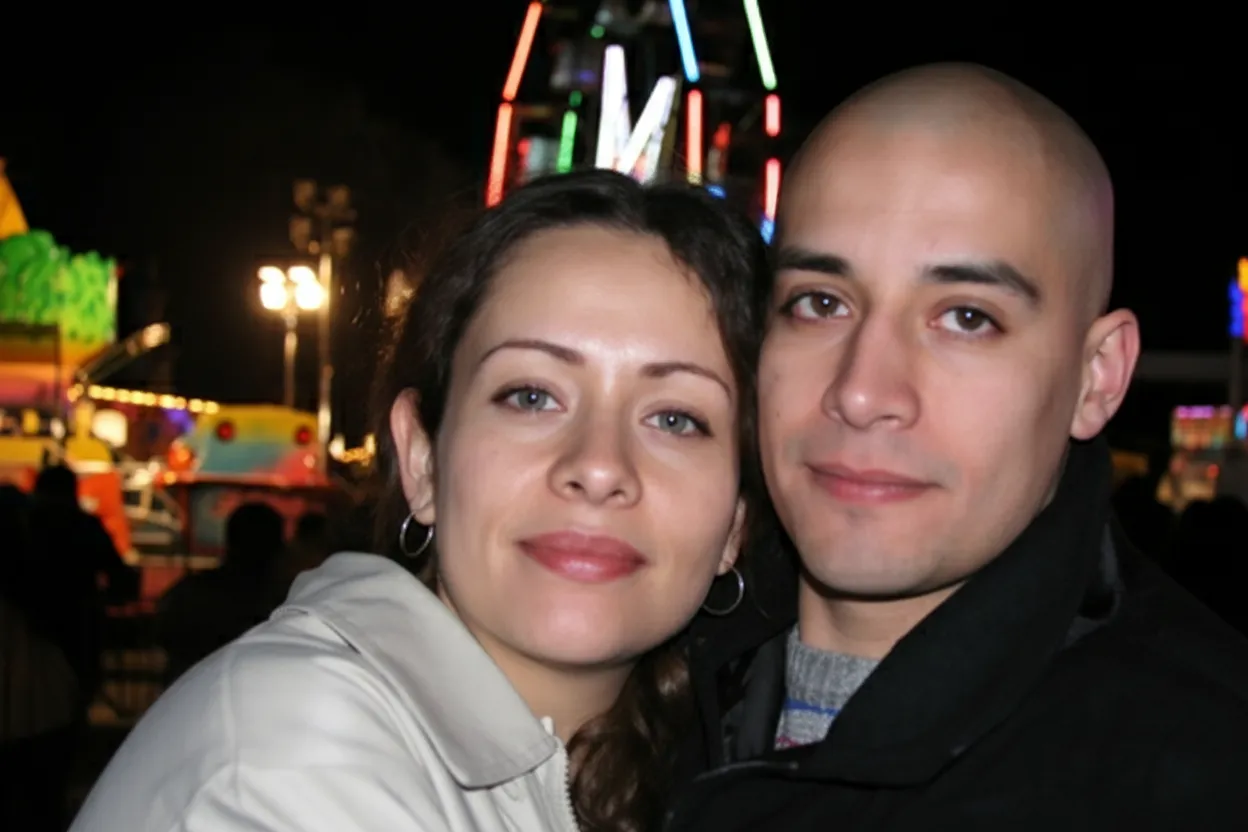
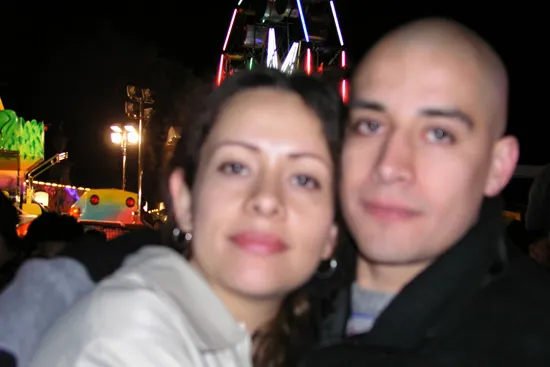
No design skills or technical knowledge needed. Upload your old or blurry photo, pick a style (restore, colorize, or sharpen), and download the result in seconds.
- ✦Sharpen blurry and out-of-focus photos
- ✦Results in seconds, not hours
- ✦Download in full resolution
For Everyone
Memories worth preserving.
Whether it's a faded family portrait, a damaged childhood photo, or an old scan, our AI gives your memories a second life. Used by over 470,000 people worldwide.
- ✦Works with any face photo
- ✦Handles severe damage and blur
- ✦Plans starting at $6.99

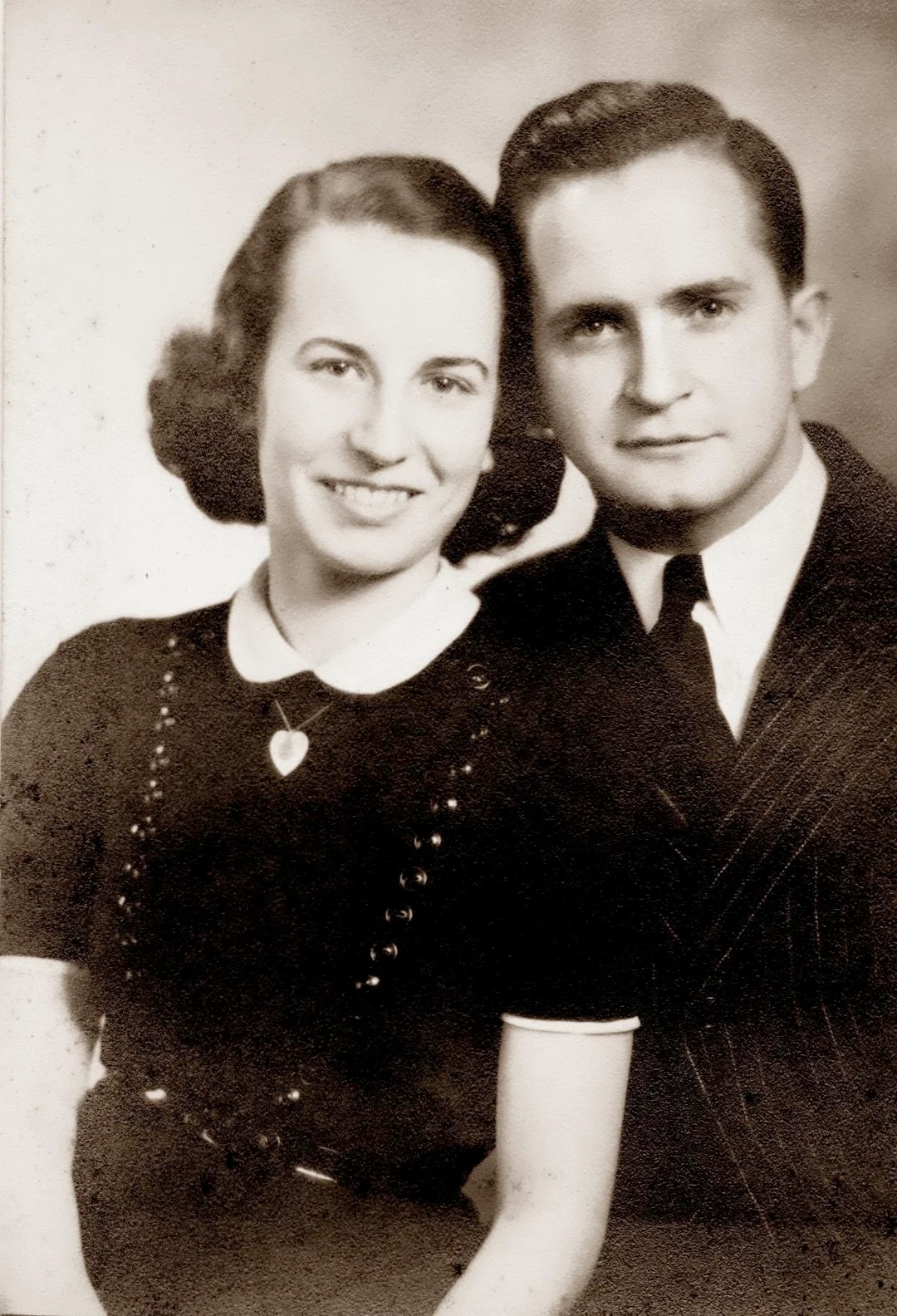
Photo restoration for 10x less than a professional studio
The average cost of professional photo restoration starts at $50+ per image.
Our packages start from just $6.99.
Starter
For 5 to 10 photos. A handful of favorites, done properly.
$0.70 per photo · 10 restorations
Get Starter- 10 AI credits included
- High-Resolution Output
- Credits Never Expire
- Animate Photos with Credits
30-Day Satisfaction Guarantee
Pro
A small album: around 25 photos.
$0.68 per photo · 25 restorations
Get Pro- 25 AI credits included
- High-Resolution 1080P Output
- Credits Never Expire
- Animate Photos with Credits
30-Day Satisfaction Guarantee
Family
A shoebox of family photos: around 50.
$0.60 per photoSave 14% per photo
5 Starter packs would cost $34.95
- 50 AI credits included
- High-Resolution 1080P Output
- Credits Never Expire
- Animate Photos with Credits
30-Day Satisfaction Guarantee
Studio
A big collection: 100 photos, or dozens of animations.
$0.55 per photoSave 21% per photo
10 Starter packs would cost $69.90
- 100 AI credits included
- High-Resolution 1080P Output
- Credits Never Expire
- Animate Photos with Credits
30-Day Satisfaction Guarantee
Working through a whole archive of 250 photos or more? Archive pack: 250 credits for $109.99 ($0.44 per photo)
Prices don't include VAT.
👑 You have full commercial rights and ownership of your photos
Frequently Asked Questions
Answers to common questions about our professional AI photo restoration service for individuals and families.
How does AI photo restoration work?
Our AI is trained on millions of photographs to recognize and rebuild damaged areas of an image. When you upload a photo, the model analyzes faces, edges, and textures, then removes scratches, noise, blur, and fading while preserving the original character of your memory. Processing is powered by Google Gemini AI and runs entirely in the cloud, so there is nothing to install, and the whole restoration finishes in under 30 seconds. The finished image is delivered at 1080p resolution, ready to download. One honest caveat: because the AI reconstructs missing detail rather than magically recovering it, a severely damaged area comes back as an educated reconstruction, not a perfect copy of what the original film captured. The easiest way to judge the quality is to see it on one of your own photos, and every new account includes 2 free restorations with no credit card required.
Can I restore old photos for free?
One-time credit packs start at $6.99 for 10 restorations. The Family plan offers 50 credits for $29.99, the Studio plan gives you 100 credits for $54.99, and the Archive plan covers 250 credits for $109.99 at about $0.44 per credit for a whole family archive. Credits never expire. In between those, the Pro pack covers 25 restorations for $16.99, and Studio works out to roughly $0.55 per credit, about 21% less per photo than Starter, while also adding priority support. None of these are subscriptions: you pay once, the credits stay in your account indefinitely, and there are no recurring charges to cancel. Each credit covers one full restoration, whether that means scratch repair, colorization, or sharpening, delivered at 1080p. If you are unsure which pack fits, count your photos first. A small keepsake collection rarely needs more than Starter, while a full family archive is far cheaper per photo on Family, Studio or Archive. All purchases carry a 30-day money-back guarantee, so trying a pack is low risk.
What kinds of photos can I restore?
Our AI works with almost any face photo, including old family portraits, vintage wedding photos, faded baby pictures, military and graduation portraits, school and yearbook photos, ID photos, scanned prints, Polaroids, and even photos taken with your phone of an old print. It handles black & white, sepia, and color photographs from any era. Beyond repairing scratches, creases, and other damage, you can colorize black & white images, sharpen blurry shots, and even animate a restored portrait into a short video. More than 470,000 people have used the app on exactly these kinds of images, from 1800s studio portraits to 1990s snapshots. The honest limitation is source quality: when the original is extremely small or a face is barely visible, the AI has less information to rebuild from, so results vary. Uploading takes a moment in your browser, and your first 2 restorations are free.
How long does it take to restore a photo?
Most photos are restored in under 30 seconds. You upload the image, choose a style (Restore, Colorize, Enhance, Cleanup, or Sharpen), and download the result. There is no waiting in a queue and no manual editing required. Everything happens in your browser with nothing to install, so the total time from finding an old print to holding a restored digital copy is usually a few minutes, most of it spent photographing or scanning the original rather than waiting on the AI. If you have a whole shoebox of pictures, bulk restoration lets you process many photos in one session instead of uploading them one at a time. Worth knowing: the seconds quoted cover the AI processing itself, and picking the best style for a particular photo sometimes takes a try or two, which is exactly what the 2 free restorations on every new account are for.
Can I colorize black and white photos with AI?
Yes. The Colorize style turns black & white and sepia photos into realistic color images by predicting natural skin tones, fabric colors, and background hues. It works on photos from the 1800s all the way to recent black & white shots. Colorization uses one credit, exactly like any other restoration style, and the finished image comes back at 1080p, ready to share, archive, or print. One thing to be upfront about: the AI predicts plausible colors from context, but it cannot know the true original color of, say, a dress or a car that only ever existed on black & white film, so treat the result as a faithful interpretation rather than a historical record. For most family photos that trade-off matters far less than seeing a grandparent in lifelike color for the first time. Signing up gives you 2 free restorations, so you can colorize a photo before buying anything.
Can I fix blurry or out-of-focus photos?
Yes. Use the Sharpen style for blurry, soft, or out-of-focus photographs. The AI reconstructs sharp facial features, edges, and details, making it especially useful for old phone photos, screenshots, and motion-blurred images. Processing runs in the cloud and takes only seconds: you upload the blurry image in your browser, select Sharpen, and download the corrected version at 1080p, with no software to install. A realistic expectation helps here. Deblurring works by rebuilding detail the camera failed to capture, so a lightly soft portrait usually comes back looking dramatically better, while an image where the face is tiny or almost entirely lost gives the model very little to reconstruct and improves less. The simplest way to find out whether a particular photo can be saved is to test it, and the 2 free restorations included with every new account make that test cost nothing.
Is my photo safe and private?
Your photos are processed securely over HTTPS and stored privately on Cloudflare R2. Originals and restored versions are kept for 30 days so you can access your restoration history, then they are permanently and automatically deleted. We never share your photos with third parties or use them to train AI models. The 30-day retention window exists purely for convenience: it lets you come back and re-download a result without paying again, which matters when you are working through a large batch, such as 50 photos on the Family plan, across several sessions. The practical caveat is the flip side of that privacy design: once the 30 days pass, deletion is permanent and we cannot recover a photo for you, so download and back up the restorations you care about. Everything runs in your browser with no installed software holding copies of your images on shared computers.
What resolution will my restored photo be?
You can download your restored photo in full resolution. The Pro and Family plans include high-resolution 1080p output, perfect for reprinting framed portraits, sharing on social media, or archiving in your family album. To put 1080p in context, that is the same resolution as a Full HD screen, which comfortably covers standard photo prints, digital photo frames, and anything you would post online. Two things determine how good the final file looks: the output resolution, which the service handles for you, and the quality of what you upload, which is in your hands. A flat, evenly lit scan or phone capture of the original print gives the AI far more to work with than a dark, angled shot, so it is worth taking ten extra seconds on the capture. If you want to inspect the output quality before buying credits, the 2 free restorations on signup produce full downloadable results.
How much does it cost to restore old photos?
All plans are one-time payments with no subscriptions. The Starter pack is $6.99 for 10 photos, Pro is $16.99 for 25 photos, Family is $29.99 for 50 photos, Studio is $54.99 for 100 photos (about $0.55 per credit, a 21% saving compared with Starter), and Archive is $109.99 for 250 photos (about $0.44 per credit, 37% less than Starter). Every plan includes a 30-day money-back guarantee. Family works out to about $0.60 per credit and tends to be the best value for most households, while Studio adds priority support and suits people digitizing larger collections. Because nothing renews automatically, the real question is simply how many photos you have: a handful of treasured portraits fits comfortably within Starter, whereas a couple of full albums will be far cheaper per photo on one of the bigger packs. Unused credits never expire, so overbuying is not punished. And before spending anything at all, you can restore 2 photos free with no credit card, so you know exactly what a paid credit buys.
Do credits expire?
No, your credits never expire. Buy them once and use them whenever you're ready. There are no monthly limits and no recurring charges. This matters more than it sounds for photo restoration, because most people work through old albums in bursts: you might restore twenty pictures the week you discover a shoebox of prints, then nothing for six months, then another batch after a family visit. A one-time pack such as Family, which is $29.99 for 50 credits, simply sits in your account between those sessions without losing value. The only time limit in the service is unrelated to credits: restored photos themselves are automatically deleted after 30 days for privacy, so download your results even if you plan to take a long break. And if you buy a pack and change your mind, every purchase is covered by a 30-day money-back guarantee.
Can I print the restored photos?
Absolutely. Restored photos are downloaded in high resolution, suitable for reprinting at any size from wallet prints to large framed portraits. Many of our users restore old wedding, graduation, and military photos specifically to reprint them as gifts. Files come through at 1080p, and the app also includes free digital frames, so you can add a finished border before sending an image to a print shop or displaying it on a screen at a memorial or anniversary. Restoration removes the scratches, creases, and fading that would otherwise be enlarged along with the photo, which is exactly what makes old prints look poor when reprinted directly. One practical note: print quality ultimately reflects the file you download, so review the restoration on screen at full size before ordering anything large. A gift print of a colorized black & white portrait is a popular combination for exactly this reason.
Do I need to install any software?
No. RestorePhotosApp runs entirely in your browser on desktop, tablet, or mobile. There is nothing to download or install. Just upload your photo and the AI does the rest. Because processing happens in the cloud rather than on your device, an ordinary phone or an older laptop works just as well as a powerful computer, and a typical restoration completes in seconds. This is how more than 470,000 users have restored their photos, many of them starting with nothing more than a phone camera pointed at an old print in a family album. The one requirement worth stating plainly is an internet connection: since the AI runs on our servers, you cannot restore photos offline. Creating an account takes a moment and comes with 2 free restorations, no credit card needed, so the distance between finding an old photo and seeing it restored is only a couple of minutes.























